Join the AI Workshop and learn to build real-world apps with AI. A hands-on, practical program to level up your skills.
A quick guide to the printenv command, which prints the values of environment variables.
In any shell there are many environment variables, set either by the system, or by your own shell scripts and configuration.
You can print them all to the terminal using the printenv command. The output will be something like this:
HOME=/Users/flavio
LOGNAME=flavio
PATH=/usr/local/bin:/usr/bin:/bin:/usr/sbin:/sbin:/Library/Apple/usr/bin
PWD=/Users/flavio
SHELL=/usr/local/bin/fish
usually with a few more lines.
You can append a variable name as a parameter, to only show that variable value:
printenv PATH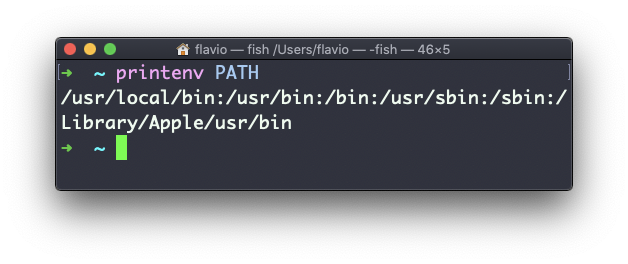
The printenv command works on Linux, macOS, WSL, and anywhere you have a UNIX environment