Join the AI Workshop and learn to build real-world apps with AI. A hands-on, practical program to level up your skills.
The du command will calculate the size of a directory as a whole:
du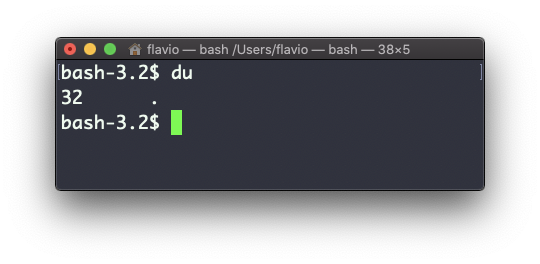
The number 32 here is the size in bytes.
Running du * will calculate the size of each file and directory in the current folder:
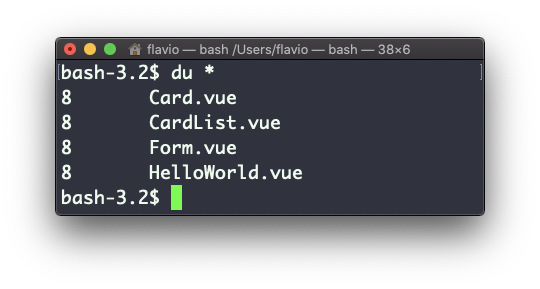
You can set du to display values in megabytes using du -m, and gigabytes using du -g.
The -h option will show a human-readable notation for sizes, adapting to the size:
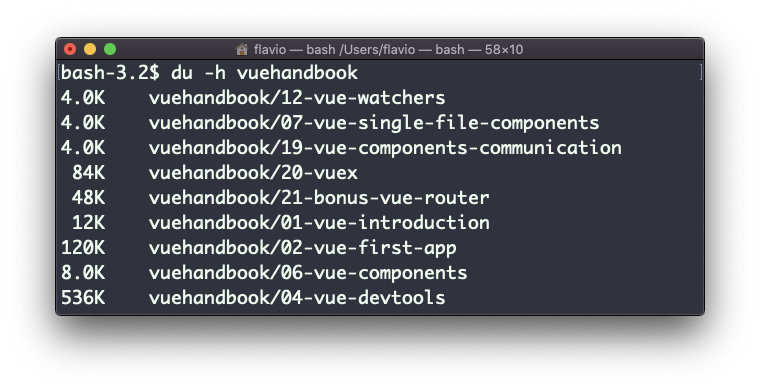
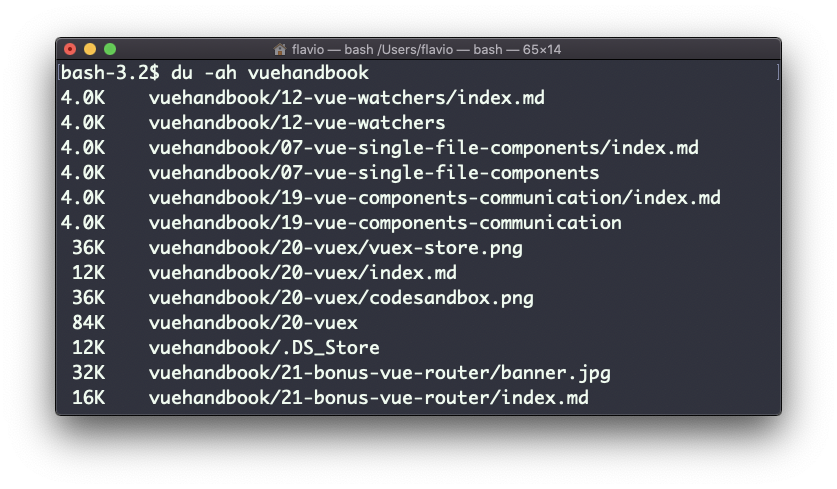
Adding the -a option will print the size of each file in the directories, too:
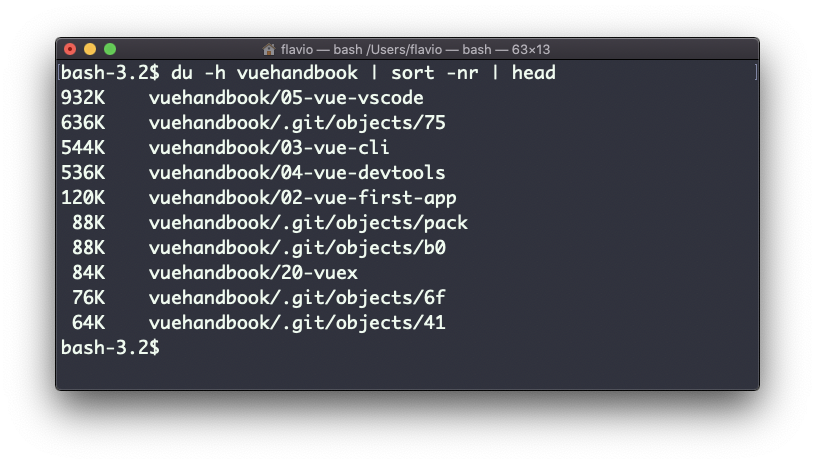
A handy thing is to sort the directories by size:
du -h <directory> | sort -nrthen pipe to head to get only the first 10 results:
The
ducommand works on Linux, macOS, WSL, and anywhere you have a UNIX environment