Join the AI Workshop and learn to build real-world apps with AI. A hands-on, practical program to level up your skills.
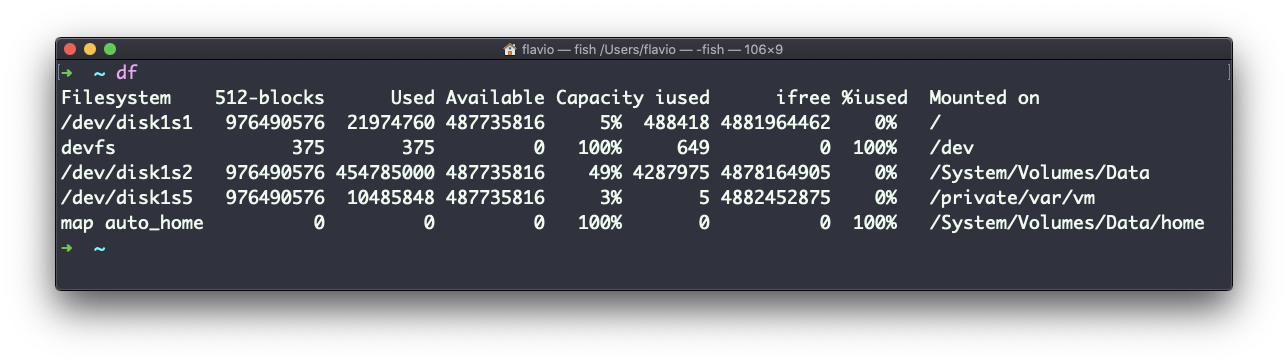
The df command is used to show disk space (how much is free and used).
Its basic form will print information about the volumes mounted:
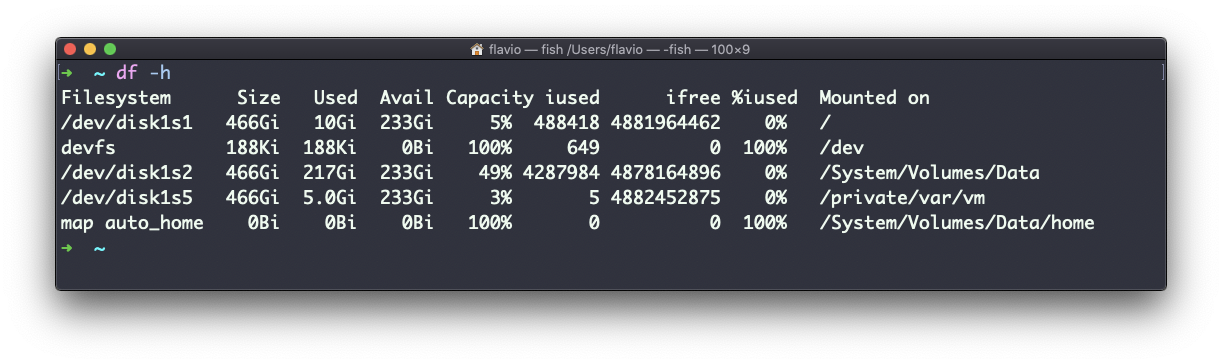
Using the -h option (df -h) will show those values in a human-readable format:
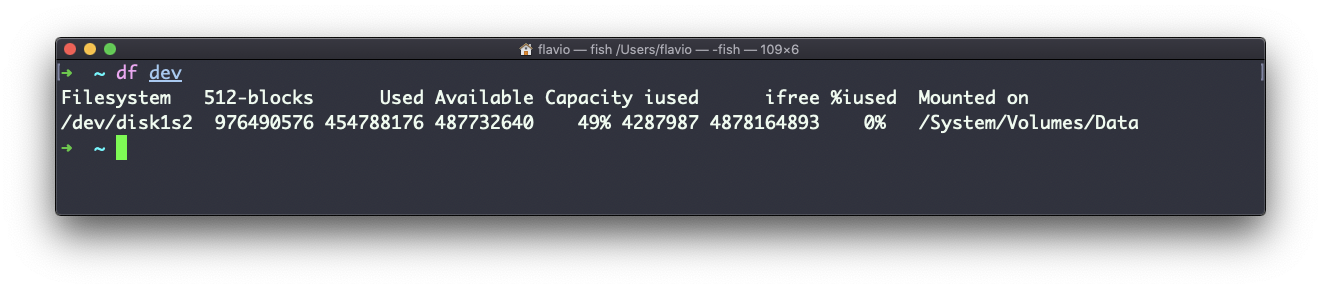
You can also specify a file or directory name to get information about the specific volume it lives on:
The df command works on Linux, macOS, WSL, and anywhere you have a UNIX environment