Join the AI Workshop and learn to build real-world apps with AI. A hands-on, practical program to level up your skills.
When we run a command in Linux / macOS, we can set it to run in the background using the & symbol after the command.
For example we can run top in the background:
top &This is very handy for long-running programs.
We can get back to that program using the fg command. This works fine if we just have one job in the background, otherwise we need to use the job number: fg 1, fg 2 and so on.
To get the job number, we use the jobs command.
Say we run top & and then top -o mem &, so we have 2 top instances running. jobs will tell us this:
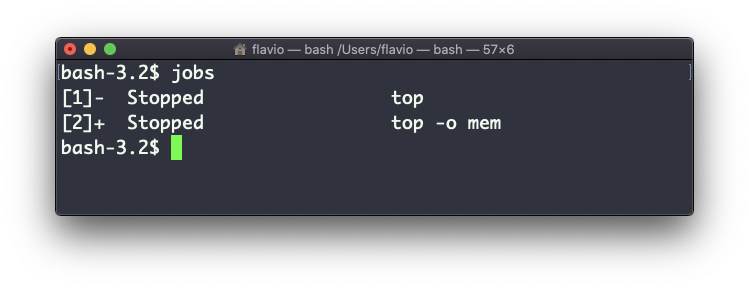
Now we can switch back to one of those using fg <jobid>. To stop the program again we can hit cmd-Z.
Running jobs -l will also print the process id of each job.
This command works on Linux, macOS, WSL, and anywhere you have a UNIX environment