Join the AI Workshop and learn to build real-world apps with AI. A hands-on, practical program to level up your skills.
When a command is running in the background, because you started it with & at the end (example: top & or because you put it in the background with the bg command, you can put it to the foreground using fg.
Running
fgwill bring the last suspended job back to the foreground.
You can also specify which job you want to resume to the foreground passing the job number, which you can get using the jobs command.
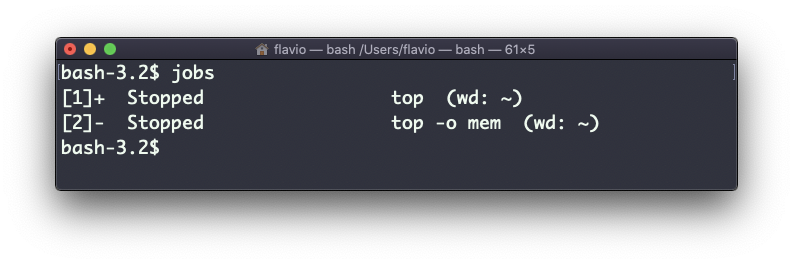
Running fg 2 will resume job #2:
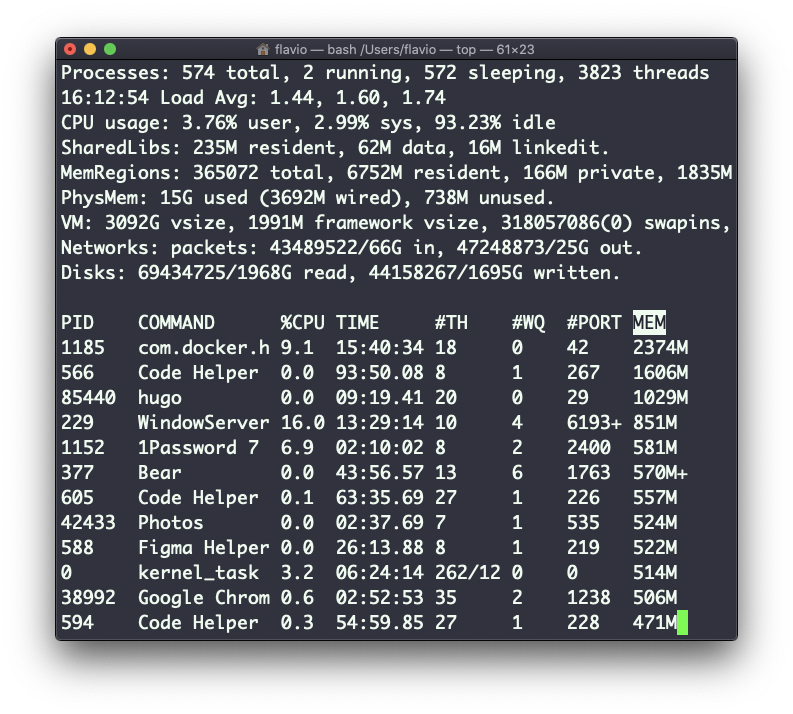
The
fgcommand works on Linux, macOS, WSL, and anywhere you have a UNIX environment