Join the AI Workshop and learn to build real-world apps with AI. A hands-on, practical program to level up your skills.
When a command is running you can suspend it using ctrl-Z.
The command will immediately stop, and you get back to the shell terminal.
You can resume the execution of the command in the background, so it will keep running but it will not prevent you from doing other work in the terminal.
In this example I have 2 commands stopped:
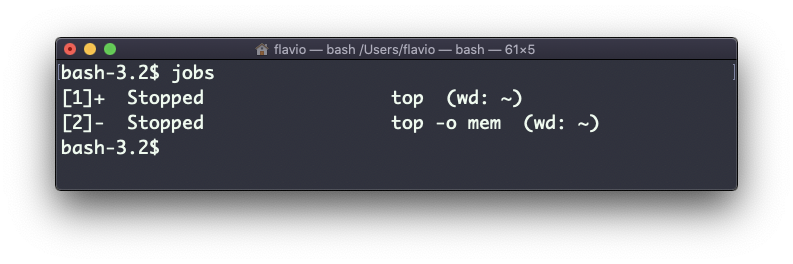
I can run bg 1 to resume in the background the execution of the job #1.
I could have also said bg without any option, as the default is to pick the job #1 in the list.
The
bgcommand works on Linux, macOS, WSL, and anywhere you have a UNIX environment