Join the AI Workshop and learn to build real-world apps with AI. A hands-on, practical program to level up your skills.
Suppose you have a command you can execute, because it’s in the shell path, but you want to know where it is located.
You can do so using which. The command will return the path to the command specified:
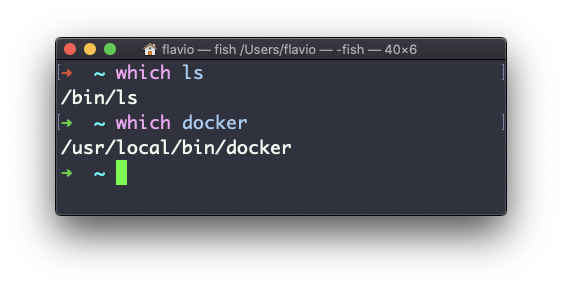
which will only work for executables stored on disk, not aliases or built-in shell functions.
The
whichcommand works on Linux, macOS, WSL, and anywhere you have a UNIX environment