Join the AI Workshop and learn to build real-world apps with AI. A hands-on, practical program to level up your skills.
Inside a folder you can list all the files that the folder contains using the ls command:
lsIf you add a folder name or path, it will print that folder contents:
ls /bin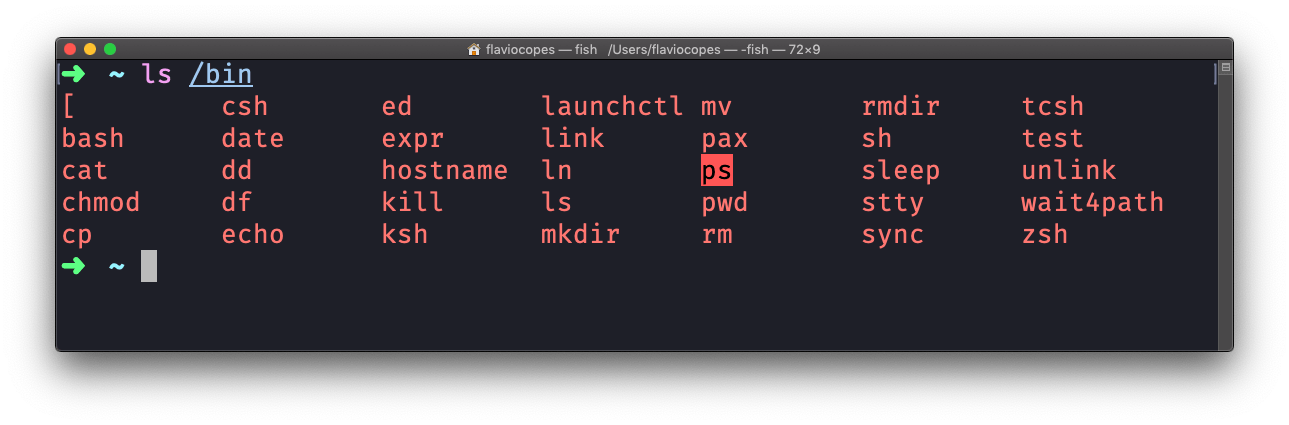
ls accepts a lot of options. One of my favorite options combinations is -al. Try it:
ls -al /bin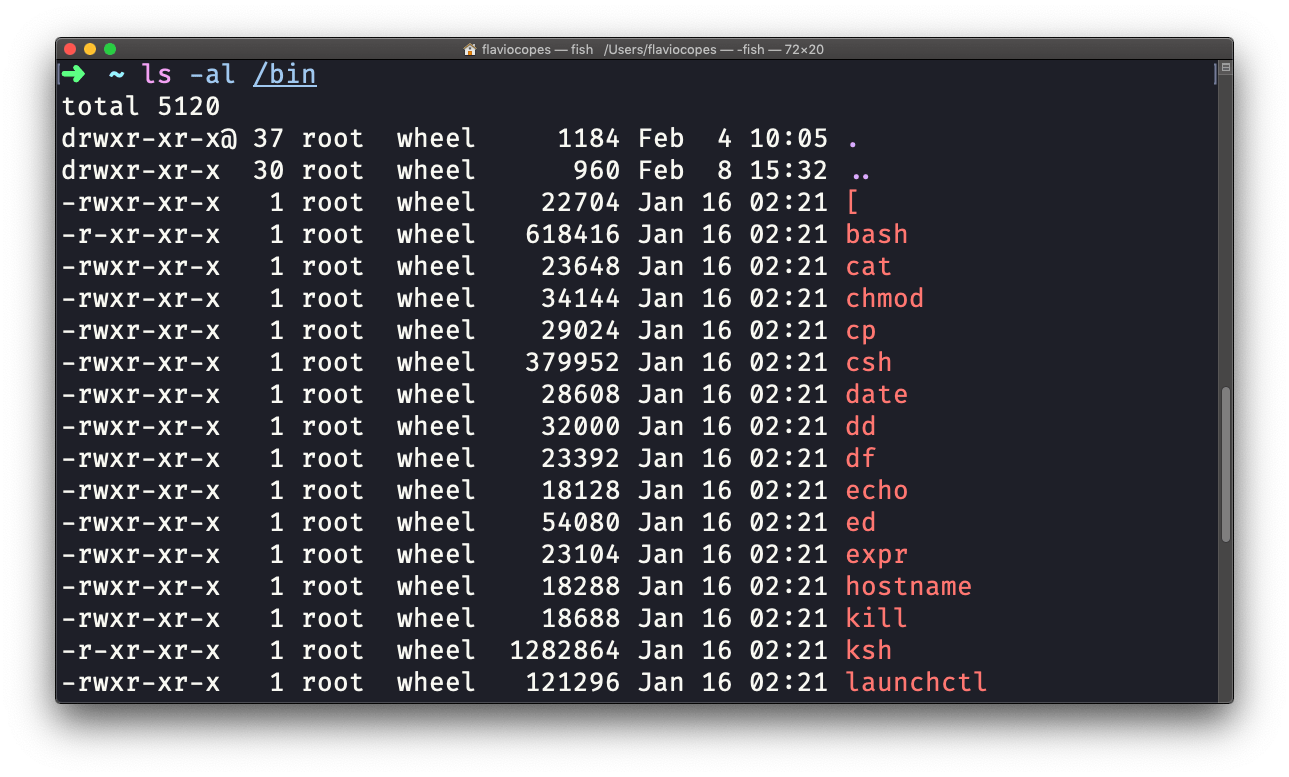
Compared to plain ls, it returns much more information.
You have, from left to right:
- the file permissions (and if your system supports ACLs, you get an ACL flag as well)
- the number of links to that file
- the owner of the file
- the group of the file
- the file size in bytes
- the file modified datetime
- the file name
This set of data is generated by the l option. The a option also shows hidden files.
Hidden files are files that start with a dot (.).
This command works on Linux, macOS, WSL, and anywhere you have a UNIX environment