Join the AI Workshop and learn to build real-world apps with AI. A hands-on, practical program to level up your skills.
Type clear to clear all the previous commands that were run in the current terminal.
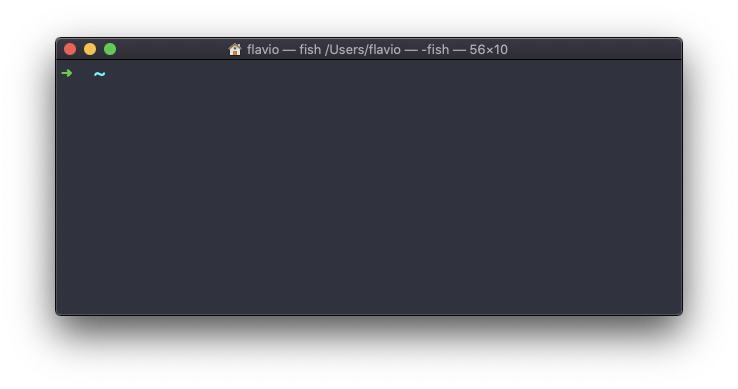
The screen will clear and you will just see the prompt at the top:
Note: this command has a handy shortcut:
ctrl-L
Once you do that, you will lose access to scrolling to see the output of the previous commands entered.
So you might want to use clear -x instead, which still clears the screen, but lets you go back to see the previous work by scrolling up.
The
clearcommand works on Linux, macOS, WSL, and anywhere you have a UNIX environment