Join the AI Workshop and learn to build real-world apps with AI. A hands-on, practical program to level up your skills.
Users in Linux have a password assigned. You can change the password using the passwd command.
There are two situations here.
The first is when you want to change your password. In this case you type:
passwdand an interactive prompt will ask you for the old password, then it will ask you for the new one:
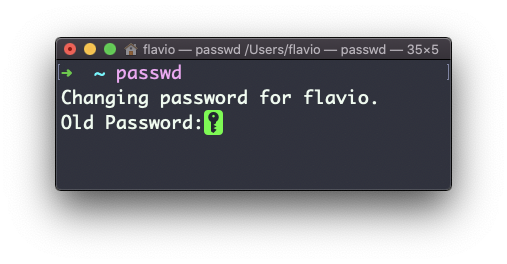
When you’re root (or have superuser privileges) you can change another user’s password by specifying the username:
passwd <username>You will then be prompted for the new password.
The
passwdcommand works on Linux, macOS, WSL, and anywhere you have a UNIX environment