Join the AI Workshop and learn to build real-world apps with AI. A hands-on, practical program to level up your skills.
nano is a beginner friendly editor.
Run it using nano <filename>.
You can directly type characters into the file without worrying about modes.
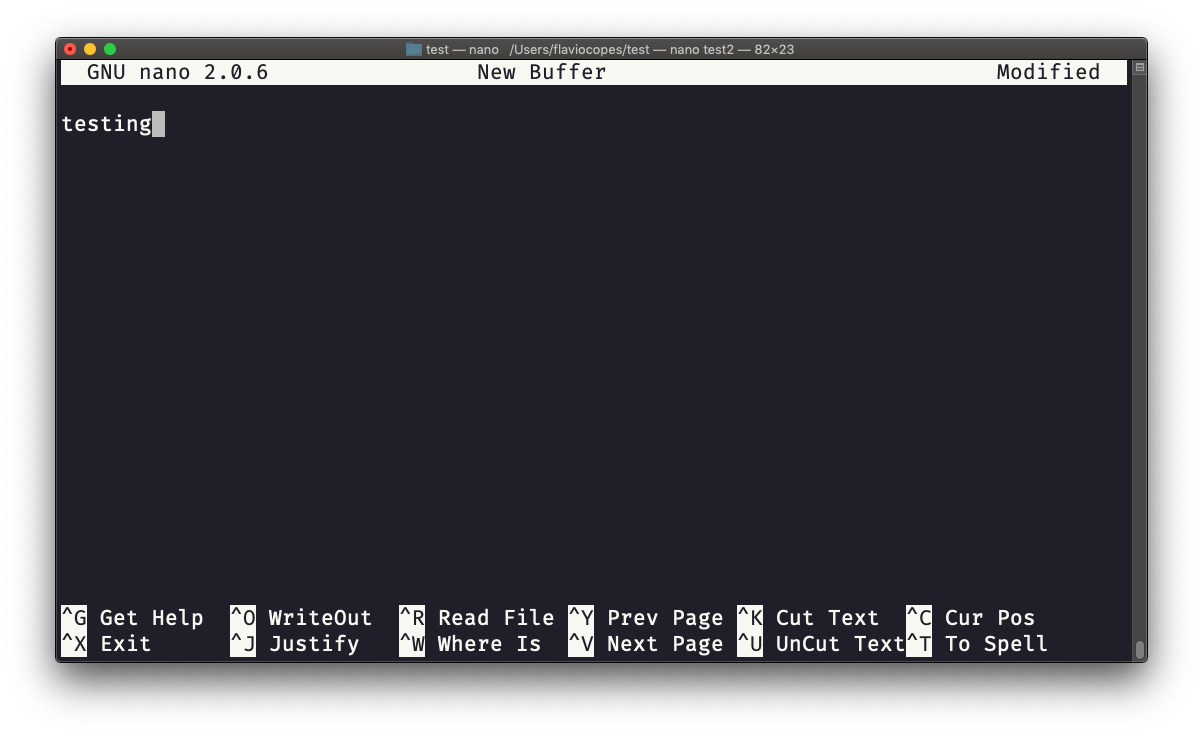
You can quit without editing using ctrl-X. If you edited the file buffer, the editor will ask you for confirmation and you can save the edits, or discard them. The help at the bottom shows you the keyboard commands that let you work with the file:
pico is more or less the same, although nano is the GNU version of pico which at some point in history was not open source and the nano clone was made to satisfy the GNU operating system license requirements.