Join the AI Workshop and learn to build real-world apps with AI. A hands-on, practical program to level up your skills.
Every time I don’t know how to use a command, I type man <command> to get the manual:
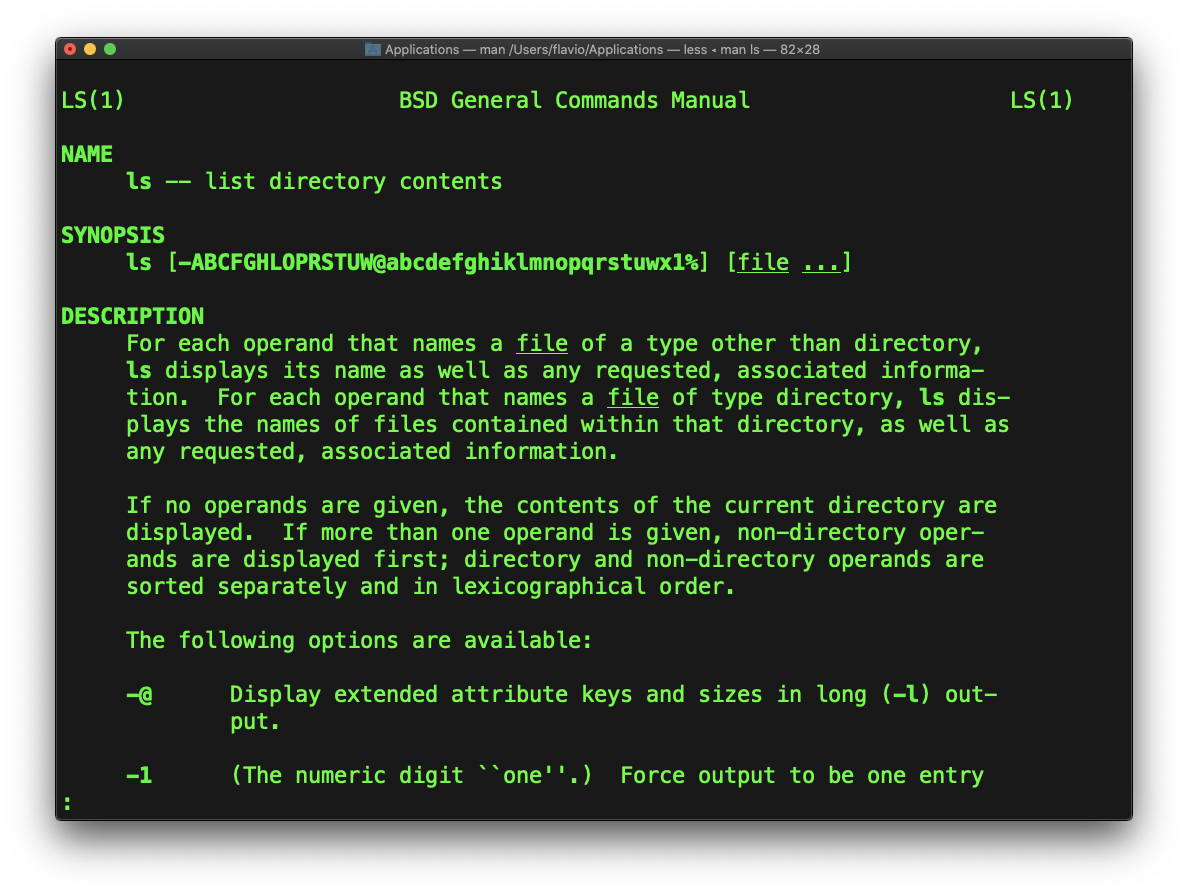
This is a man (from manual) page. Man pages are an essential tool to learn, as a developer. They contain so much information that sometimes it’s almost too much.
The above screenshot is just 1 of 14 screens of explanation for the ls command.
Man pages are divided into 8 sections, identified by a number:
1is user commands2is kernel system calls3is C library functions4is devices5is files formats and filesystems6is games7is miscellaneous commands, conventions and overviews8is superuser and system administrator commands
Most of the time when I need to learn a command quickly I use this site called tldr pages: https://tldr.sh/. It’s a command you can install, then you run it like this: tldr <command>, which gives you a very quick overview of a command, with some handy examples of common usage scenarios:
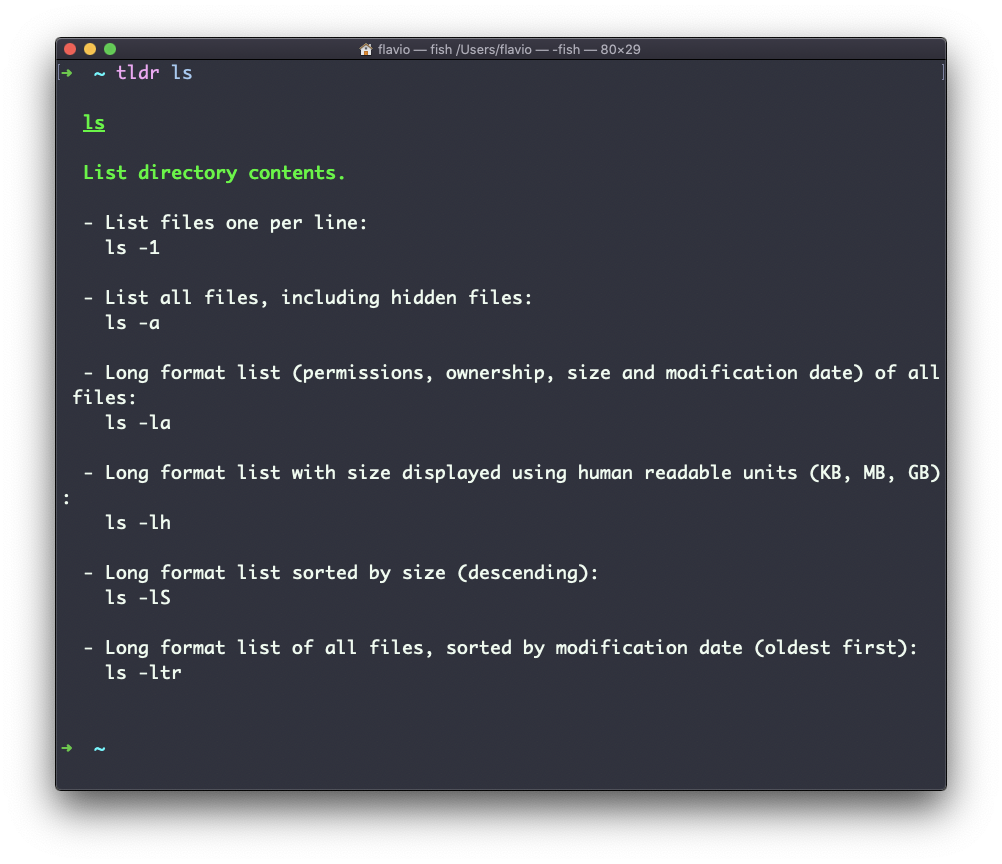
This is not a substitute for man, but a handy tool to avoid losing yourself in the huge amount of information present in a man page. Then you can use the man page to explore all the different options and parameters you can use on a command.
The
mancommand works on Linux, macOS, WSL, and anywhere you have a UNIX environment