Join the AI Workshop and learn to build real-world apps with AI. A hands-on, practical program to level up your skills.
The export command is used to export variables to child processes.
What does this mean?
Suppose you have a variable TEST defined in this way:
TEST="test"You can print its value using echo $TEST:
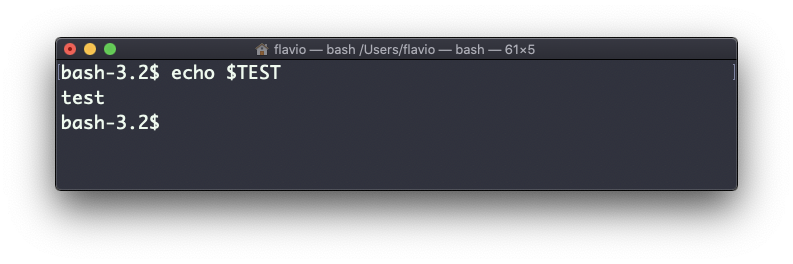
But if you try defining a Bash script in a file script.sh with the above command:
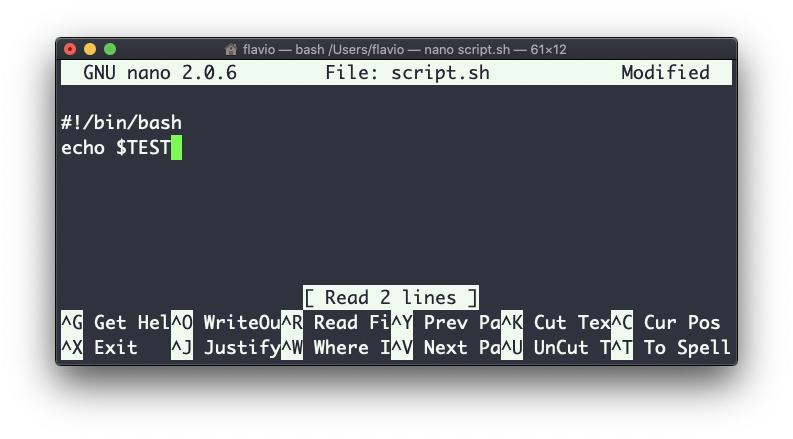
Then you set chmod u+x script.sh and you execute this script with ./script.sh, the echo $TEST line will print nothing!
This is because in Bash the TEST variable was defined local to the shell. When executing a shell script or another command, a subshell is launched to execute it, which does not contain the current shell local variables.
To make the variable available there we need to define TEST not in this way:
TEST="test"but in this way:
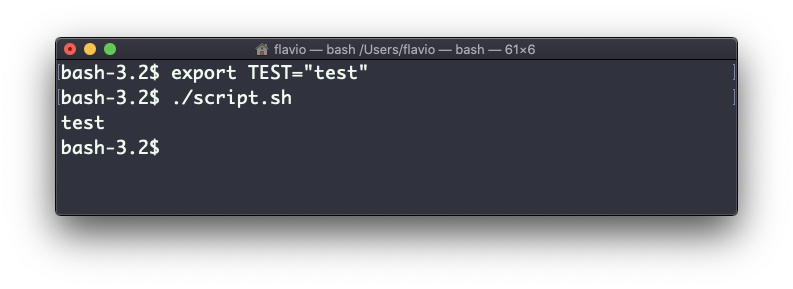
export TEST="test"Try that, and running ./script.sh now should print “test”:
Sometimes you need to append something to a variable. It’s often done with the PATH variable. You use this syntax:
export PATH=$PATH:/new/pathIt’s common to use export when you create new variables in this way, but also when you create variables in the .bash_profile or .bashrc configuration files with Bash, or in .zshenv with Zsh.
To remove a variable, use the -n option:
export -n TESTCalling export without any option will list all the exported variables.
The export command works on Linux, macOS, WSL, and anywhere you have a UNIX environment