Advanced Commands: basename - Strip Directory

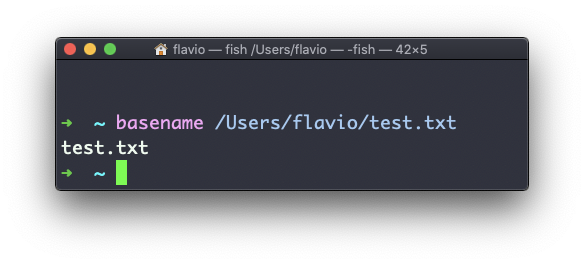
Suppose you have a path to a file, for example /Users/flavio/test.txt.

Running

basename /Users/flavio/test.txt

will return the text.txt string:

If you run basename on a path string that points to a directory, you will get the last segment of the path. In this example, /Users/flavio is a directory:
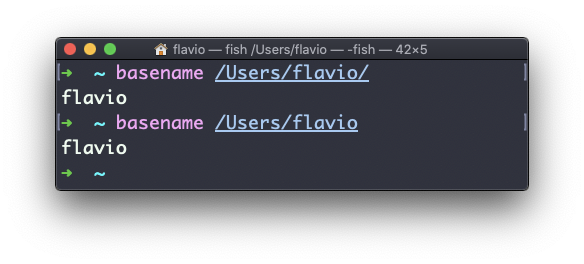
The basename command works on Linux, macOS, WSL, and anywhere you have a UNIX environment

Lessons in this unit:

0: Introduction
1: su - Switch User
2: sudo - Superuser Do
3: passwd - Change Password
4: ping - Test Network
5: traceroute - Trace Network Path
6: history - Command History
7: export - Set Environment Variables
8: crontab - Schedule Tasks
9: alias - Create Shortcuts
10: man - Manual Pages
11: tar - Archive Files
12: gzip - Compress Files
13: gunzip - Decompress Files
14: ▶︎ basename - Strip Directory
15: dirname - Extract Directory
16: nano - Text Editor
17: vim - Vi Improved Editor
18: emacs - Text Editor
19: ed - Line Editor

Join my AI Workshop!

The Web Development BOOTCAMP cohort starts in February 2026