Laravel: Push the app code to GitHub

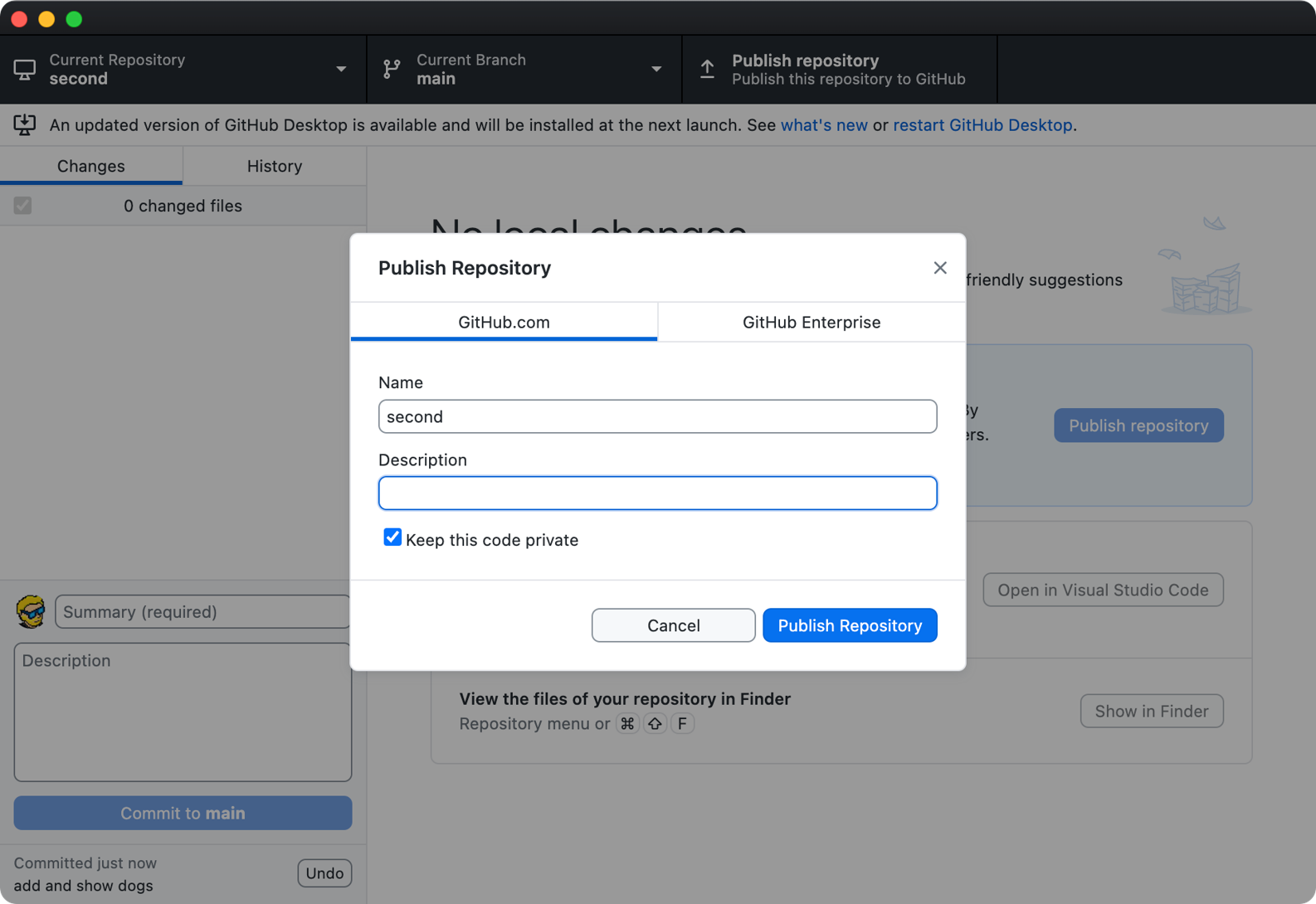
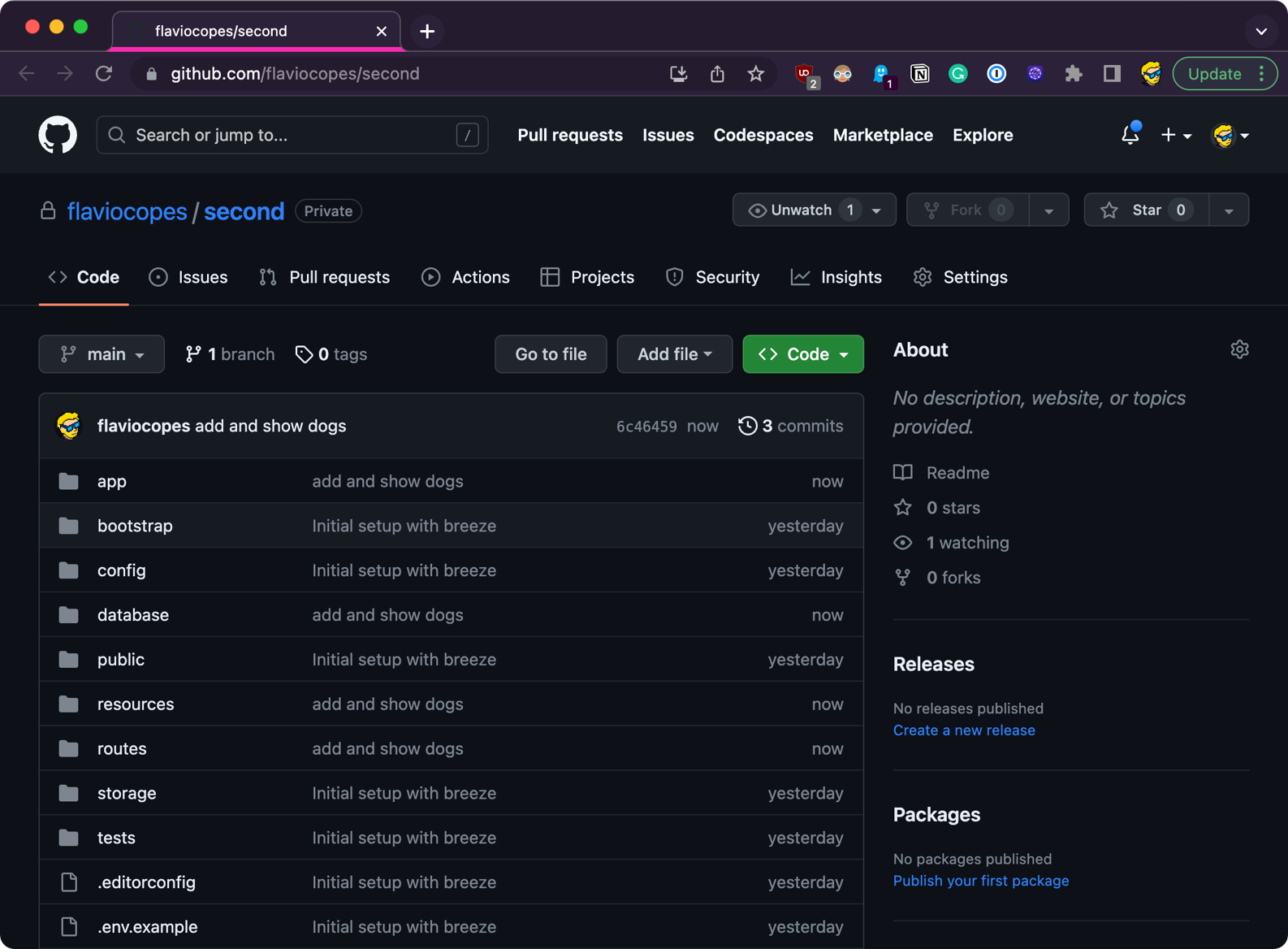
Before going to the next chapter, deployment, let’s push the code to GitHub.

If you don’t have a GitHub account yet, and you have no idea what is Git, check out the Git and GitHub lessons and the tutorial https://flaviocopes.com/github-setup-from-zero/

I want you to create a Git repository, push the repository to GitHub, so that you have the code up there, ready to be deployed:
Lessons in this unit:

0: Introduction
1: Getting started
2: Blade
3: Dynamic routes
4: Adding a database
5: How to use migrations to create and modify the database schema
6: Using forms to accept user input and store it into the database
7: Adding a better layout
8: Adding the form at the bottom of the list
9: Allow users to delete dogs from the list
10: Adding authentication using Laravel Breeze
11: Only authenticated users can add items to the database
12: ▶︎ Push the app code to GitHub
13: Deployment
14: Dynamic routes advanced
15: Non-web routes
16: Creating commands

Join my AI Workshop!

The Web Development BOOTCAMP cohort starts in February 2026