Allow users to delete dogs from the list
We allow users to add dogs to the list.
Let’s allow them to remove them, too.
Here’s how.
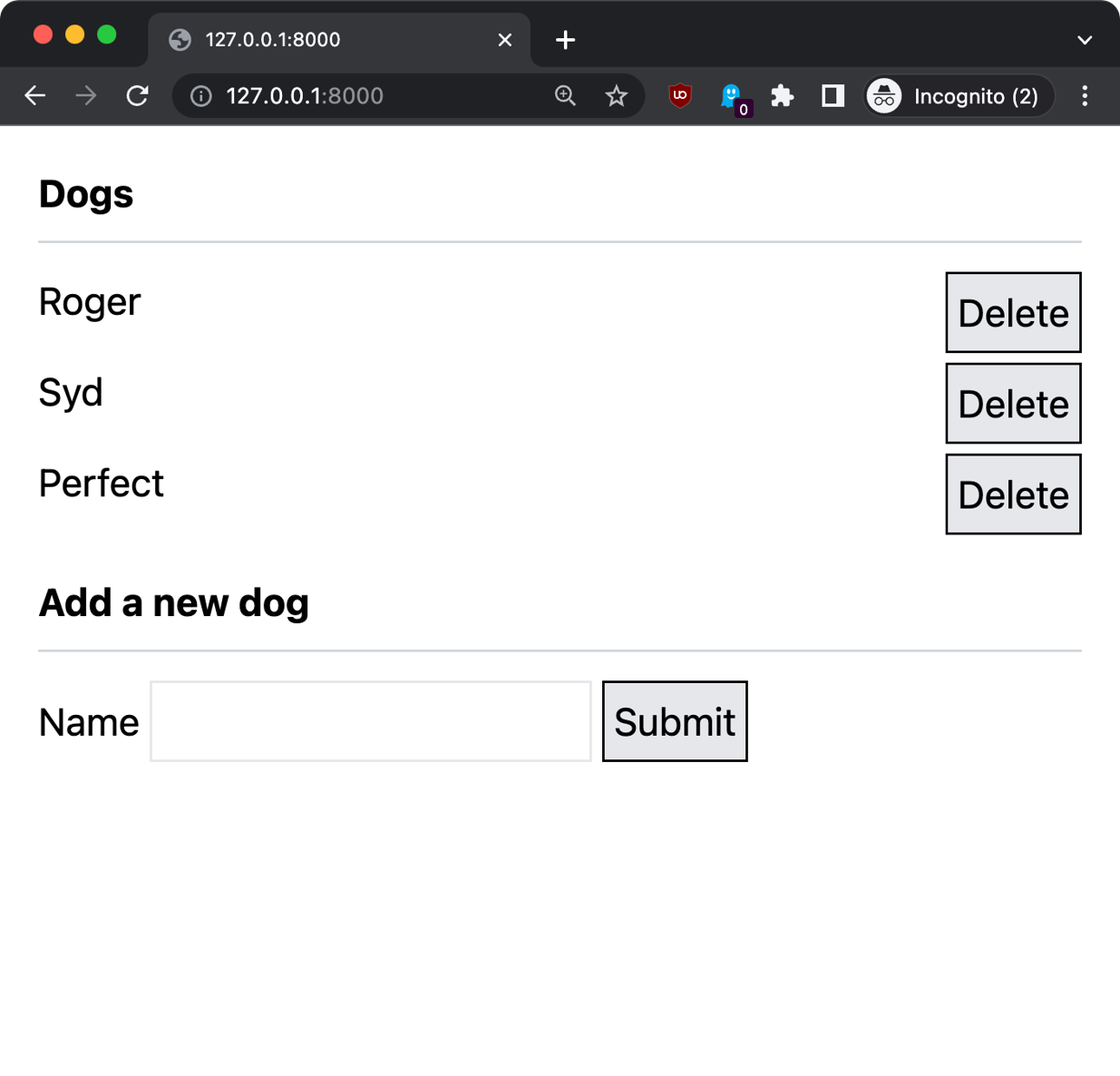
First we add a “delete” button next to each item:
<ul>
    @foreach ($dogs as $dog)
        <li class="flex mb-1">
            <span class="flex-1">{{ $dog->name }}</span>
            <form action="{{ route('dog.delete', $dog->id) }}" method="POST">
                @csrf
                @method('DELETE')
                <button type="submit" class="border bg-gray-200 p-1 border-black">Delete</button>
            </form>
        </li>
    @endforeach
</ul>
We use Flexbox to align the dog name and the delete button. Adding the flex-1 class makes the text take all the space available, and “pushes” the button to the far right.
Then we add a route named dog.delete to the routes/web.php file:
Route::delete(
    '/dog/{id}',
    [DogController::class, 'delete']
)->name('dog.delete');
This calls the delete method on the DogController, so we go to app/Http/Controllers/DogController.php and we add it:
//...

class NewDogFormController extends Controller
{
    //...
    public function delete($id)
    {
        $dog = Dog::find($id);
        $dog->delete();

        return to_route('index');
    }
}
This method uses the Dog model to find a dog with a specific id, which is passed by the form, and deletes it calling the delete() method.
Here is how it looks: