Join the AI Workshop and learn to build real-world apps with AI. A hands-on, practical program to level up your skills.
Now I want to do something. On http://127.0.0.1:8000/newdog we still got the “add dog” form. But I want to add it at the bottom of this list.
How do we do that? Using subviews.
Using the @include directive we can include a view within another view.
So let’s include the “new dog form” in the dogs.blade.php template:
<!doctype html>
<html>
    <head>
        <meta charset="utf-8">
        <meta name="viewport" content="width=device-width, initial-scale=1.0">
        @vite('resources/css/app.css')
    </head>
    <body class="p-4">
        <h1 class="font-bold border-b-gray-300 border-b pb-2 mb-3">
            Dogs
        </h1>
        <ul>
            @foreach ($dogs as $dog)
                <li>{{ $dog->name }}</li>
            @endforeach
        </ul>
        @include('newdog')
    </body>
</html>
It works!
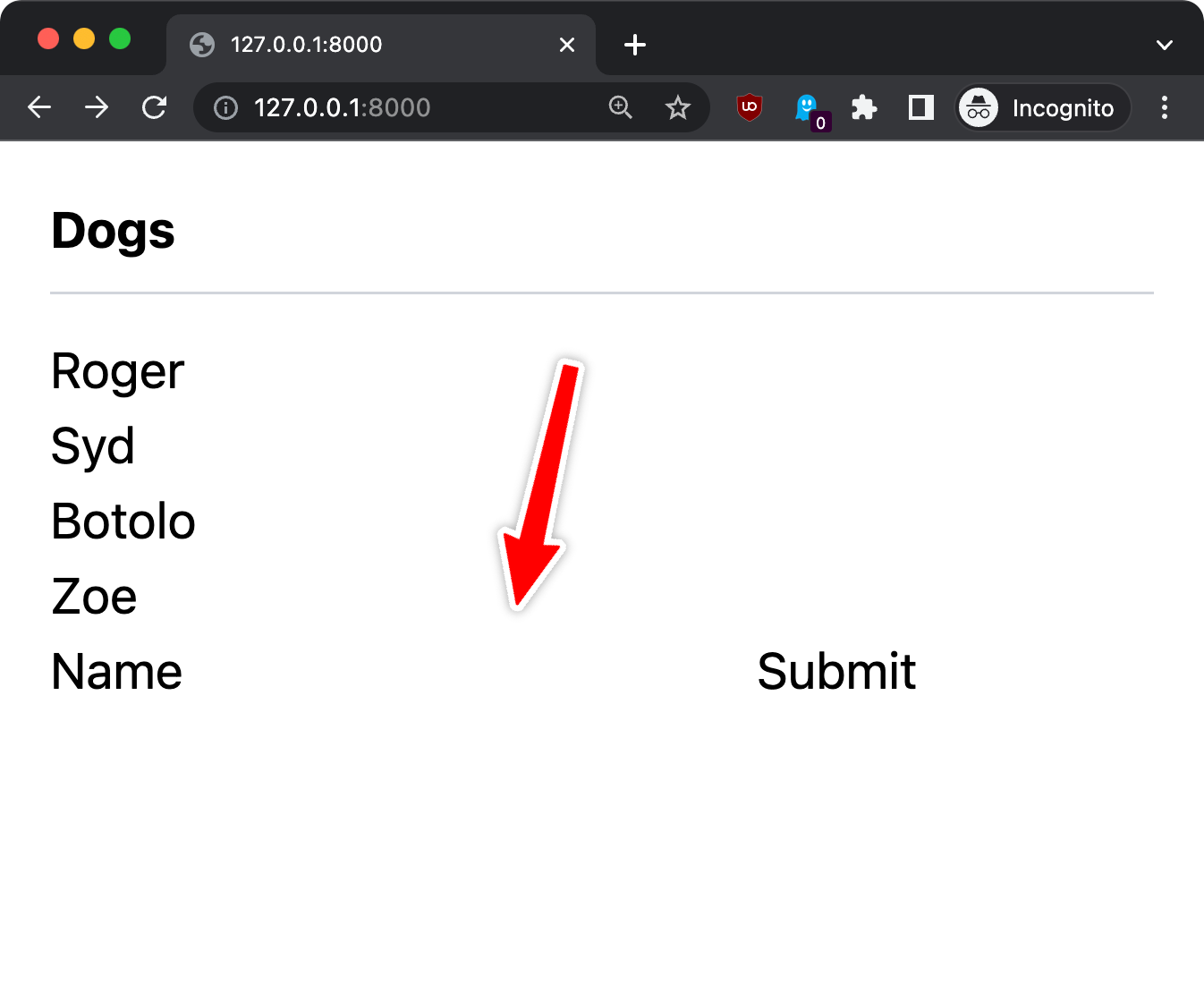
But now since we use Tailwind, the form looks different than the “standalone” route to add a new dog:
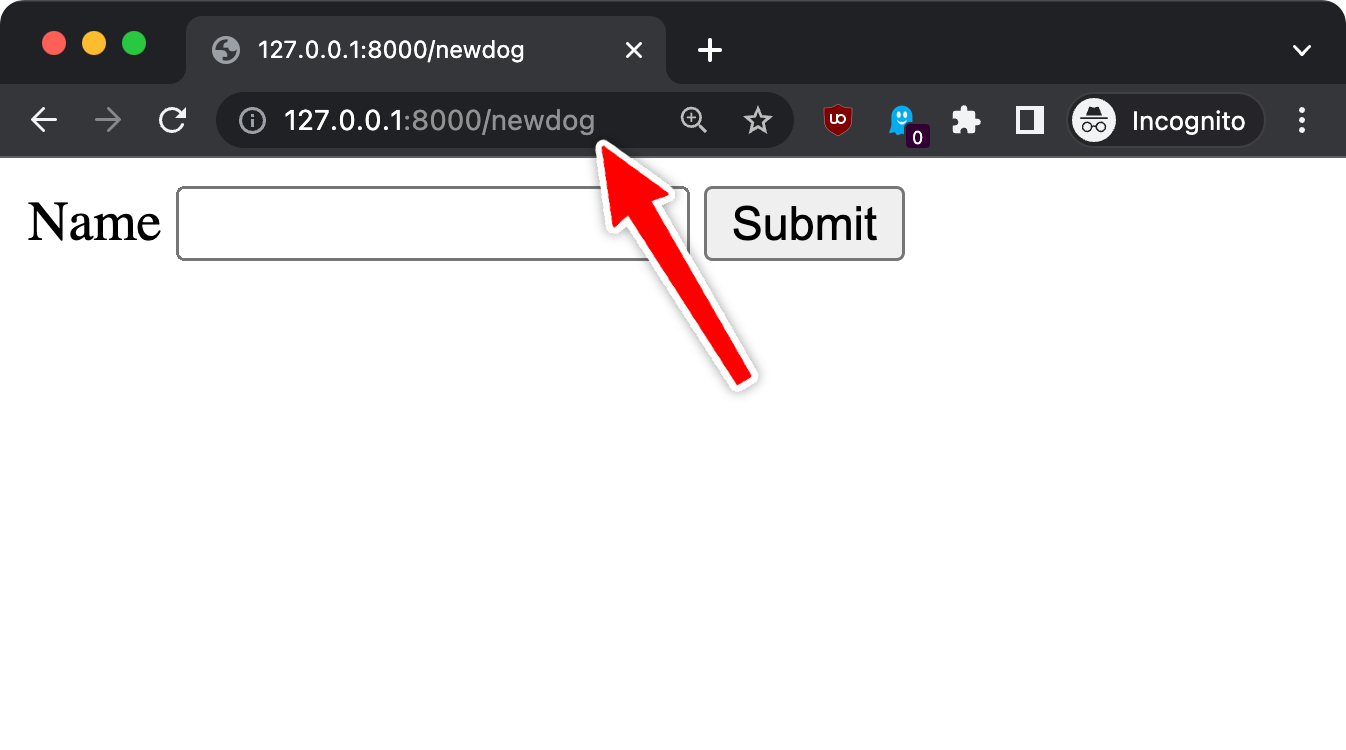
Let’s style it a bit:
<form method="post" action="{{ route('dog.new') }}">
    @csrf
    <h3 class="font-bold border-b-gray-300 border-b pb-2 mb-3 mt-4">
    Add a new dog
    </h3>
    <label>Name</label>
    <input type="text" name="name" id="name" class="border border-gray-200 p-1">
    <input type="submit" name="send" value="Submit" class="bg-gray-200 p-1 cursor-pointer border border-black">
</form>
Here’s the result:
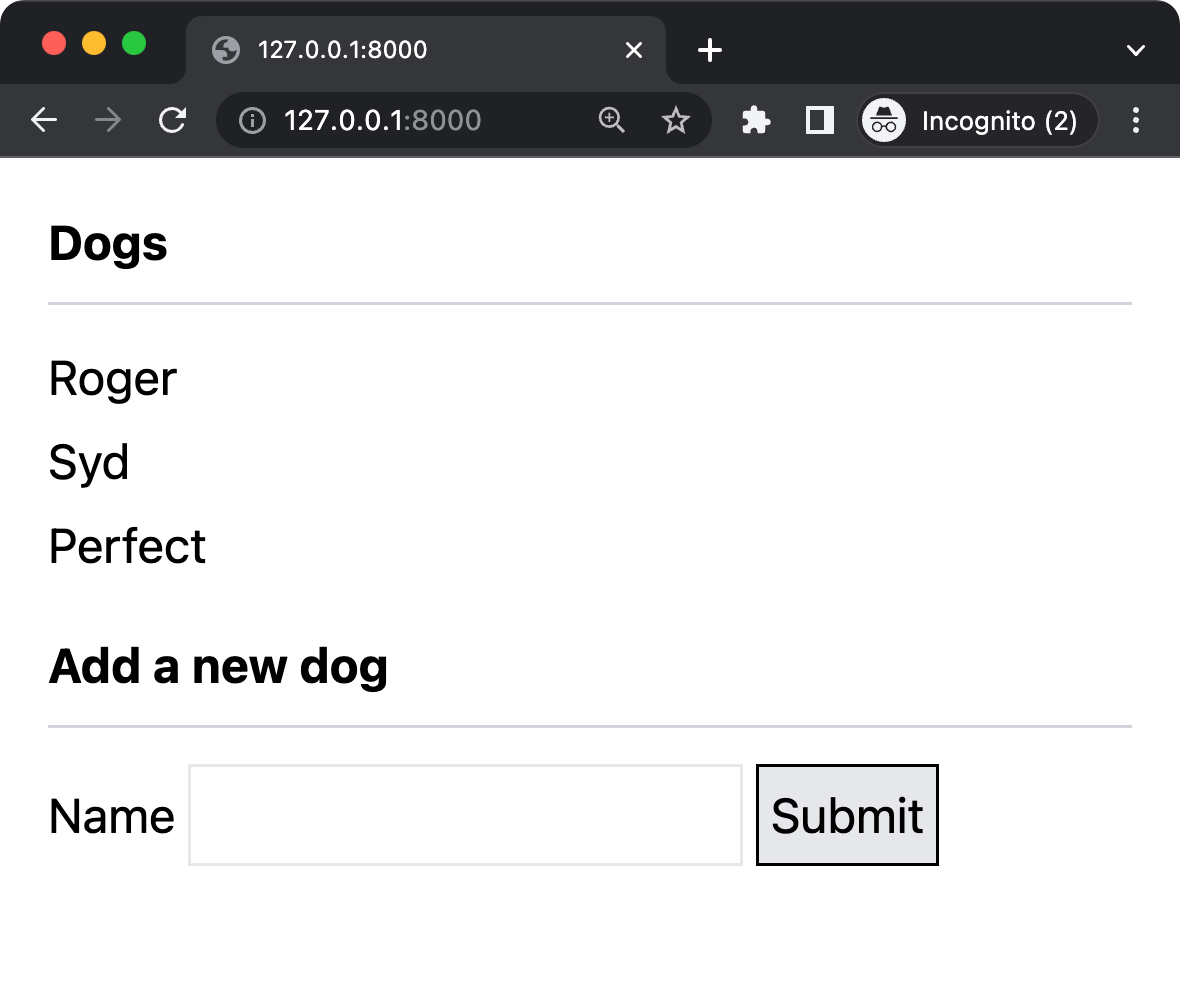
Now, we don’t want the form to have its own route any more, because we have it on /.
So let’s create a folder named partials in resources/views and move the file resources/views/newdog.blade.php to resources/views/partials/form.blade.php
In resources/views/dogs.blade.php change
@include('newdog')to
@include('partials.form')and in routes/web.php you can now delete the GET route that showed that form on /newdog:
Route::get('/newdog', function () {
    return view('newdog');
});