Join the AI Workshop and learn to build real-world apps with AI. A hands-on, practical program to level up your skills.
Allow users to delete dogs from the list
We allow users to add dogs to the list.
Let’s allow them to remove them, too.
Here’s how.
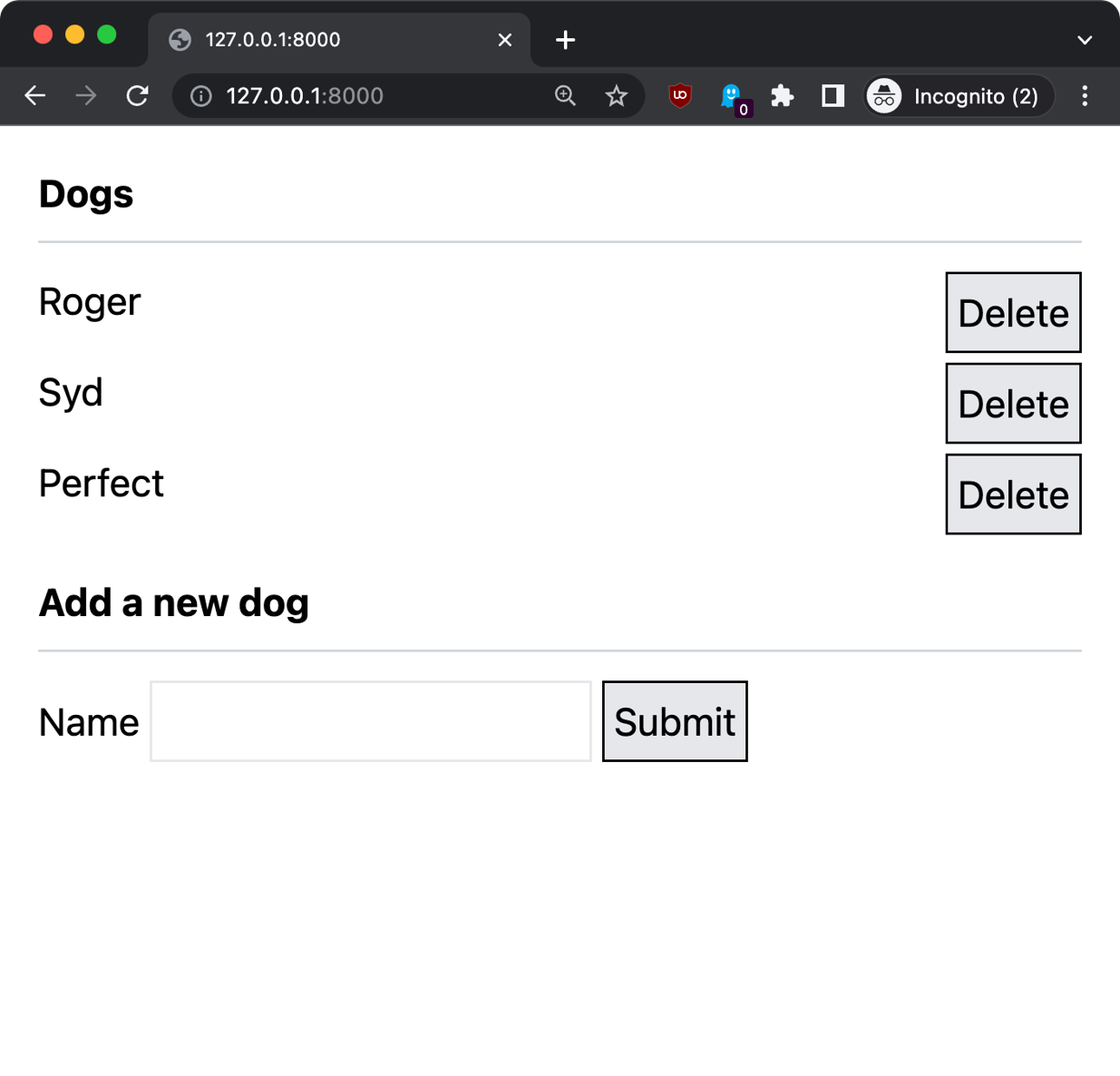
First we add a “delete” button next to each item:
<ul>
    @foreach ($dogs as $dog)
        <li class="flex mb-1">
            <span class="flex-1">{{ $dog->name }}</span>
            <form action="{{ route('dog.delete', $dog->id) }}" method="POST">
                @csrf
                @method('DELETE')
                <button type="submit" class="border bg-gray-200 p-1 border-black">Delete</button>
            </form>
        </li>
    @endforeach
</ul>
We use Flexbox to align the dog name and the delete button. Adding the flex-1 class makes the text take all the space available, and “pushes” the button to the far right.
Then we add a route named dog.delete to the routes/web.php file:
Route::delete(
    '/dog/{id}',
    [DogController::class, 'delete']
)->name('dog.delete');
This calls the delete method on the DogController, so we go to app/Http/Controllers/DogController.php and we add it:
//...

class DogController extends Controller
{
    //...
    public function delete($id)
    {
        $dog = Dog::find($id);
        $dog->delete();

        return to_route('index');
    }
}
This method uses the Dog model to find a dog with a specific id, which is passed by the form, and deletes it calling the delete() method.
Here is how it looks: