Join the AI Workshop and learn to build real-world apps with AI. A hands-on, practical program to level up your skills.
The first thing we do is configure Vite so we can enable styling using Tailwind CSS v4.
Open the terminal and run:
npm install -D tailwindcss @tailwindcss/viteIf you don’t have npm installed yet, install Node.js first.
Now add the Tailwind plugin to vite.config.js (if it’s not already there):
import { defineConfig } from 'vite'
import laravel from 'laravel-vite-plugin'
import tailwindcss from '@tailwindcss/vite'

export default defineConfig({
  plugins: [
    tailwindcss(),
    laravel({
      input: ['resources/css/app.css', 'resources/js/app.js'],
      refresh: true,
    }),
  ],
})
In resources/css/app.css add this:
@import "tailwindcss";

@source "../views/**/*.blade.php";
@source "../js/**/*.js";
@source "../../vendor/laravel/framework/src/Illuminate/Pagination/resources/views/*.blade.php";
Tailwind v4 auto-detects your content, so you don’t need a tailwind.config.* file unless you want to customize the theme.
Finally, back to the terminal, run npm run dev and keep it running while developing the site, as php artisan serve (run both in 2 different terminal windows).
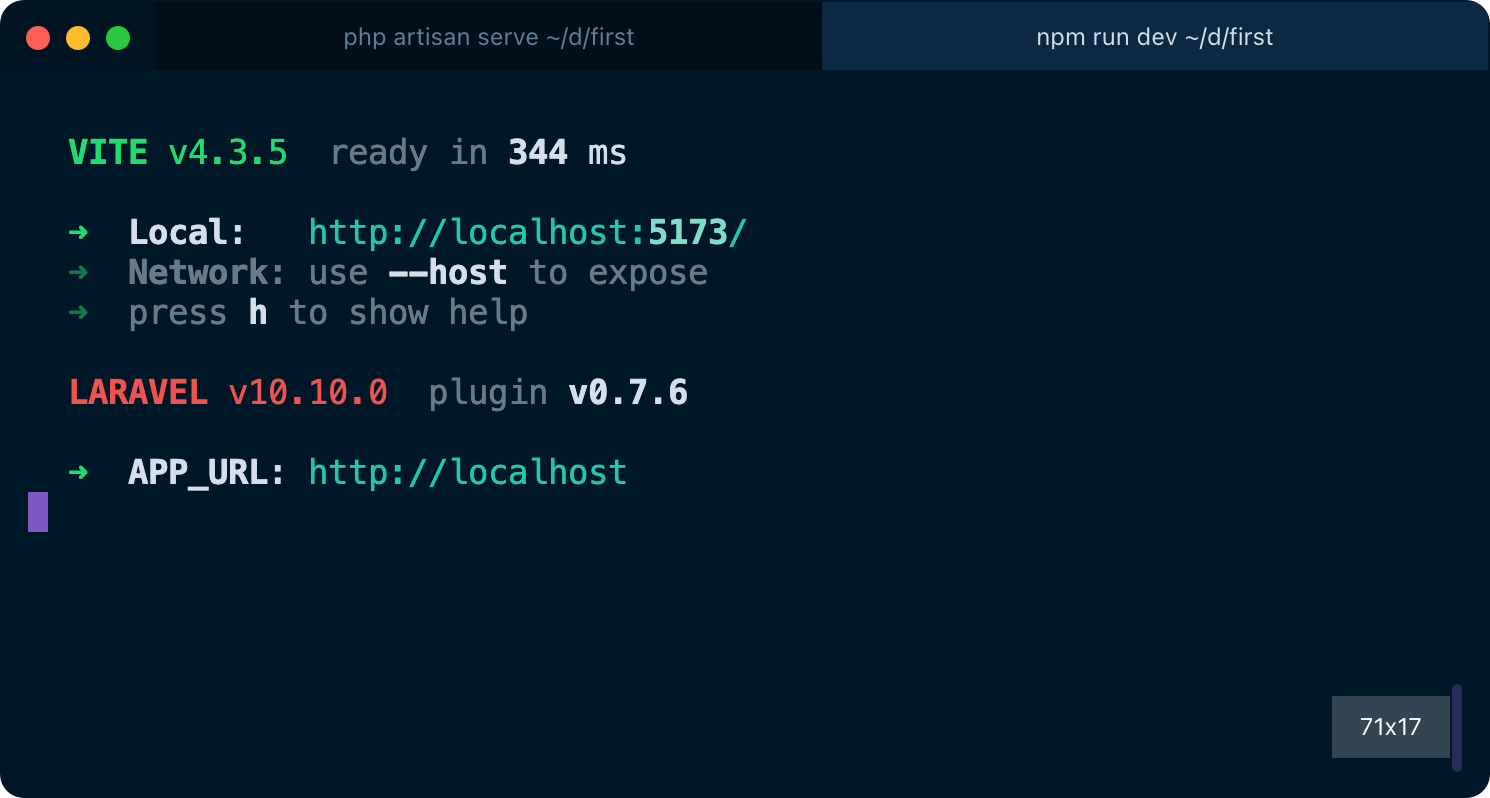
Now we’re ready to use Tailwind CSS in our Blade templates!
Add this line to the page head:
<!doctype html>
<html>

<head>
    <meta charset="utf-8">
    <meta name="viewport" content="width=device-width, initial-scale=1.0">
    @vite('resources/css/app.css')
If you refresh the page, you can see immediately that something changed on your page. It’s Tailwind adding some default normalization, so that’s a sign it’s working!
Now we can add classes to our HTML body to style the page a bit, like this
<p class="font-bold border-b-gray-300 border-b pb-2 mb-3">
    Test
</p>
Notice that changes are applied automatically when you save the file in VS Code, without refreshing the page. Both changes in the Blade template, and in the Tailwind CSS classes. That’s some “magic” provided by Vite and Laravel in development mode.
Lessons in this unit:
| 0: | Introduction |
| 1: | Blade |
| 2: | Adding a better layout |
| 3: | How to use Blade templates in Laravel |
| 4: | ▶︎ Using Tailwind CSS with Laravel |