Join the AI Workshop and learn to build real-world apps with AI. A hands-on, practical program to level up your skills.
This lesson is part of the Johnny Five series. See the first lesson here.
An LCD screen is a pretty cool component because we can use it for many different projects in creative ways.
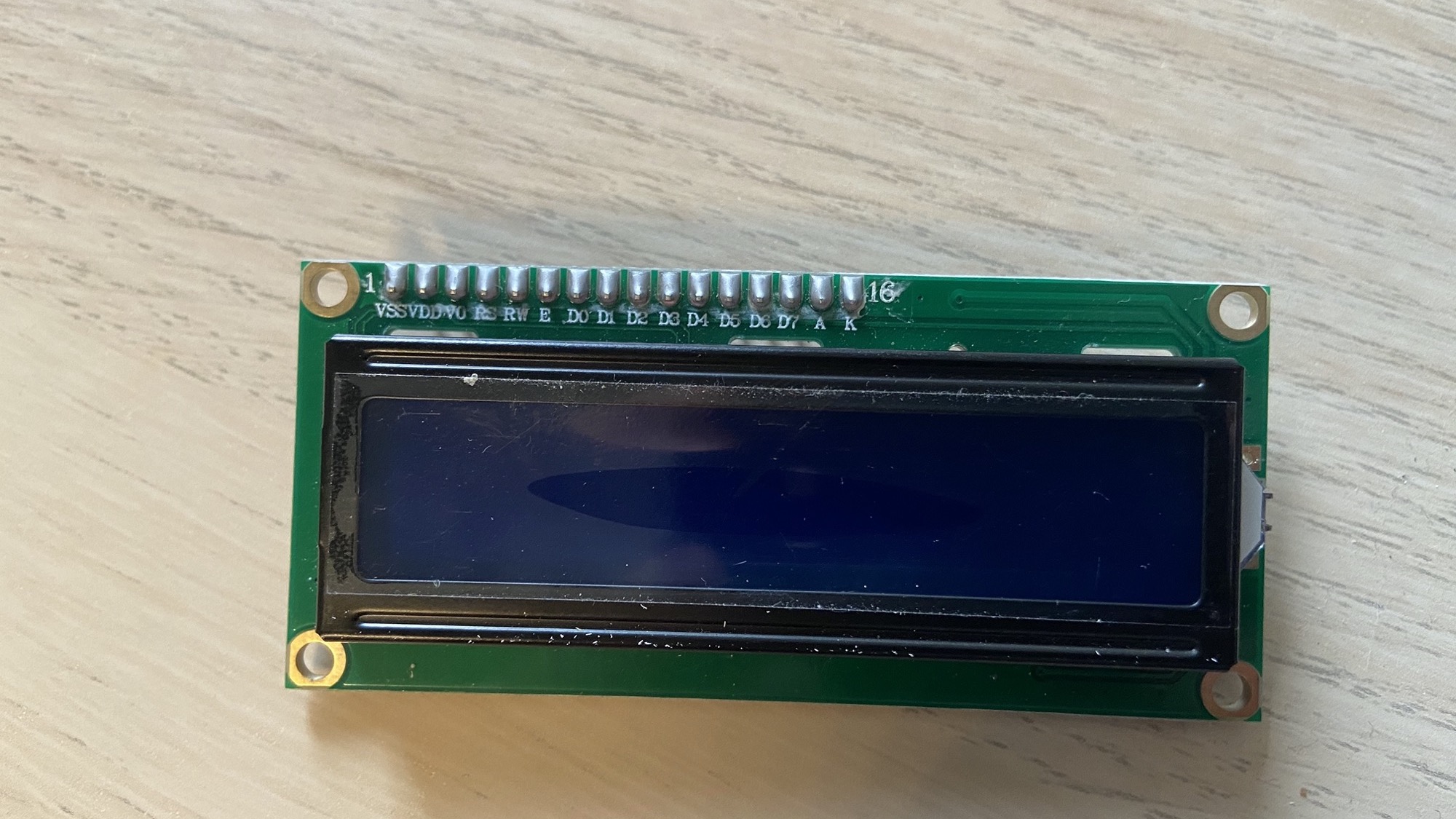
This one I have is named 1602A.
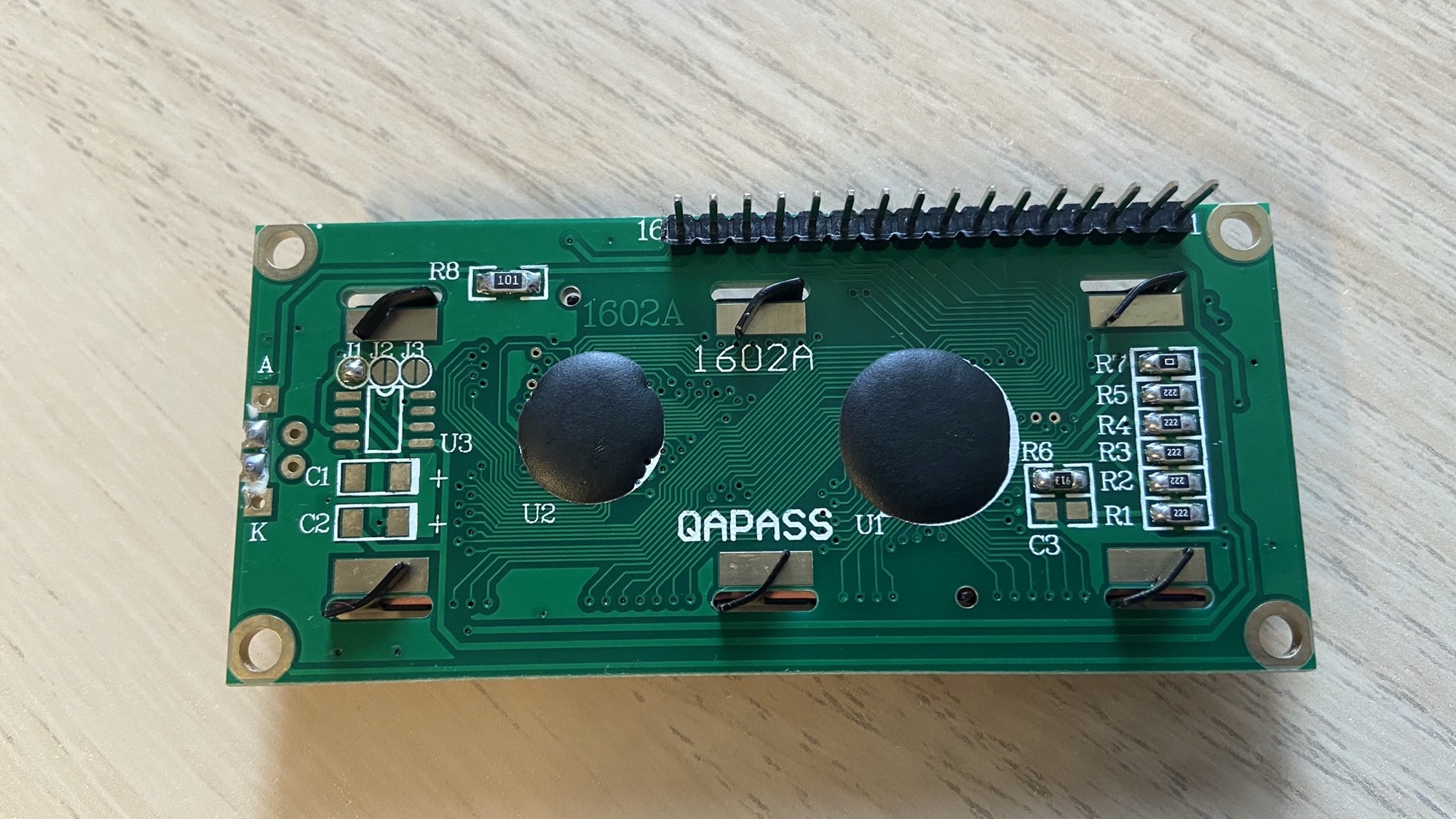
It has 16 pins. I wired it in this way:
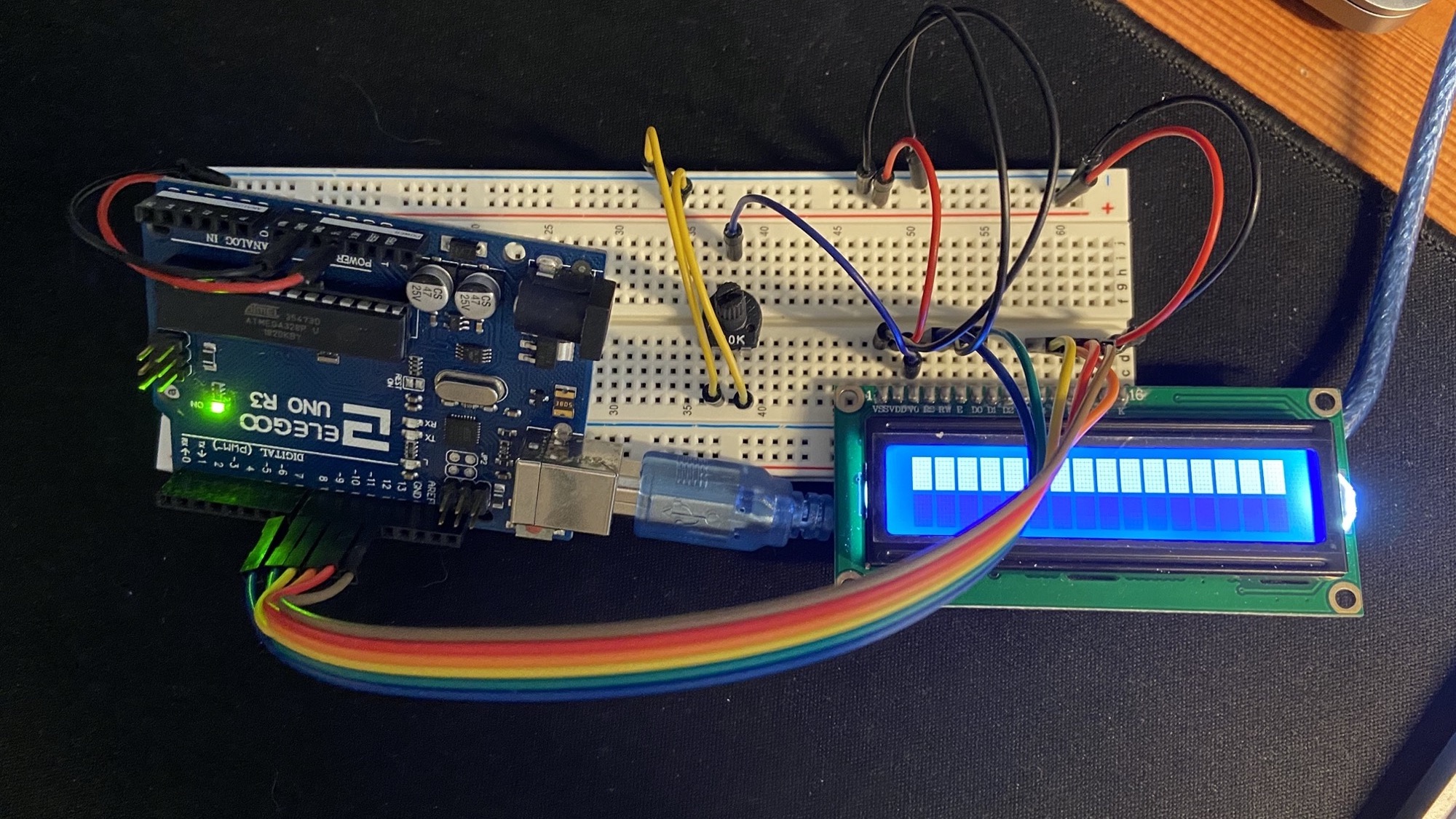
- Pin 1 goes to 0V
- Pin 2 goes to a potentiometer that controls the backlight
- Pin 3 is connected to 5V
- Pin 4 goes to Pin 7 on the Arduino
- Pin 5 goes to 0V
- Pin 6 goes to Pin 8 on the Arduino
- Pin 11 goes to Pin 9 on the Arduino
- Pin 12 goes to Pin 10 on the Arduino
- Pin 13 goes to Pin 11 on the Arduino
- Pin 14 goes to Pin 12 on the Arduino
- Pin 15 goes to 5V
- Pin 16 goes to 0V
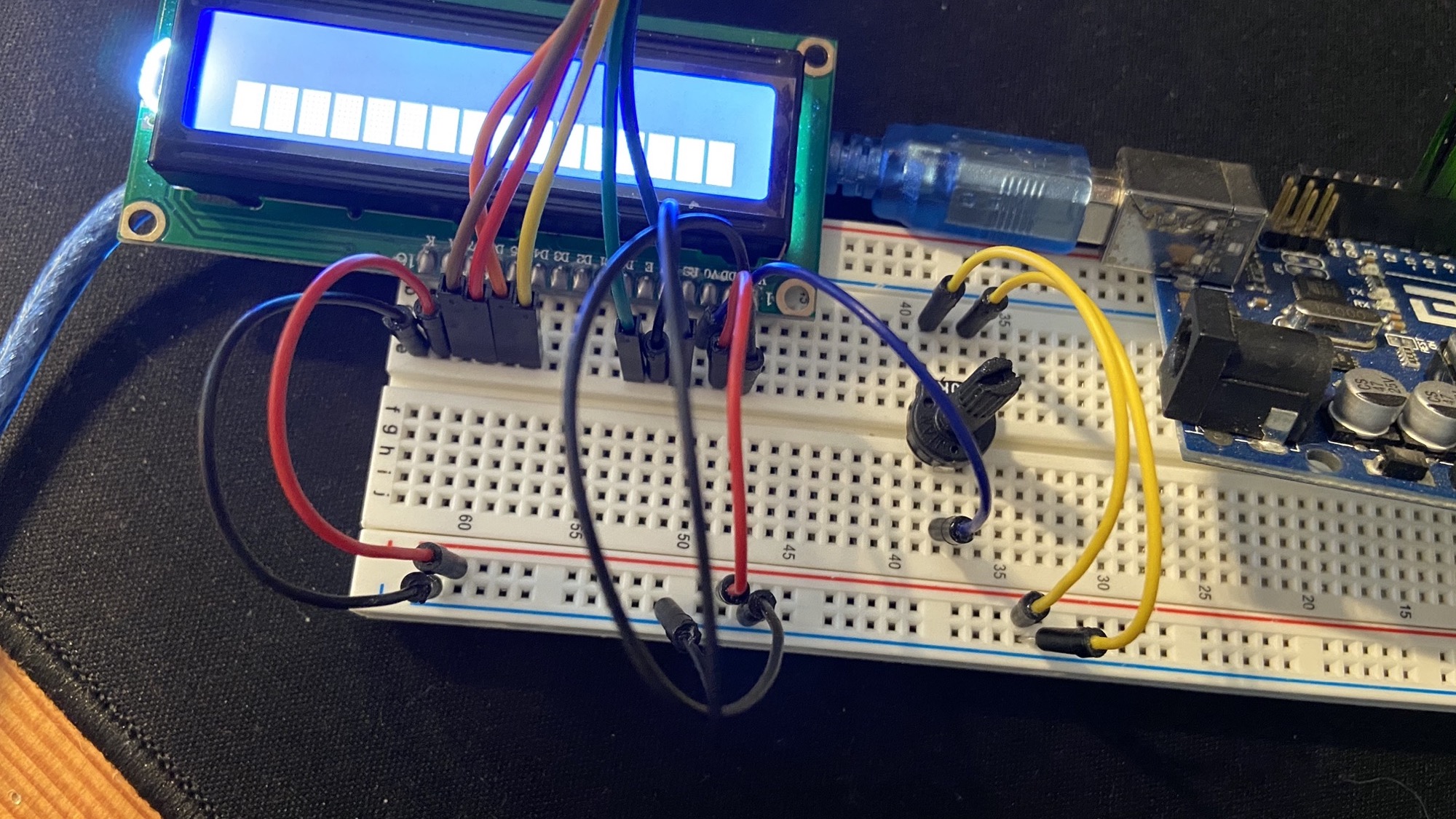
The potentiometer has 3 pins. The middle one is connected to the LCD screen, the left one is 0V and the right one 5V:
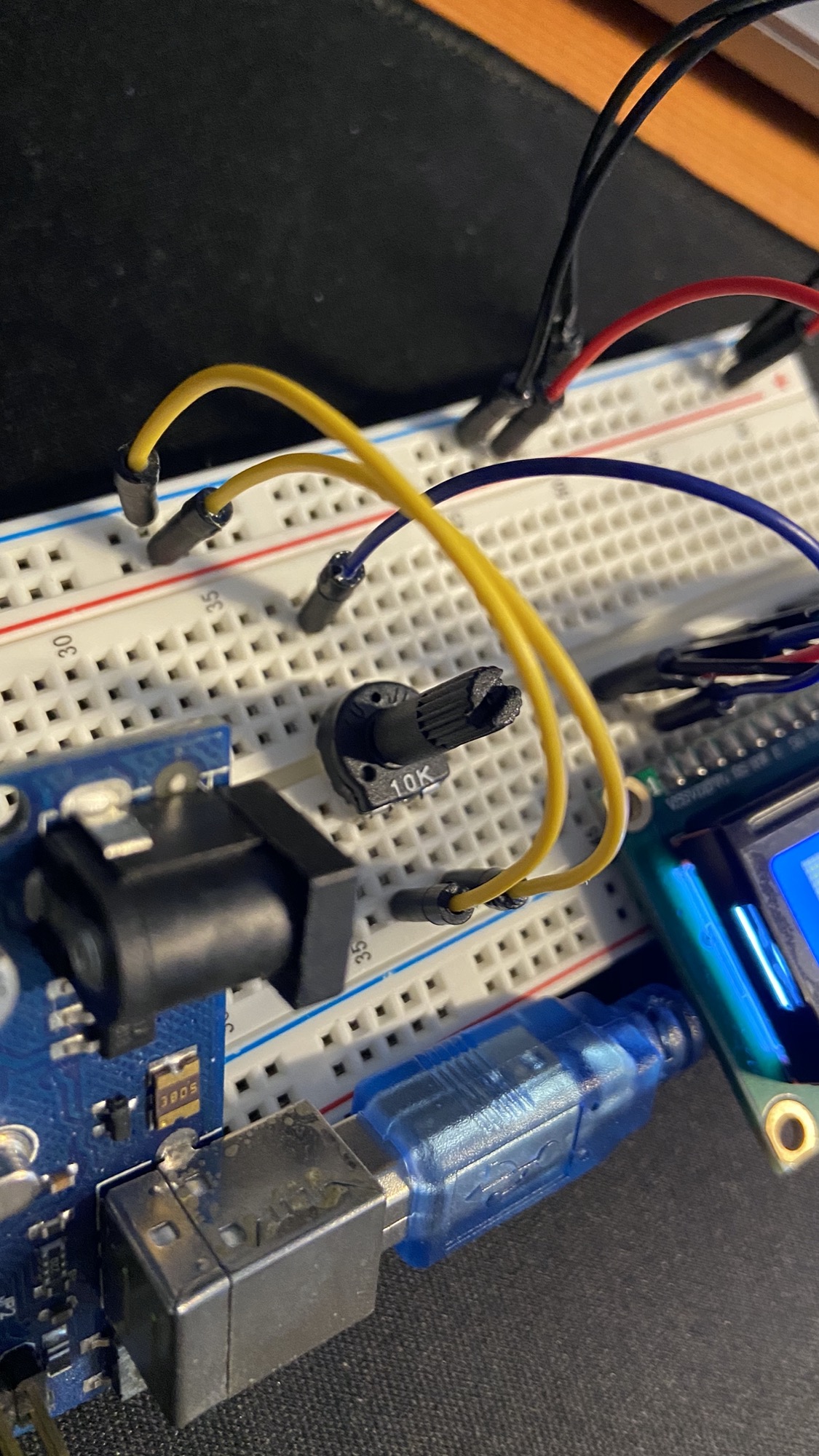
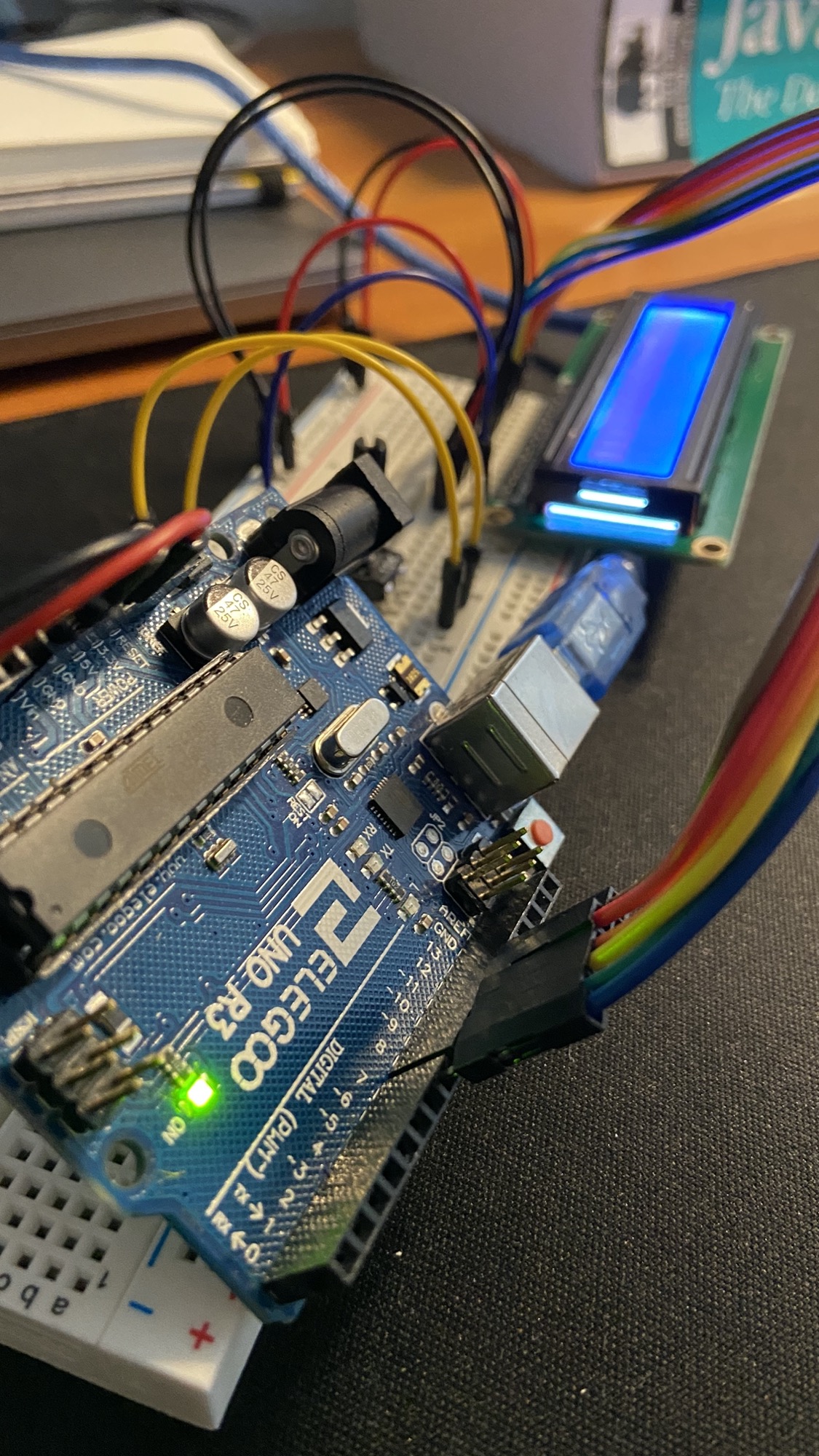
That’s it for the wiring.
Create a new lcd.js file and load this code:
const { Board, LCD } = require("johnny-five")
const board = new Board()

board.on("ready", function () {})
Now initialize a new LCD object from the LCD class.
The exact initialization procedure depends on the kind of display used. In my case, it was this:
const lcd = new LCD({ pins: [7, 8, 9, 10, 11, 12] })Finally, call the print() method to display a string:
const { Board, LCD } = require("johnny-five")
const board = new Board()

board.on("ready", function () {
  const lcd = new LCD({ pins: [7, 8, 9, 10, 11, 12] })
  lcd.print("Hello World!")
})
and run the program using node lcd.js to see it work:
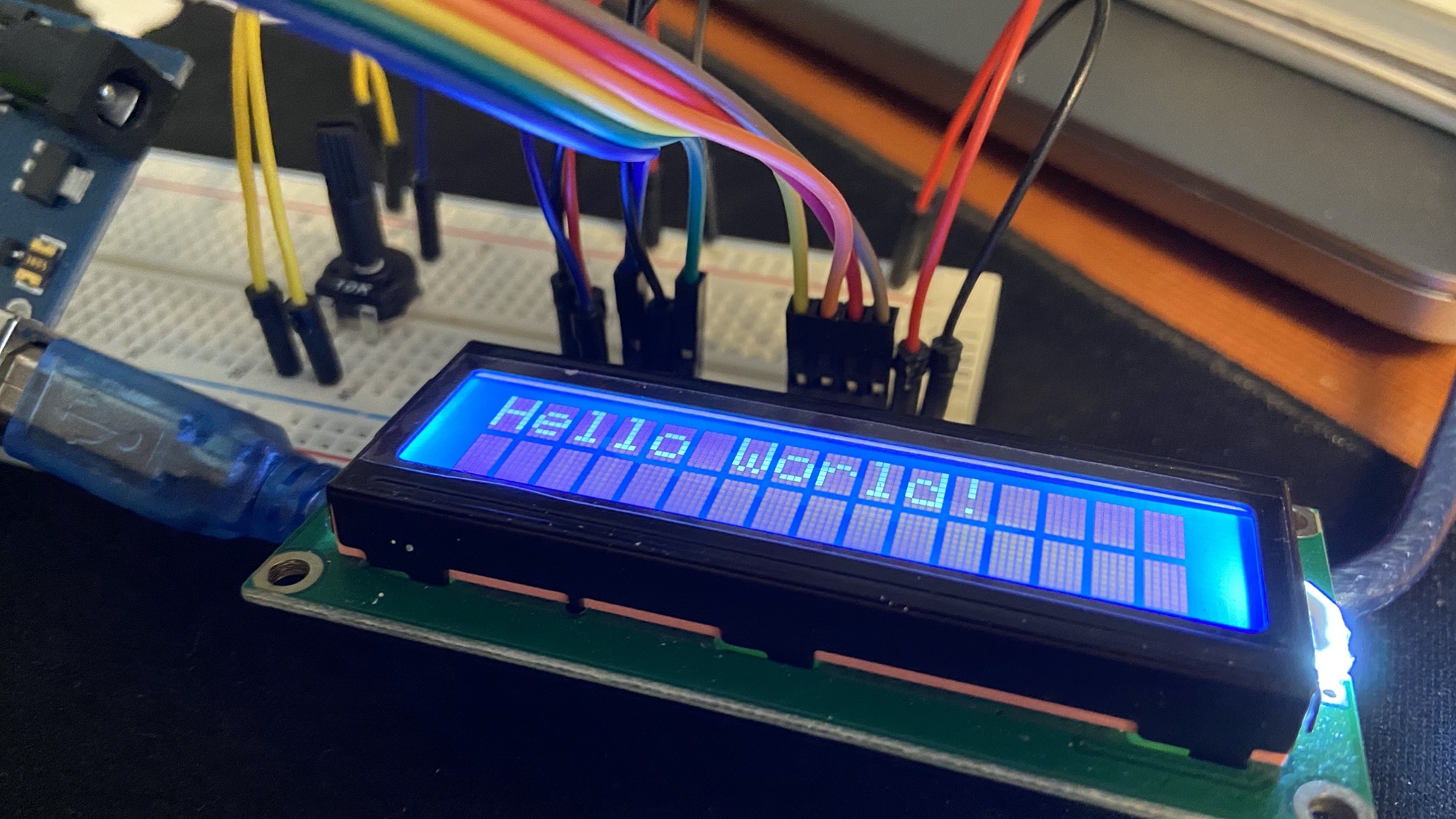
The LCD class also offers those cool methods:
clear()to clear the screencursor()to position the cursor at a specific placeoff()to disable the displayon()to enable the displayblink()to blink the cursornoBlink()to un-blink the cursorautoscroll()to turn on automatic scrolling when the message is too long
You can find out more at http://johnny-five.io/api/lcd/.
Lessons in this unit:
| 0: | Introduction |
| 1: | Tutorial |
| 2: | How to use a REPL |
| 3: | How to light a LED |
| 4: | ▶︎ How to work with an LCD Screen |
| 5: | Receiving input from the device |
| 6: | Control a browser game with Arduino and a joystick |