Join the AI Workshop and learn to build real-world apps with AI. A hands-on, practical program to level up your skills.
This lesson is part of the Johnny Five series. See the first lesson here.
In this lesson we’ll get information from an electronic device using Johnny Five.
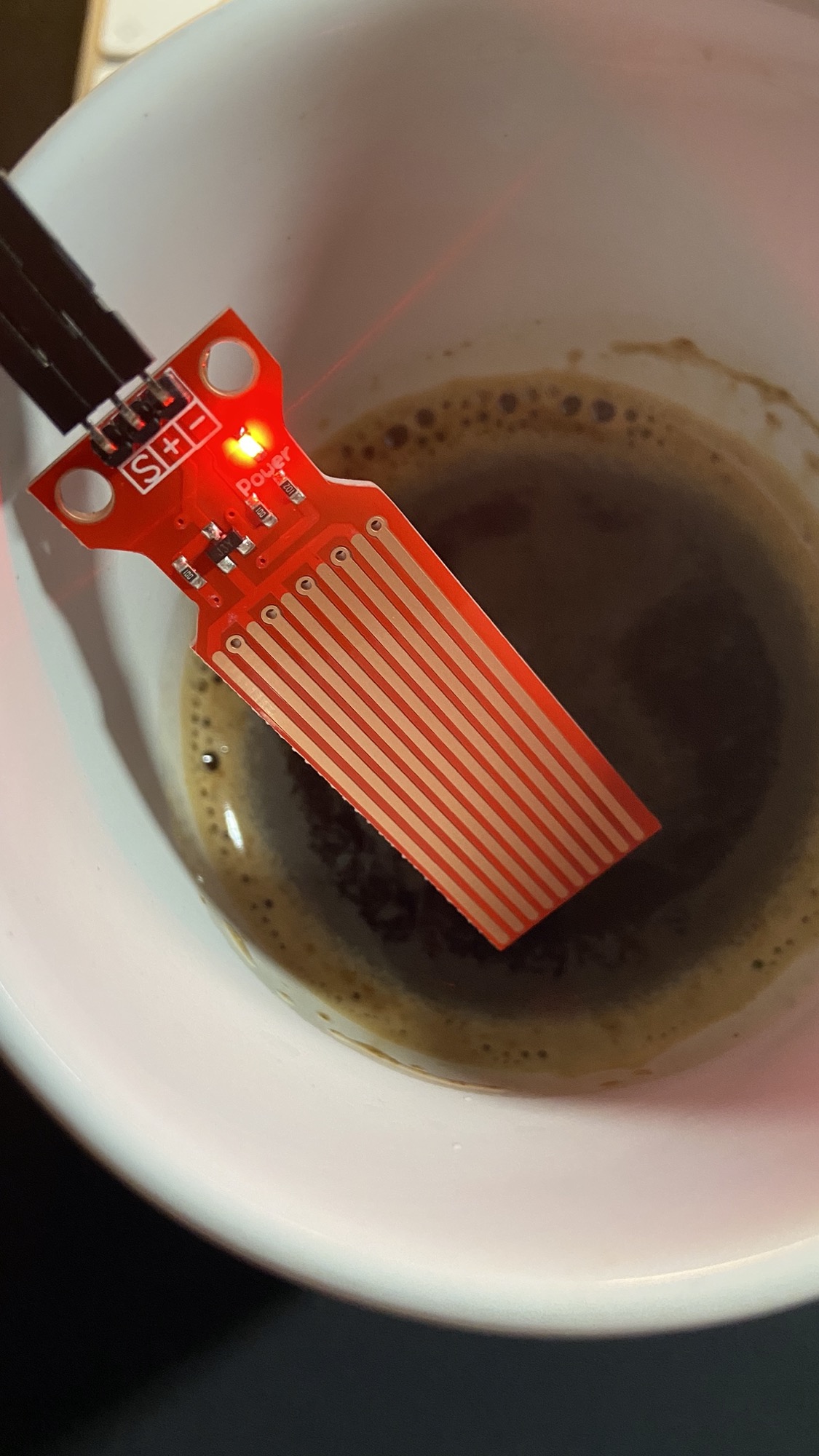
In particular, we’ll use a water level sensor. It will tell us if we have enough coffee or if we’re running out, so we can refill the cup and keep programming.
This is the sensor:
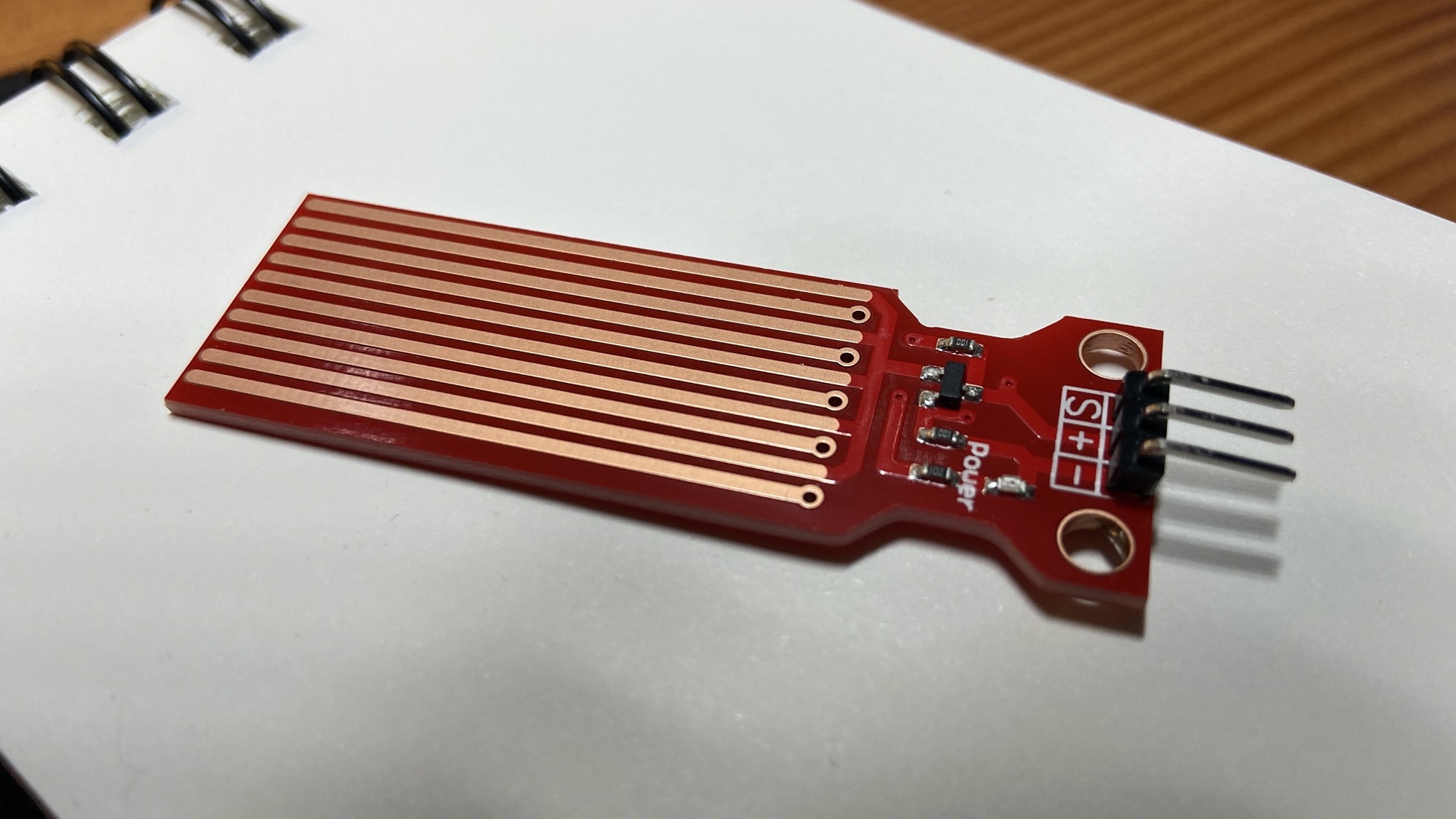
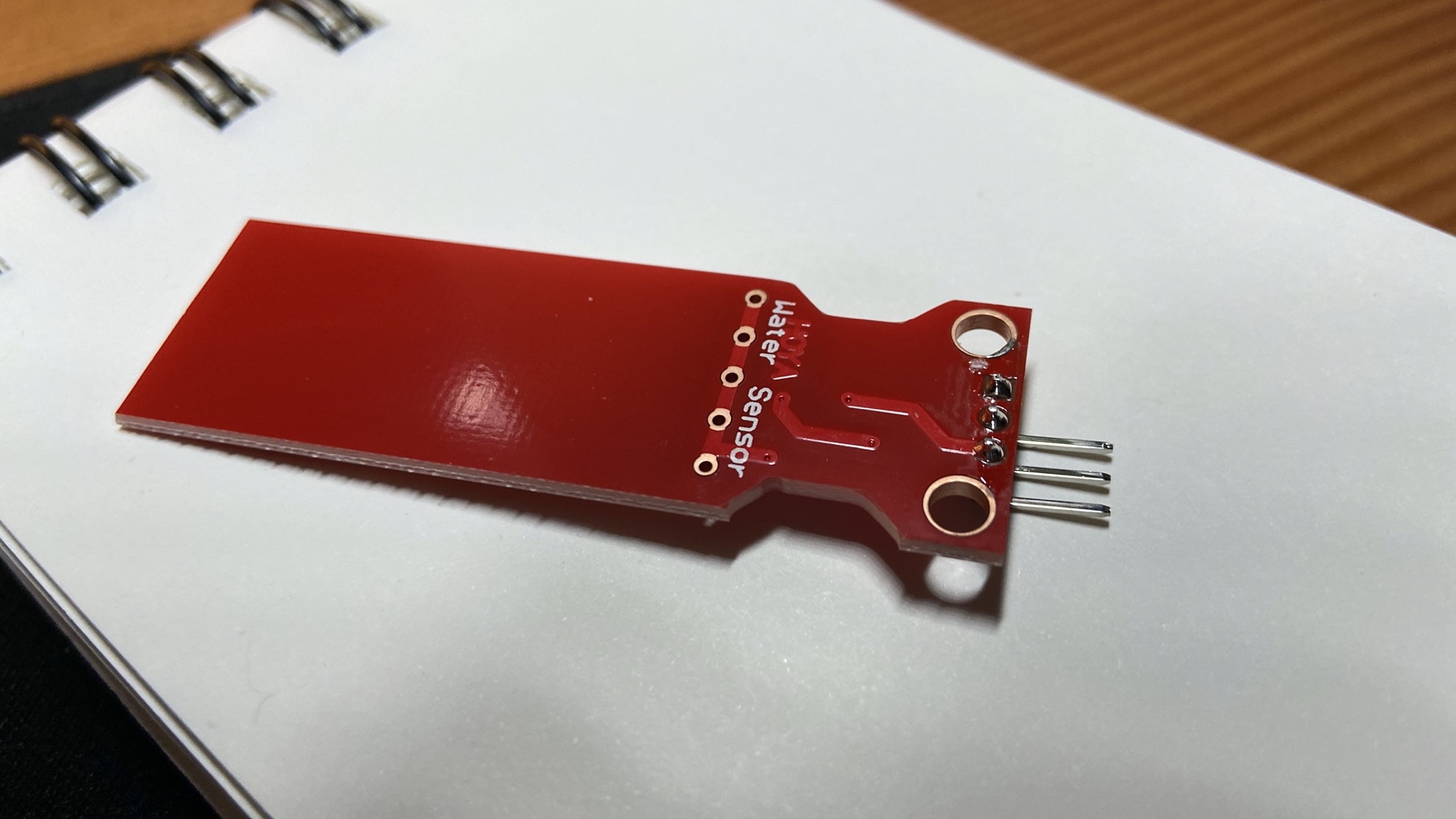
We’re going to wire a little circuit to get this data, and we’re going to use Johnny Five to get this data into our Node.js app.
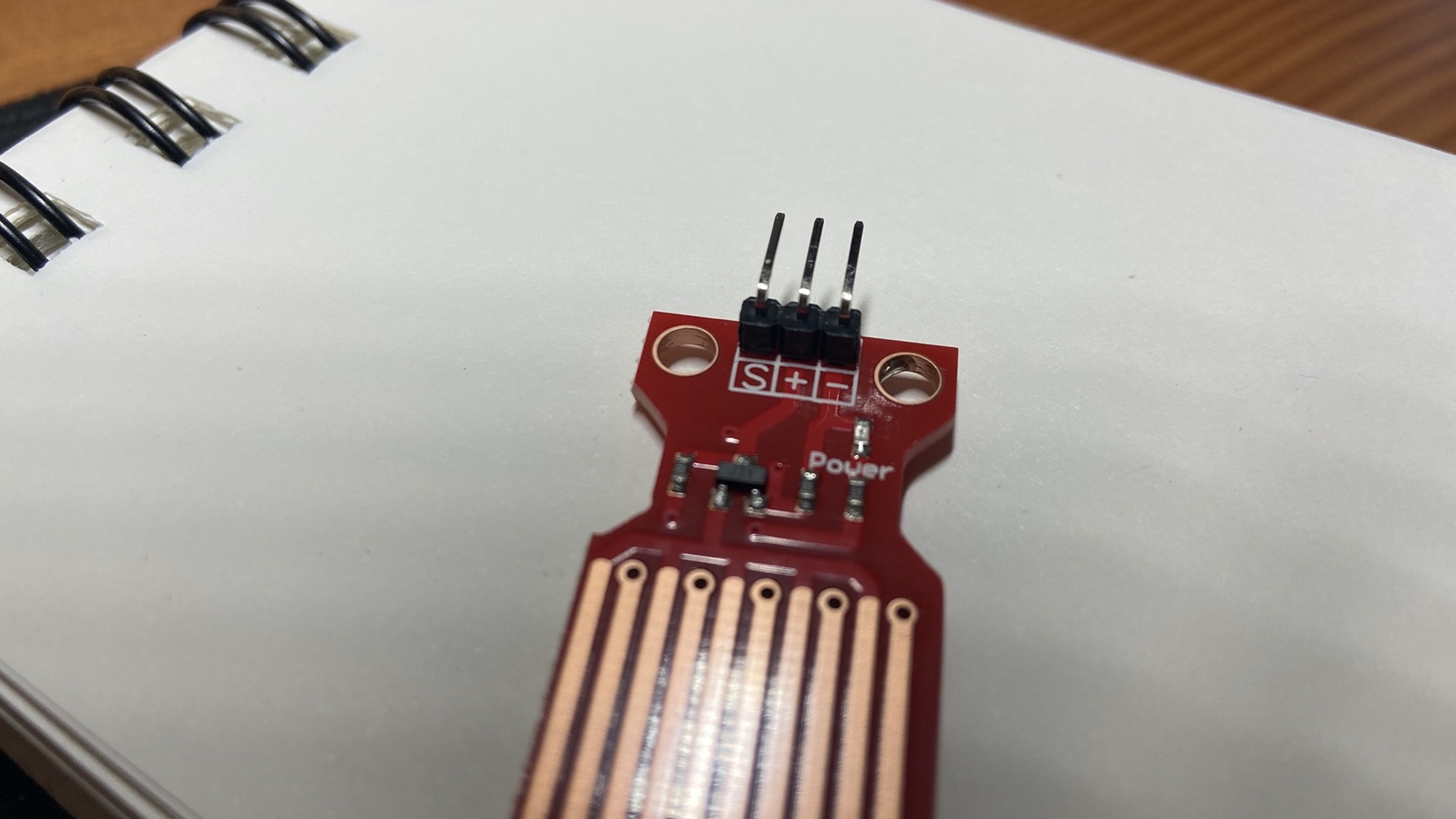
The sensor has 3 pins. One is GND (0V), one is VCC (5V) and the other is the analog data output.
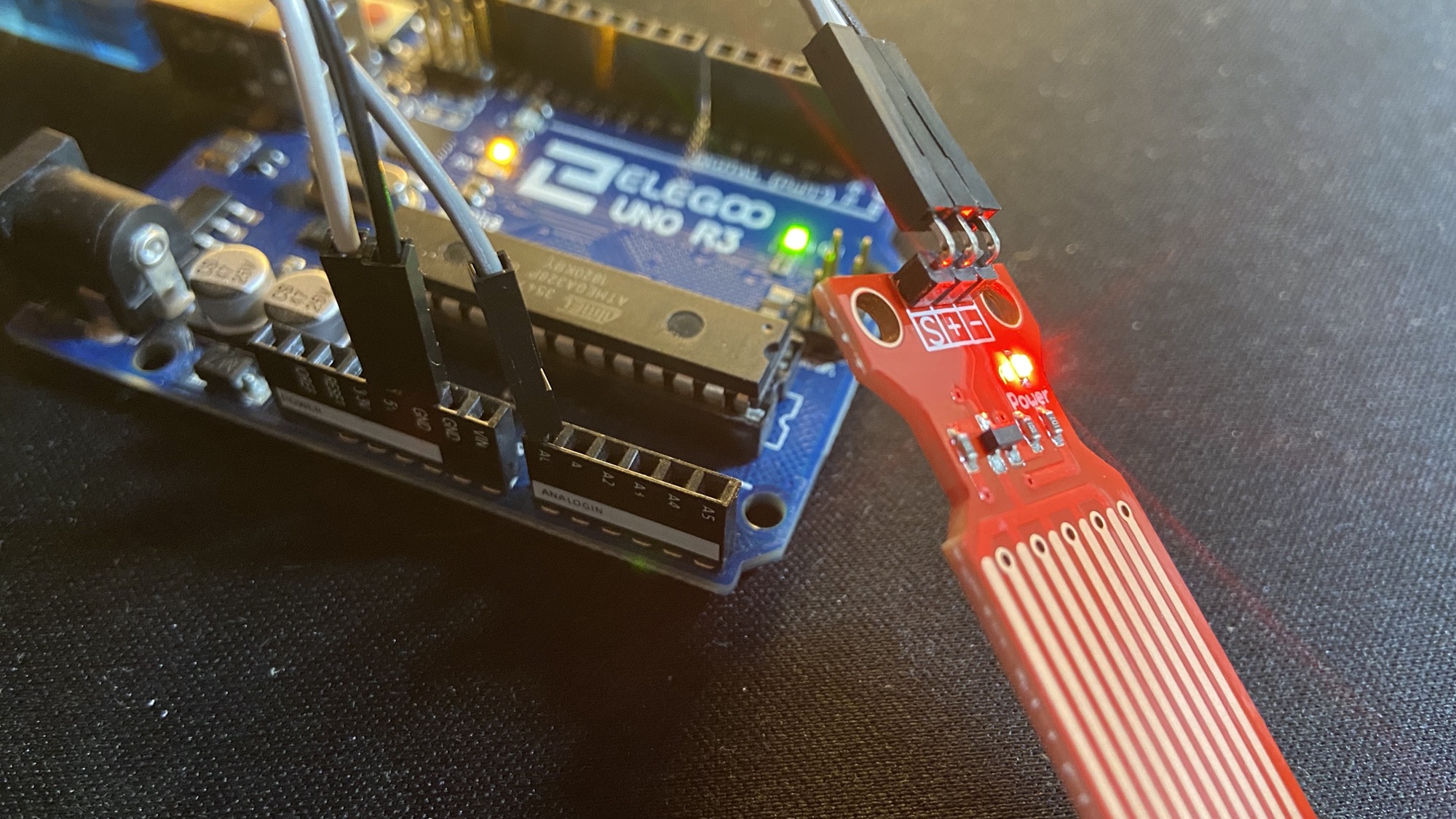
Add the pin marked as - to GND, + to 5V, and connect S to the analog pin A0.
Here’s the circuit:
Now let’s create a sensor.js file with this content:
const { Board, Sensor } = require("johnny-five")
const board = new Board()

board.on("ready", () => {
  const sensor = new Sensor("A0")

  sensor.on("change", function () {
    console.log(this.value)
  })
})
Whenever the data coming in through the sensor changes, we’ll see it being printed to the console:
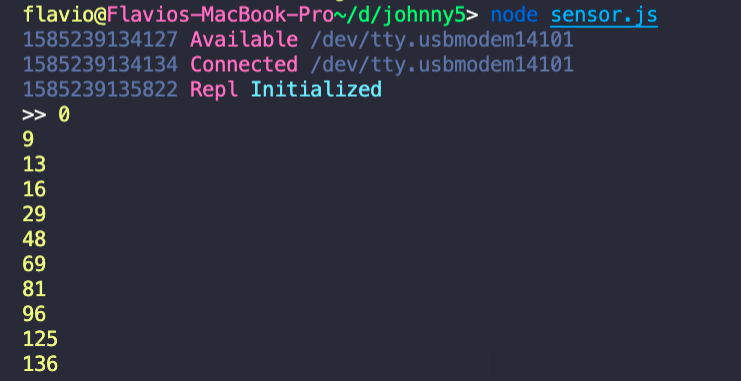
I used the on() method on the sensor object to watch all changes.
All the methods are detailed here, but I’m particularly interested in the within() method, which lets us define a callback that’s fired when the value is in a particular range:
const { Board, Sensor } = require("johnny-five")
const board = new Board()

board.on("ready", () => {
  const sensor = new Sensor("A0")

  sensor.within([0, 70], function () {
    console.log("Refill your coffee!!")
  })
})
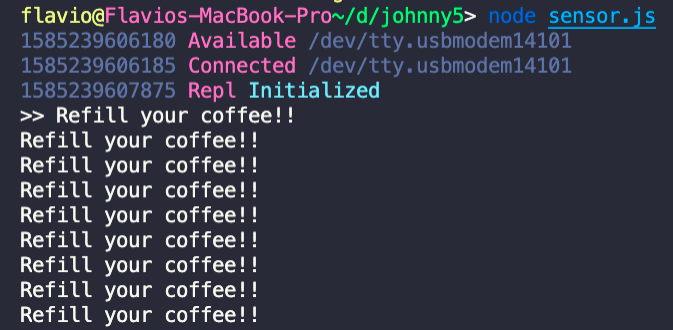
If I start running out of coffee, the program will print “Refill your coffee!!” a lot of times, because the value keeps changing while the sensor gets drier.
So, let’s create an outOfCoffee variable we can use to debounce the data gathering.
We also declare that under 70 we are out of coffee, and above 150 we have enough:
const { Board, Sensor } = require("johnny-five")
const board = new Board()

board.on("ready", () => {
  const sensor = new Sensor("A0")
  let outOfCoffee = false

  sensor.within([0, 70], () => {
    if (!outOfCoffee) {
      outOfCoffee = true
      console.log("Refill your coffee!!")
    }
  })

  sensor.within([150, 500], () => {
    if (outOfCoffee) {
      outOfCoffee = false
      console.log("Ok, you can go on programming!!")
    }
  })
})
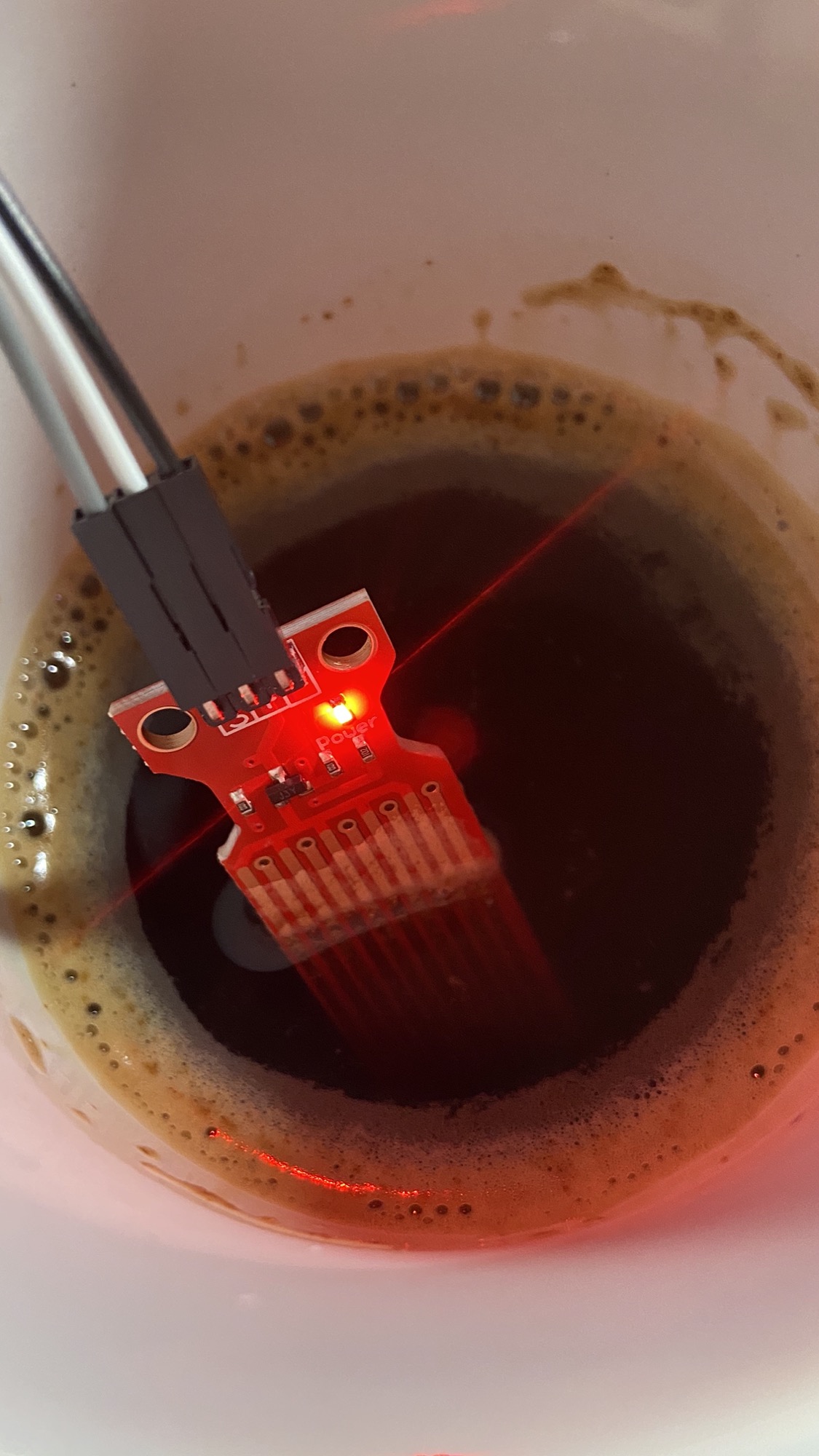
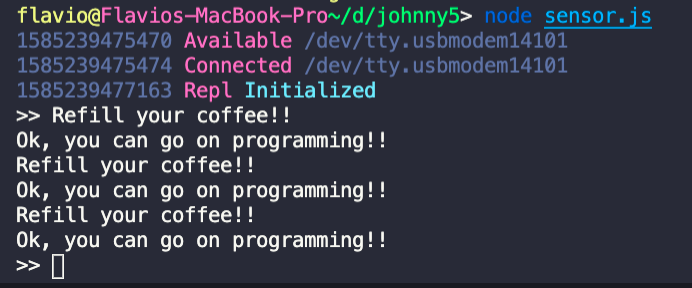
That’s it. Now if we move the sensor in and out of the cup of coffee, we get more useful warnings:
Lessons in this unit:
| 0: | Introduction |
| 1: | Tutorial |
| 2: | How to use a REPL |
| 3: | How to light a LED |
| 4: | How to work with an LCD Screen |
| 5: | ▶︎ Receiving input from the device |
| 6: | Control a browser game with Arduino and a joystick |