Join the AI Workshop and learn to build real-world apps with AI. A hands-on, practical program to level up your skills.
In the Hello World example we used c.text() to send a plain string and close the response:
(c) => c.text('Hello, World!')This sets the Content-Type header to text/plain, and sends the string passed in as the parameter.
After this, Hono closes the connection.
Use c.json() to send an object or array as JSON (and set Content-Type: application/json):
app.get('/', (c) => c.json({ test: true }))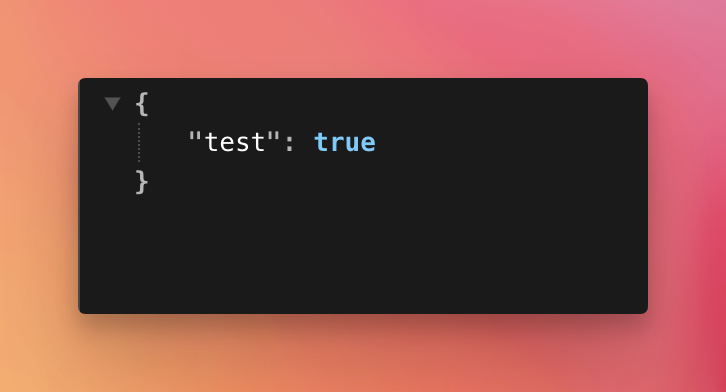
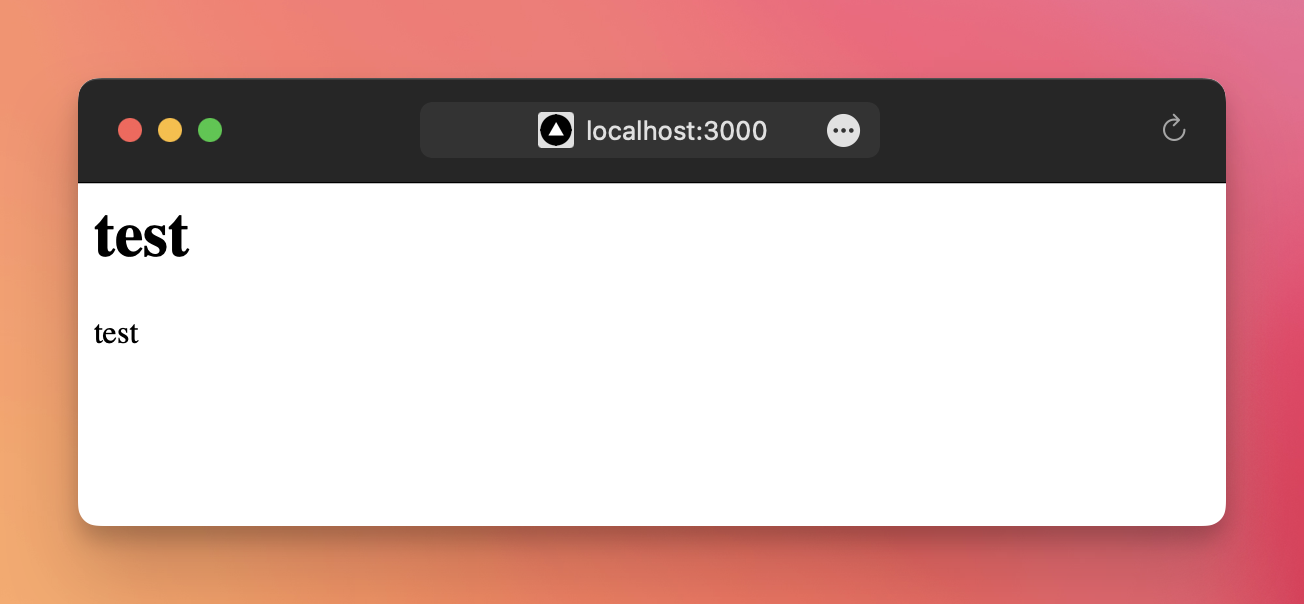
Using c.html(), you can pass an HTML string, which is sent with the Content-Type header set to text/html.
app.get('/', (c) => {
  c.html(`
    <html>
      <head>
        <title>test</title>
      </head>
      <body>
        <h1>test</h1>
        <p>test</p>
      </body>
    </html>
  `)
})
The browser will correctly render the HTML:
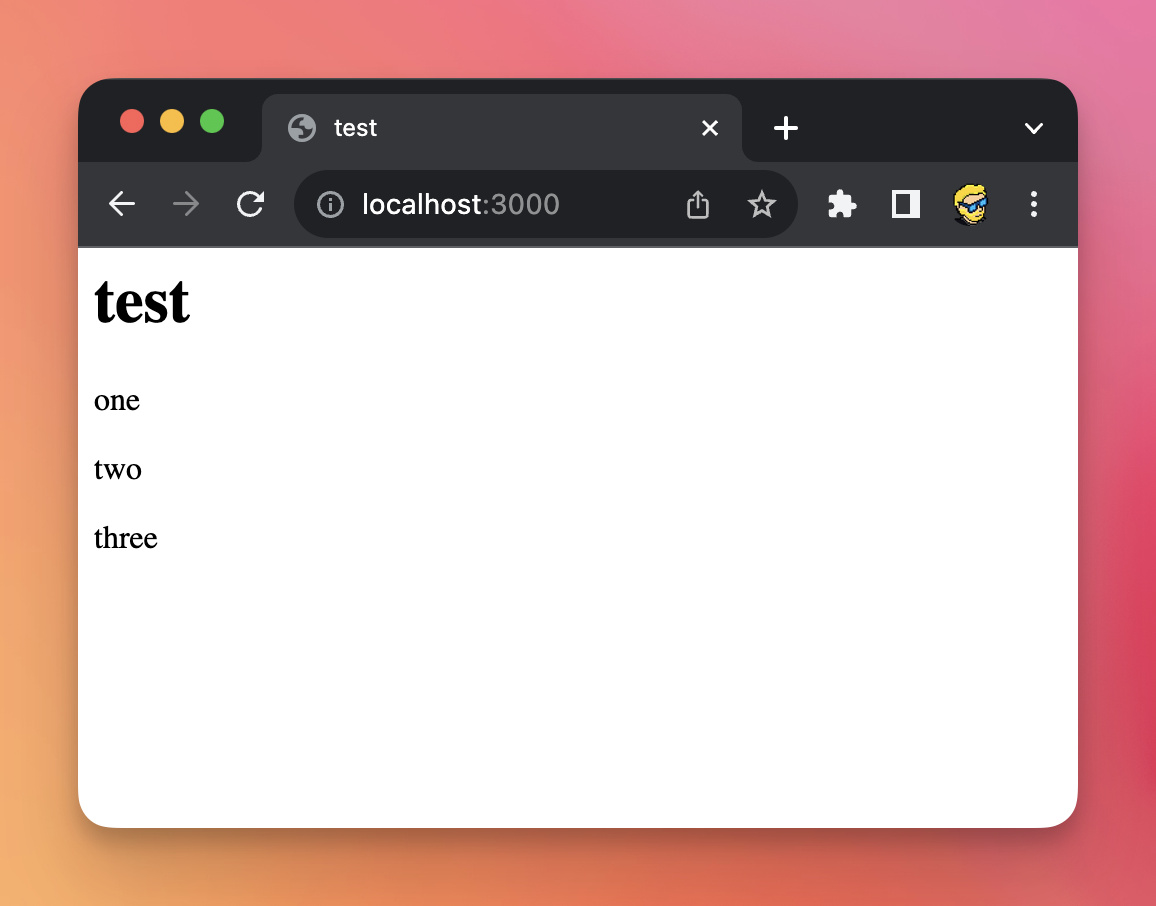
With a template literal you can interpolate data:
app.get('/', (c) => {
  const numbers = ['one', 'two', 'three']

  return c.html(`
    <html>
      <head>
        <title>test</title>
      </head>
      <body>
        <h1>test</h1>
        ${numbers.map((num) => '<p>' + num + '</p>').join('\n')}
      </body>
    </html>
  `)
})
Anyway, we’ll see a better way of creating HTML later when I show you how to use JSX in Hono.
Set the HTTP response status
You can return a 404 response by returning c.notFound().
Otherwise, you use c.status(404).
Lessons in this unit:
| 0: | Introduction |
| 1: | Your first Hono app |
| 2: | The Request object |
| 3: | ▶︎ Send a response to the client |
| 4: | Manage cookies |
| 5: | Work with HTTP headers |
| 6: | Handling redirects |
| 7: | Routing |
| 8: | JSX templates |
| 9: | Middleware |
| 10: | Hono on Node.js |