Join the AI Workshop and learn to build real-world apps with AI. A hands-on, practical program to level up your skills.
Create your first Hono app.
Hono supports many server runtimes, including Node.js and Bun. This example uses Bun (slightly less boilerplate); you can use Node.js by following the Node.js setup in the official docs.
From your projects folder, run:
bun create hono <app-name>or:
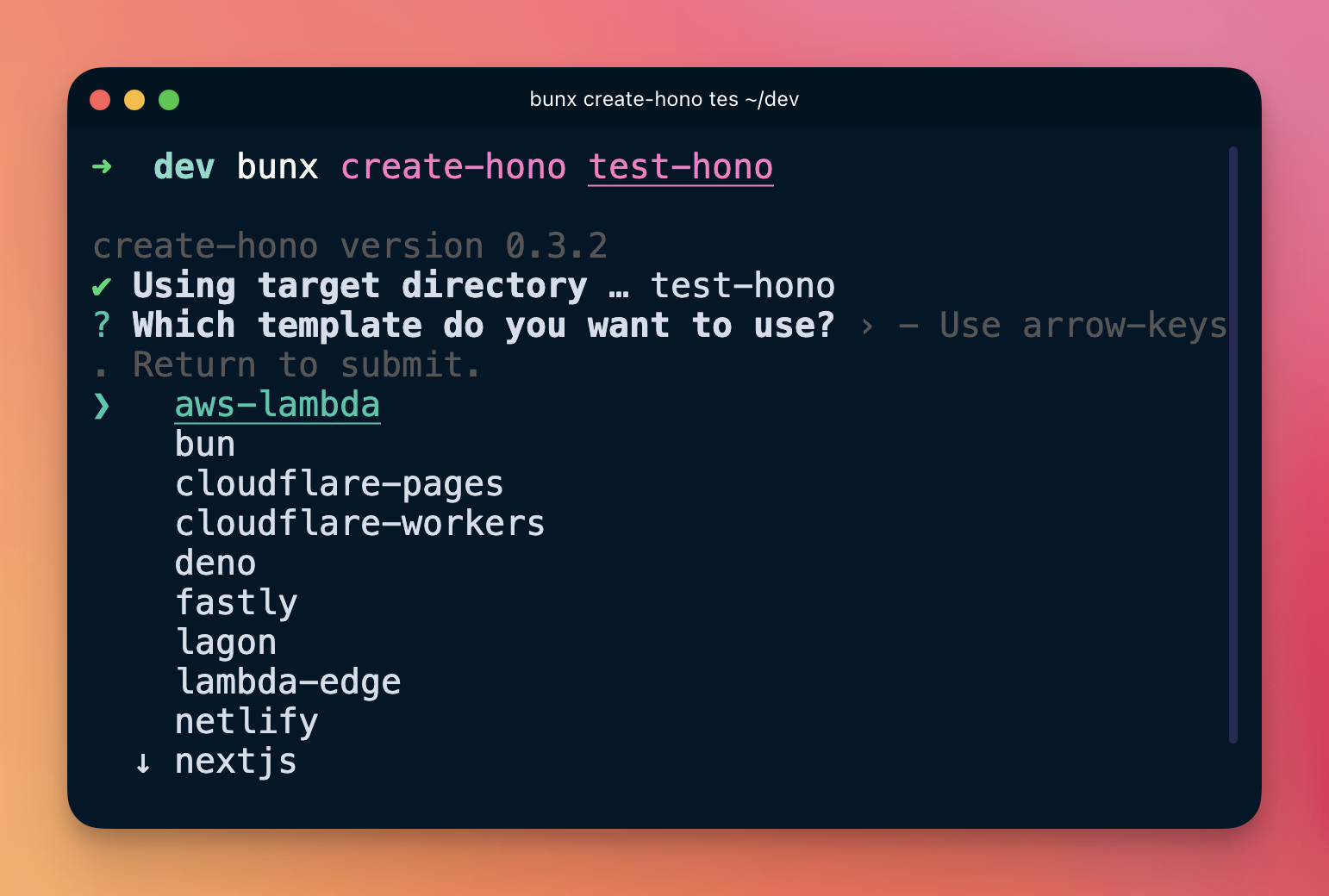
bunx create-hono <app-name>You can also run bunx create-hono; it will prompt for the directory.
Select the Bun template during the installation phase:
That’s it:
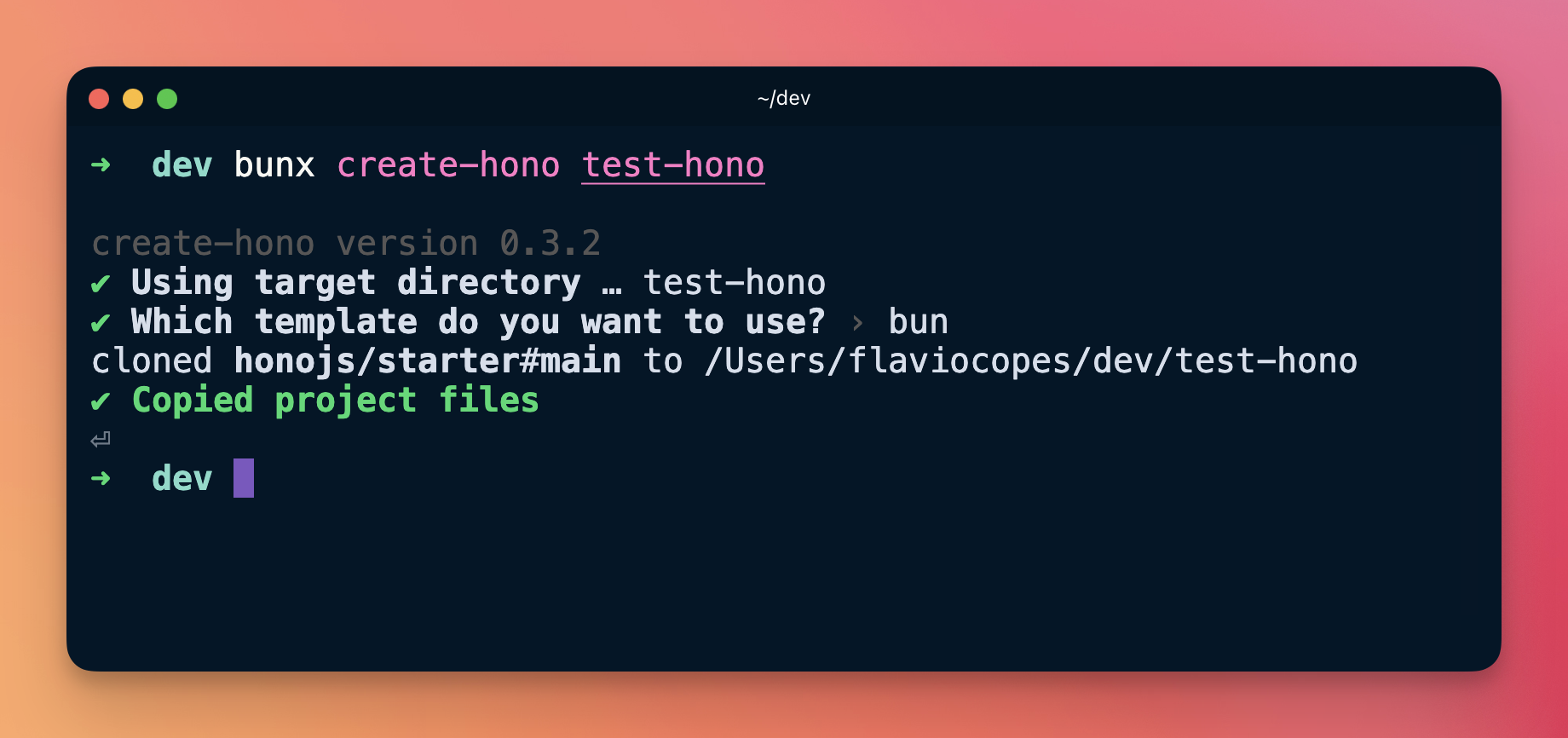
Enter the project folder and run bun i to install dependencies, then run
bun run dev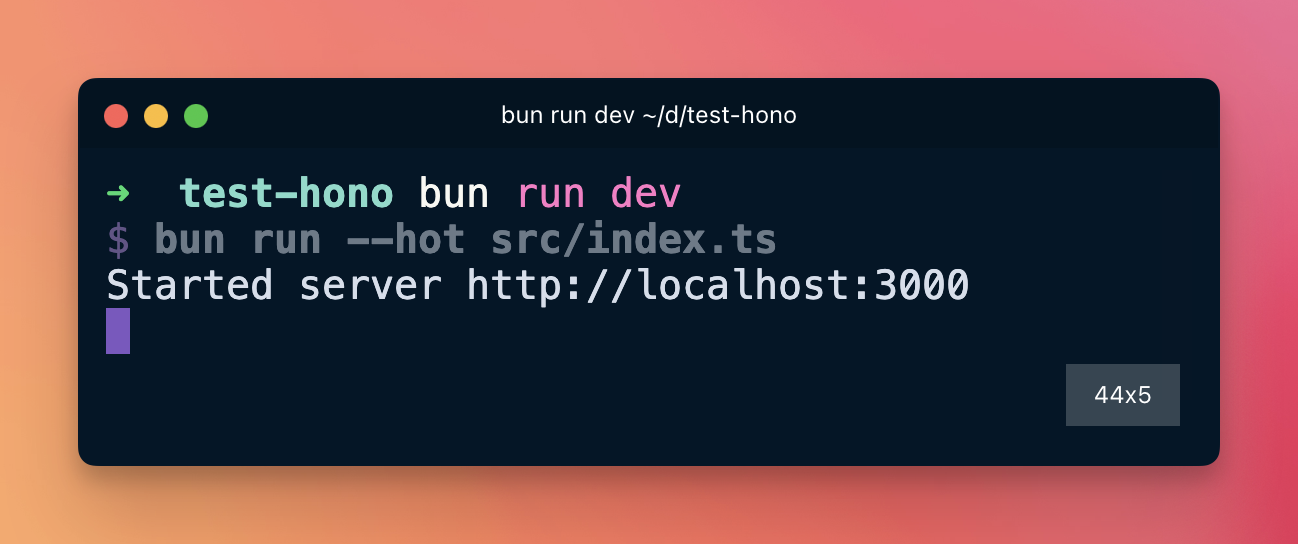
The server is running:
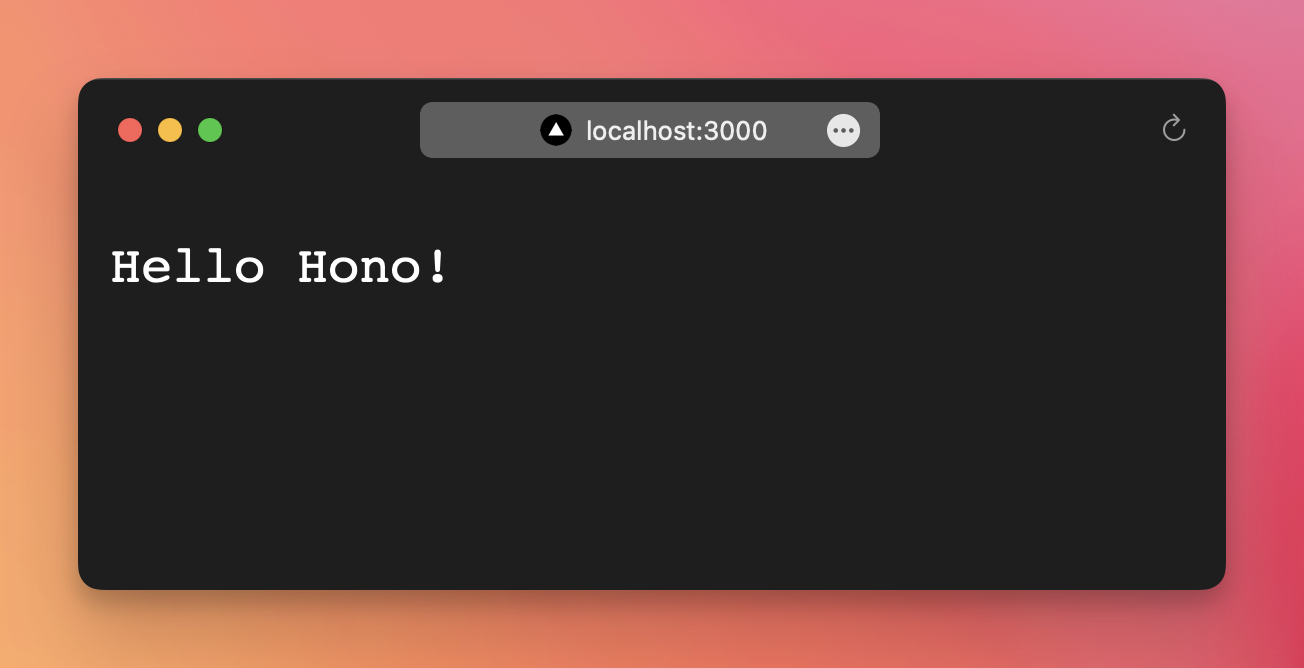
The code in index.ts does the following.
Import Hono and create an app with new Hono(). Then register a handler for GET requests on / using get().
There is a method for every HTTP verb: get(), post(), put(), delete():
app.get('/', c => { ... })
app.post('/', c => { ... })
app.put('/', c => { ... })
app.delete('/', c => { ... })
Each method takes a handler function that runs when a matching request is received. You can use async handlers when you need await:
app.get('/', async c => { ... })
app.post('/', async c => { ... })
app.put('/', async c => { ... })
app.delete('/', async c => { ... })
The handler receives a context object, usually named c. From it you access the request with c.req and the response with c.res.
c.req is the standard Request (URL, method, headers, body, etc.). c.res is the Response you send back. Both follow the Web API standards:
- https://developer.mozilla.org/en-US/docs/Web/API/Request
- https://developer.mozilla.org/en-US/docs/Web/API/Response
Hono adds helpers such as c.header() for headers, c.status() for status, and c.text() to send plain text. In the example we use c.text('Hello, World!') to send the response.
The line serve(app) starts the server.
This form:
app.get('/', (c) => c.text('Hello, World!'))is an arrow function with implicit return. You can do more in the handler and return the response when ready:
app.get('/', (c) => {
  return c.text('Hello, World!')
})
Do not forget to return the response, or the client will get a 404.
Lessons in this unit:
| 0: | Introduction |
| 1: | ▶︎ Your first Hono app |
| 2: | The Request object |
| 3: | Send a response to the client |
| 4: | Manage cookies |
| 5: | Work with HTTP headers |
| 6: | Handling redirects |
| 7: | Routing |
| 8: | JSX templates |
| 9: | Middleware |
| 10: | Hono on Node.js |