Join the AI Workshop and learn to build real-world apps with AI. A hands-on, practical program to level up your skills.
This tutorial continues what we did in how to create your first Go program.
Open a terminal in the hello folder and run the program using
go run hello.go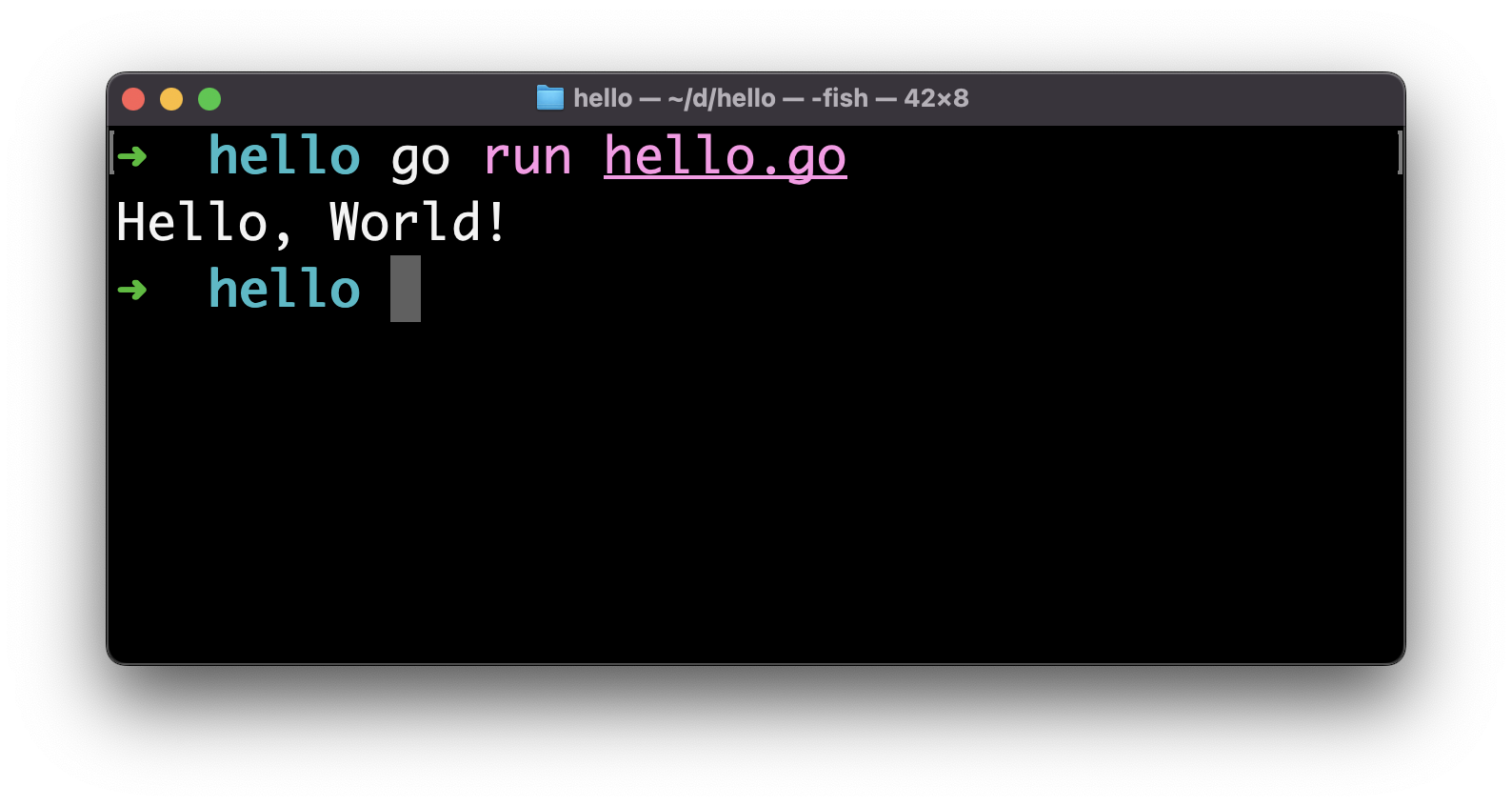
Our program ran successfully, and it printed “Hello, World!” to the terminal!
The go run tool first compiles and then runs the program specified.
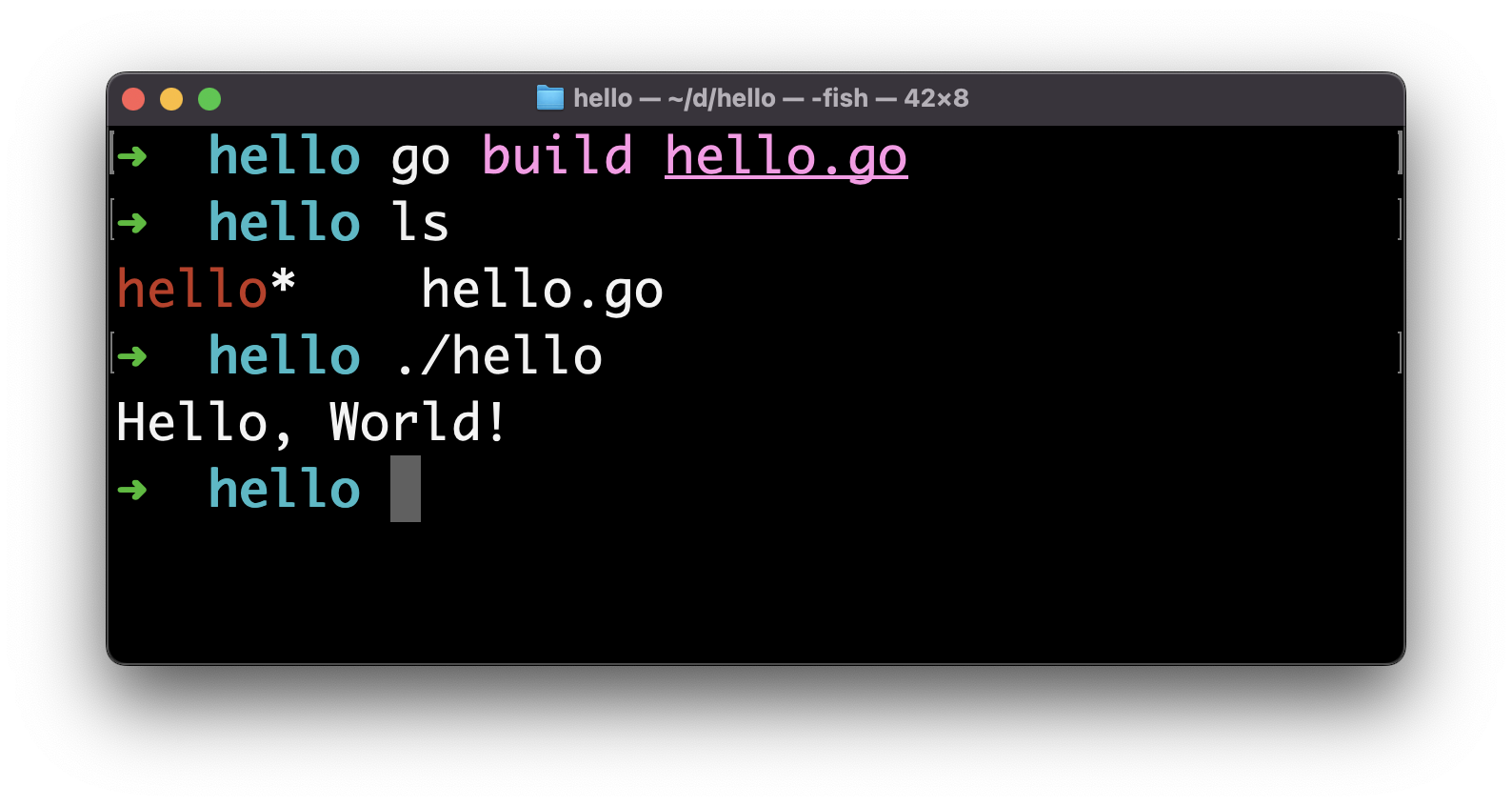
You can create a binary using go build:
go build hello.goThis will create a hello file that’s a binary you can execute:
In the introduction I mentioned Go is portable.
Now you can distribute this binary and everyone can run the program as-is, because the binary is already packaged for execution.
The program will run on the same architecture we built it on.
We can create a different binary for a different architecture using the GOOS and GOARCH environment variables, like this:
GOOS=windows GOARCH=amd64 go build hello.goThis will create a hello.exe executable for 64-bit Windows machines:
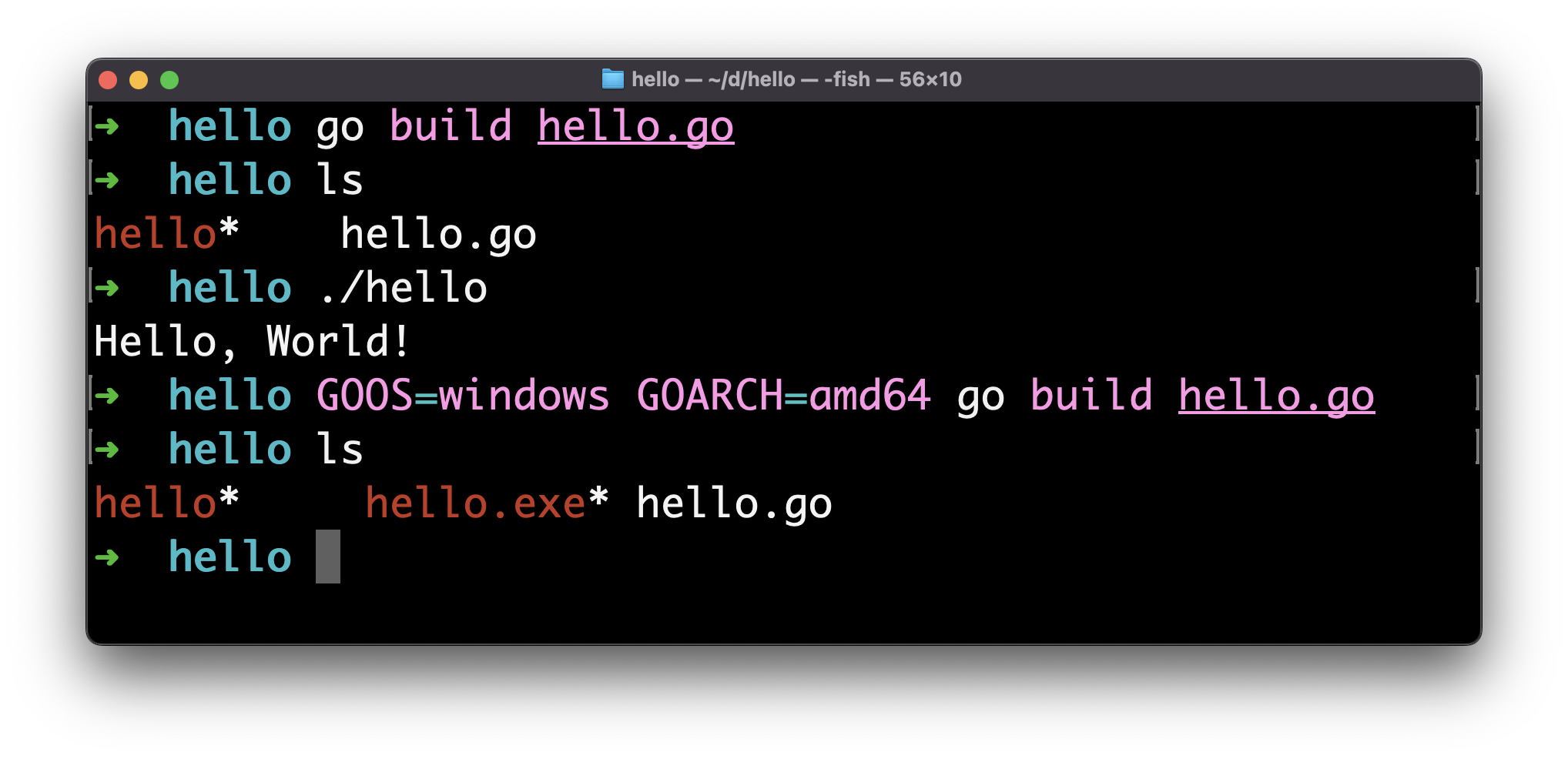
Setup for 64-bit macOS (Intel or Apple Silicon) is GOOS=darwin GOARCH=amd64 and Linux is GOOS=linux GOARCH=amd64.
This is one of the best features of Go.