Join the AI Workshop and learn to build real-world apps with AI. A hands-on, practical program to level up your skills.
GitHub offers many tools to work with your code.
One of the most important things you might want to do is compare one branch to another one. Or, compare the latest commit with the version you are currently using, to see which changes were made over time.
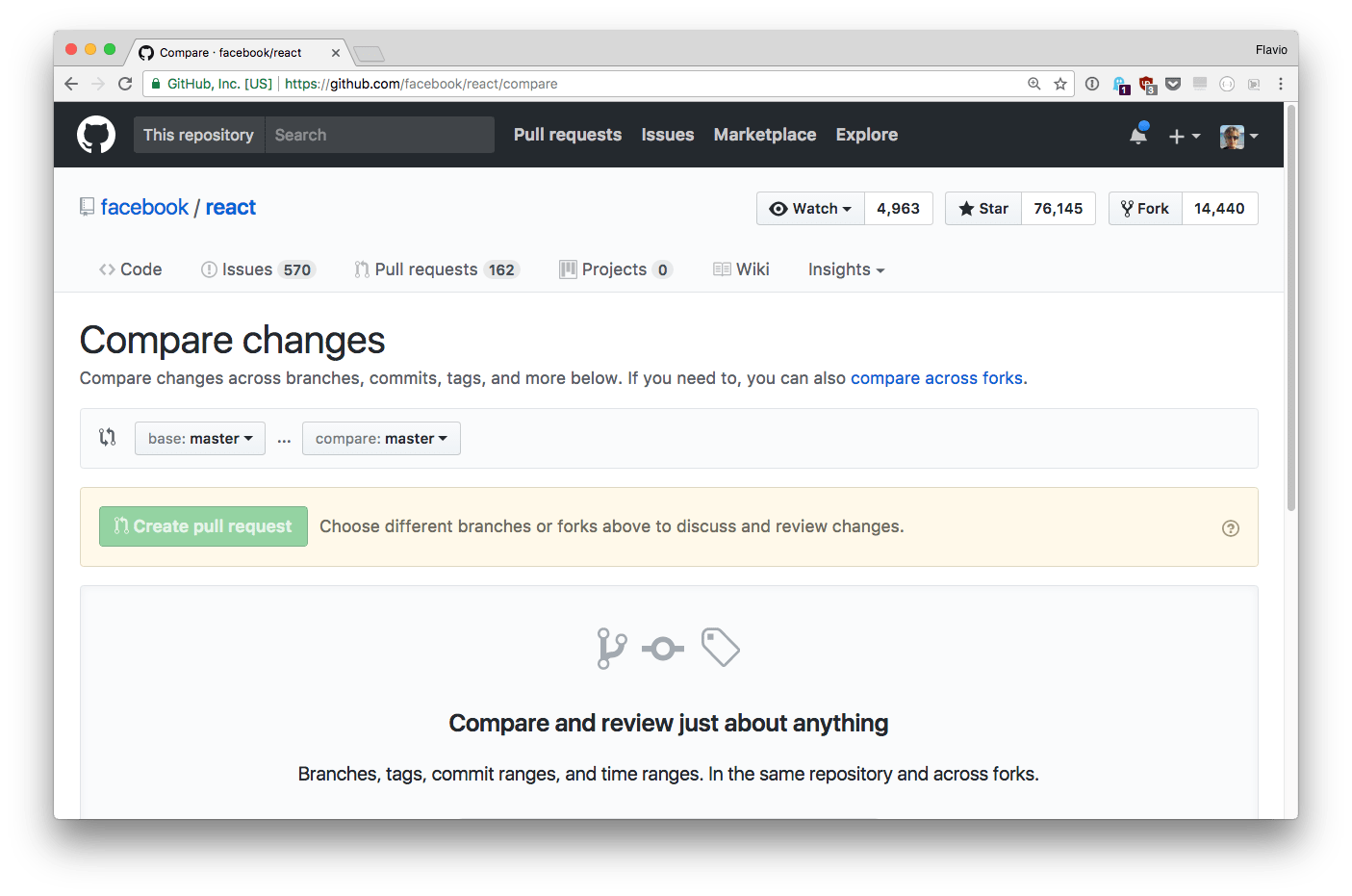
GitHub allows you to do this with the compare view, just add /compare to the repo name, for example: https://github.com/facebook/react/compare
For example here I choose to compare the latest React v15.x to the latest v16.0.0-rc version available at the time of writing, to check what’s changed:
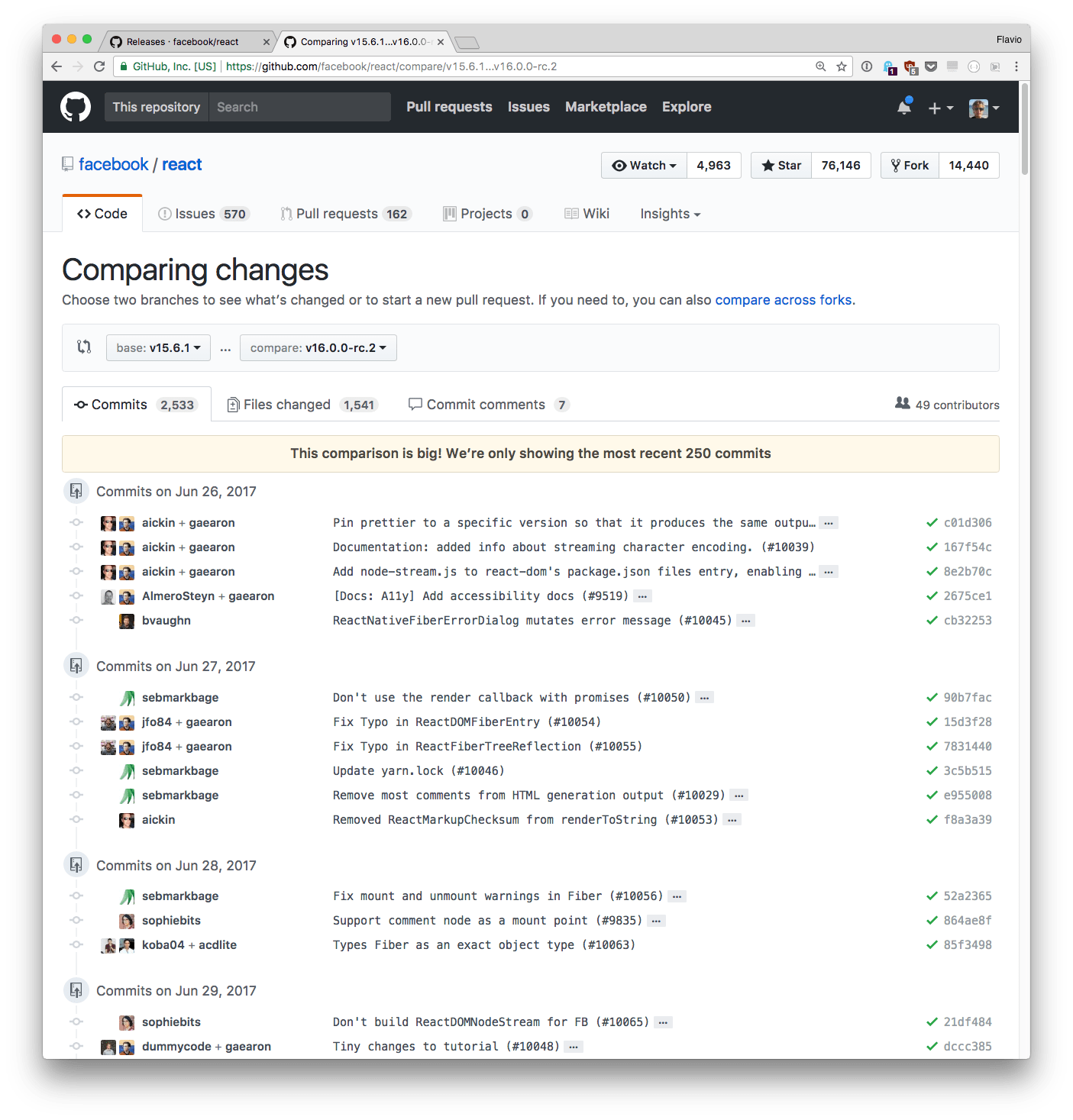
The view shows you the commits made between two releases (or tags or commit references) and the actual diff, if the number of changes is lower than a reasonable amount.