Join the AI Workshop and learn to build real-world apps with AI. A hands-on, practical program to level up your skills.
GitHub Actions is a powerful CI/CD (Continuous Integration/Continuous Deployment) feature built directly into GitHub. It allows you to automate workflows based on events in your repository.
What are GitHub Actions?
GitHub Actions let you:
- Run tests automatically when you push code
- Build and deploy your application
- Automate repetitive tasks
- Respond to issues and pull requests
Example: Deploy to Fly.io
Fly.io is a very cool cloud hosting platform but one thing I miss is automatic deploy when I do a GitHub commit, as the services are not linked to GitHub.
To add CD (Continuous Deployment) to Fly.io we need to create a GitHub action.
I suppose you already have a Fly app running and a fly.toml file in your repo.
In your project repo, create .github/workflows/fly.yml:
name: Fly Deploy
on:
  push:
    branches:
      - main
jobs:
  deploy:
    name: Deploy app
    runs-on: ubuntu-latest
    concurrency: deploy-group
    steps:
      - uses: actions/checkout@v4
      - uses: actions/setup-node@v4
        with:
          node-version: 20
      - uses: superfly/flyctl-actions/setup-flyctl@master
      - run: flyctl deploy --remote-only
        env:
          FLY_API_TOKEN: ${{ secrets.FLY_API_TOKEN }}
Make sure you set the name of the branch you want to deploy (in this example, I deploy the main branch).
Setting up secrets
In your terminal run:
fly tokens create deploy -x 999999hto generate the Fly token and add it to the actions secrets in GitHub:
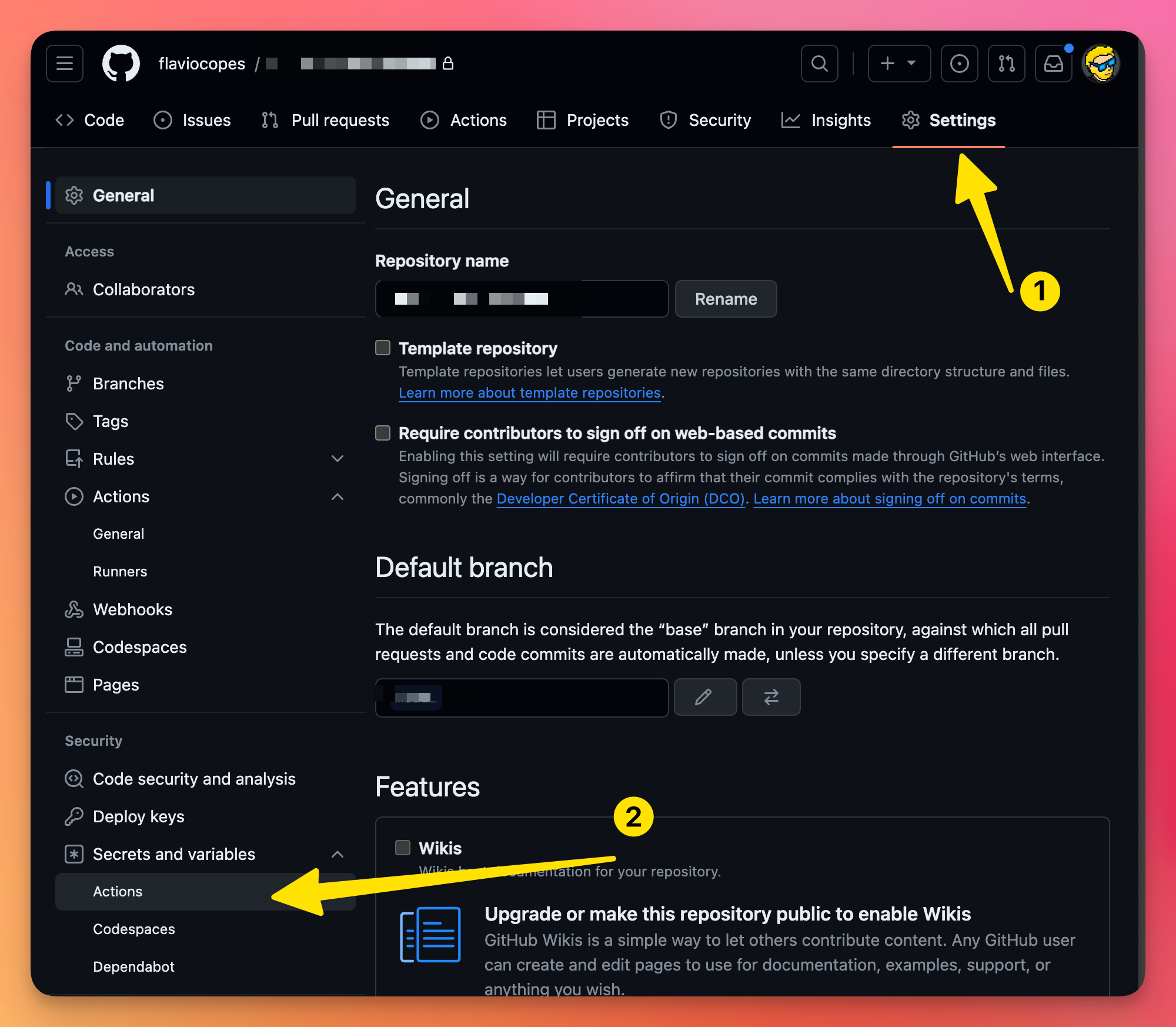
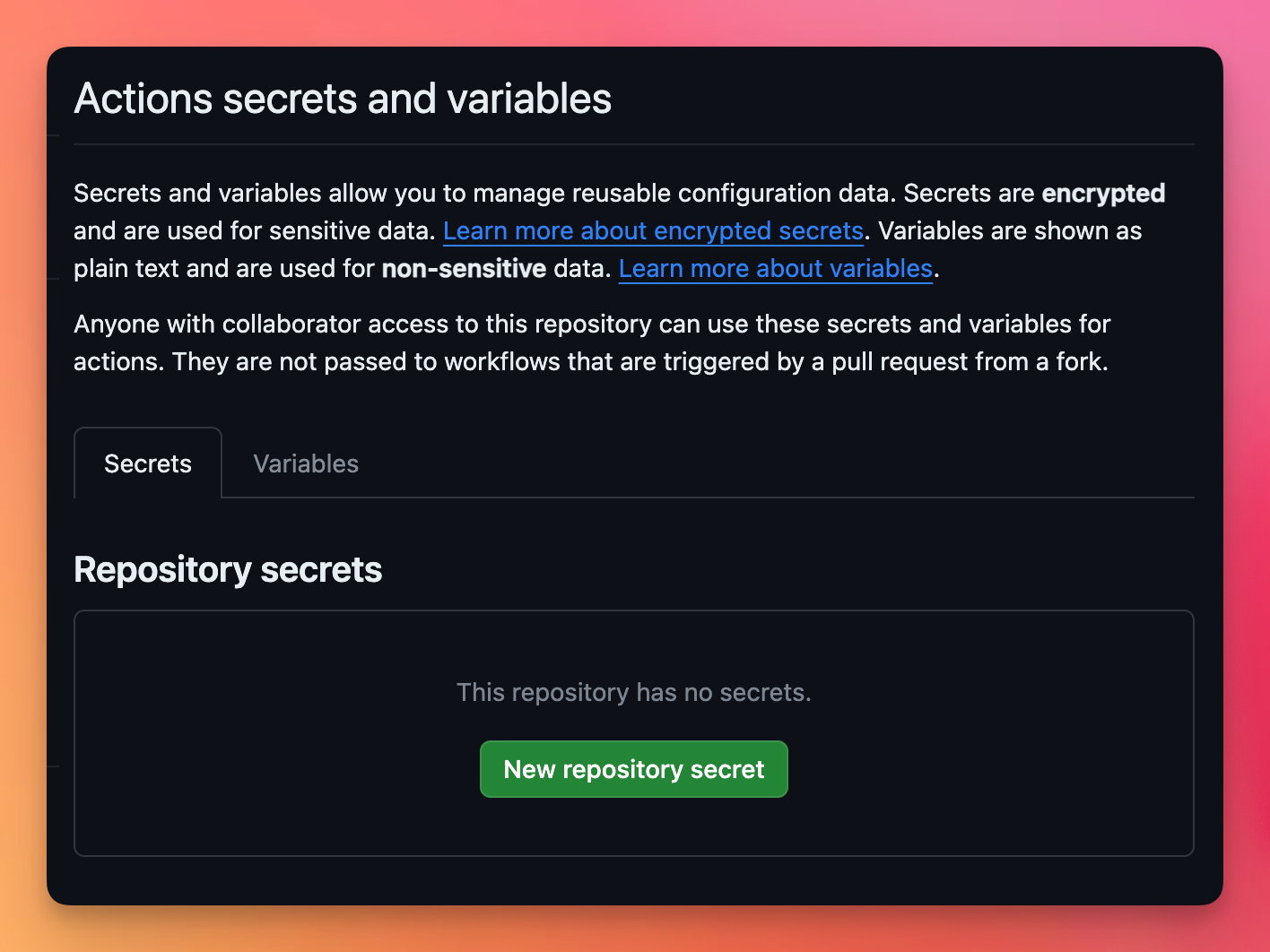
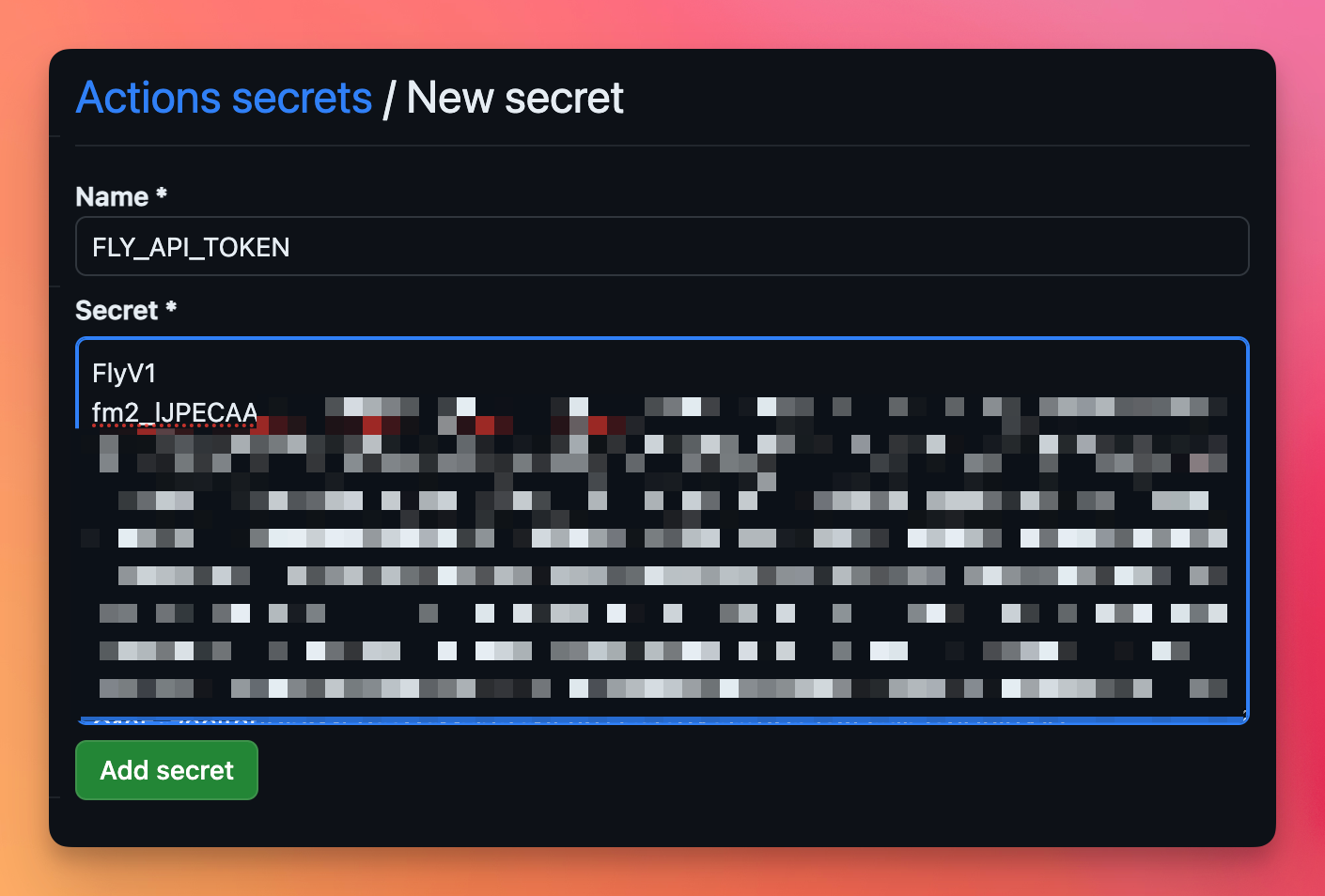
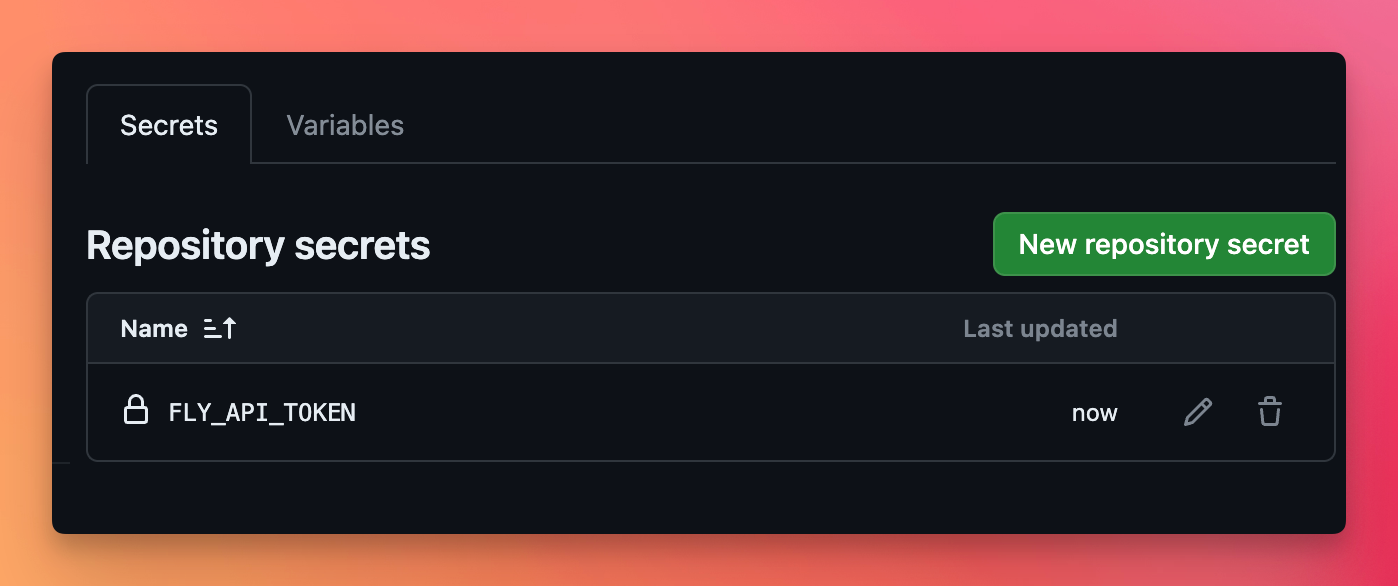
Call the secret FLY_API_TOKEN and enter the value you got from fly tokens...:
Running the action
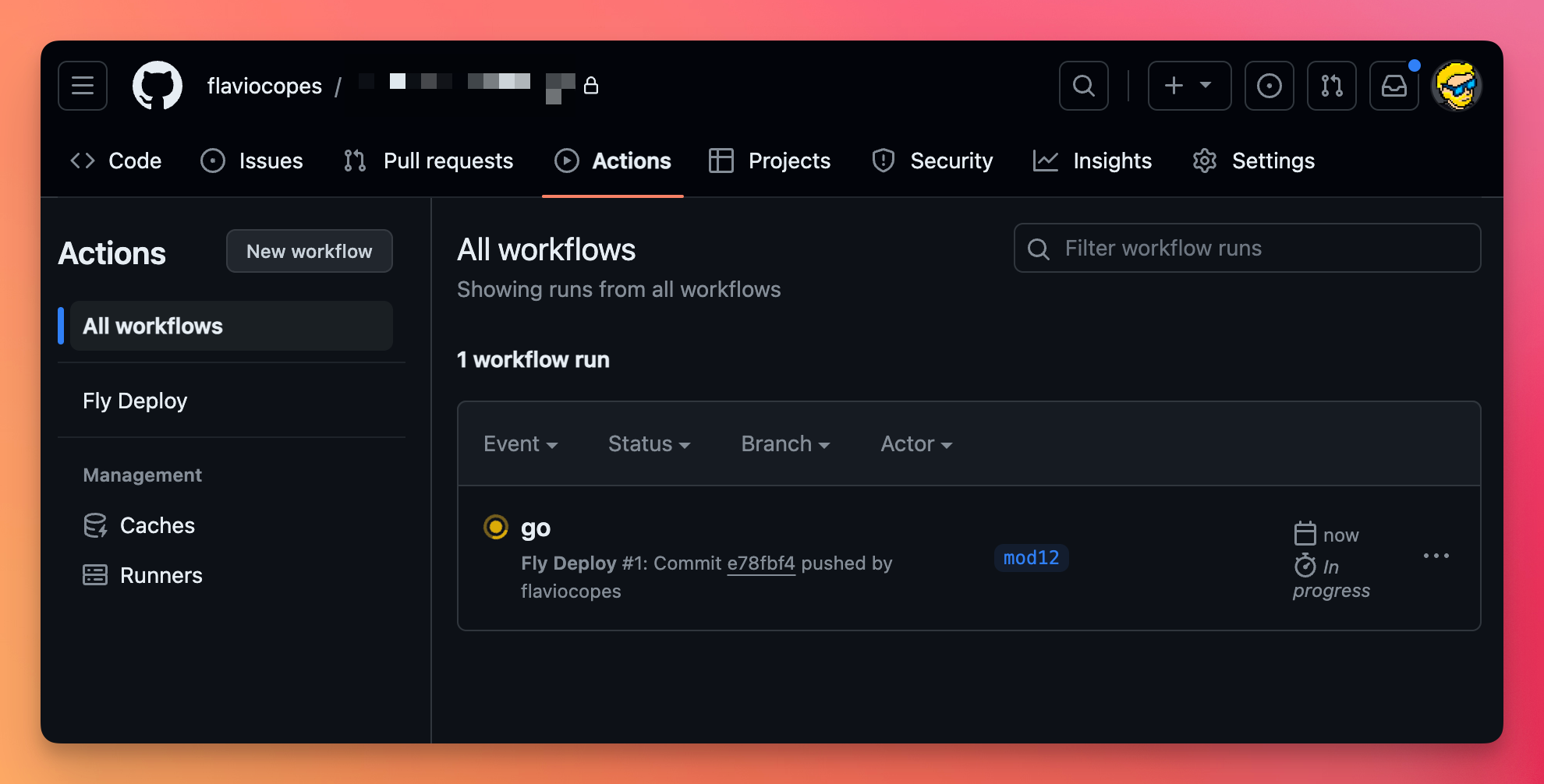
Push to GitHub, you’ll see your action running:
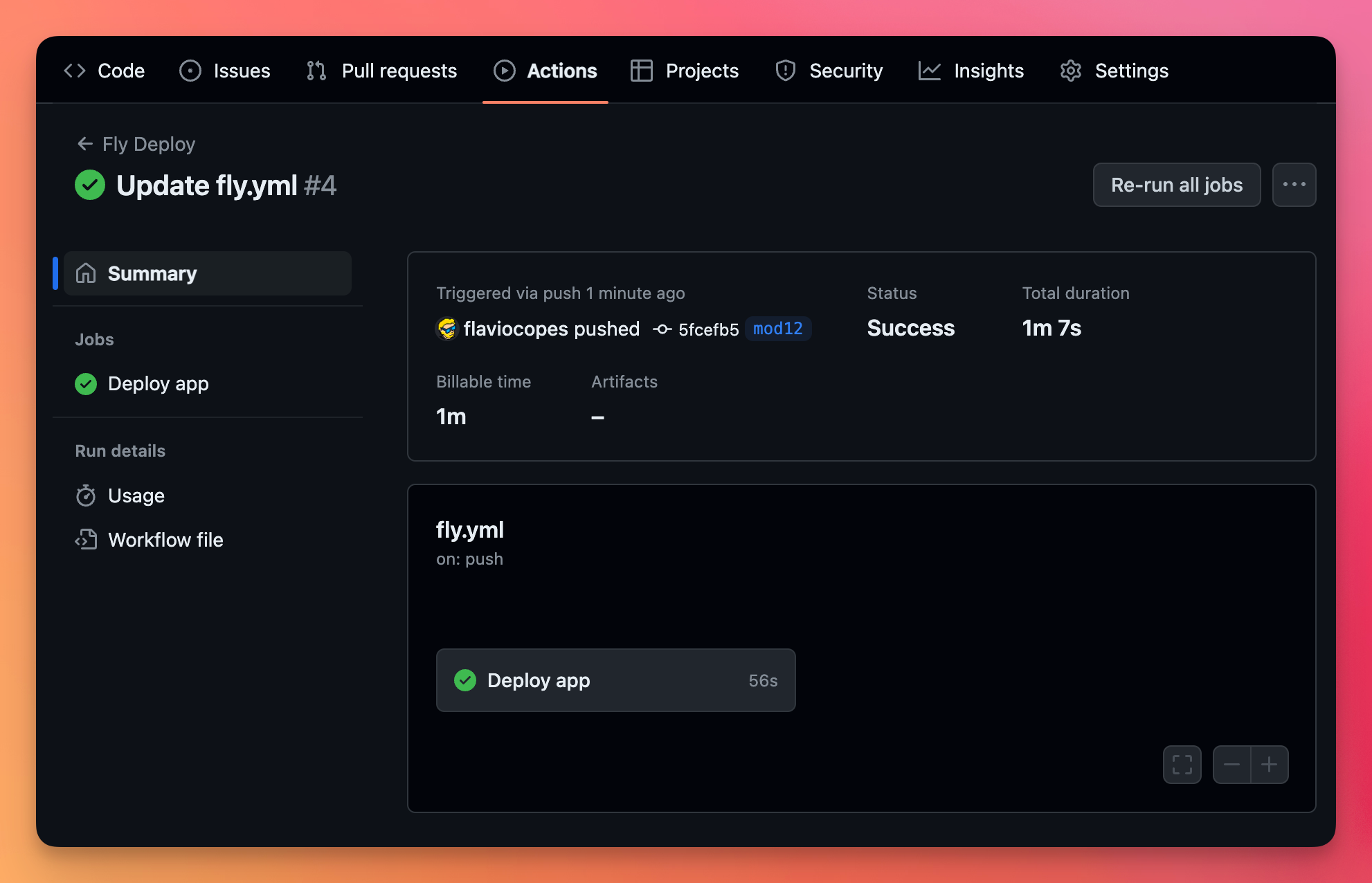
You can see all the details of the action by clicking it:
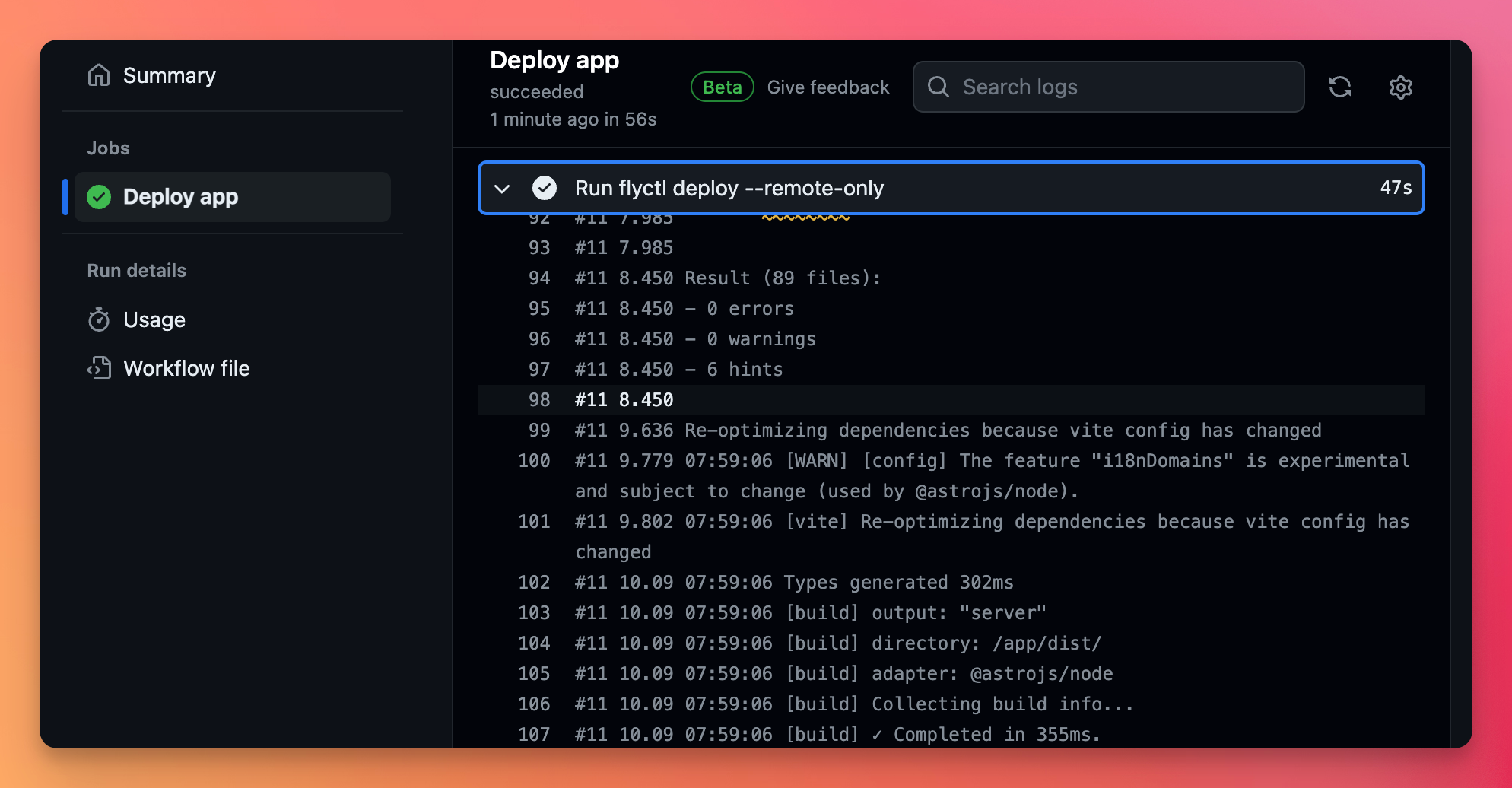
In the jobs tab you can see what happened in the build:
Go to the Fly dashboard, and you’ll see the action was successful:
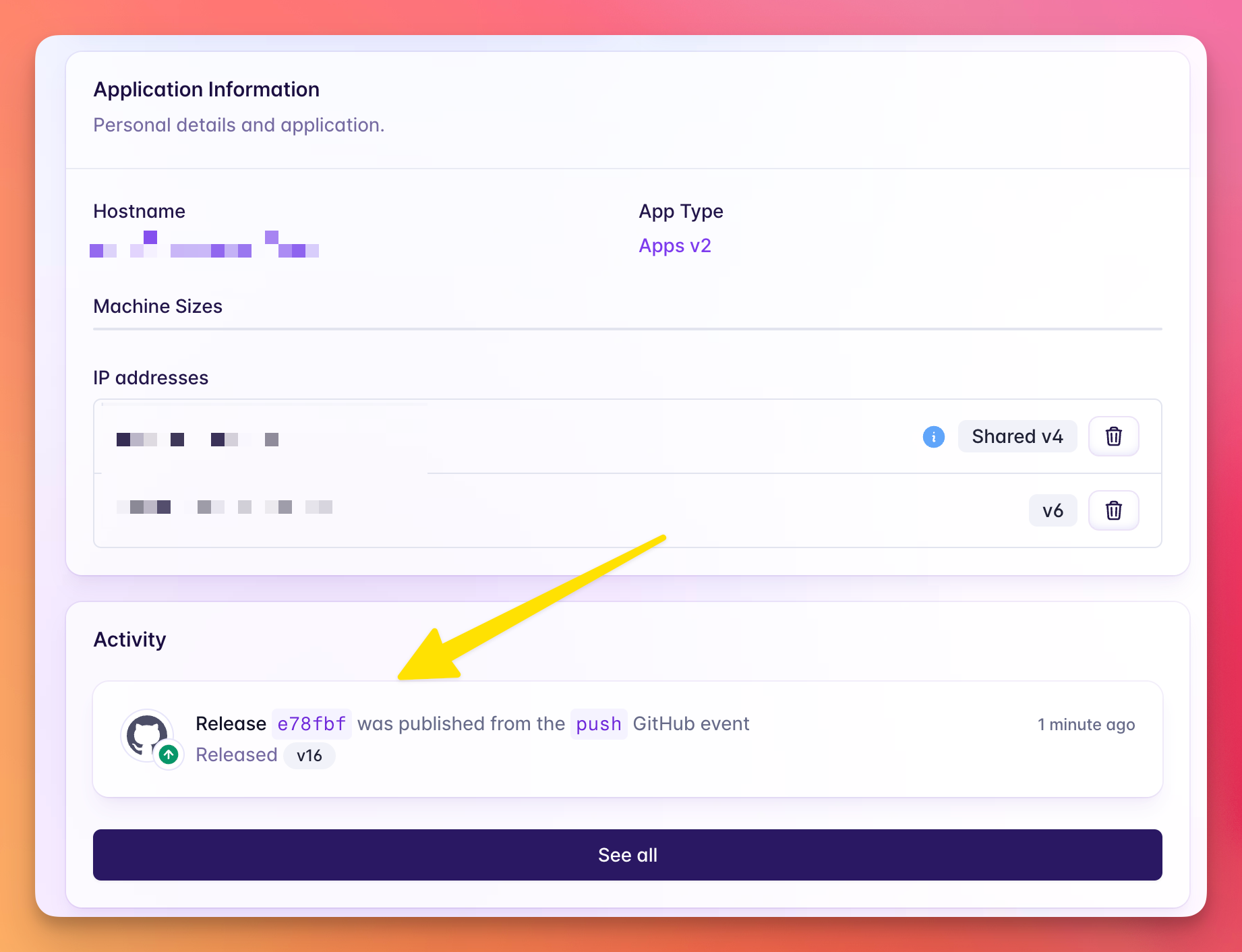
And the app is deployed on every commit.
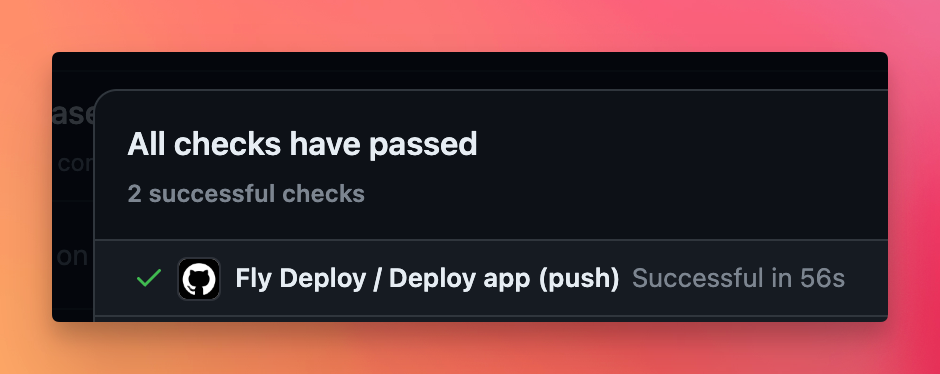
All your deploys also have a “check” now to indicate that the action was successful (or not):
Common GitHub Actions patterns
Run tests on push
name: Tests
on: [push, pull_request]
jobs:
  test:
    runs-on: ubuntu-latest
    steps:
      - uses: actions/checkout@v4
      - uses: actions/setup-node@v4
        with:
          node-version: 20
      - run: npm ci
      - run: npm test
Build and deploy to Netlify
name: Deploy to Netlify
on:
  push:
    branches:
      - main
jobs:
  deploy:
    runs-on: ubuntu-latest
    steps:
      - uses: actions/checkout@v4
      - uses: actions/setup-node@v4
        with:
          node-version: 20
      - run: npm ci
      - run: npm run build
      - uses: nwtgck/actions-netlify@v2
        with:
          publish-dir: './dist'
          production-deploy: true
        env:
          NETLIFY_AUTH_TOKEN: ${{ secrets.NETLIFY_AUTH_TOKEN }}
          NETLIFY_SITE_ID: ${{ secrets.NETLIFY_SITE_ID }}
Key concepts
- Workflows: YAML files in
.github/workflows/that define automation - Events: Triggers like
push,pull_request,schedule, etc. - Jobs: Groups of steps that run on the same runner
- Steps: Individual tasks that run commands or actions
- Actions: Reusable units of code (like
actions/checkout@v4) - Secrets: Encrypted environment variables for sensitive data
Lessons in this unit:
| 0: | Introduction |
| 1: | Setting up Git and GitHub from scratch |
| 2: | Authentication methods |
| 3: | Making your first pull request |
| 4: | ▶︎ GitHub Actions for CI/CD |