Join the AI Workshop and learn to build real-world apps with AI. A hands-on, practical program to level up your skills.
Set up GitHub authentication so you can use it from VS Code or the command line.
I normally use the GitHub Desktop app to interact with my GitHub account, the only place I use for Git repositories for all my code and websites.
But there are times when you need to use the git command line, or perhaps the Git integration in VS Code.
Without these steps, you’d get an authentication issue if you try.
Let’s set it up.
I assume you have Homebrew installed.
From the command line, run:
brew install ghand then use the gh tool:
gh auth loginThen answer a few questions.
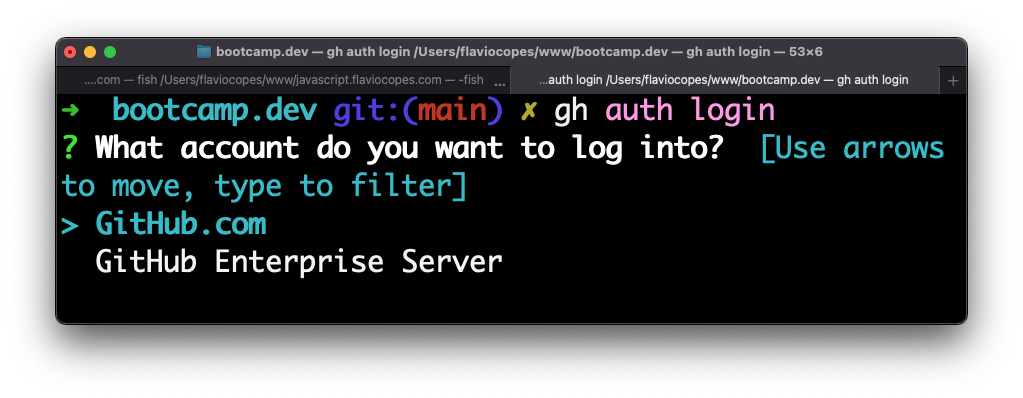
Choose HTTPS:
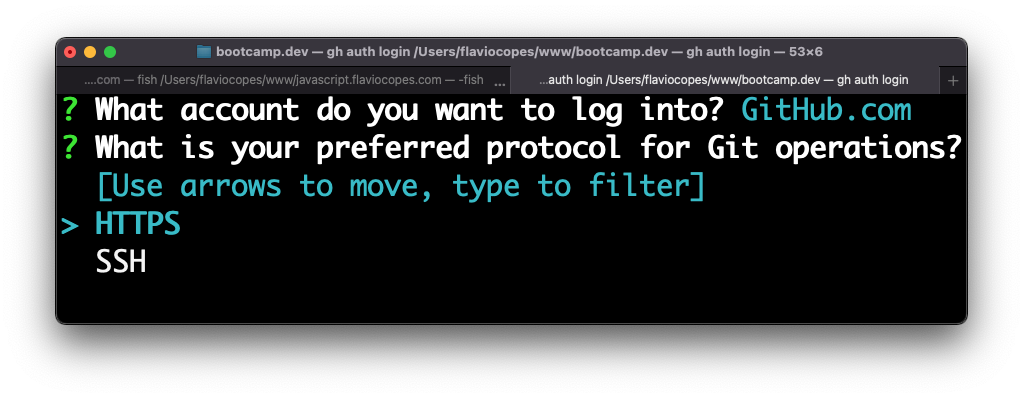
Choose Y:
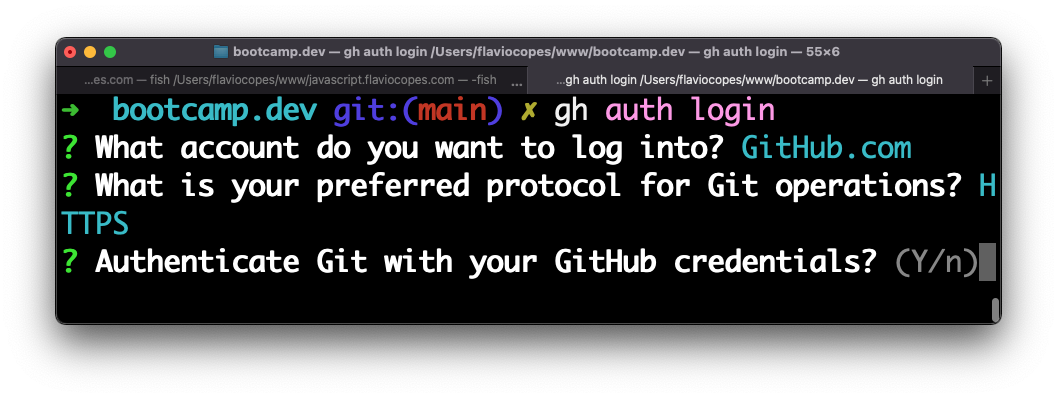
And proceed to log in with the browser:
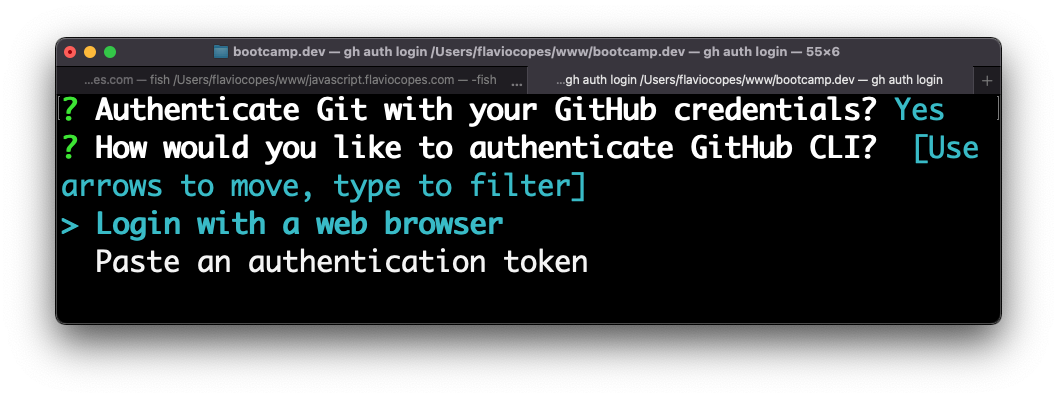
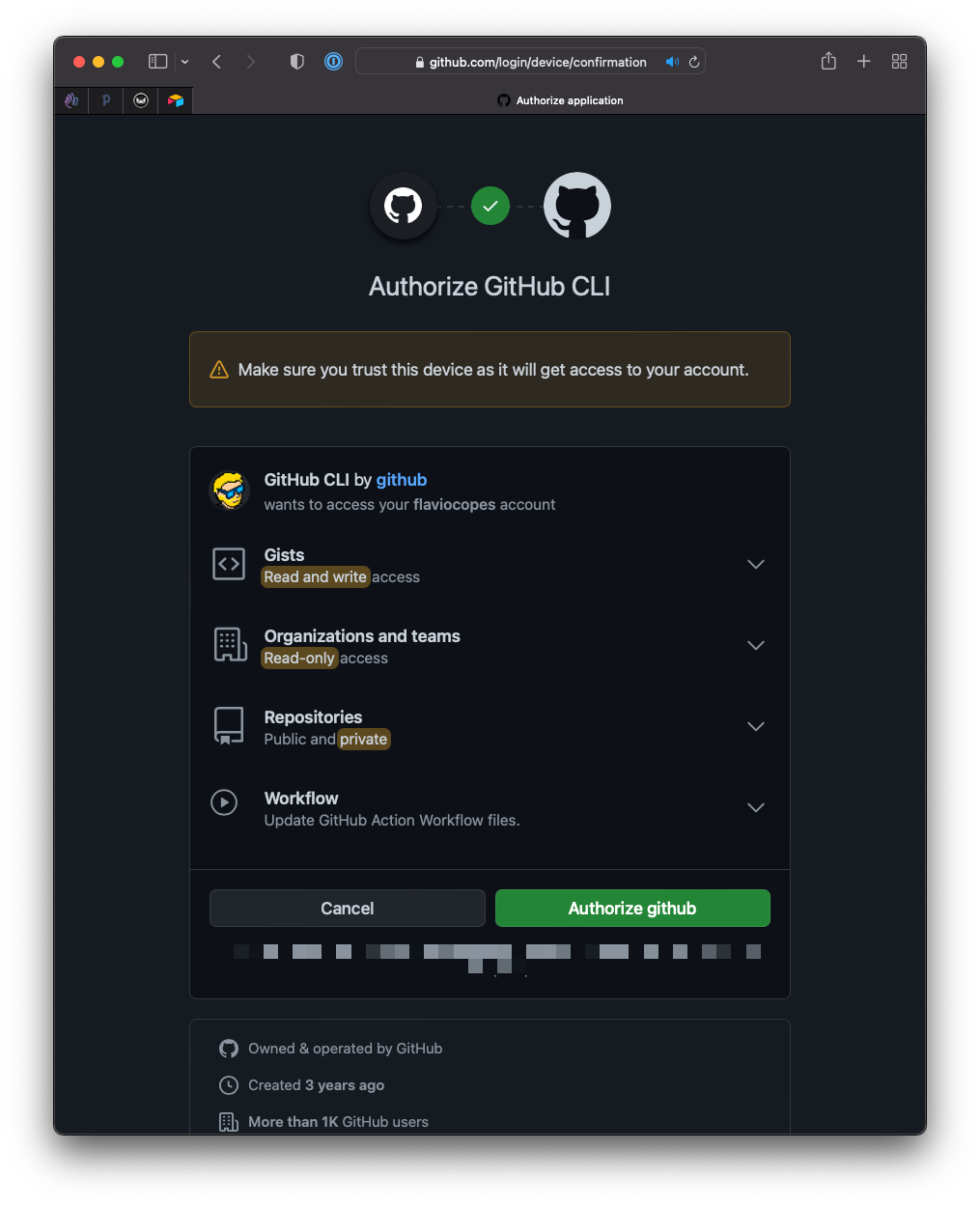
Click Authorize GitHub:
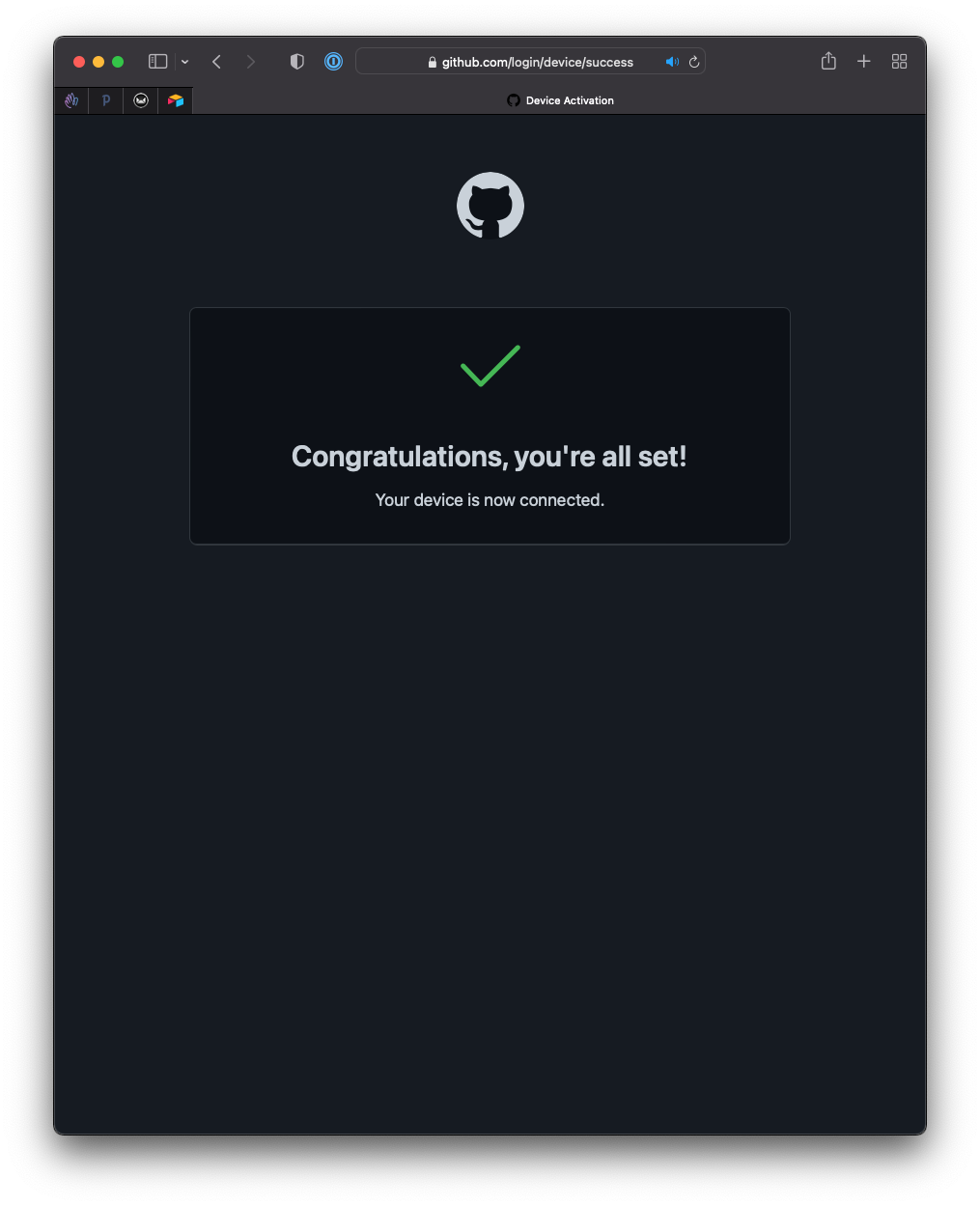
And you’re set:
Go back to your terminal or VS Code, and things will work as expected.