Join the AI Workshop and learn to build real-world apps with AI. A hands-on, practical program to level up your skills.
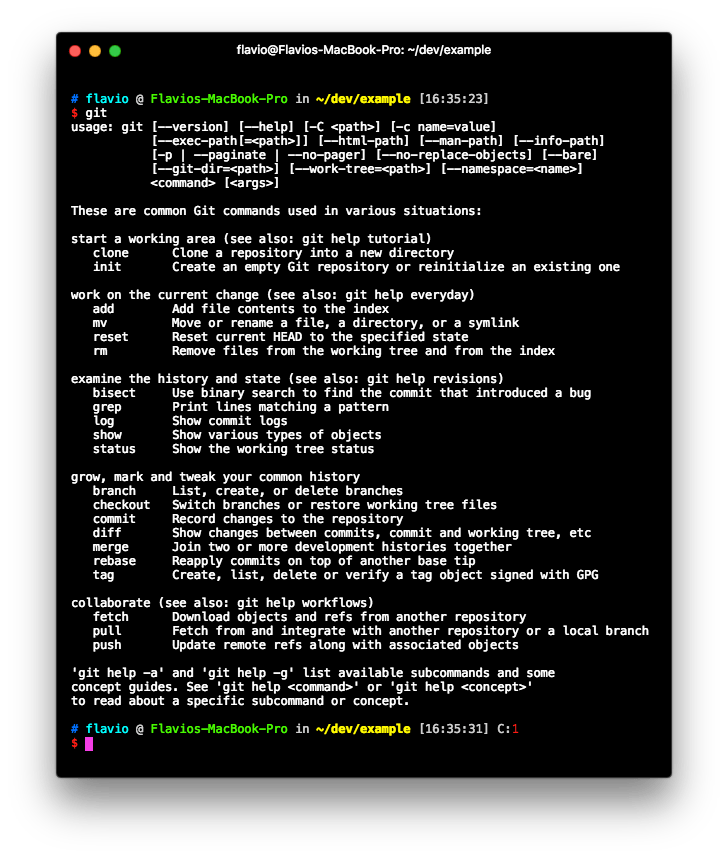
Once Git is installed on your system, you can access it using the command line by typing git.
Suppose you have a clean folder. You can initialize a Git repository by typing:
git init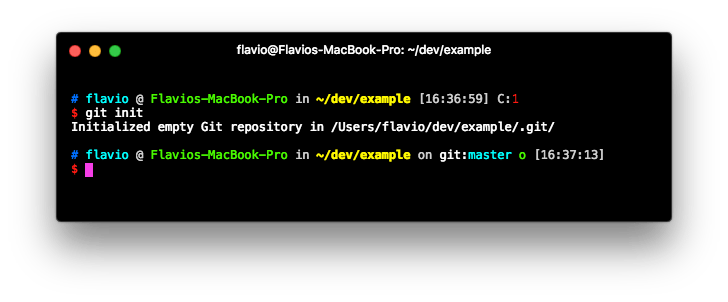
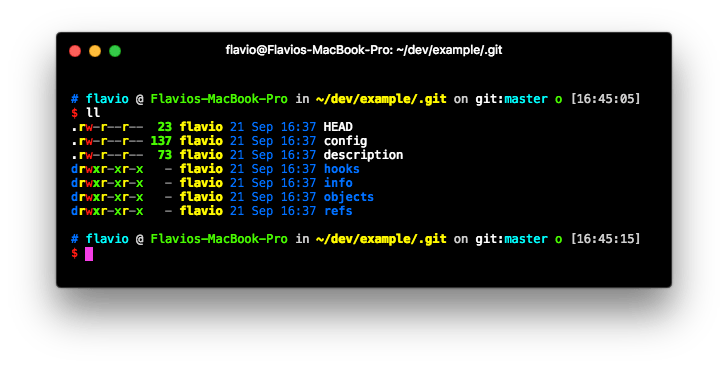
What does this command do? It creates a .git folder in the folder where you ran it. If you don’t see it, it’s because it’s a hidden folder, so it might not be shown everywhere unless you set your tools to show hidden folders.