Join the AI Workshop and learn to build real-world apps with AI. A hands-on, practical program to level up your skills.
Let’s see how a file can be added to Git. Type:
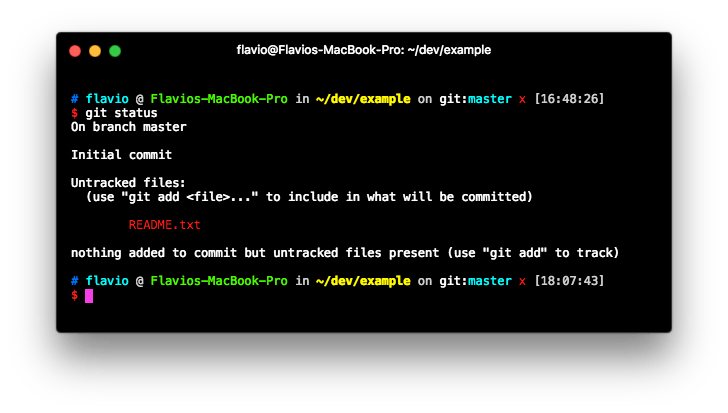
echo "Test" > README.txtto create a file. The file is now in the directory, but Git was not told to add it to its index, as you can see from what git status tells us:
Now we need to add the file to the repository with:
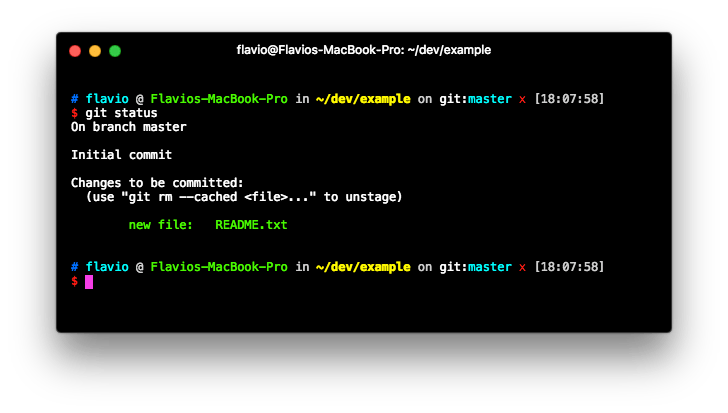
git add README.txtThis command adds the file to the staging area:
Once a file is in the staging area, you can remove it by typing:
git reset README.txtBut usually what you do once you add a file is commit it.
Once you have one or more changes in the staging area, you can commit them using:
git commit -am "Description of the change"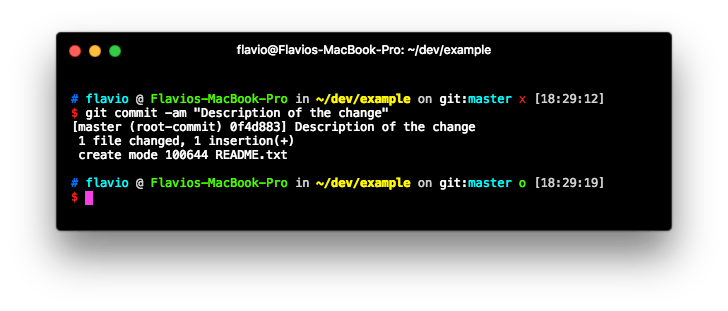
This cleans the status of the staging area:
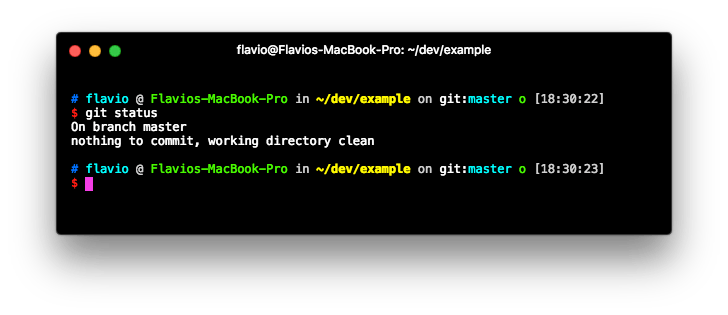
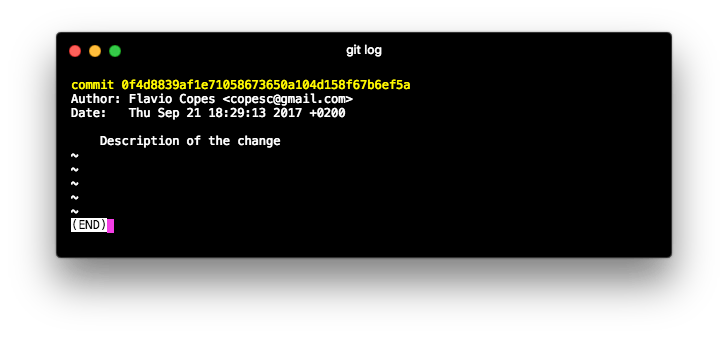
and permanently stores the edit you made into a record store, which you can inspect by typing git log: