Join the AI Workshop and learn to build real-world apps with AI. A hands-on, practical program to level up your skills.
I wanted to rebuild my site on Netlify any time I did a new commit on a Git submodule included in the repo.
Unfortunately, Netlify does not do this by default, only the main repository is “watched” for new commits.
So I did this.
I went to the Deploy settings and in “Build hooks” I clicked “Add build hook”.
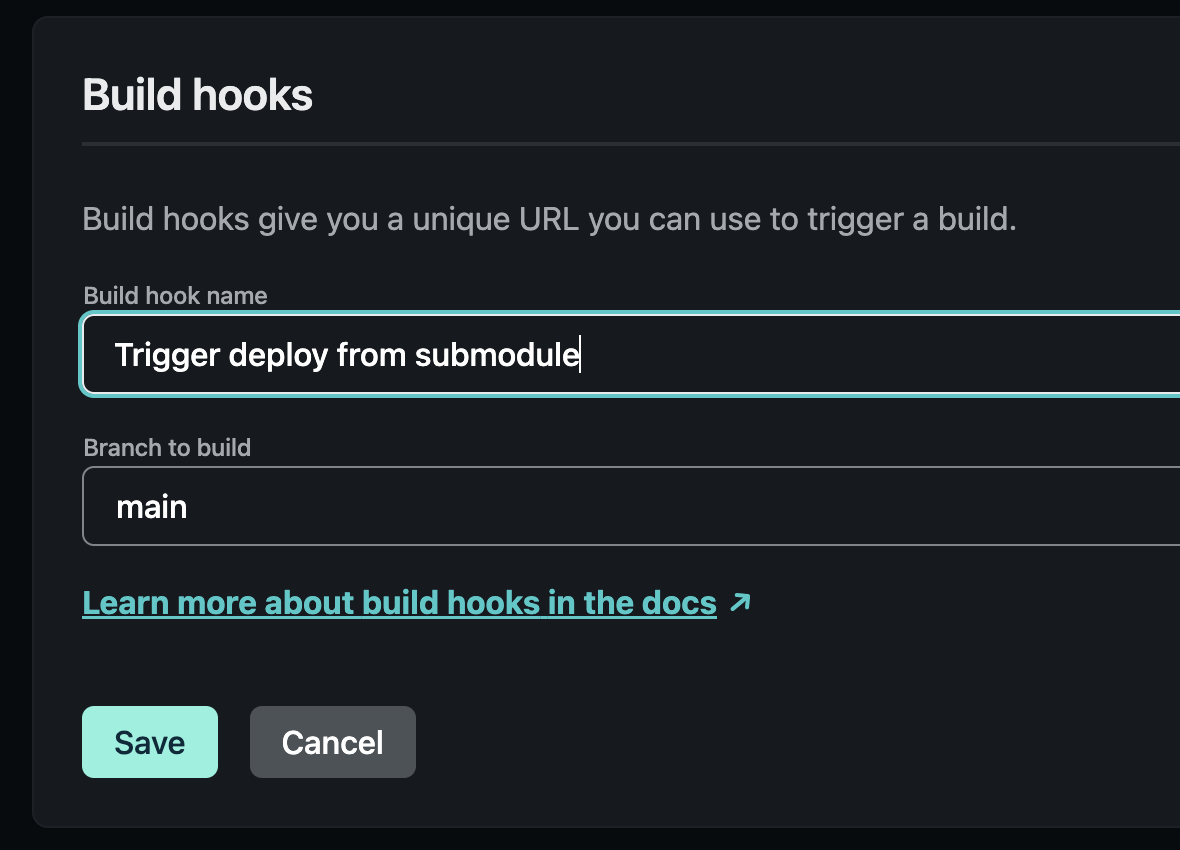
Saving this gave me a unique URL I could call, something like https://api.netlify.com/build_hooks/UNIQUE_STRING.
Then I created a GitHub Action in the submodule repository:
name: Trigger redeploy on Netlify
on:
  push:
    branches: [ "main" ]
jobs:
  build:
    name: Make POST request
    runs-on: ubuntu-latest
    steps:
      - name: Curl request
        shell: bash
        env:
          UNIQUE_STRING: ${{ secrets.NETLIFY_BUILD_HOOK_UNIQUE_STRING }}
        run: curl -X POST -d {} https://api.netlify.com/build_hooks/$UNIQUE_STRING
Add the Netlify UNIQUE_STRING value you got above to the NETLIFY_BUILD_HOOK_UNIQUE_STRING Action secret in your repo under Settings → Secrets → Actions.
Commit the action and the deploy should already be working: