Join the AI Workshop and learn to build real-world apps with AI. A hands-on, practical program to level up your skills.
I want to introduce 2 very useful tags used in forms: <label> and <fieldset>.
<label>
<label> is used to build better-looking forms.
For example, you have an input field:
<input type="email" name="email" />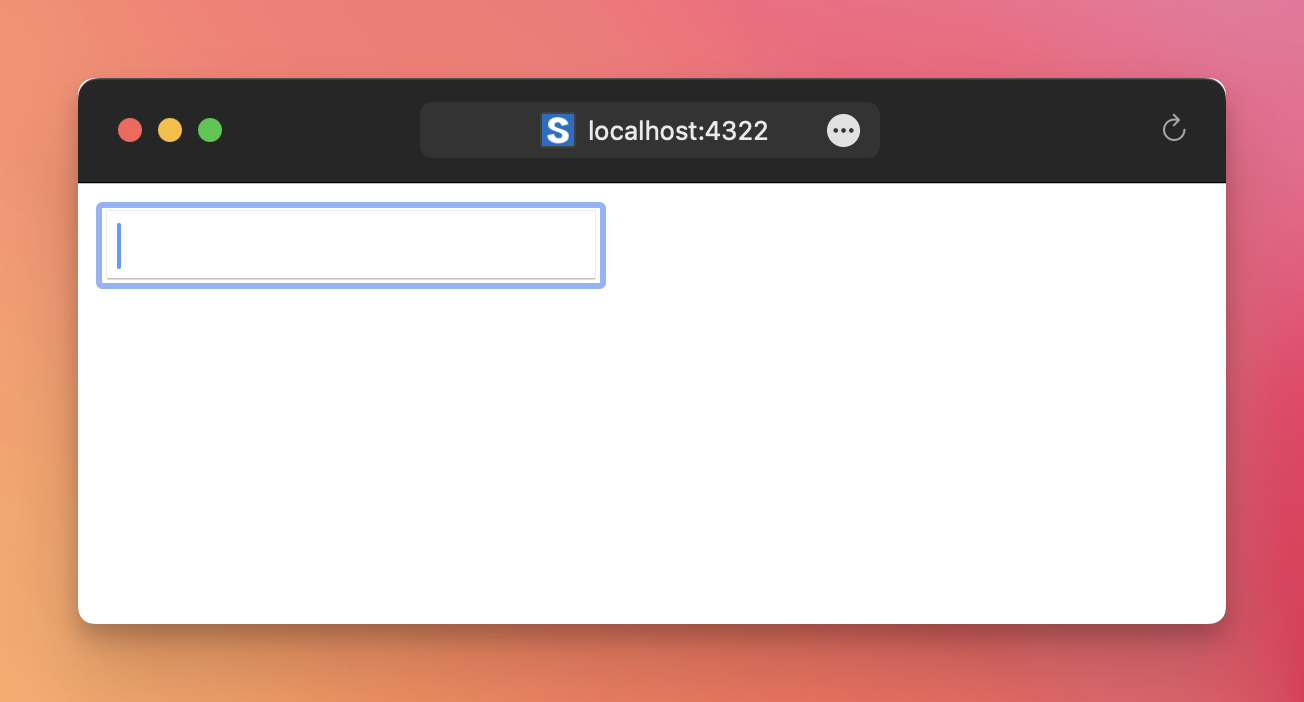
Adding a label helps users understand what they should type in that field:
<label for="email">Your email: </label>
<input type="email" name="email" id="email" />
Note that when using a label we need an id attribute, so when the user clicks the label, the input field automatically focuses.

<fieldset>
This tag is used to create a section in a form.
Imagine you have a long form with lots of fields:
<form method='post'>
  <div>
    <label for="email">Your email: </label>
    <input type="email" name="email" id="email" />
  </div>
  <div>
    <label for="name">Your name: </label>
    <input type="text" name="name" id="name" />
  </div>
  <div>
    <label for="address">Your address: </label>
    <input type="email" name="address" id="address" />
  </div>
  <div>
    <label for="country">Your country: </label>
    <input type="text" name="country" id="country" />
  </div>
</form>

<style>
	form div {
		padding-bottom: 10px;
	}
</style>
You can use <fieldset> and the browser automatically adds a border to the form (visual change), but also we have now separated the form conceptually into 2 parts:
<form method='post'>
  <fieldset>
    <div>
      <label for="email">Your email: </label>
      <input type="email" name="email" id="email" />
    </div>
    <div>
      <label for="name">Your name: </label>
      <input type="text" name="name" id="name" />
    </div>
  </fieldset>
  <fieldset>
    <div>
      <label for="address">Your address: </label>
      <input type="email" name="address" id="address" />
    </div>
    <div>
      <label for="country">Your country: </label>
      <input type="text" name="country" id="country" />
    </div>
  </fieldset>
</form>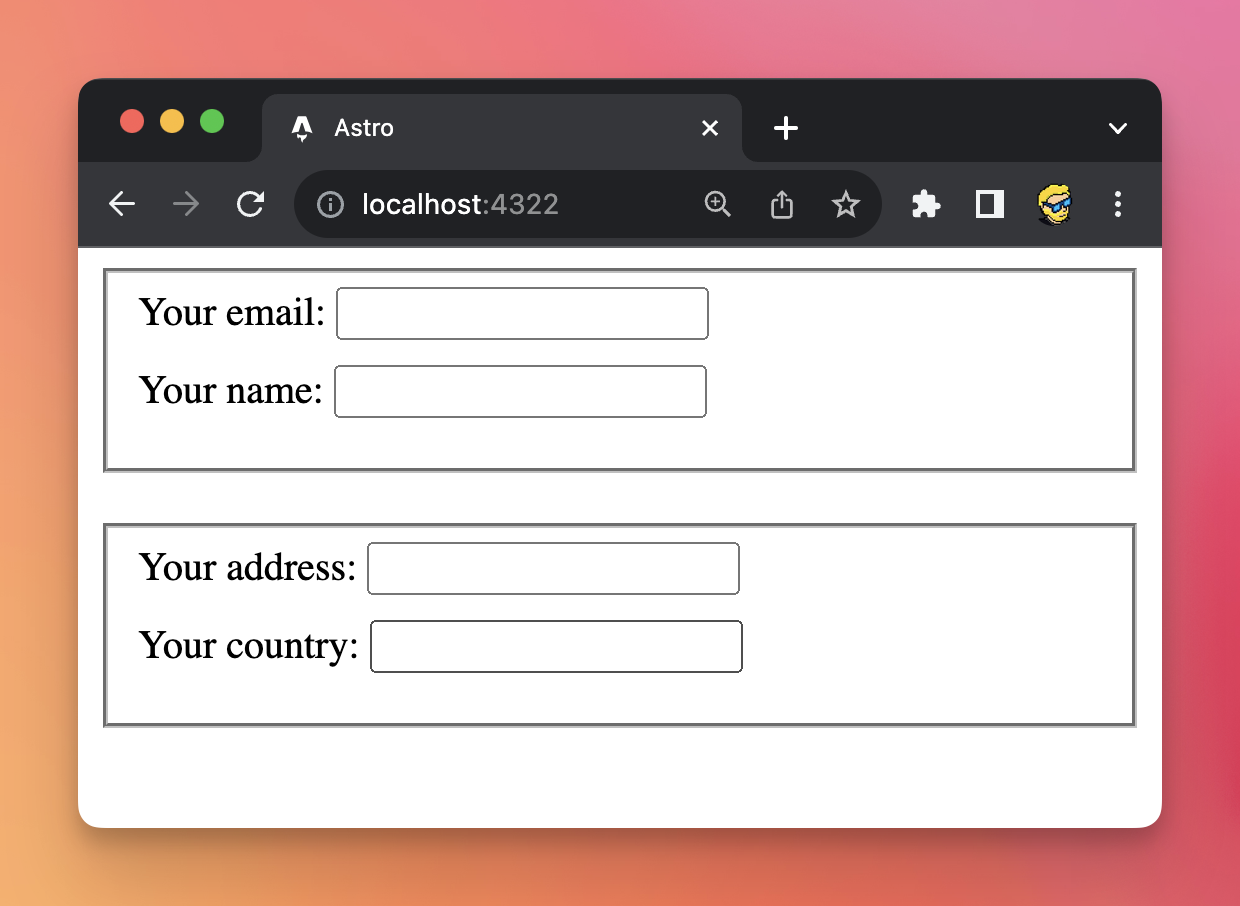
Interestingly we can use the <legend> tag to explain what each section is about and the browser does this visually:
<form method='post'>
  <fieldset>
    <legend>Who are you?</legend>
    <div>
      <label for="email">Your email: </label>
      <input type="email" name="email" id="email" />
    </div>
    <div>
      <label for="name">Your name: </label>
      <input type="text" name="name" id="name" />
    </div>
  </fieldset>
  <fieldset>
    <legend>Where do you live?</legend>
    <div>
      <label for="address">Your address: </label>
      <input type="email" name="address" id="address" />
    </div>
    <div>
      <label for="country">Your country: </label>
      <input type="text" name="country" id="country" />
    </div>
  </fieldset>
</form>

<style>
	form div {
		padding-bottom: 10px;
	}
	fieldset {
		margin-bottom: 20px;
	}
</style>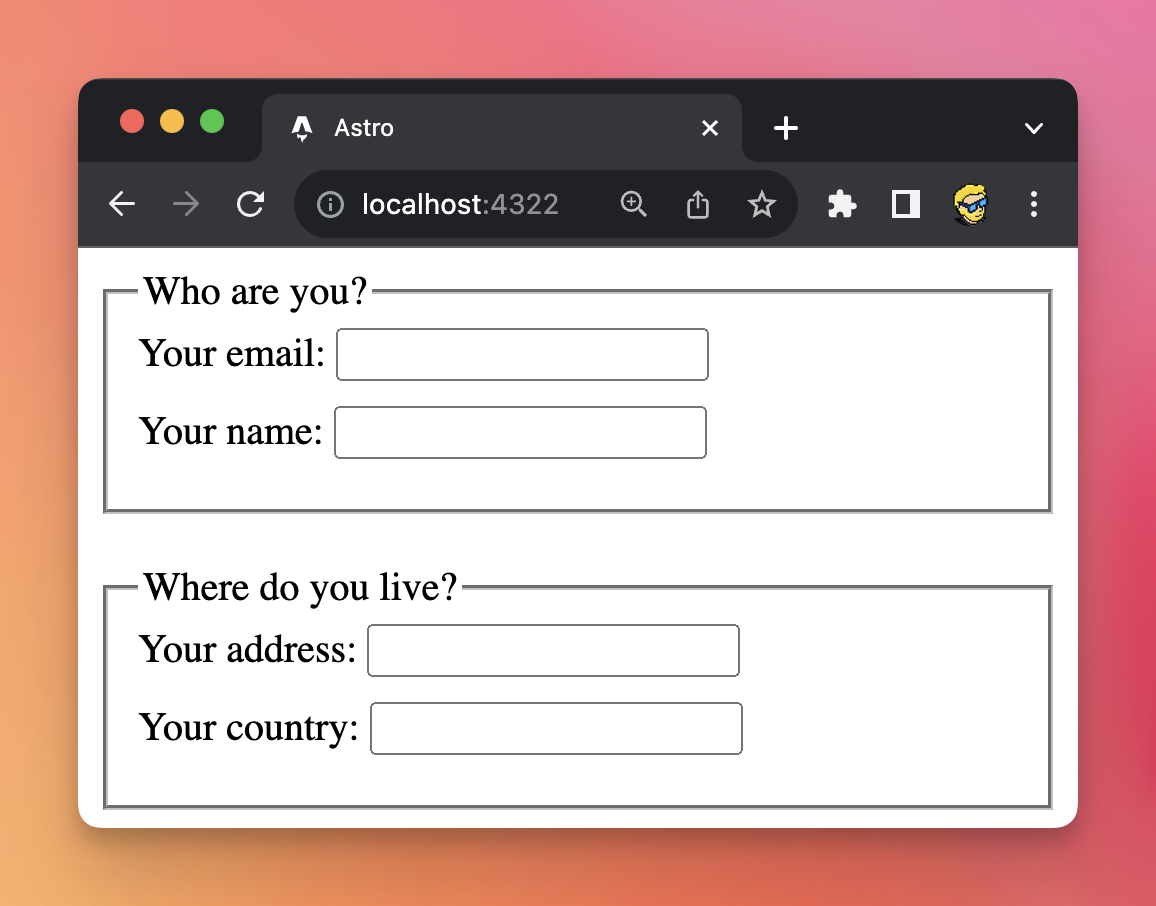
Lessons in this unit:
| 0: | Introduction |
| 1: | Creating a form |
| 2: | Submitting a form |
| 3: | Receiving the form data |
| 4: | Form validation |
| 5: | ▶︎ More tags useful in forms |
| 6: | Disabled form fields are not POSTed |