Join the AI Workshop and learn to build real-world apps with AI. A hands-on, practical program to level up your skills.
In this unit I’ll show you how to use JavaScript to interact with a form.
Let’s start with the simple form we defined in the Introduction to Forms unit:
<form>
  <input type="text" name="city" />
</form>
Using the DOM API and in particular querySelector, we can get the value typed into this input field:
document.querySelector('input').value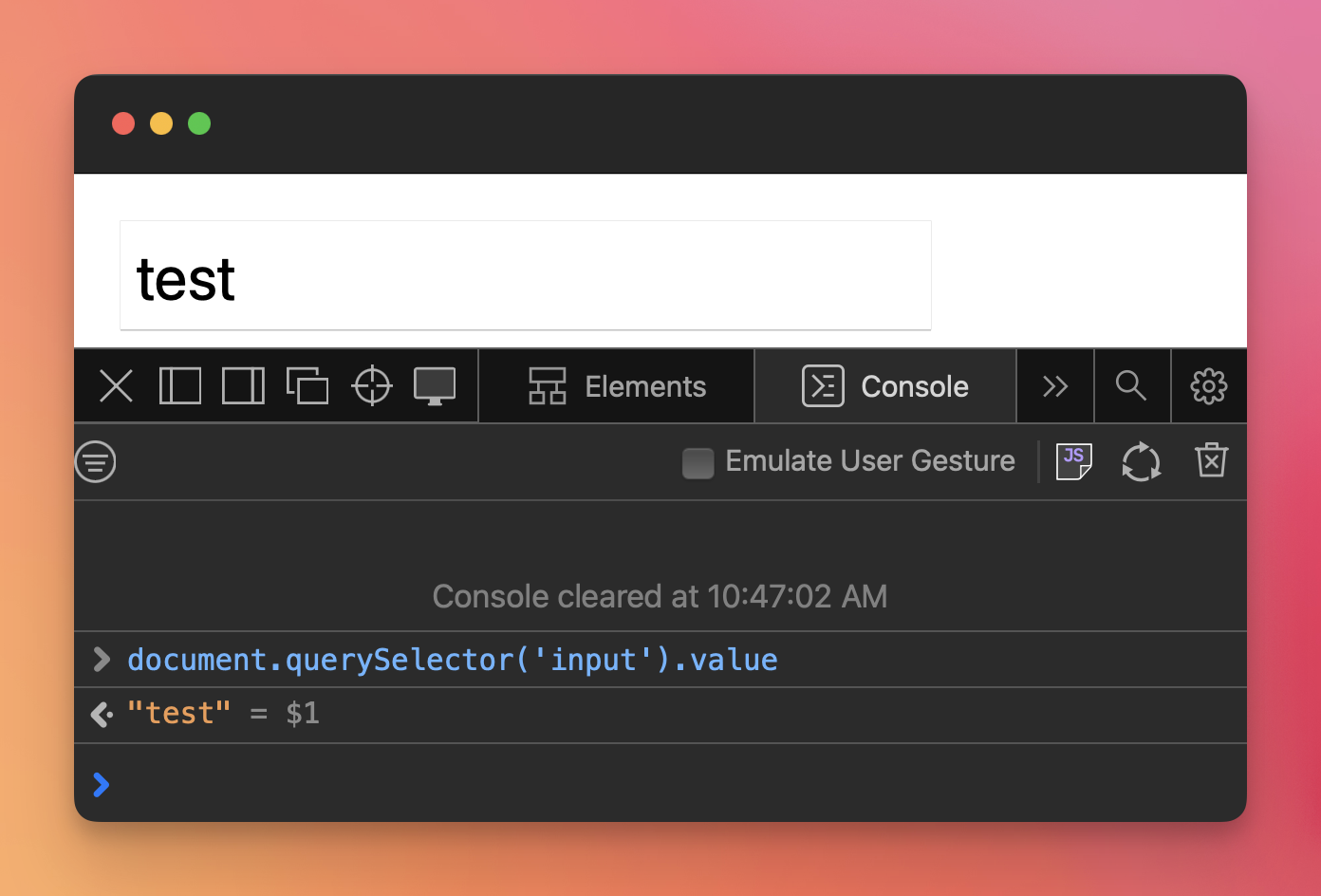
This is often used along with events.
Lessons in this unit:
| 0: | Introduction |
| 1: | ▶︎ Inspect the value of an item |
| 2: | Listen to events on input fields |
| 3: | Intercepting a form submit event using JavaScript |
| 4: | Redirect to a link when user selects option in a select |