Join the AI Workshop and learn to build real-world apps with AI. A hands-on, practical program to level up your skills.
Textarea is a form field that can contain multi-line text.
You add a textarea using the <textarea> tag.
Unlike <input />, this tag requires an opening and closing tag:
<textarea></textarea>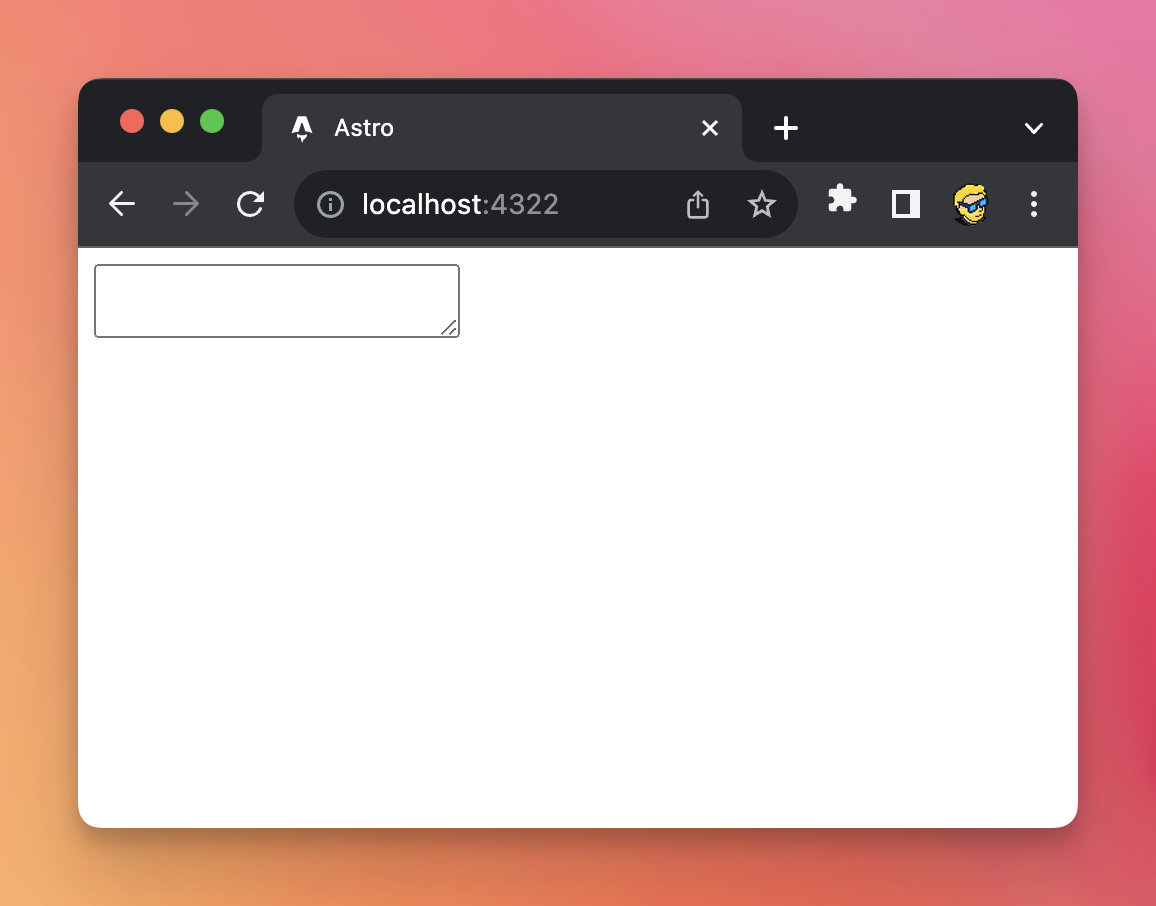
Inside it, we can add a value for the content displayed:
<textarea>Hello</textarea>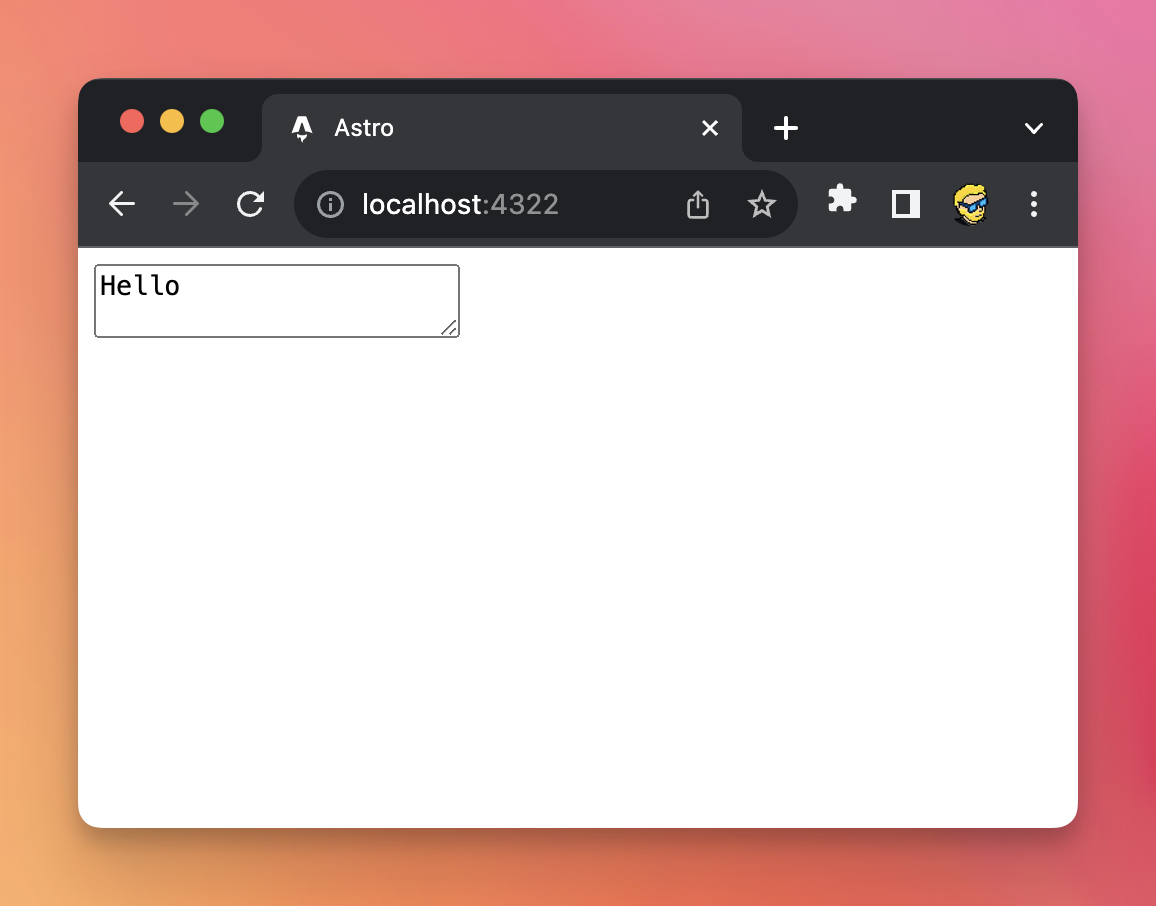
We can set the size of the textarea using HTML attributes:
rowssets the number of rowscolssets the number of columns
<textarea rows='13' cols='40'></textarea>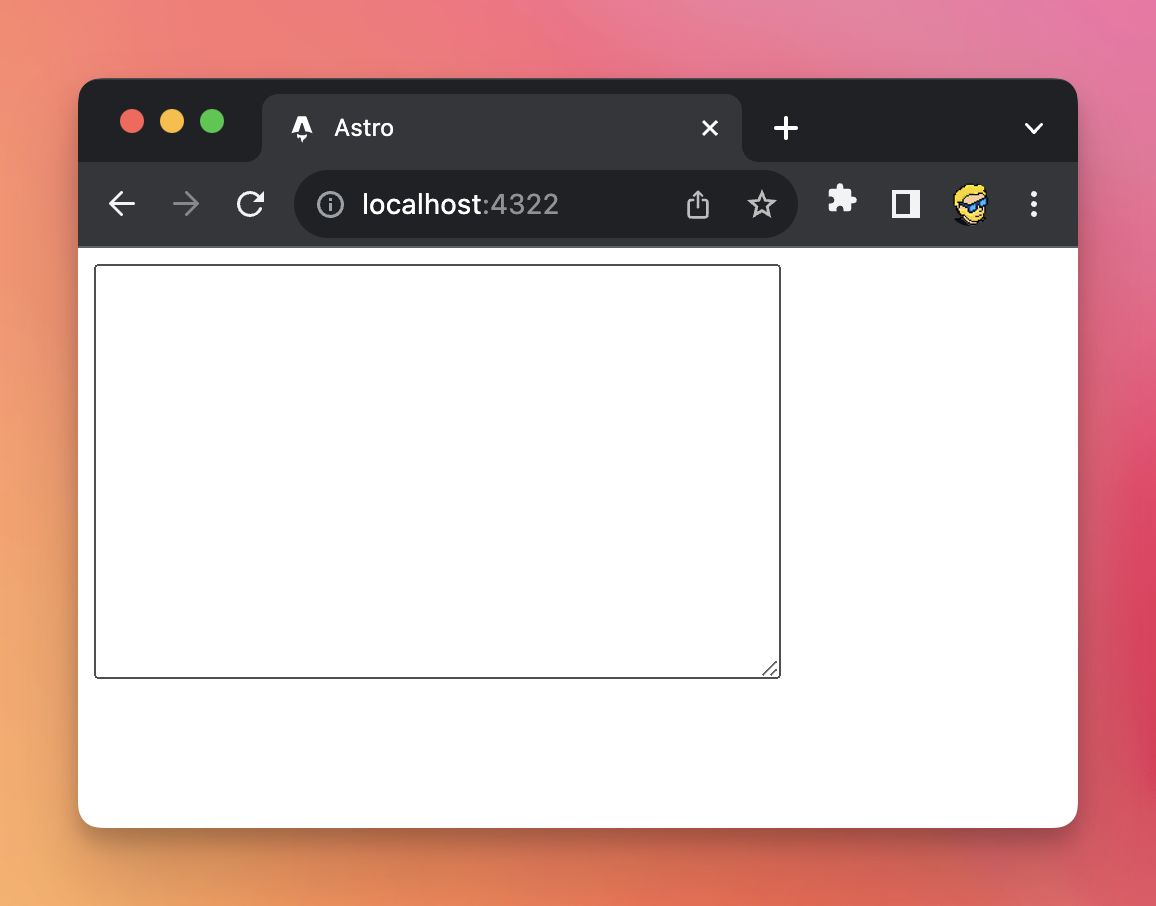
As usual to send data to the server we add a name attribute to it.
Lessons in this unit:
| 0: | Introduction |
| 1: | Form submit field |
| 2: | Specialized input fields |
| 3: | Checkboxes |
| 4: | Radio buttons |
| 5: | File input fields |
| 6: | ▶︎ Textarea |
| 7: | Select |
| 8: | Autocompleting form fields |