Join the AI Workshop and learn to build real-world apps with AI. A hands-on, practical program to level up your skills.
Fly.io is a very cool cloud hosting platform but one thing I miss is automatic deploy when I do a GitHub commit, as the services are not linked to GitHub.
To add CD (Continuous Deployment) to Fly.io we need to create a GitHub action.
I suppose you already have a Fly app running and a fly.toml file in your repo, as I describe in run an app on fly.io.
In your project repo, create .github/workflows/fly.yml:
name: Fly Deploy
on:
  push:
    branches:
      - mod12
jobs:
  deploy:
    name: Deploy app
    runs-on: ubuntu-latest
    concurrency: deploy-group
    steps:
      - uses: actions/checkout@v4
      - uses: actions/setup-node@v4
        with:
          node-version: 20
      - uses: superfly/flyctl-actions/setup-flyctl@master
      - run: flyctl deploy --remote-only
        env:
          FLY_API_TOKEN: ${{ secrets.FLY_API_TOKEN }}
I took this from https://fly.io/docs/app-guides/continuous-deployment-with-github-actions/ but updated the checkout version to v4 and added the setup-node step to set up Node 20, as the repo is an Astro site and I want it to use LTS Node.
Make sure you set the name of the branch you want to deploy (in this example, I deploy a branch named mod12).
In your terminal run:
fly tokens create deploy -x 999999hto generate the Fly token and add it to your GitHub Actions secrets:
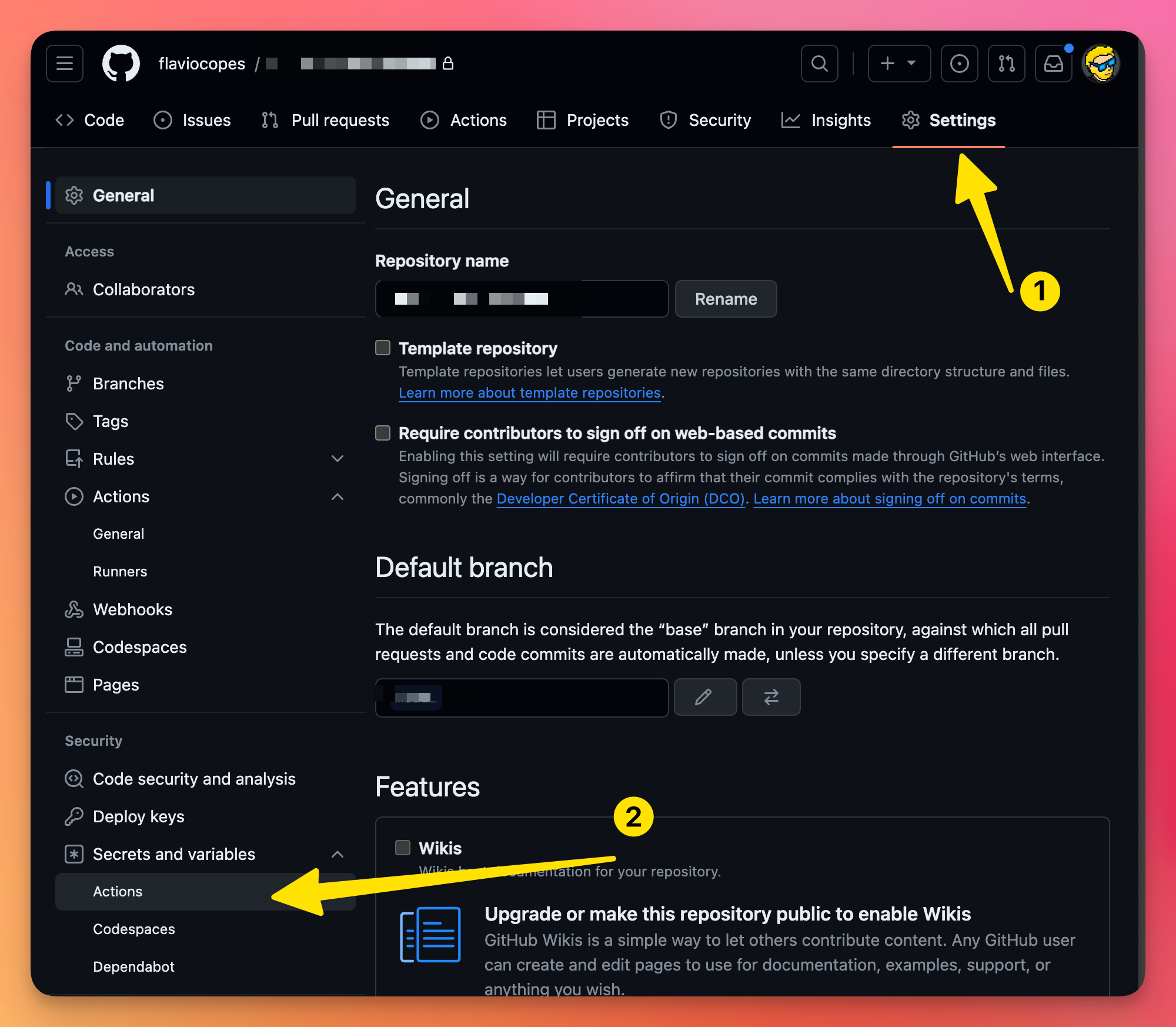
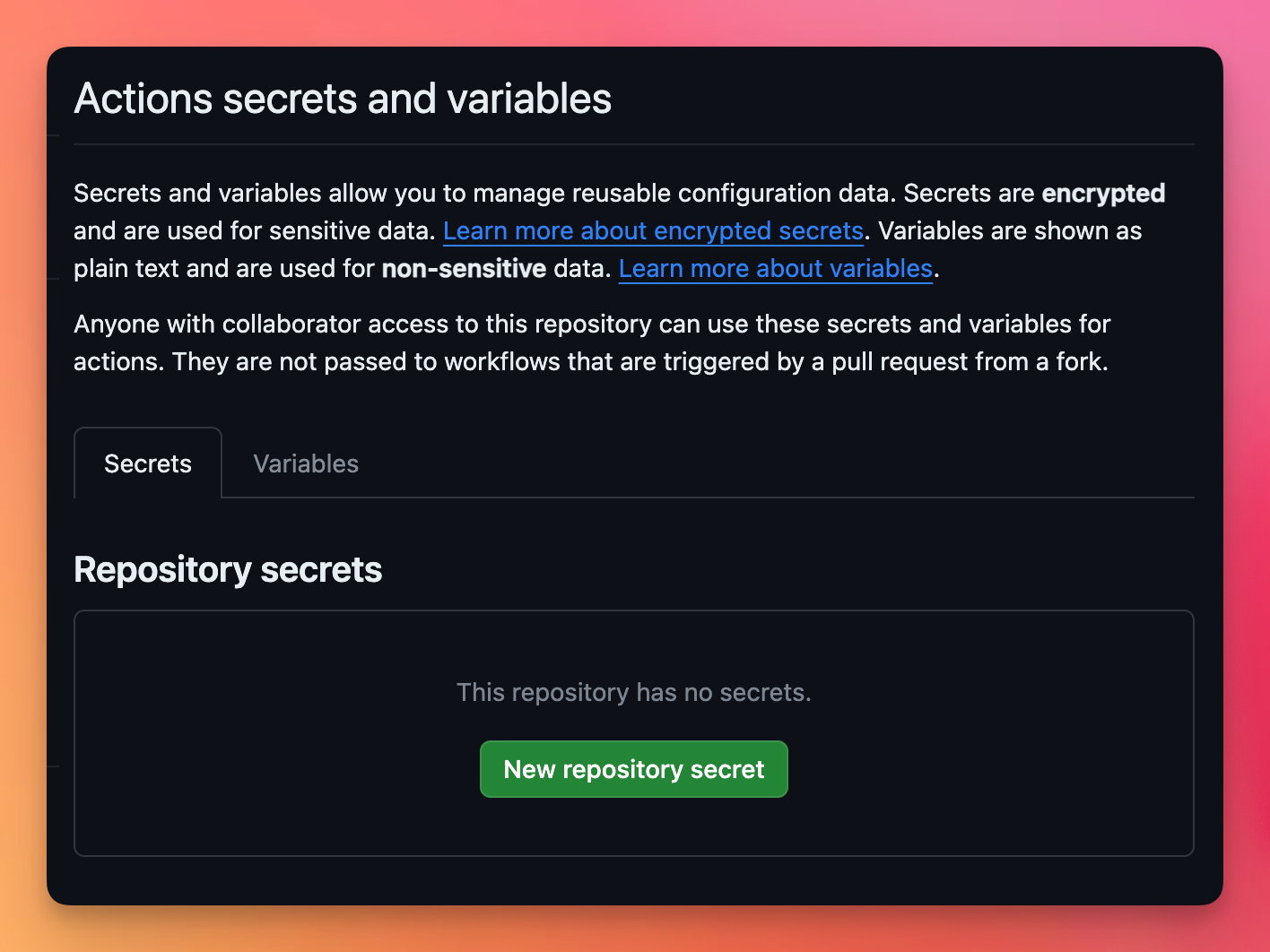
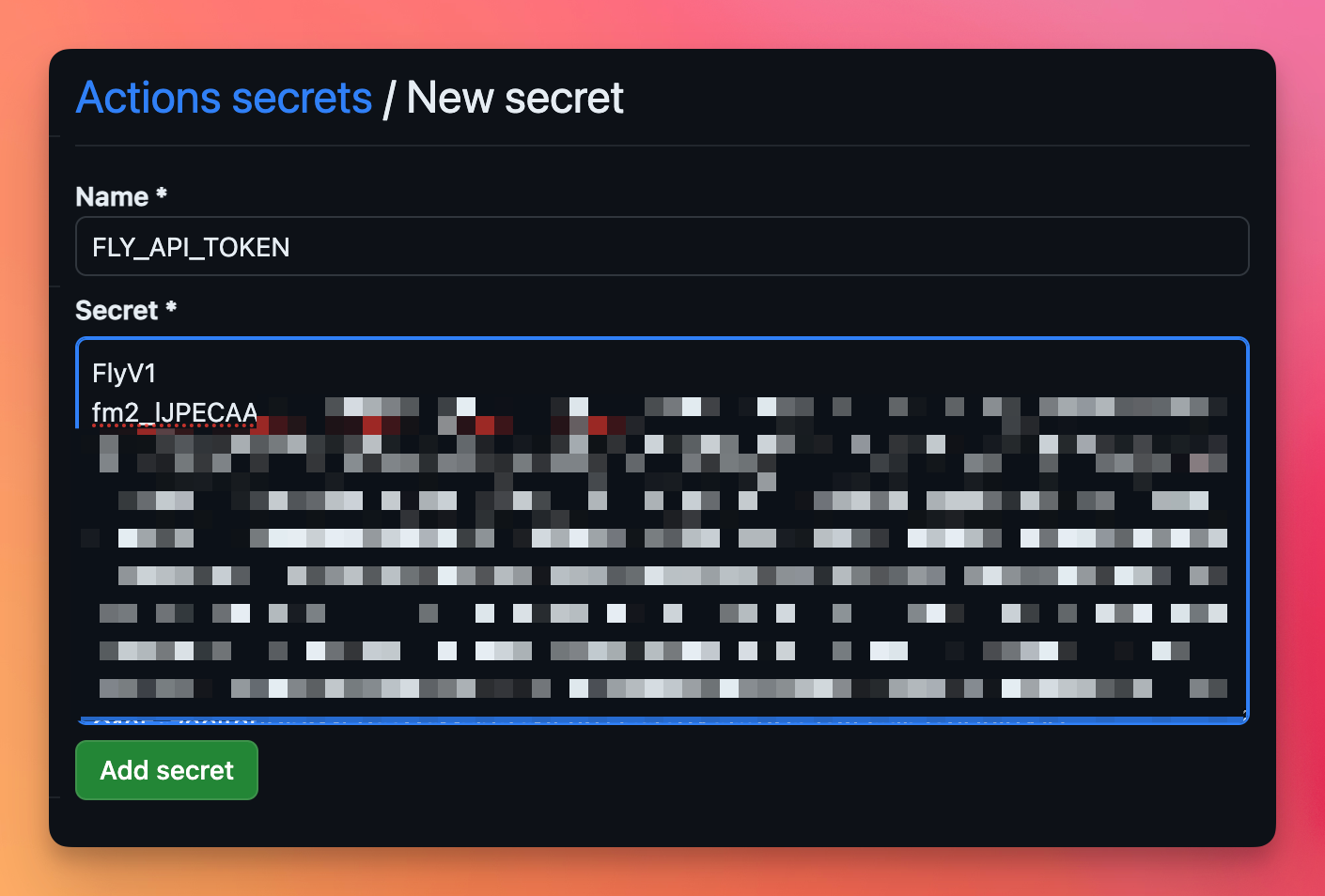
Call the secret FLY_API_TOKEN and enter the value you got from fly tokens...
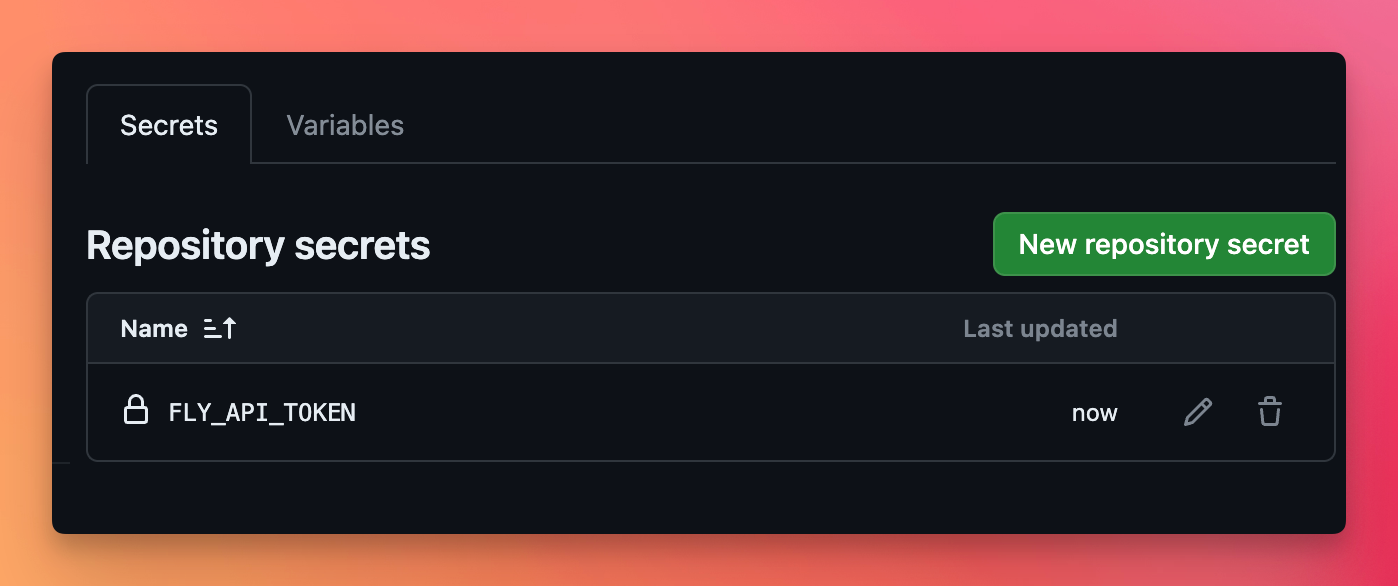
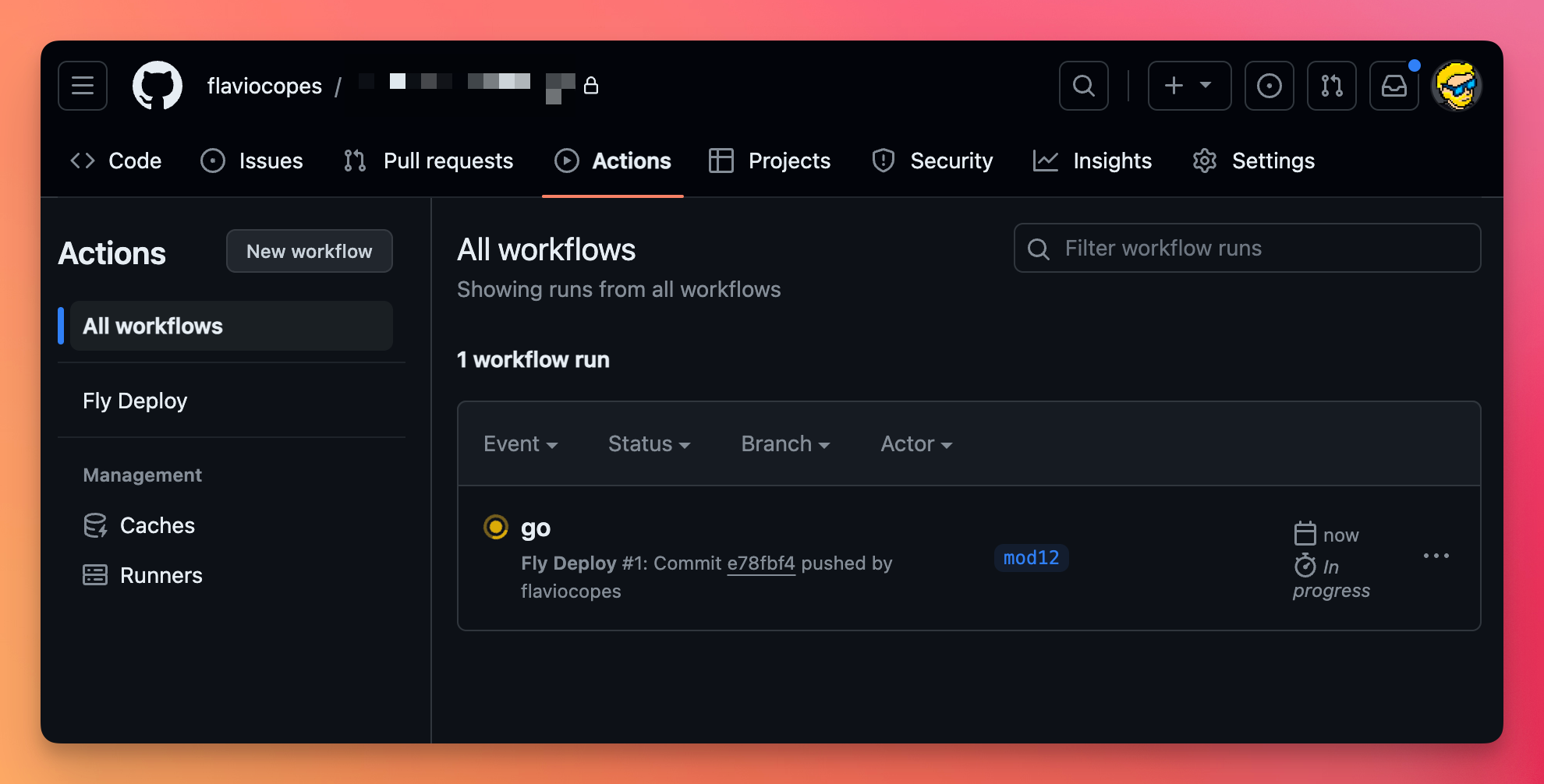
Push to GitHub, you’ll see your action running:
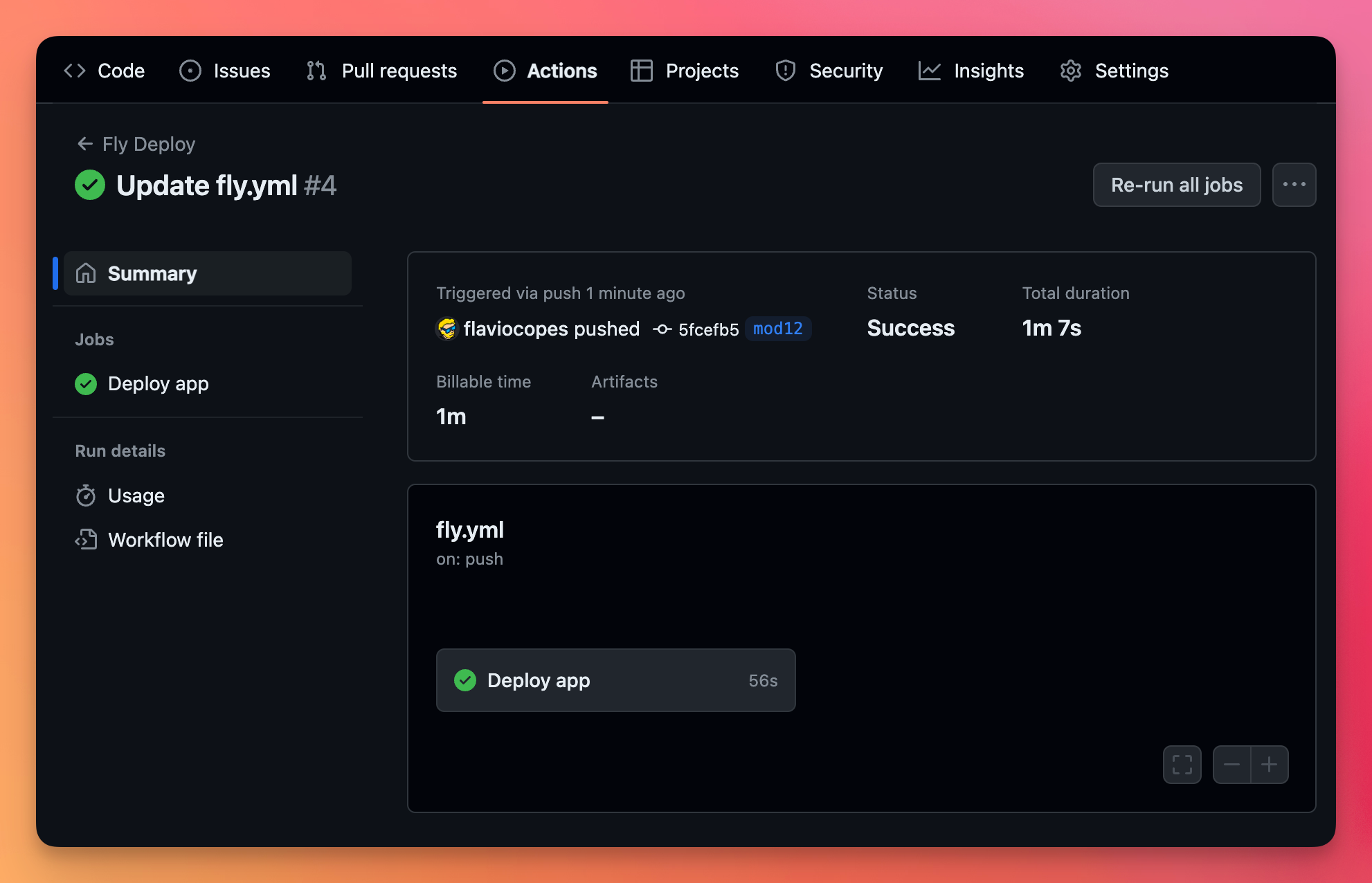
You can see all the details of the action by clicking it:
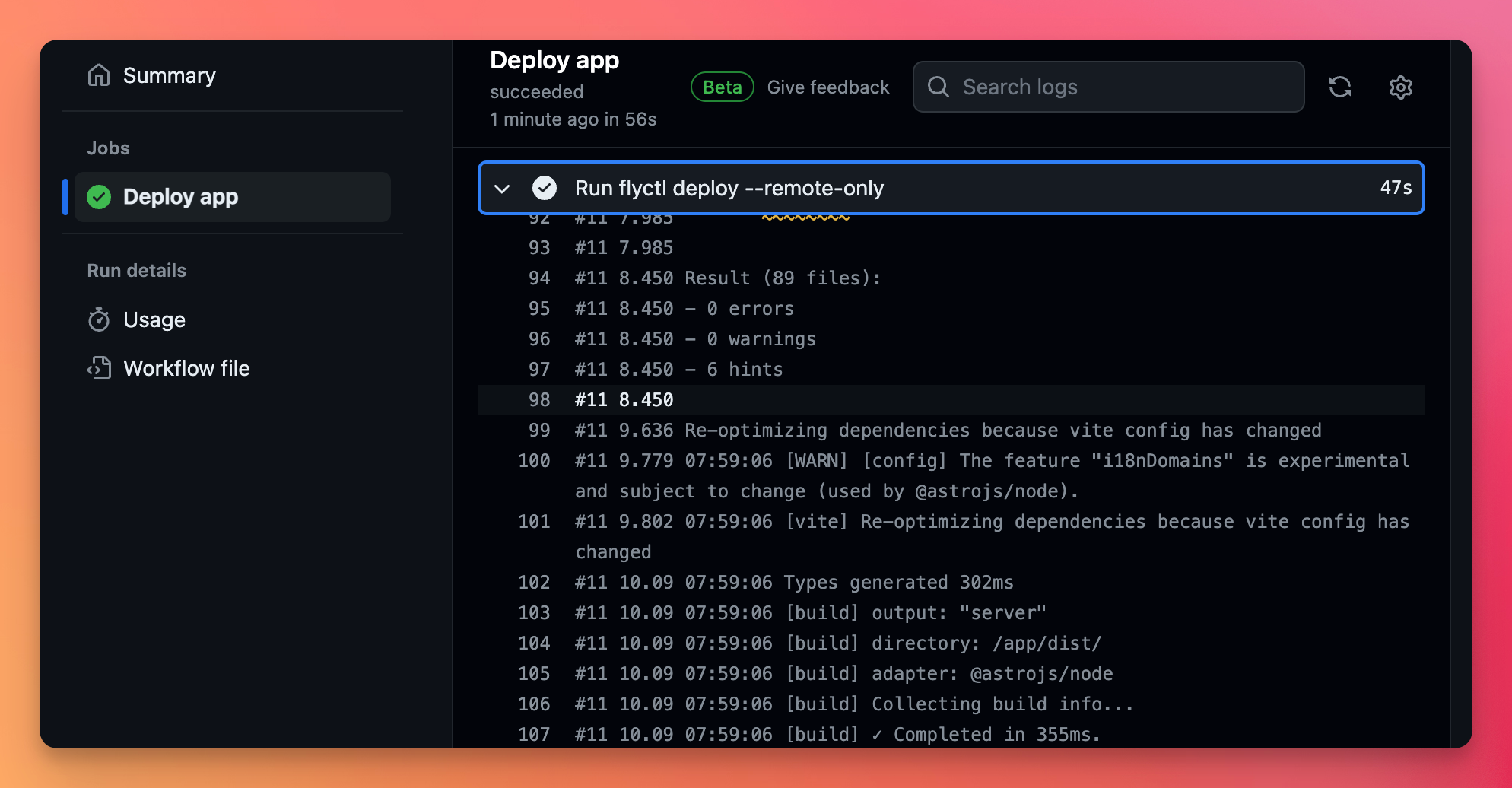
In the jobs tab you can see what happened in the build:
Go on Fly, you’ll see the action was successful:
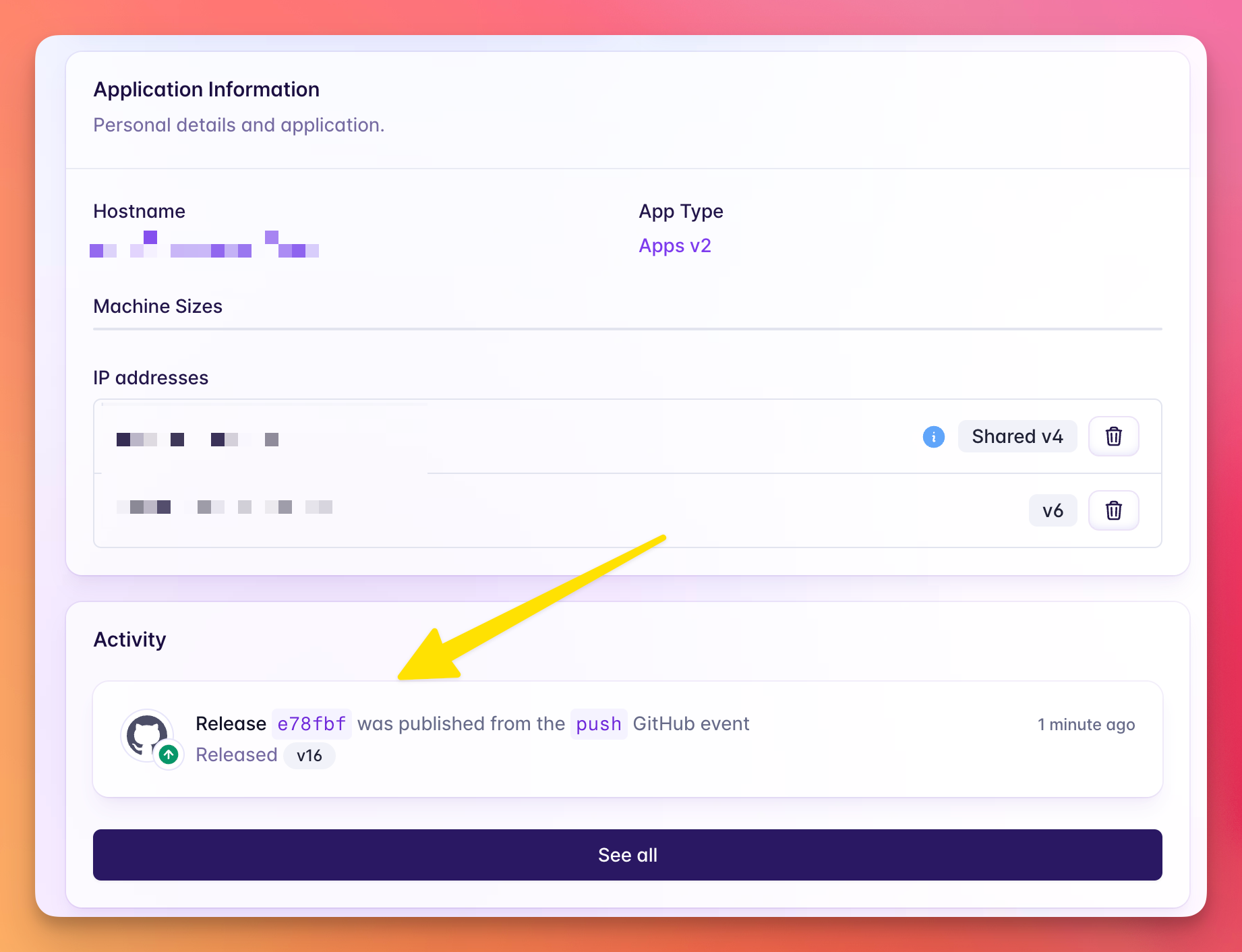
and the app is deployed on every commit.
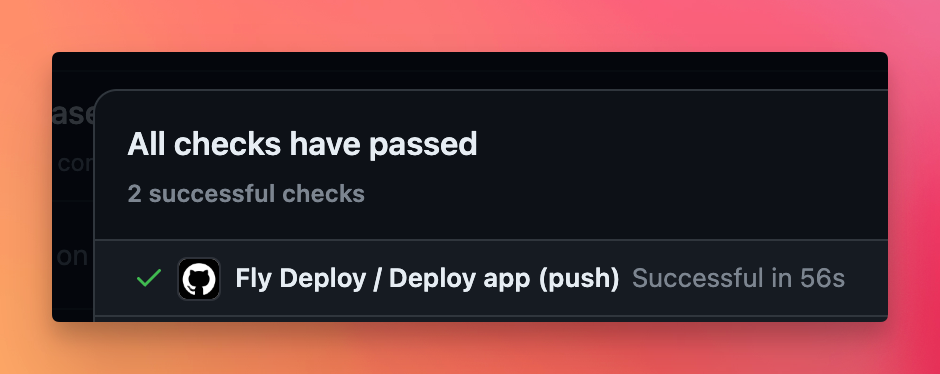
All your deploys also have a “check” now to indicate that the action was successful (or not)
Lessons in this unit:
| 0: | Introduction |
| 1: | Run an app on fly.io |
| 2: | Deployment strategy on fly.io |
| 3: | Run PocketBase on fly.io |
| 4: | ▶︎ Deploy to Fly via GitHub action |
| 5: | Fly.io, list all regions available |