Join the AI Workshop and learn to build real-world apps with AI. A hands-on, practical program to level up your skills.
In some of my electronics tutorials I connect the circuit to a 9V battery, because it’s very simple to start with and it’s quite easy to find.
But it’s not optimal. First because the battery will drain over time, not delivering the 9V advertised.
A Breadboard Power Supply Module accepts an input through a barrel jack from a battery, a 12V adapter or any other source, and provides our circuit with 5V or 3.3V output, depending on our needs. We’ll soon introduce Arduino into our circuits, and all our Arduino circuits will work with those voltage levels.
There are many different models. Here is the power supply module we’ll use as an example; it’s part of the Elegoo kit I suggest you buy, but it’s also sold by other brands in the same form factor. You can search “Arduino power supply” on Amazon to see some alternatives:
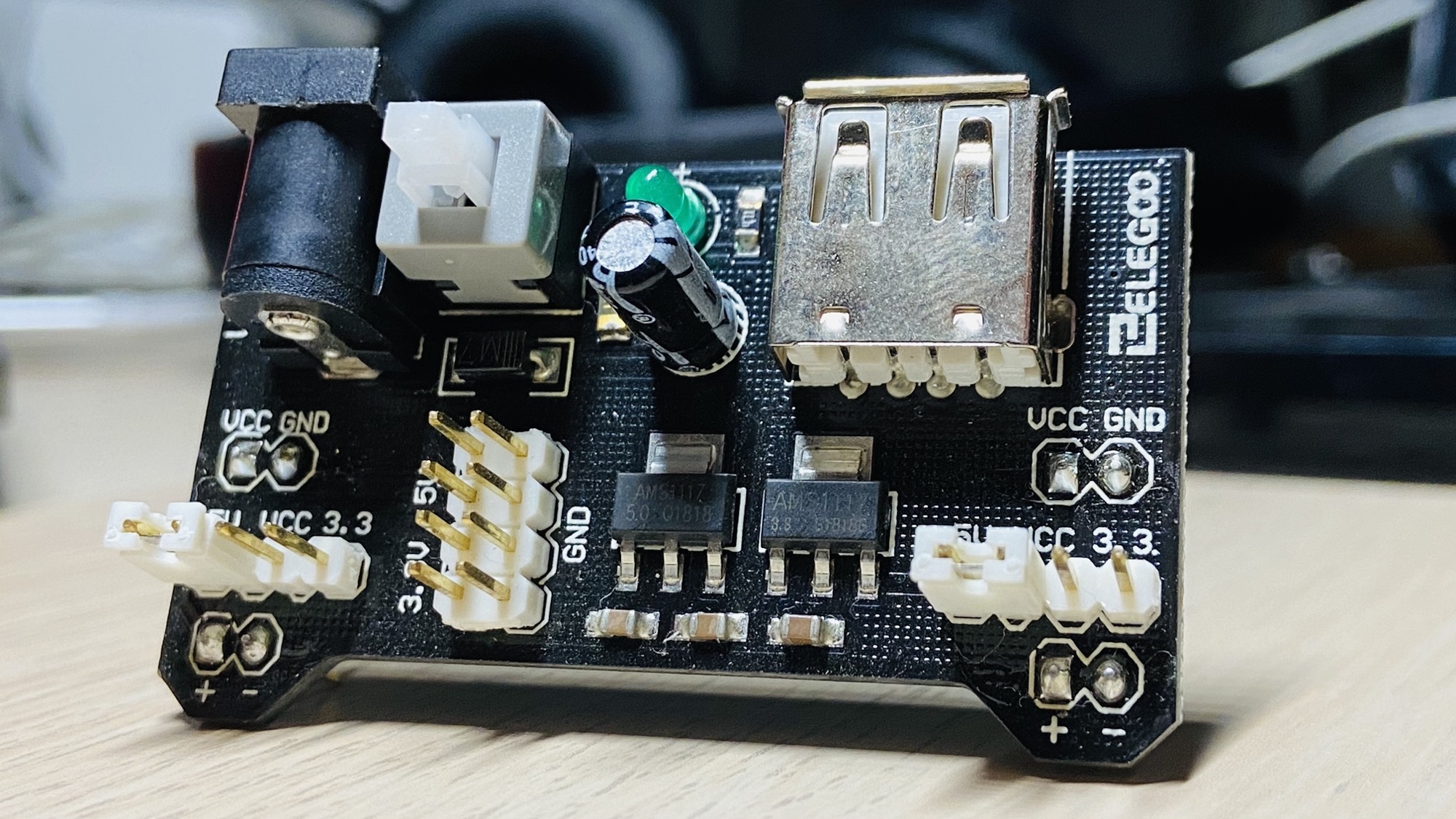
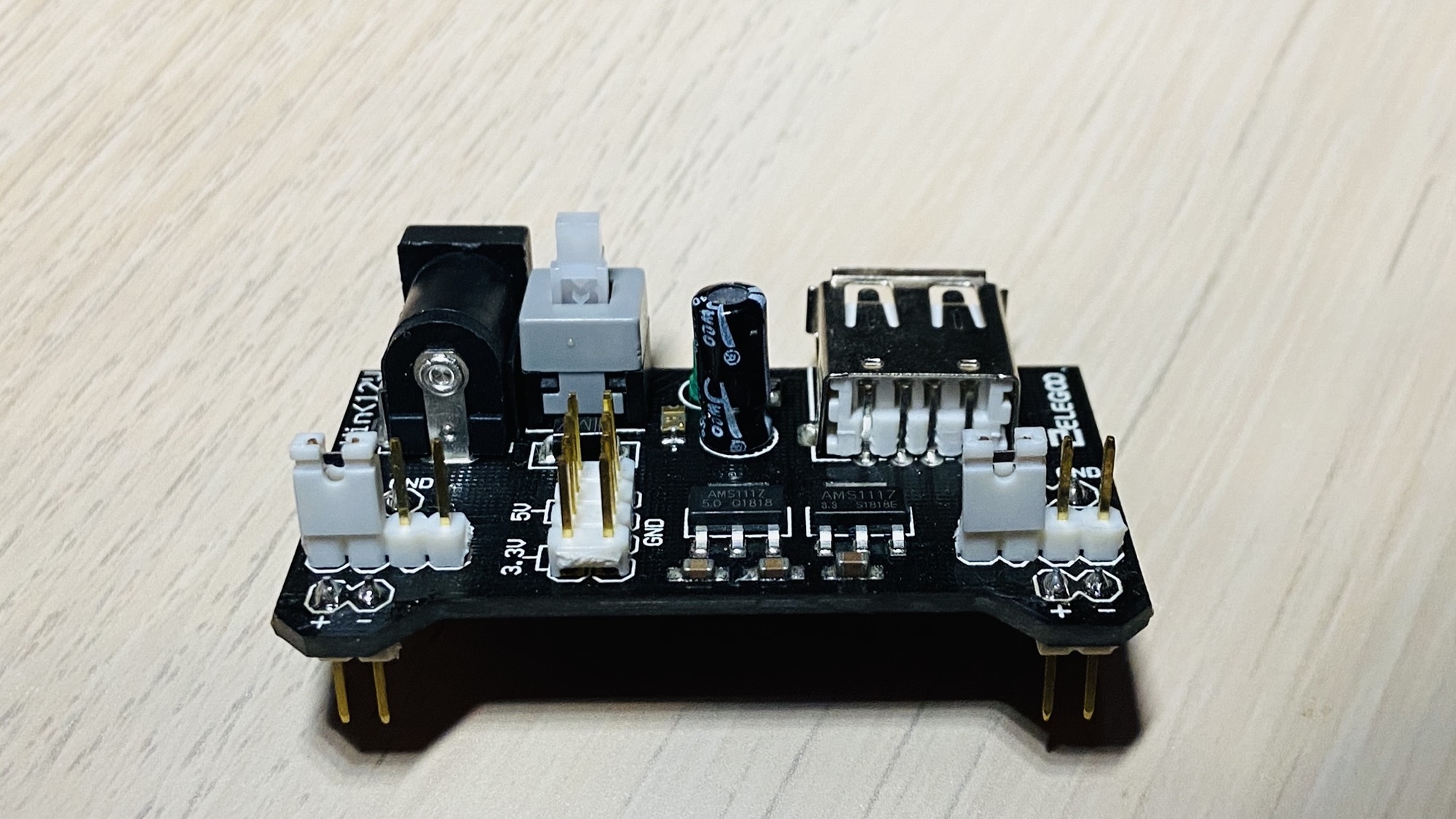
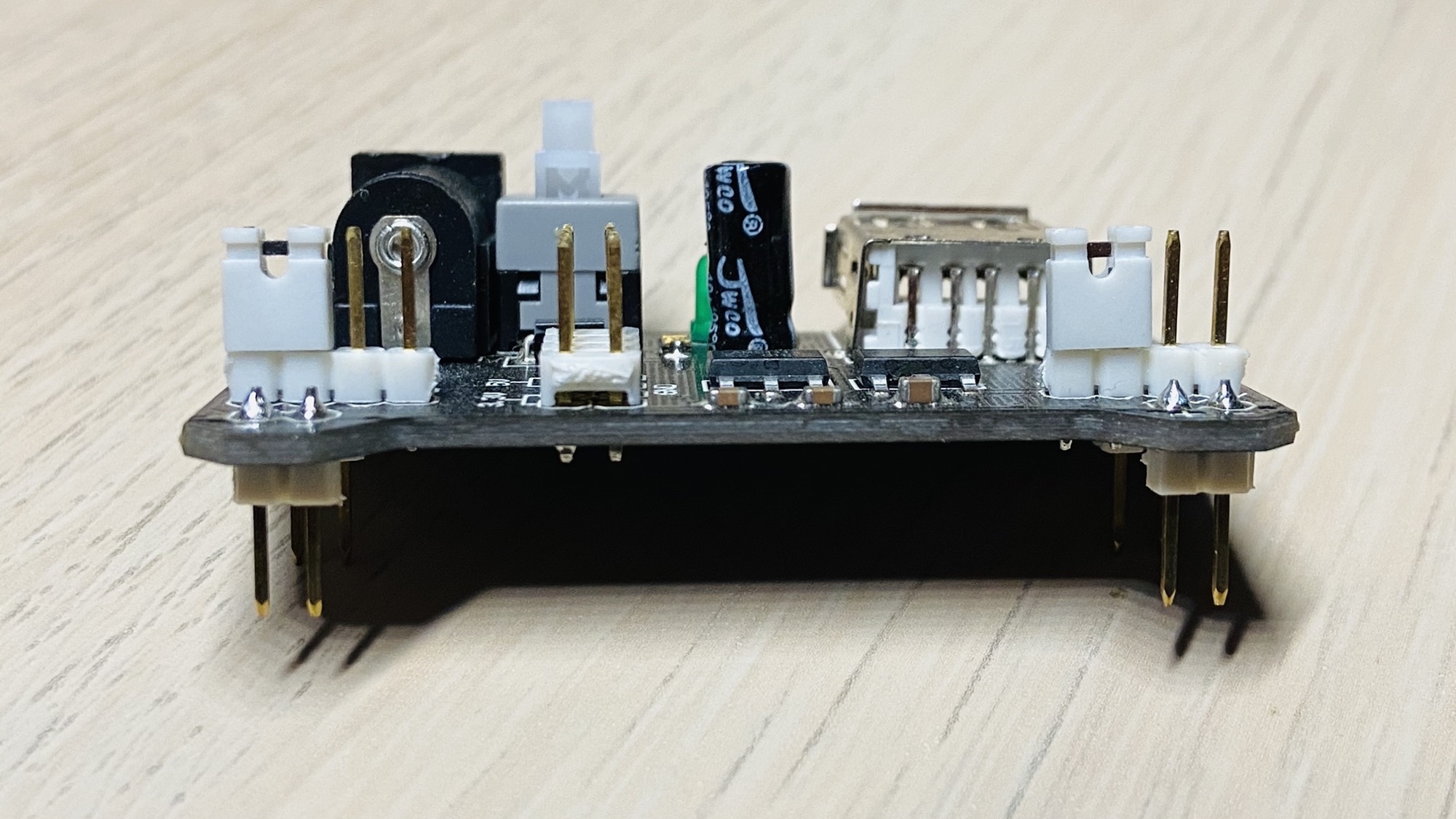
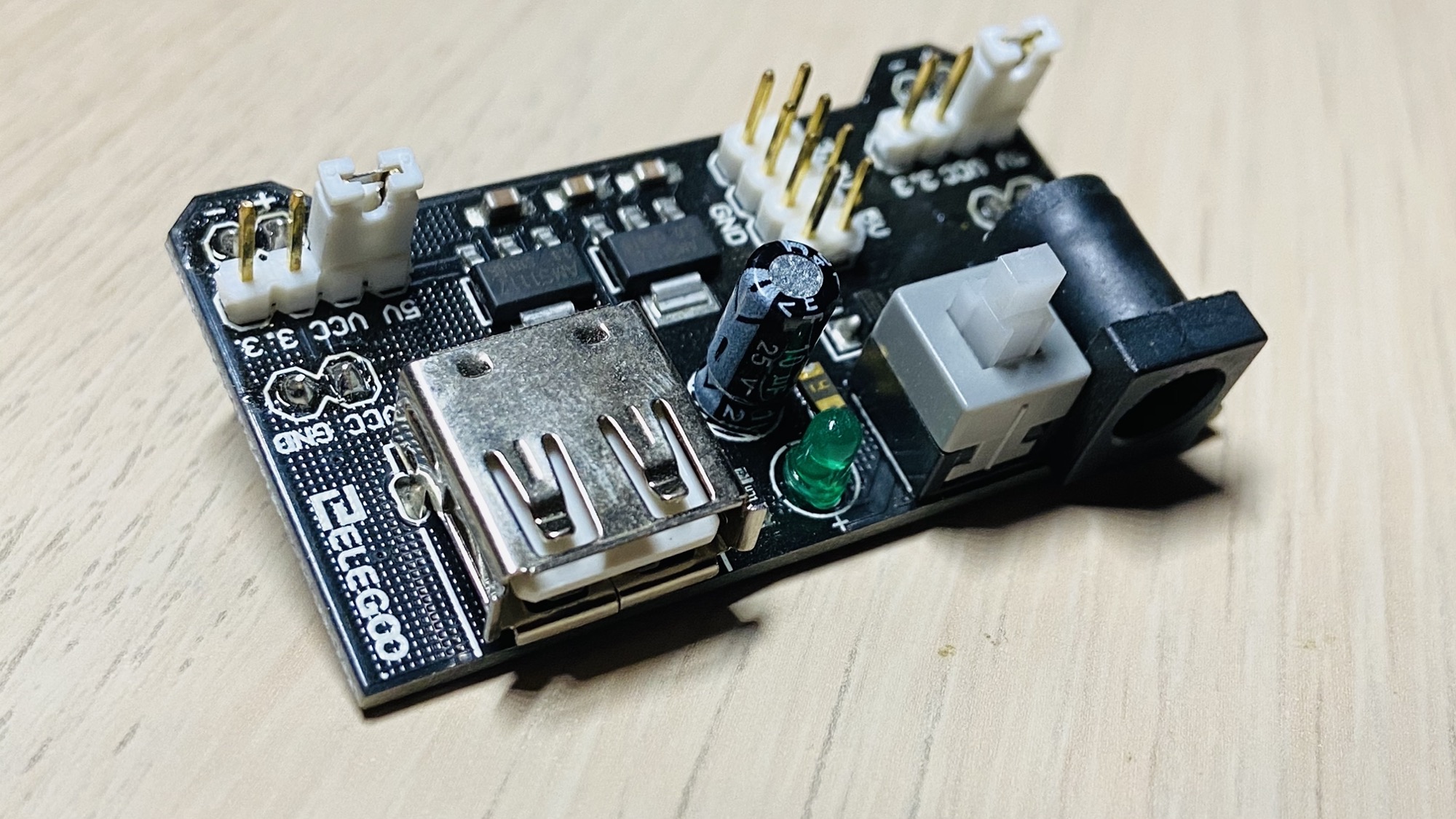
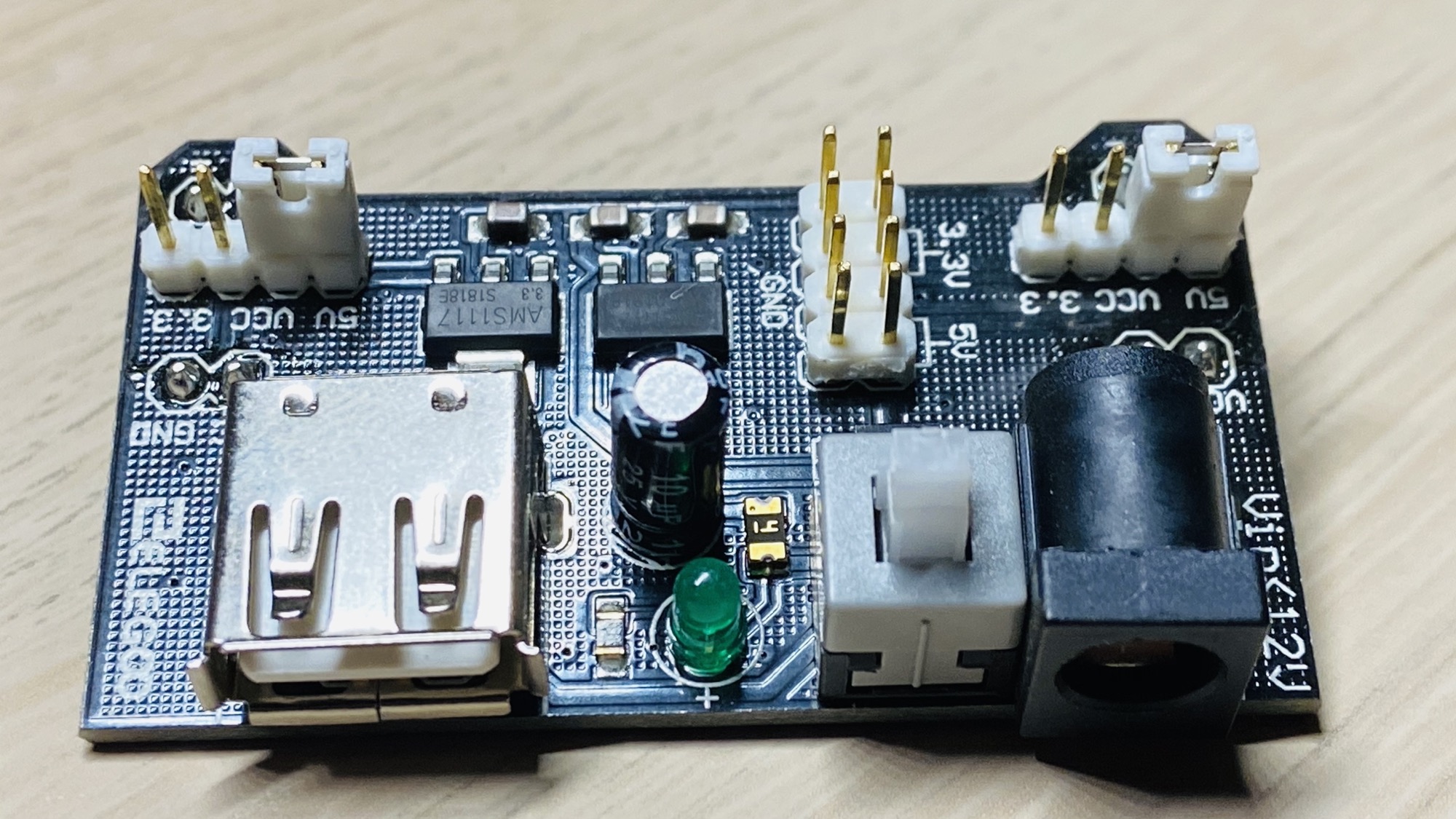
The input voltage accepted is 6.5V - 9V DC. The maximum output current is 700mA.
We connect it to the breadboard directly:
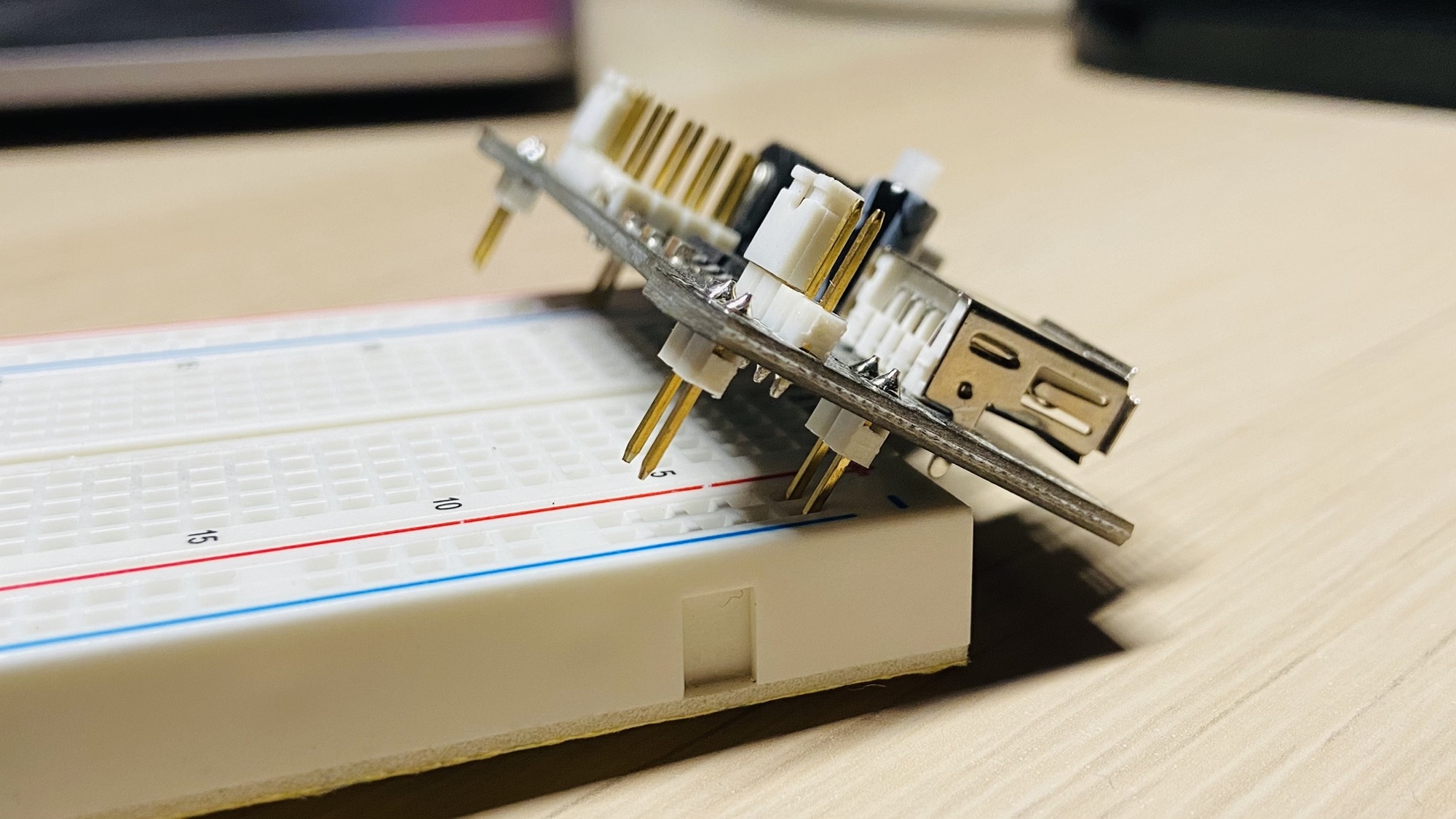
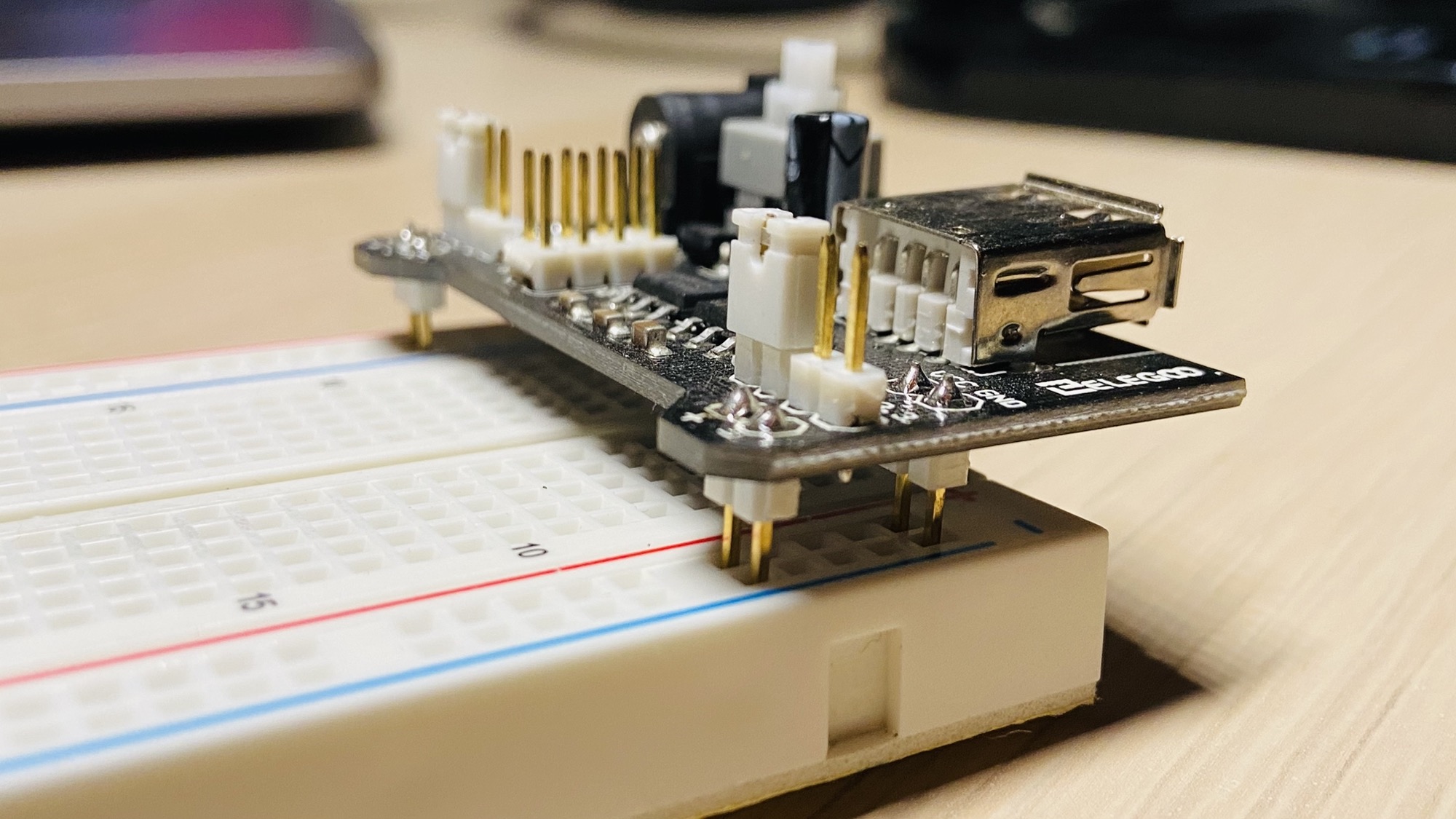
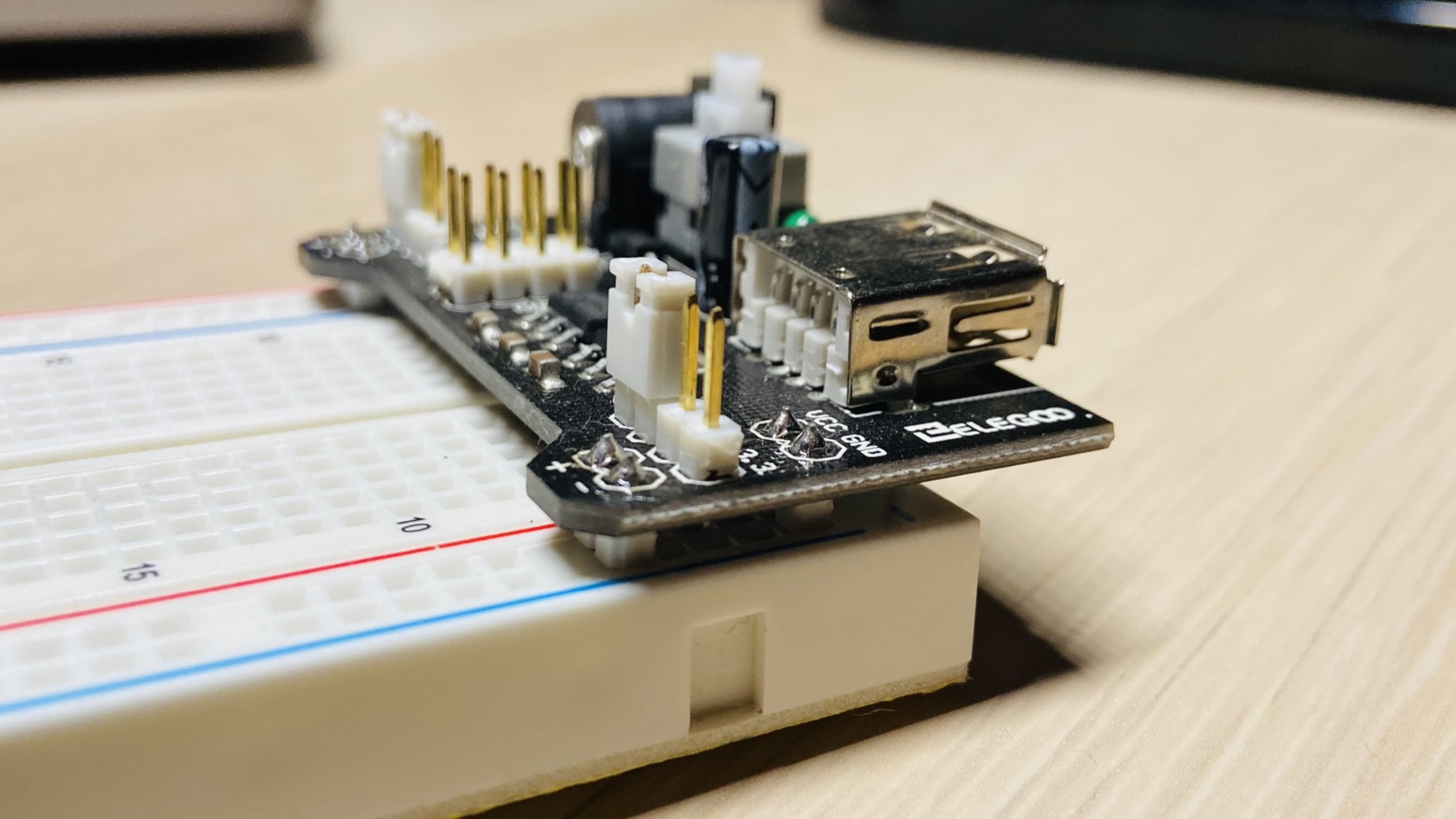
Then on each side you can choose which voltage to apply to the power lines on the breadboard, independently: 5V as in this case:
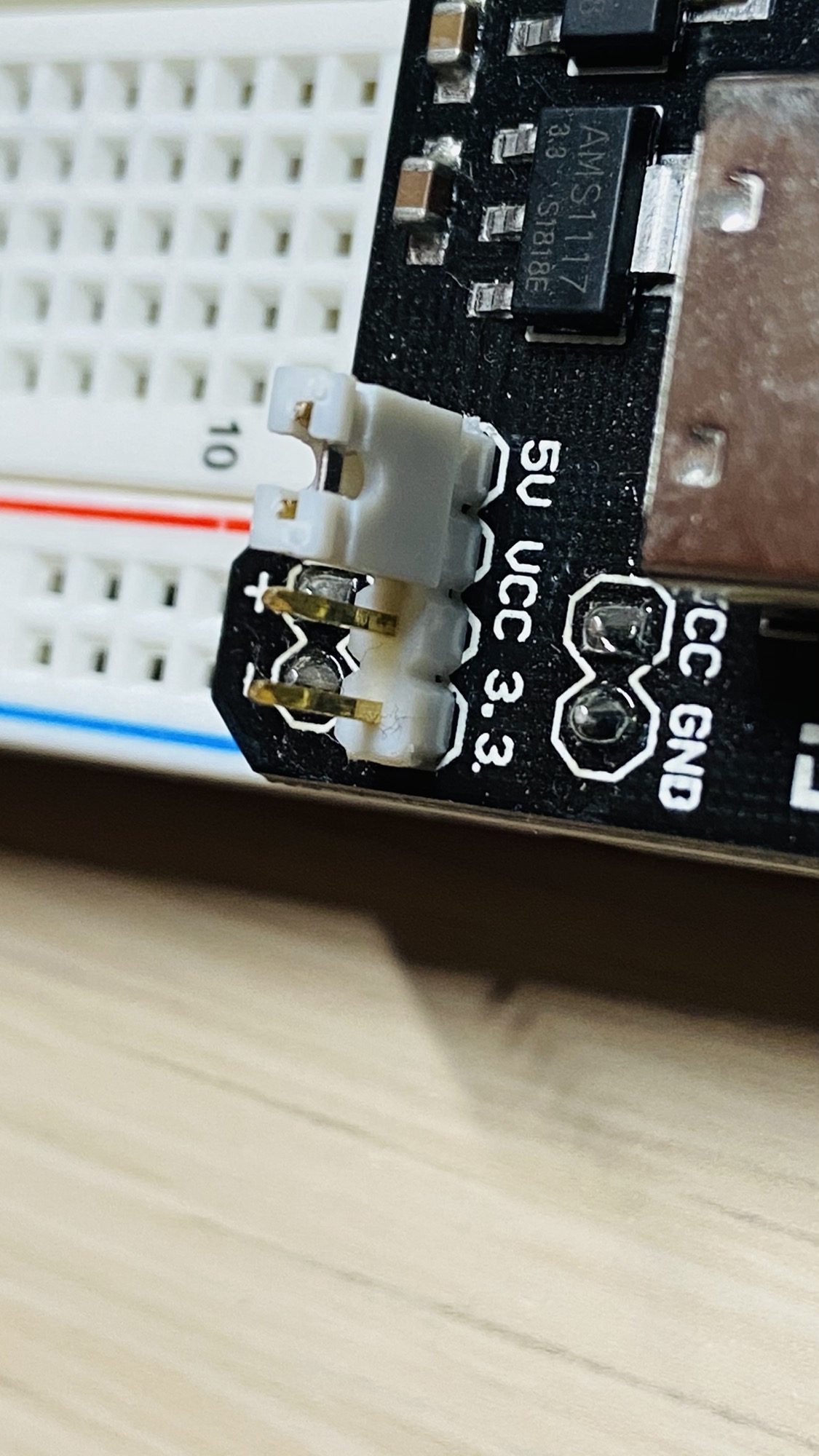
Or 3.3V, by changing the position of the jumpers:
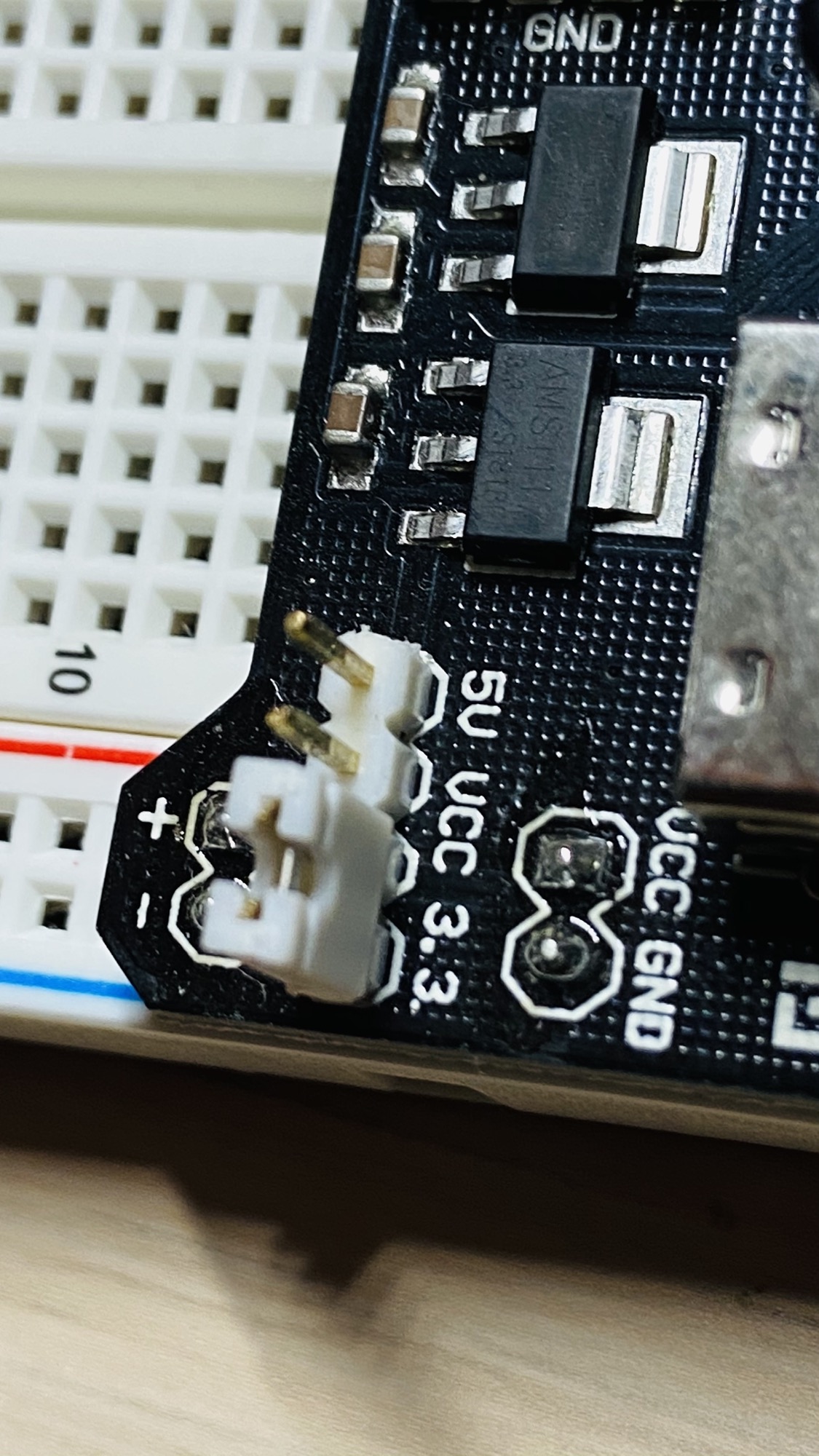
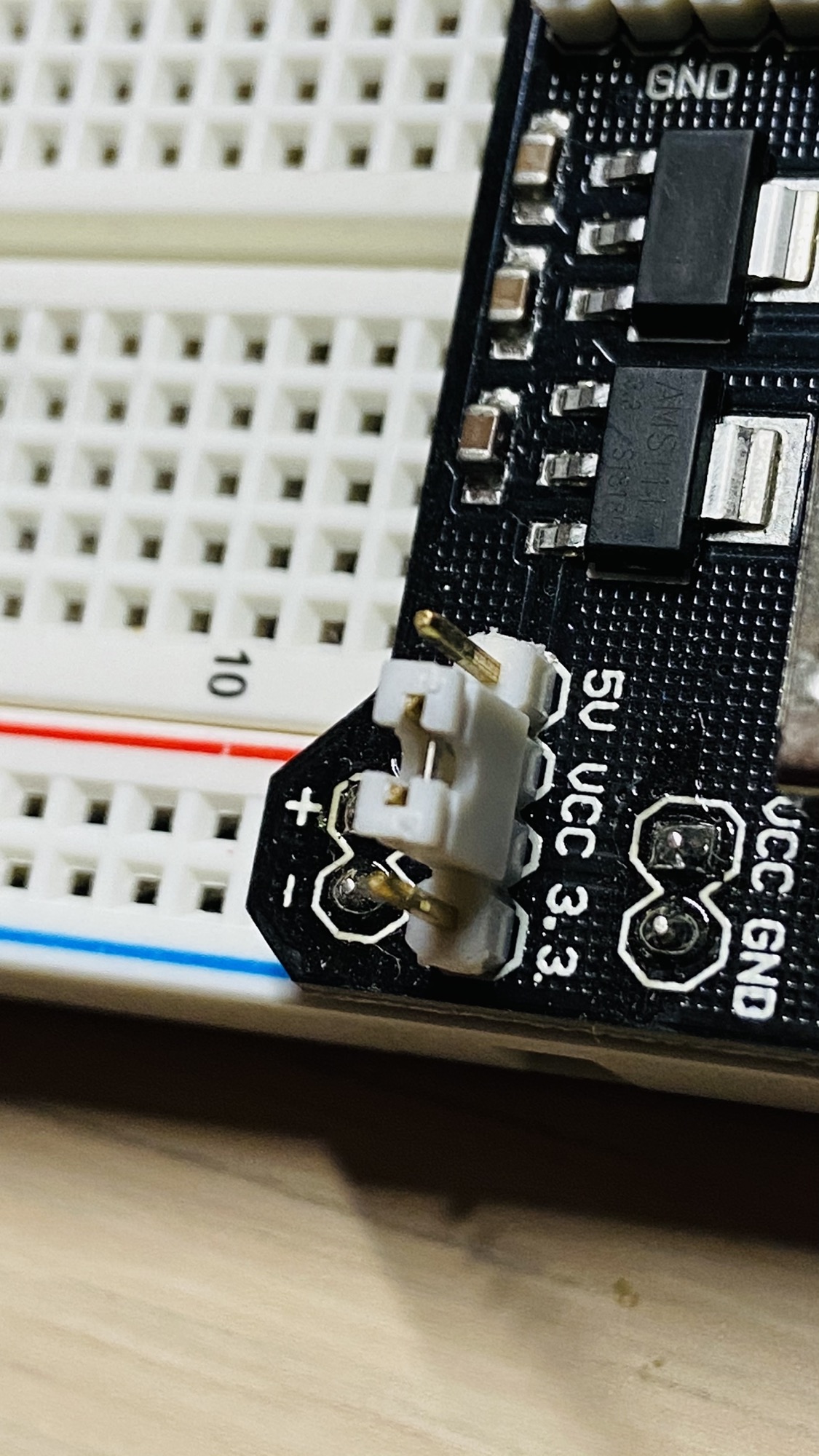
You can also turn it off by positioning the jumpers in the middle:
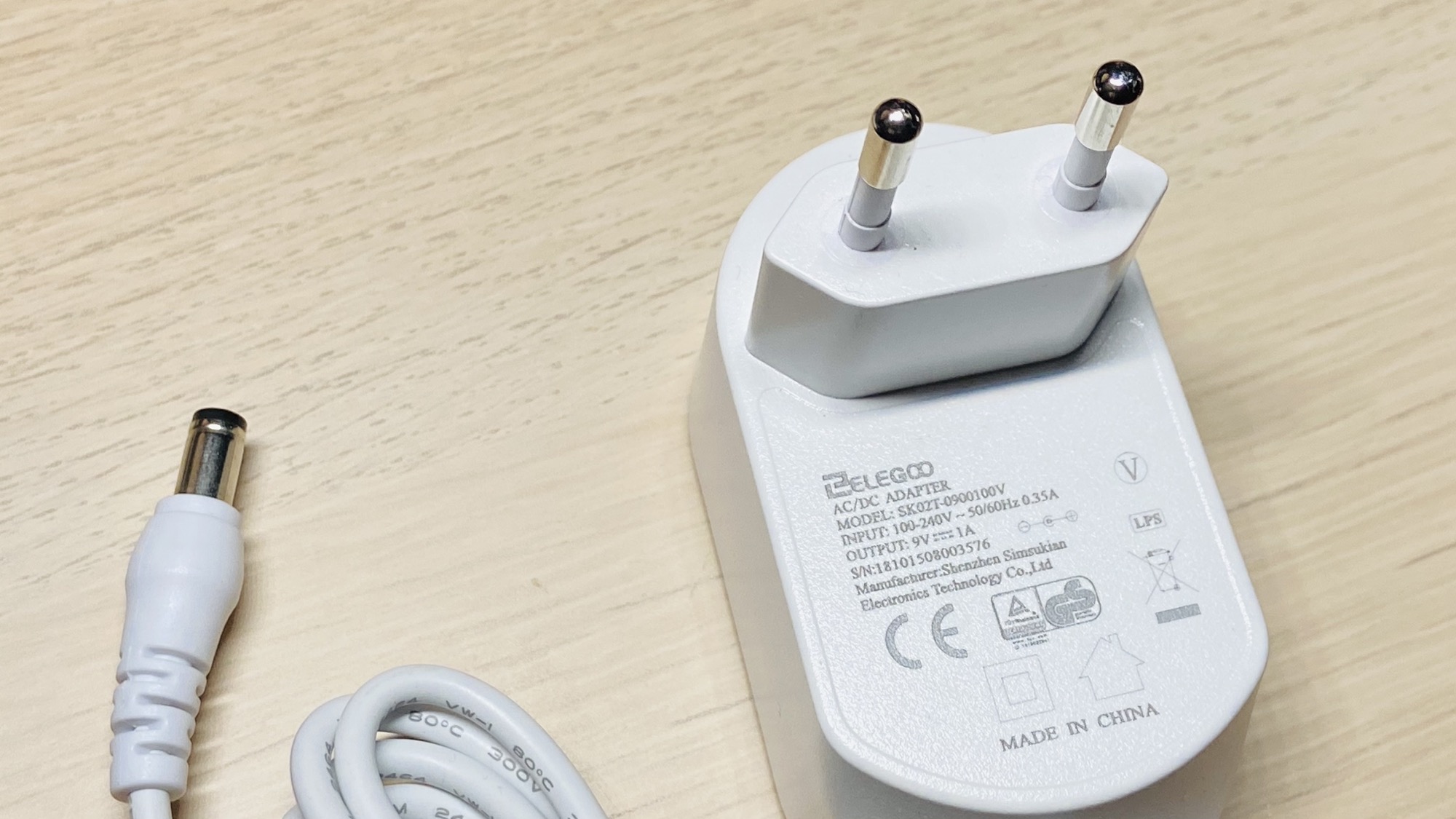
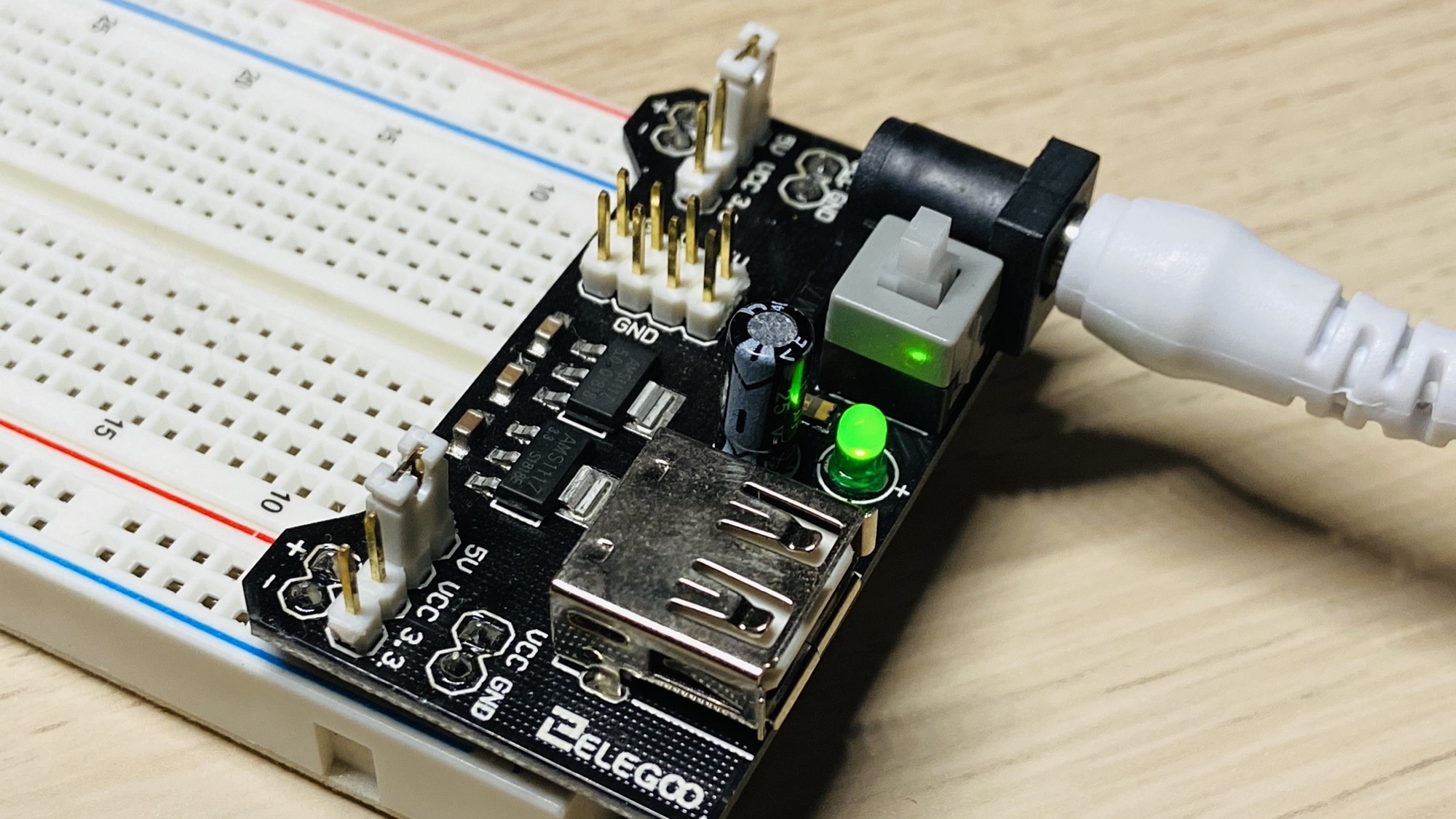
Then you can connect to a 12V to 220V adapter using the barrel jack input:
Press the gray button to turn it on. The LED will turn on too:
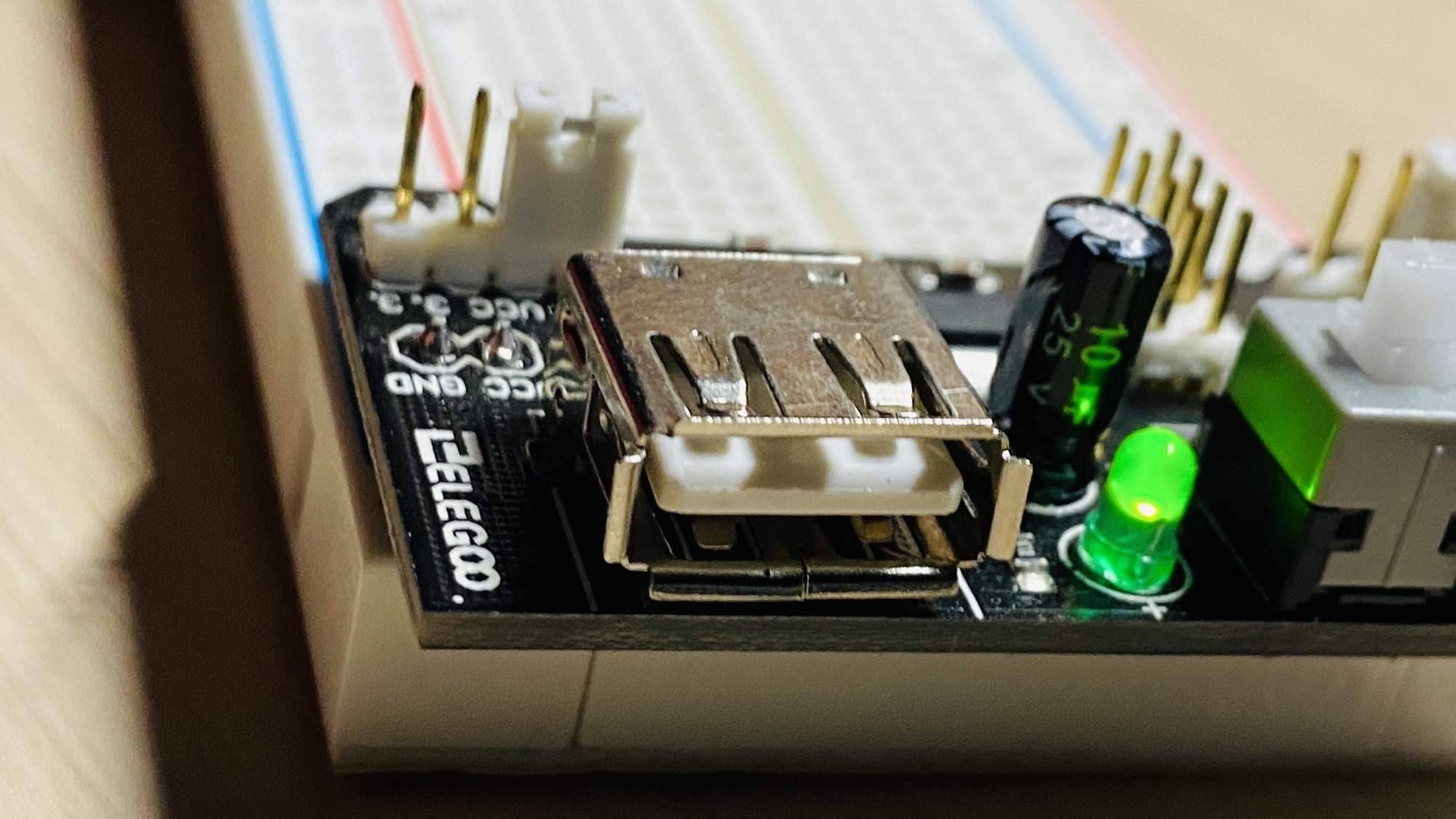
The USB port is not there to power the module. It’s there to power a USB device if needed (like the Arduino, for example).
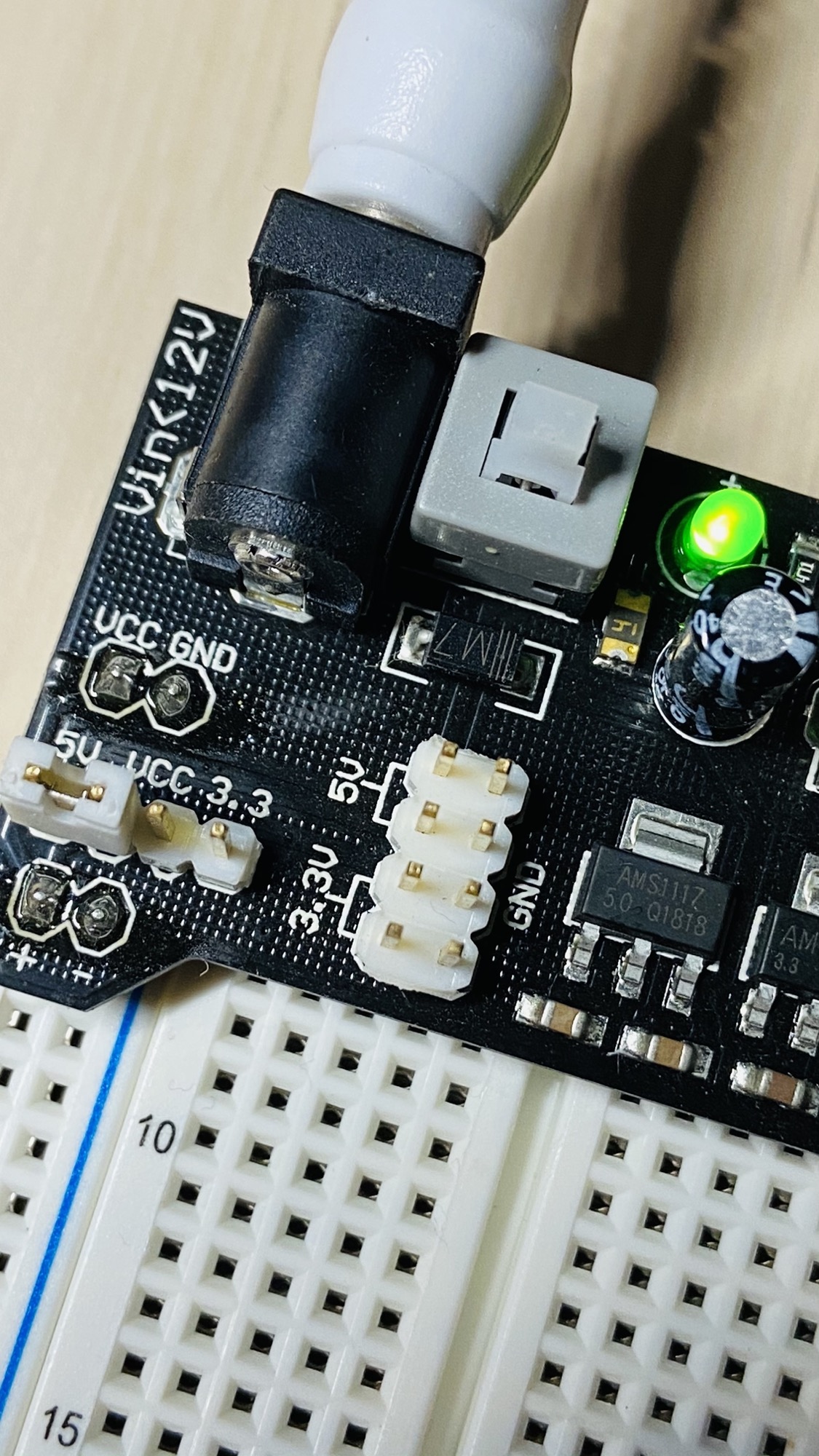
There are also other output pins on top that provide GND, 5V and 3.3V in case you need them:
Lessons in this unit:
| 0: | Introduction |
| 1: | ▶︎ Breadboard Power Supply Module |
| 2: | Resistors |
| 3: | LEDs |
| 4: | RGB LEDs |
| 5: | Diodes |
| 6: | Buttons |
| 7: | Potentiometers |
| 8: | Buzzers |
| 9: | Servo Motors |
| 10: | Analog Joystick |
| 11: | The DHT11 temperature and humidity sensor |
| 12: | The 1602 LCD Display |