Join the AI Workshop and learn to build real-world apps with AI. A hands-on, practical program to level up your skills.
One useful component in our circuits is a button.
It connects two parts of a circuit when the button is pressed. As soon as the button is released, the circuit is open and the current can’t circulate.
Here’s a typical button:
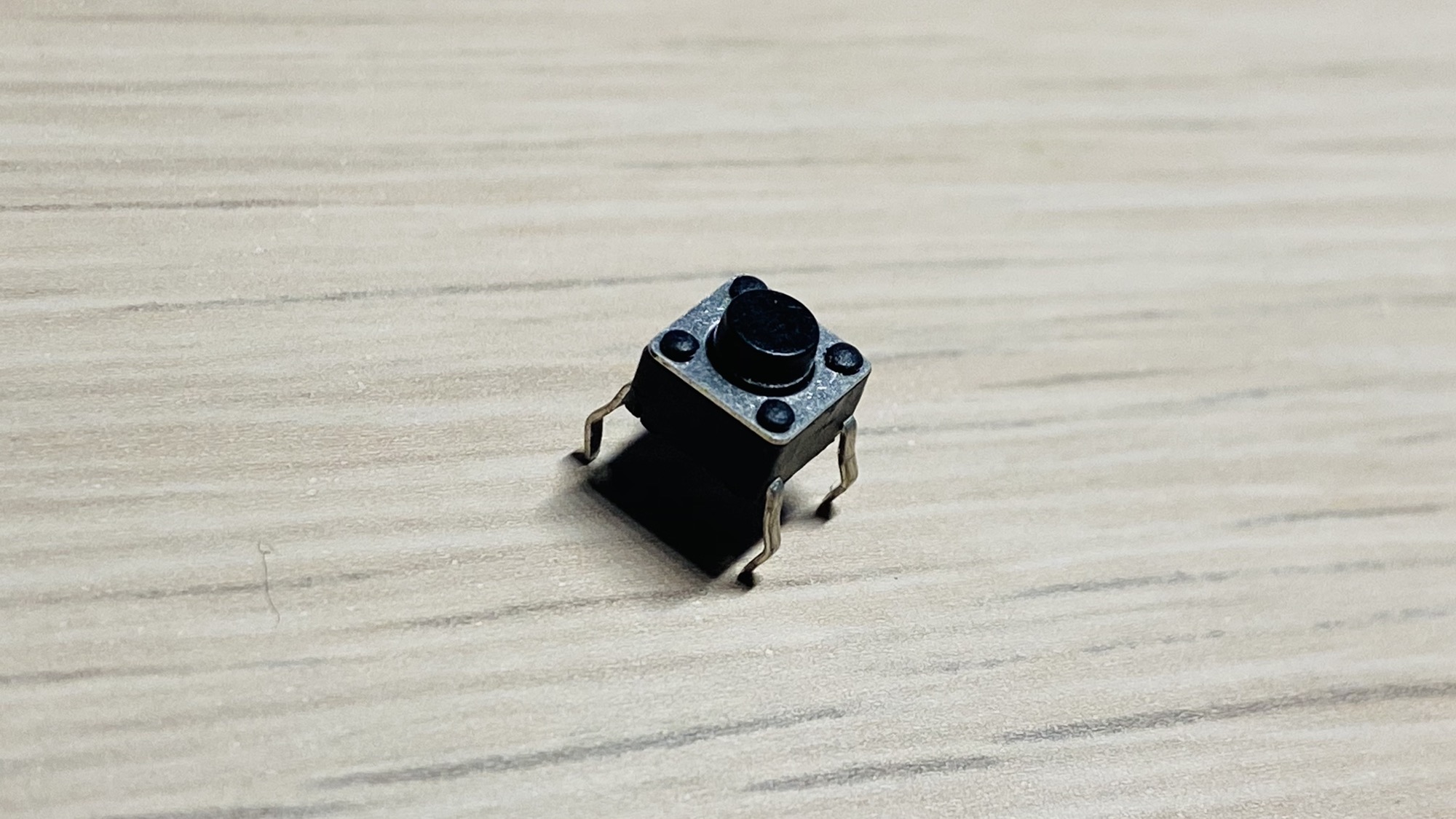
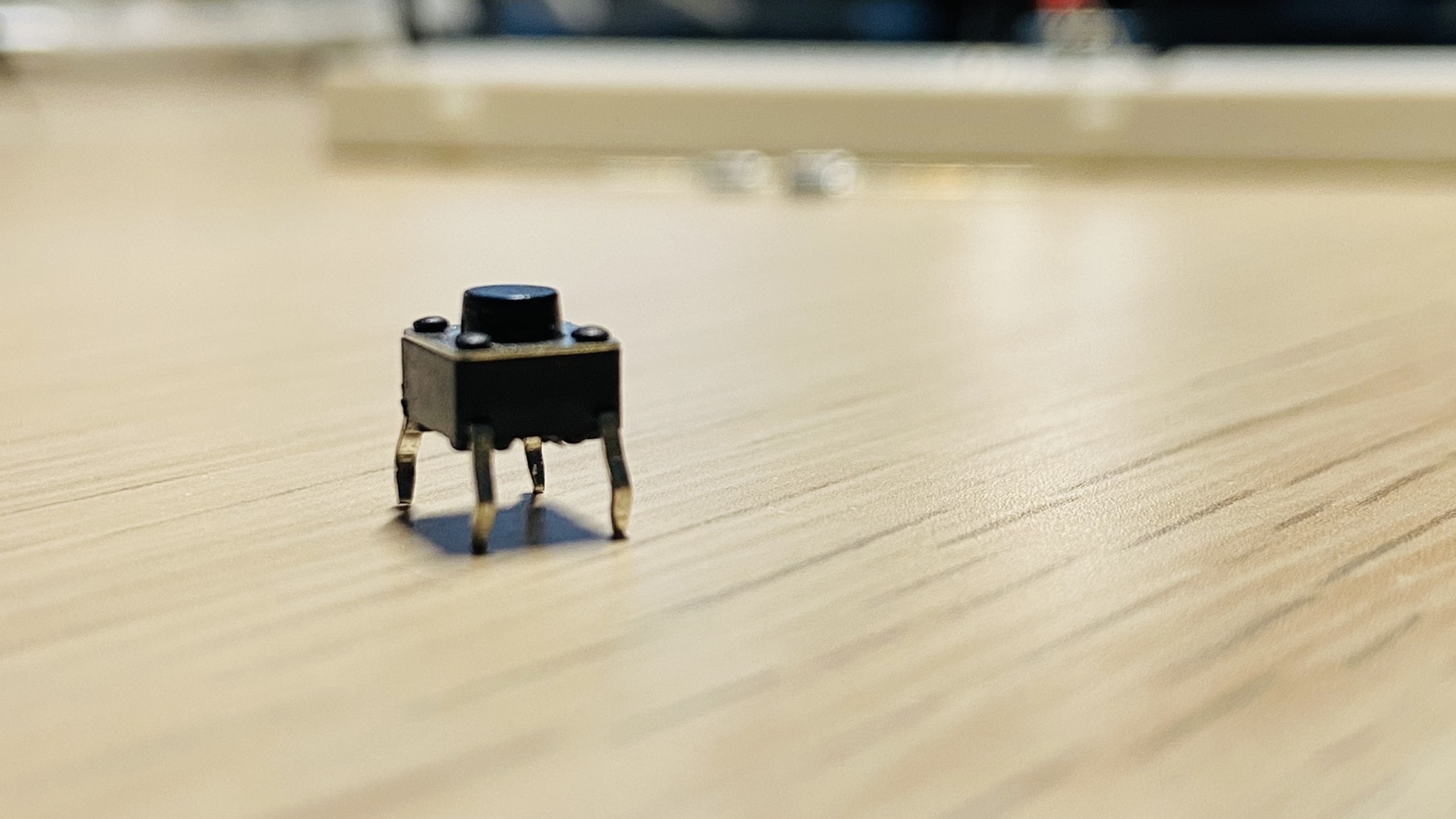
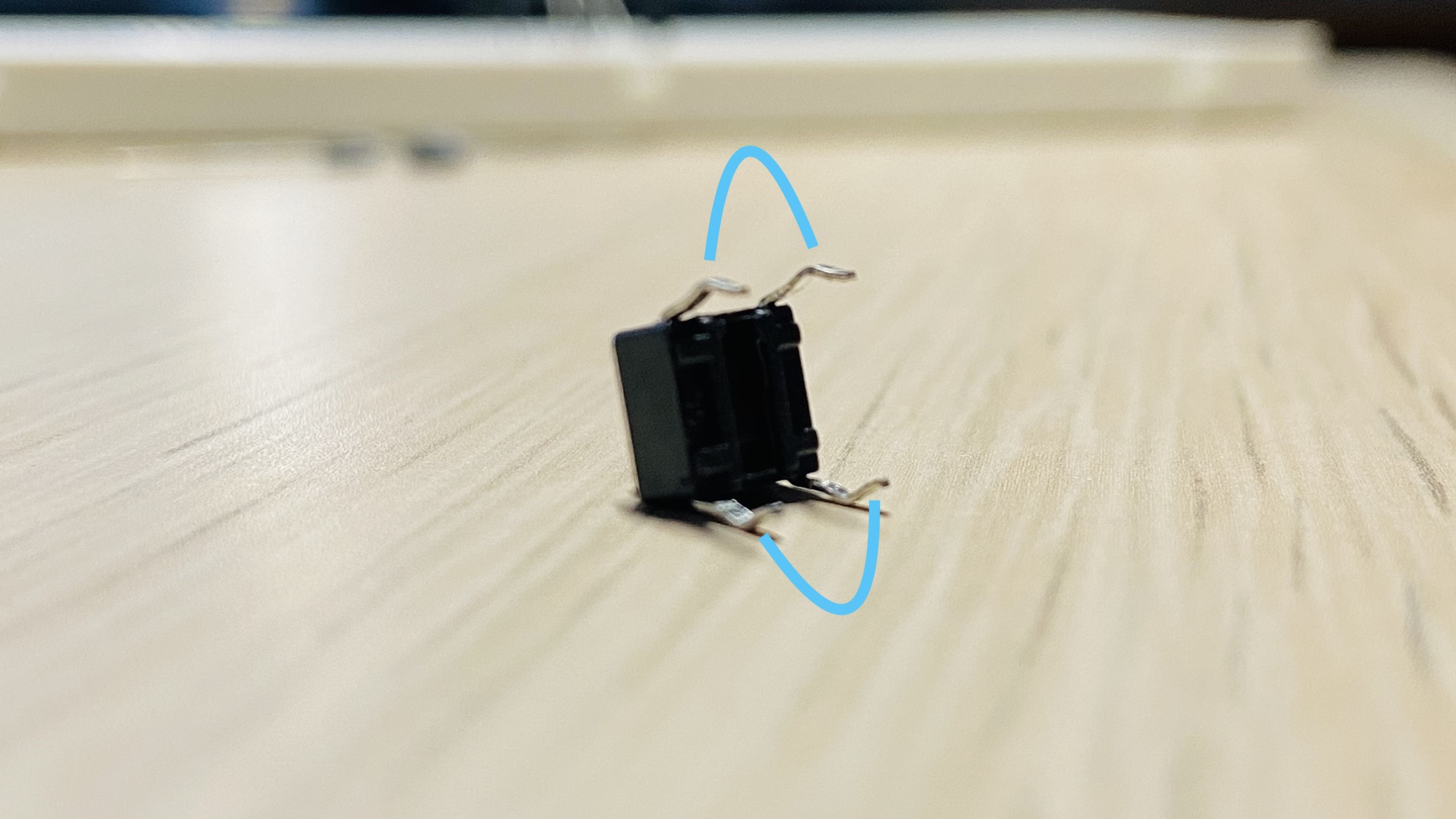
It has 2 sets of connections that can be closed at the same time. The connections are on the pins that are curved in the same way:
There’s one way to use this component in a breadboard, and it’s to put it in the middle:
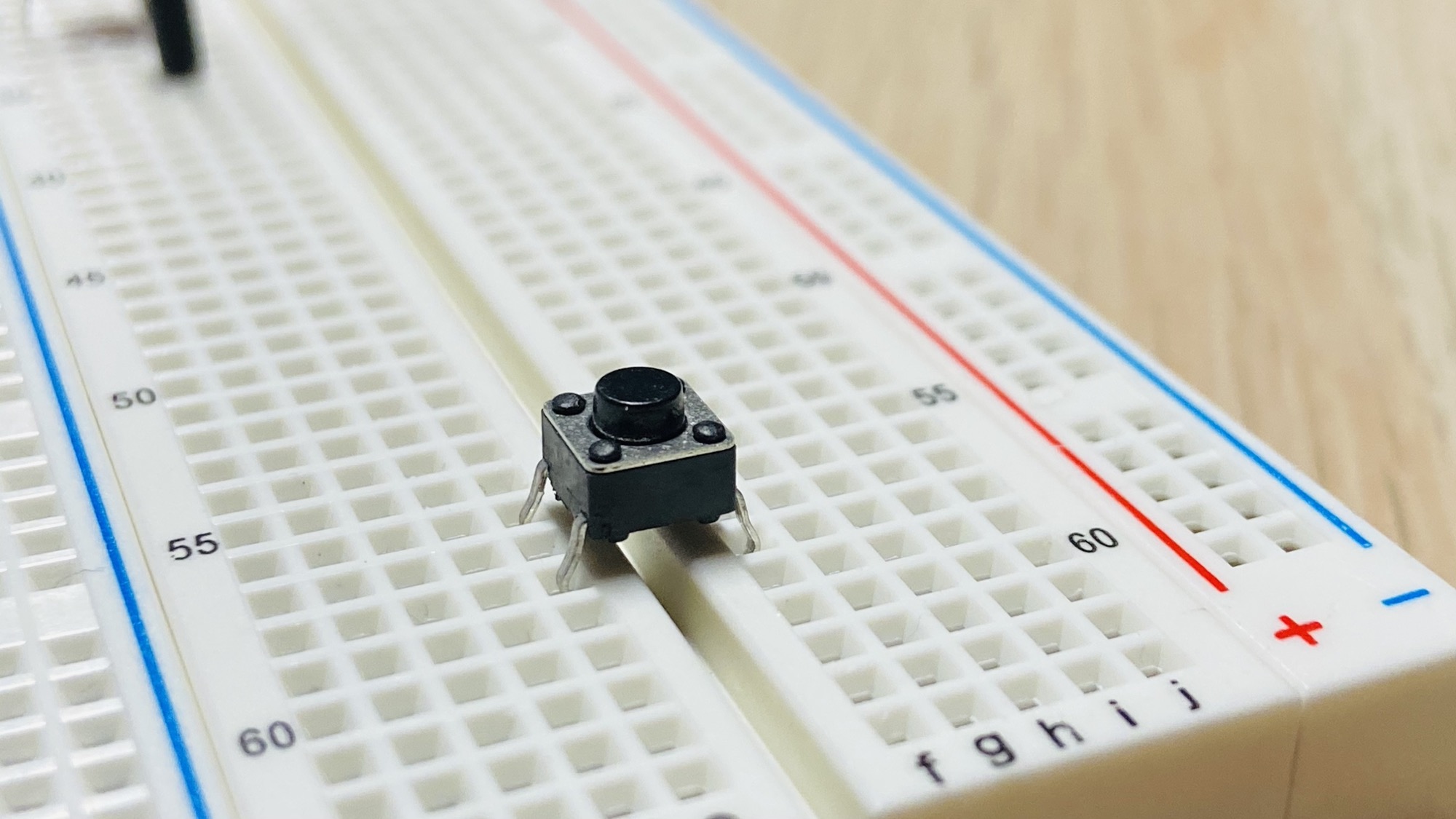
and there’s just one way to add it, you can’t go wrong:
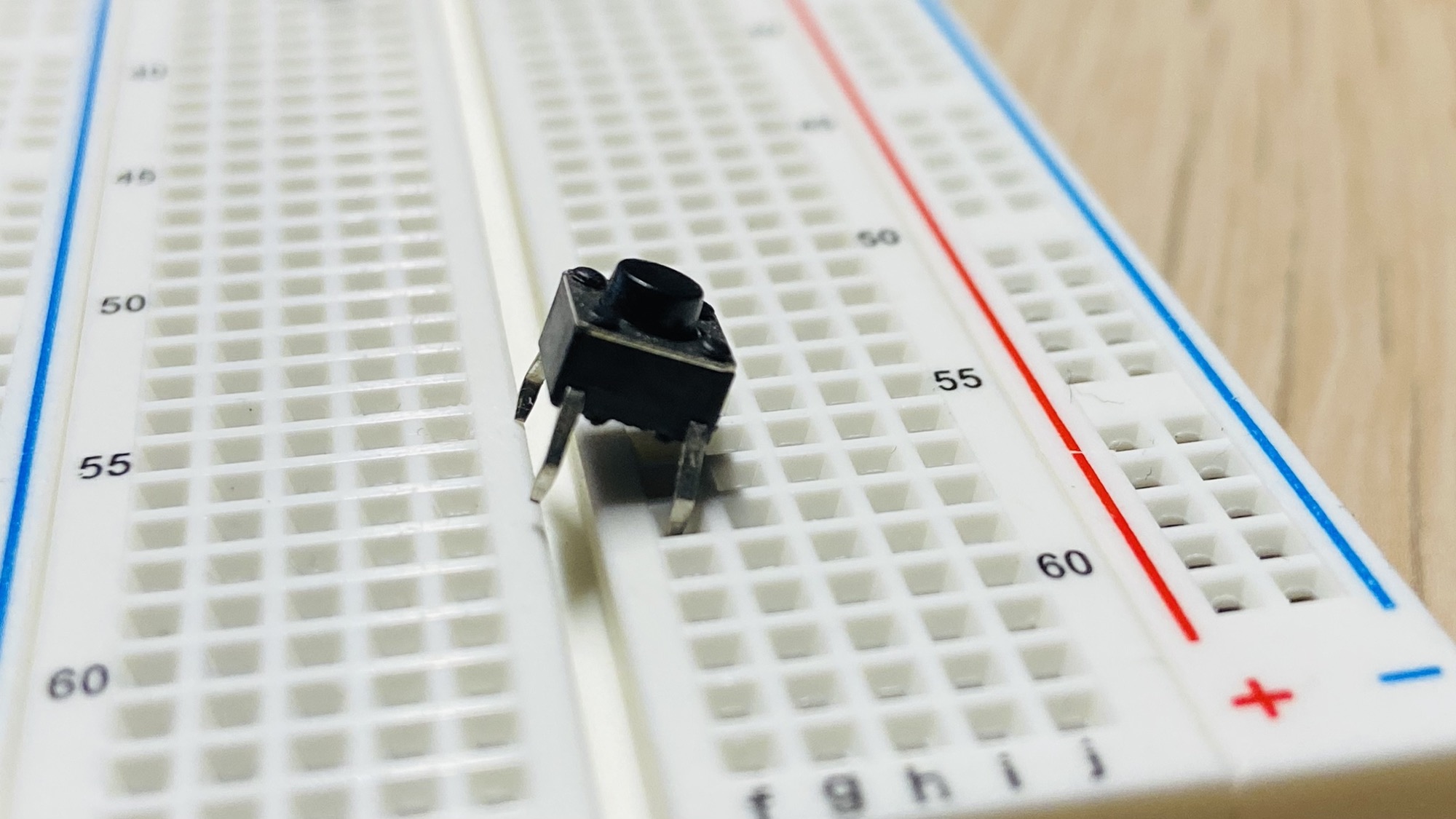
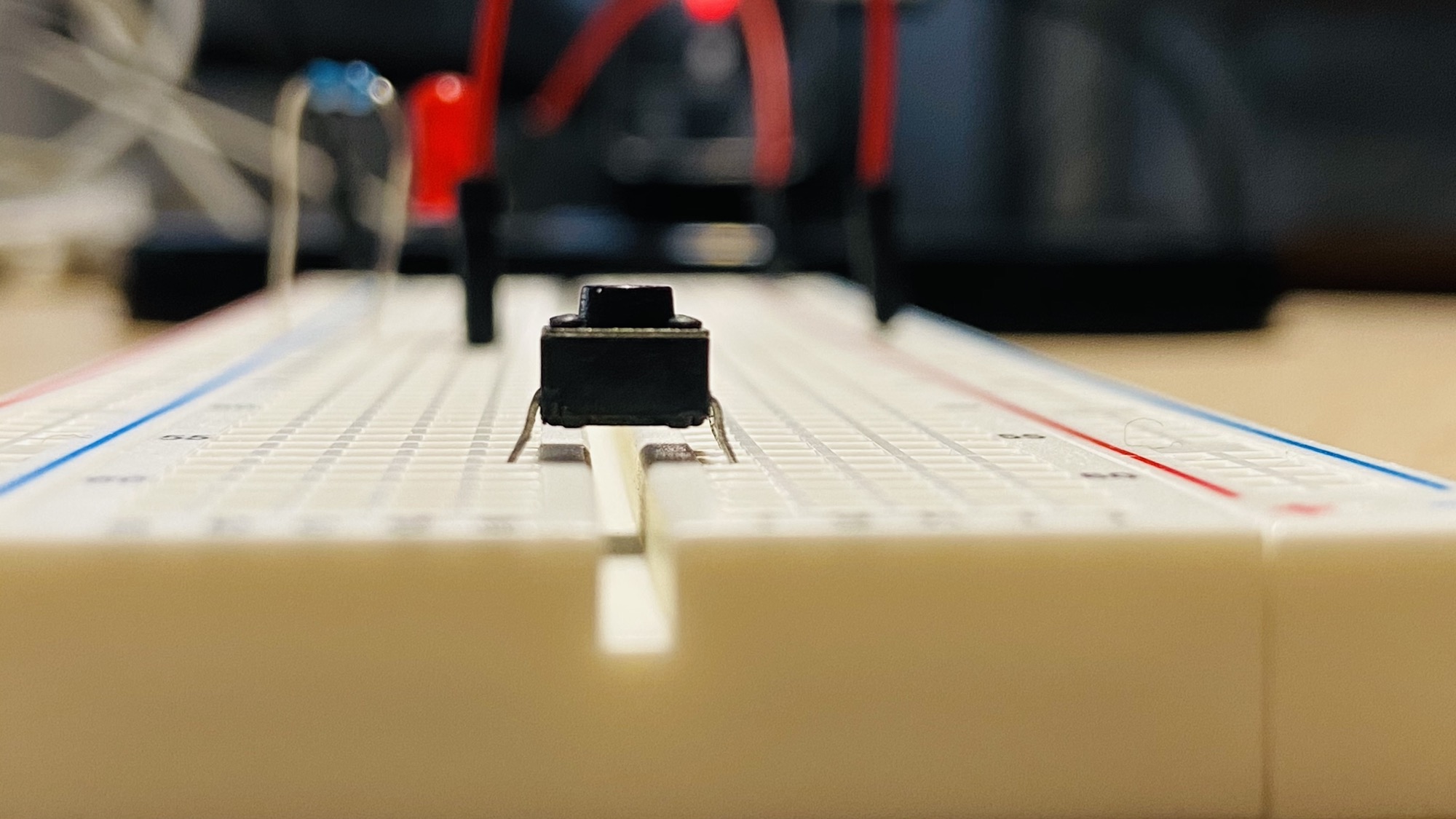
Then you can create a connection between 2 rows in the same part of the breadboard, like this:
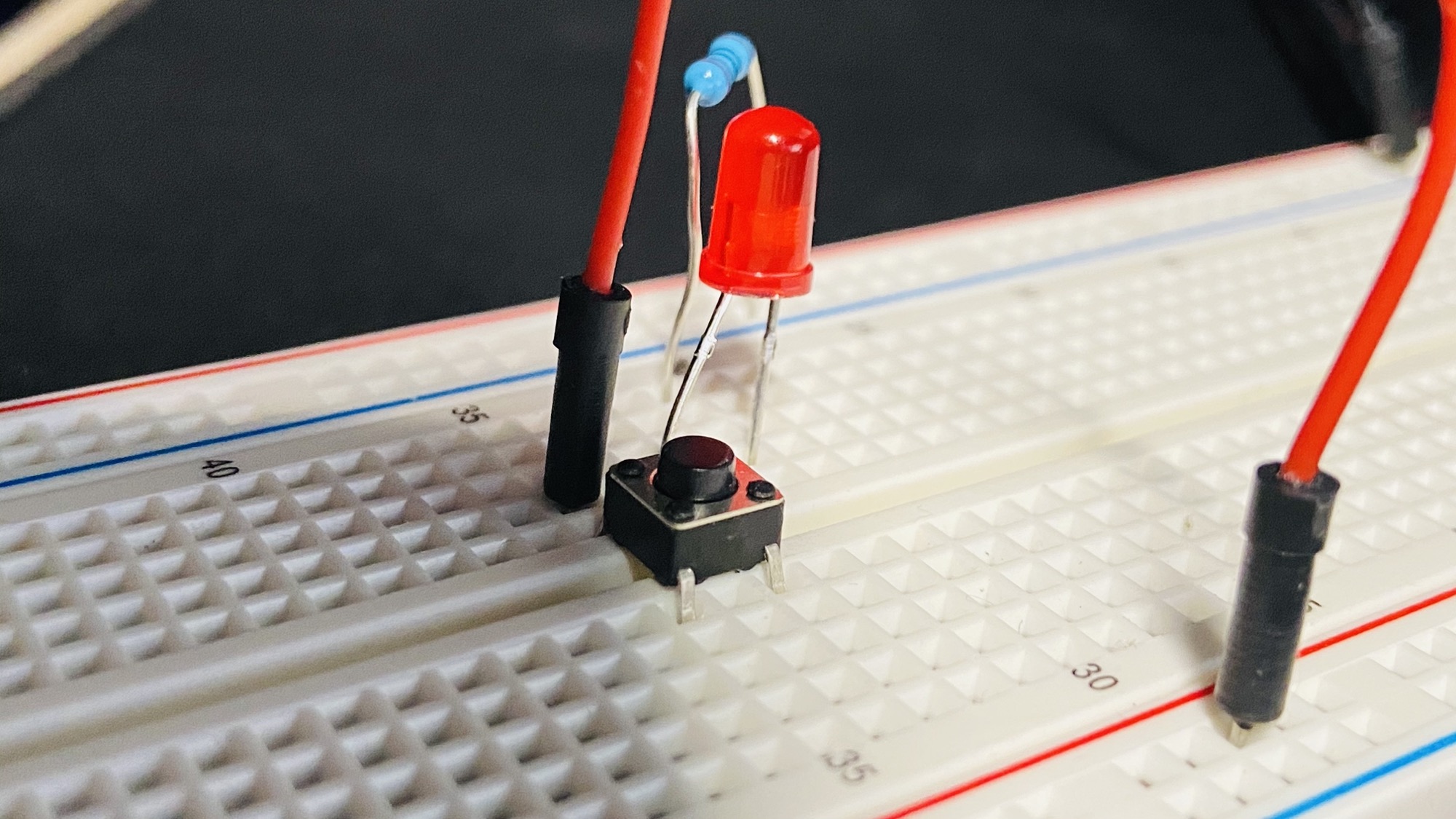
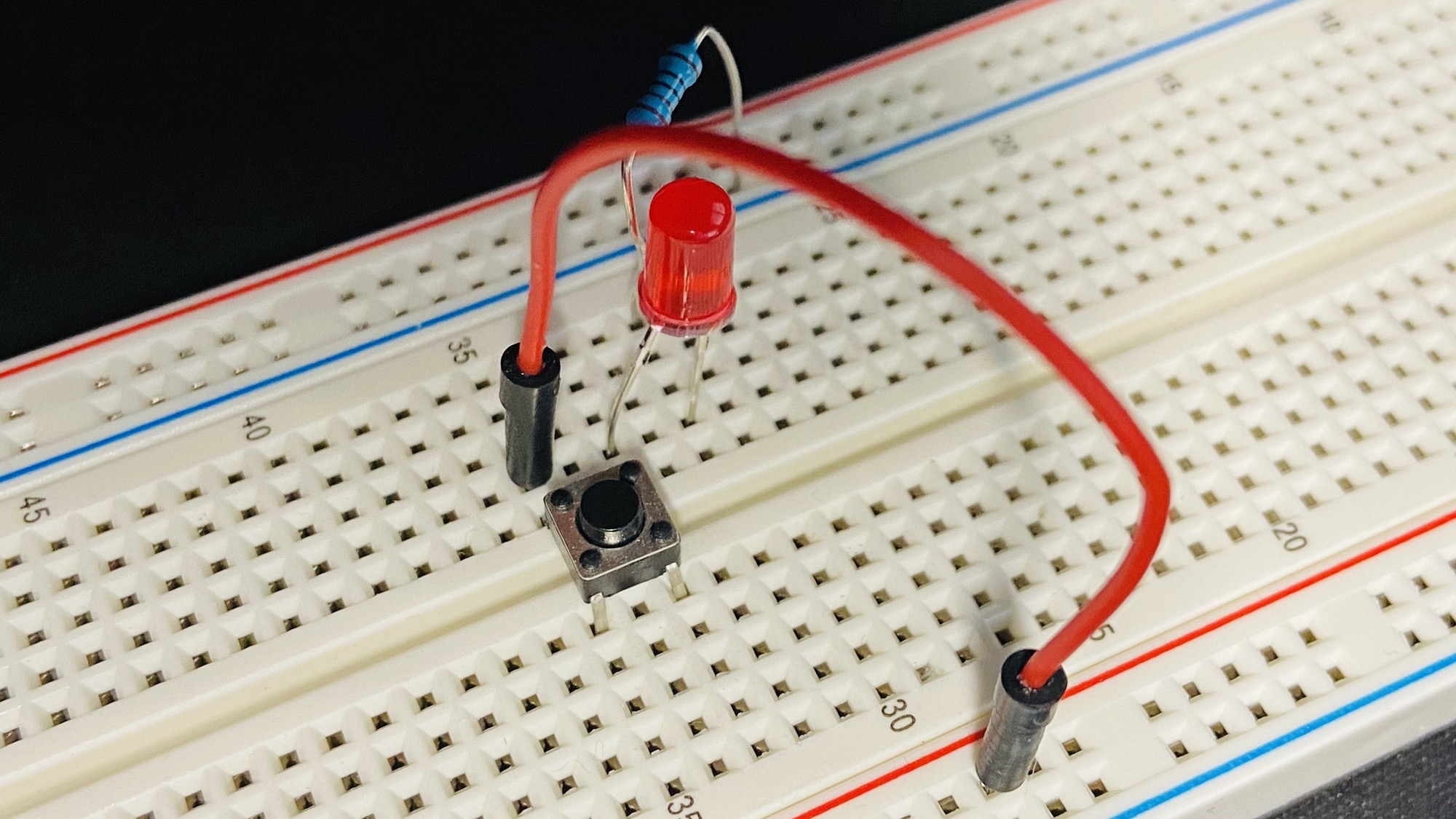
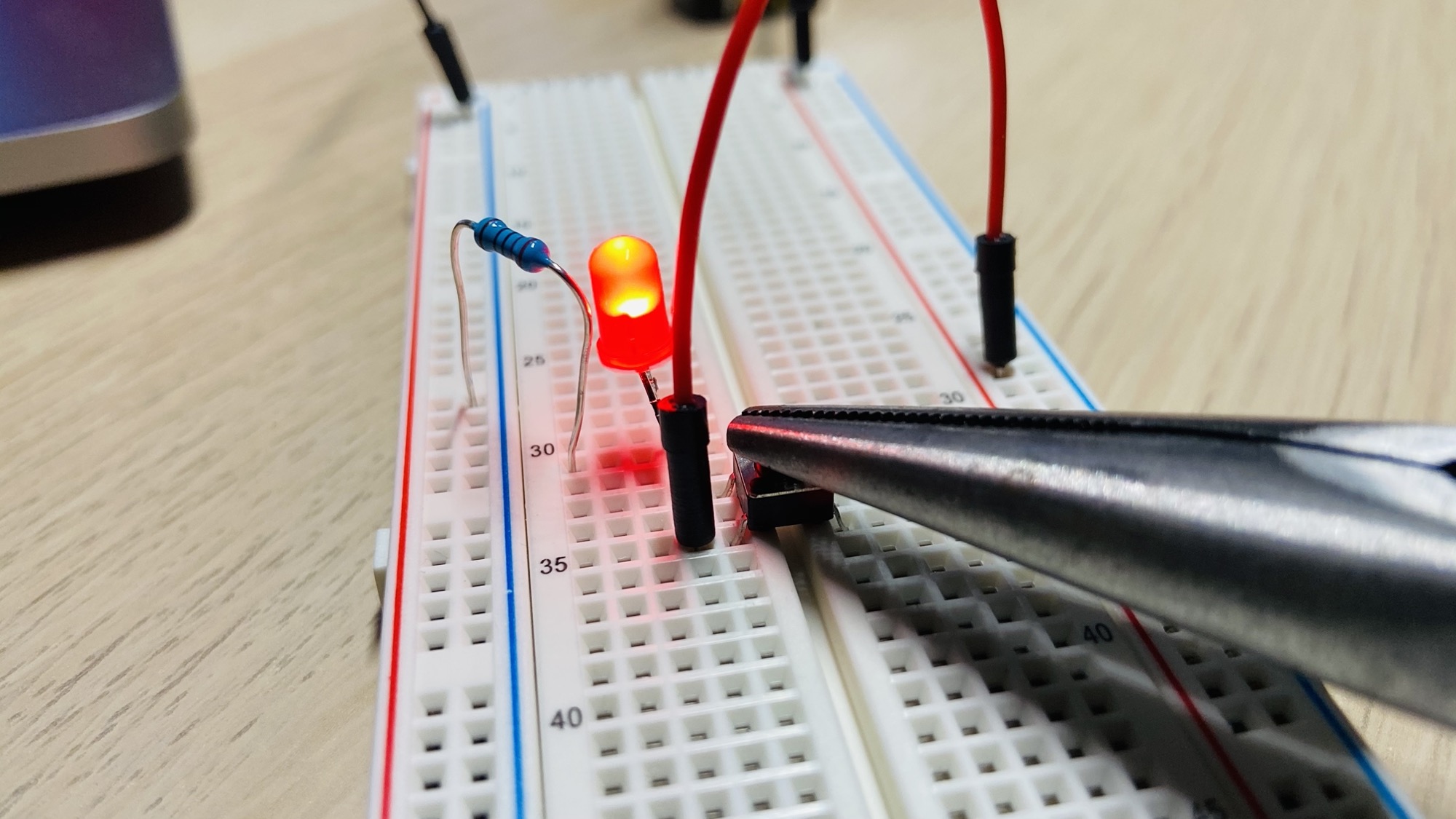
In the above circuit, the LED will turn on only when the button is pressed:
Lessons in this unit:
| 0: | Introduction |
| 1: | Breadboard Power Supply Module |
| 2: | Resistors |
| 3: | LEDs |
| 4: | RGB LEDs |
| 5: | Diodes |
| 6: | ▶︎ Buttons |
| 7: | Potentiometers |
| 8: | Buzzers |
| 9: | Servo Motors |
| 10: | Analog Joystick |
| 11: | The DHT11 temperature and humidity sensor |
| 12: | The 1602 LCD Display |