Join the AI Workshop and learn to build real-world apps with AI. A hands-on, practical program to level up your skills.
If you run a container using docker run and it immediately exits and every time you press the Start button in Docker Desktop it exits again, there is a problem.
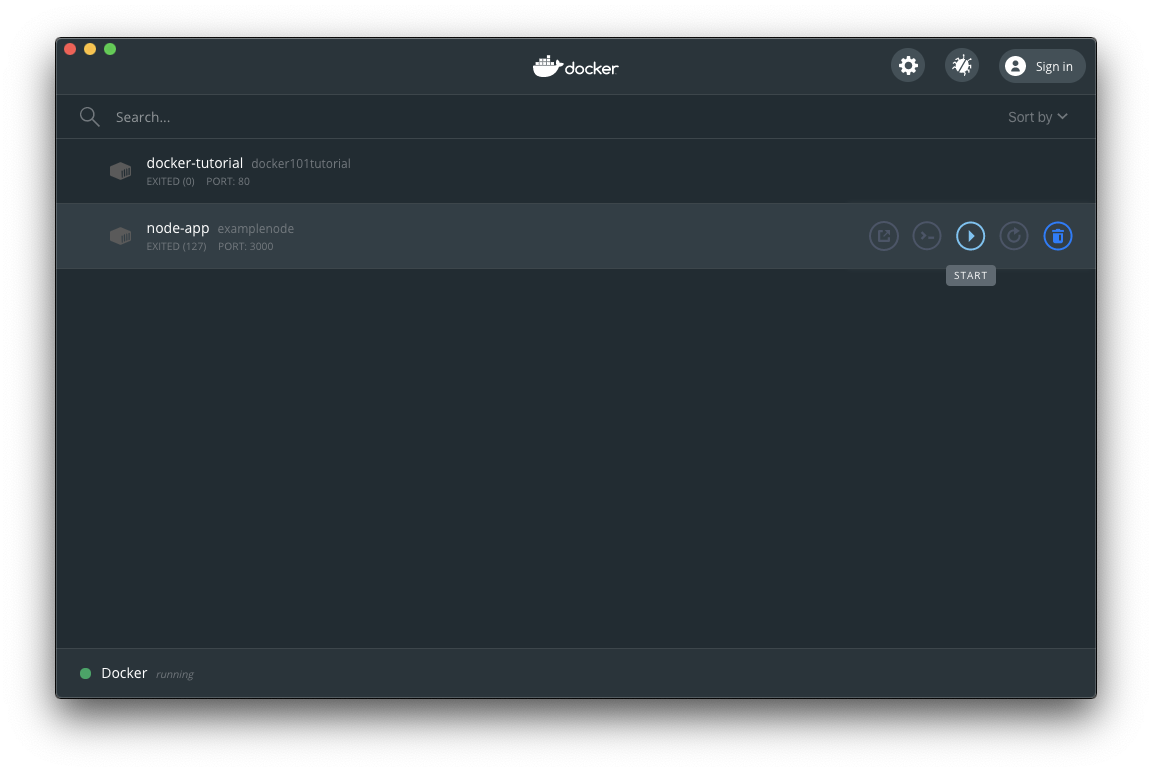
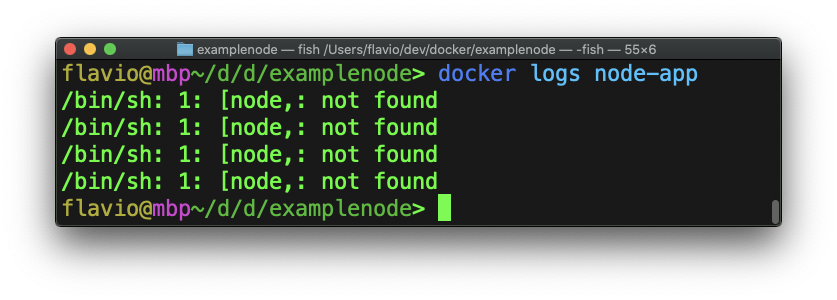
The way to figure out what is wrong is to run docker logs, adding the name of the container at the end:
You can also click the Container name in Docker Desktop, and it will show a list of logs:
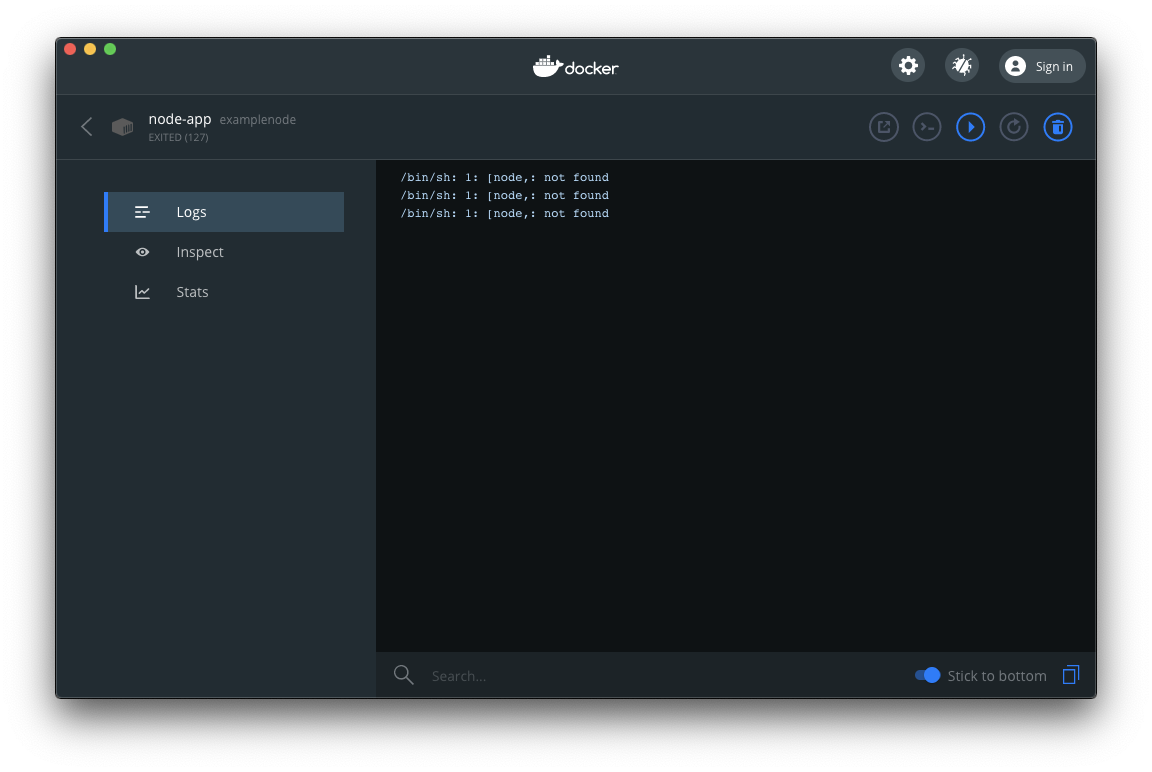
In this case after a quick Google search I realized I used a single quote in my CMD command.
Note that to fix problems like this, you need to remove the container, but also delete the image and rebuild it.