Join the AI Workshop and learn to build real-world apps with AI. A hands-on, practical program to level up your skills.
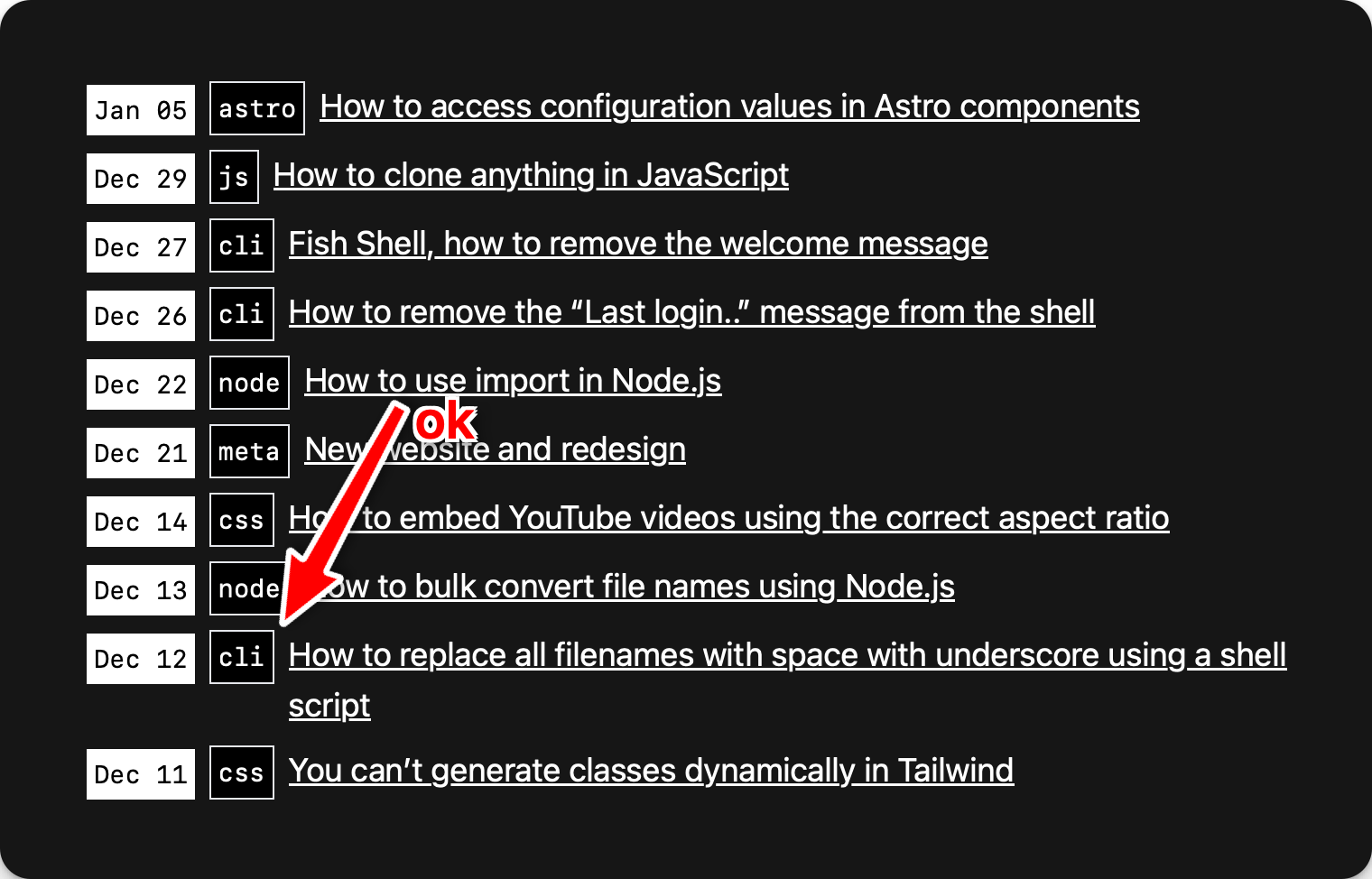
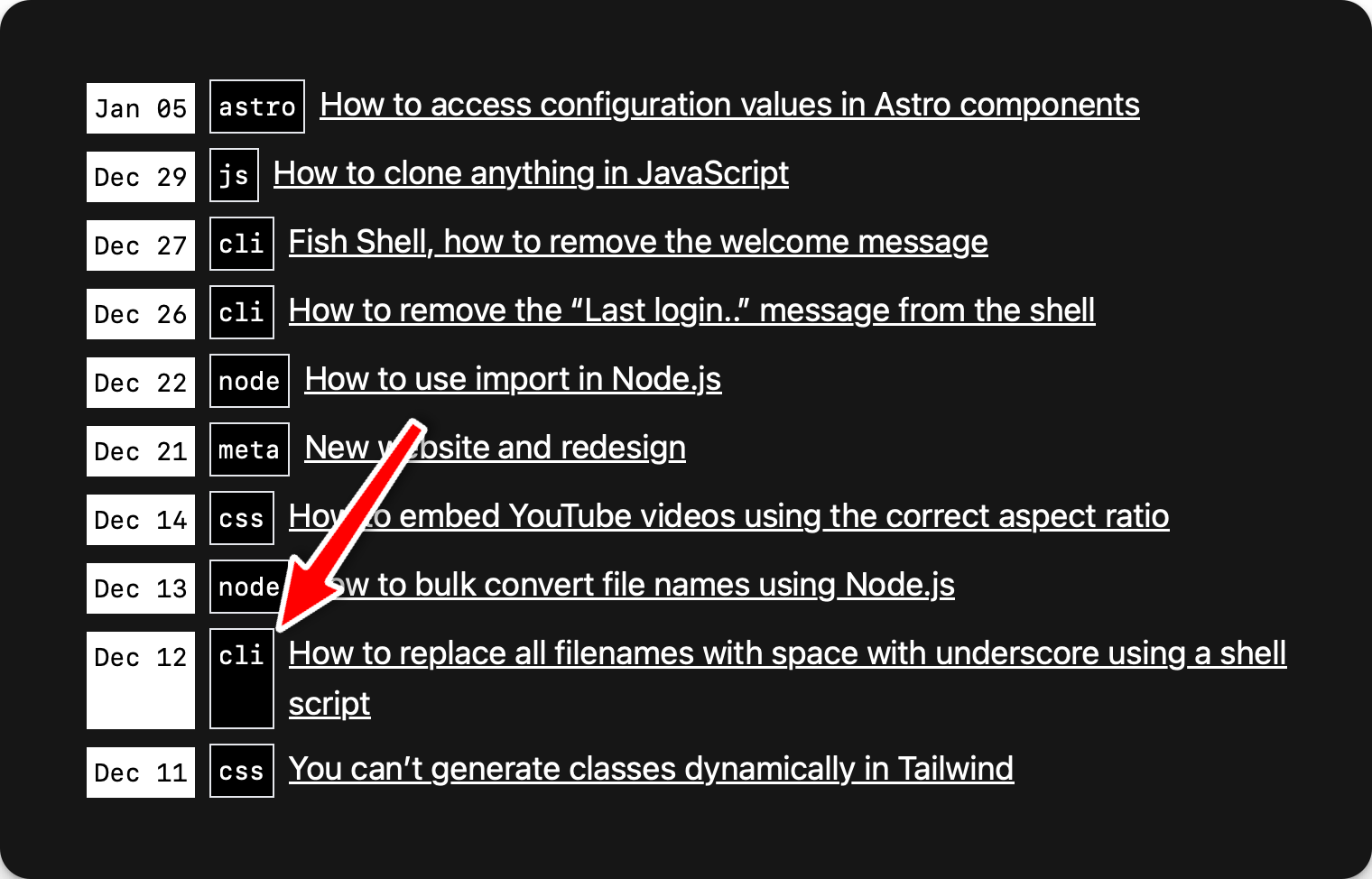
I had a horizontal list of items, and if a line of text got to 2 lines, I had some additional space and its flex siblings were extending to the full height.
This was the code:
<li class="flex">
  <code class="flex-none text-sm whitespace-normal mr-2 mt-0.5 bg-white text-black p-1 ">
    {new Date(post.date).toString().slice(4, 11)}
  </code>{' '}
  <code class="flex-none text-sm whitespace-normal mr-2 bg-black text-white border p-1 ">
    {post.tag}
  </code>
  <a href={'/' + post.url + '/'}>{post.title}</a>
</li>
To fix this, I added the self-start class to the code blocks which in Tailwind CSS applies align-self: start;