Browser API
Cookies

0: Introduction
1: Setting cookies
2: Setting a cookie expiration date
3: Setting a cookie path
4: Setting a cookie domain
5: Cookies security
6: Updating a cookie
7: Deleting a cookie
8: Accessing the value of a cookie
9: Checking if a cookie exists
10: ▶︎ Inspecting cookies

[← back to the Valley]

Cookies: Inspecting cookies

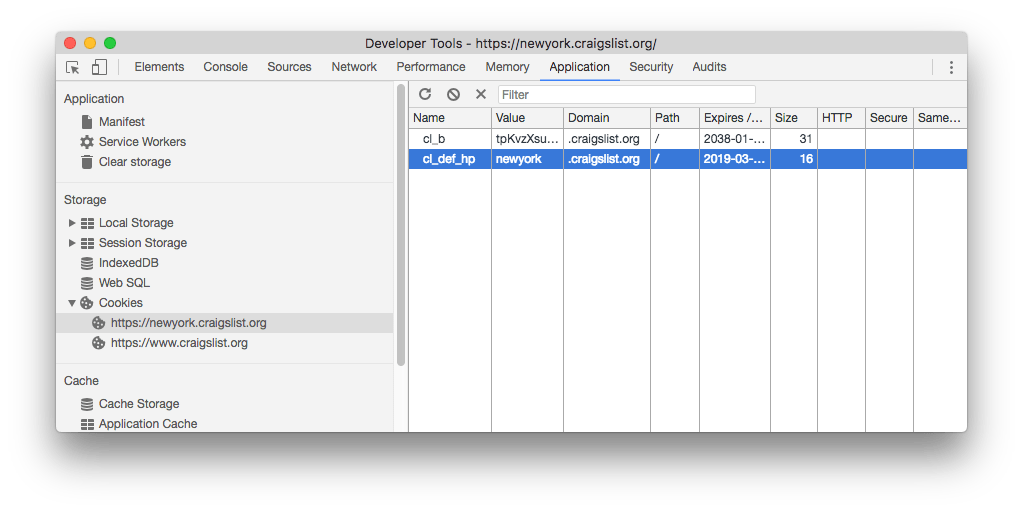
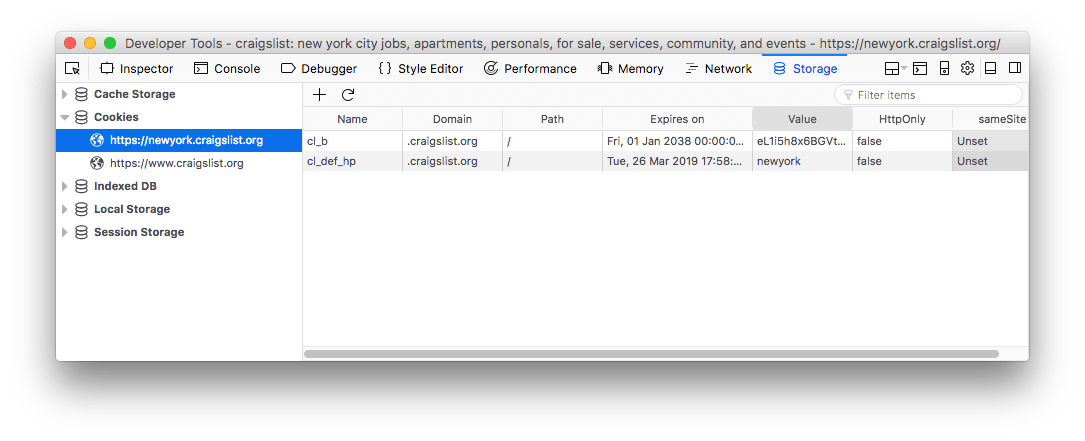
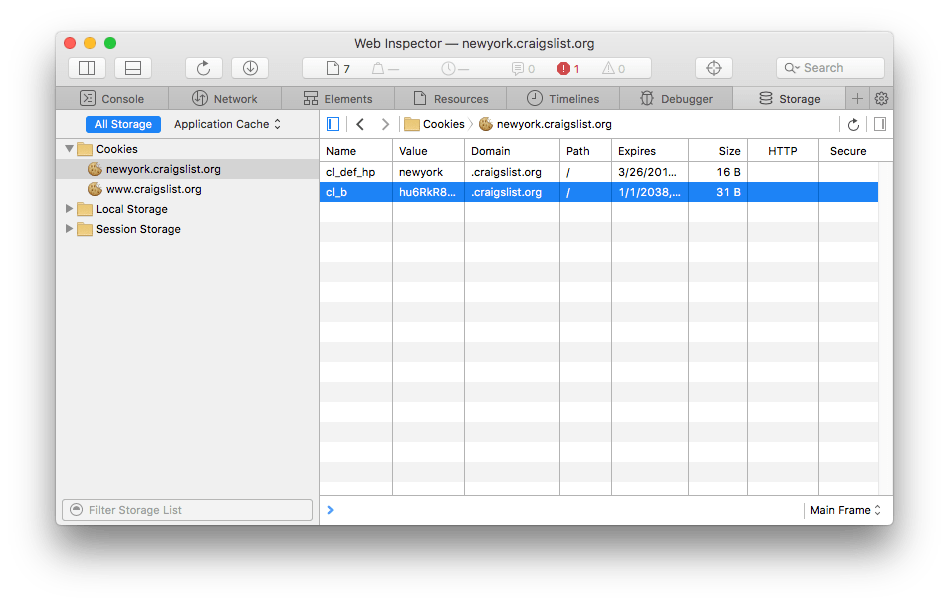
All browsers in their developer tools provide an interface to inspect and edit cookies.

Chrome

Chrome devtools cookies

Firefox

Firefox devtools cookies

Safari

Safari devtools cookies

◀︎ Checking if a cookie exists

Lessons in this unit:

0: Introduction
1: Setting cookies
2: Setting a cookie expiration date
3: Setting a cookie path
4: Setting a cookie domain
5: Cookies security
6: Updating a cookie
7: Deleting a cookie
8: Accessing the value of a cookie
9: Checking if a cookie exists
10: ▶︎ Inspecting cookies

Join my AI Workshop!

The Web Development BOOTCAMP cohort starts in February 2026