Join the AI Workshop and learn to build real-world apps with AI. A hands-on, practical program to level up your skills.
In this tutorial I will explain how you can create a user with programmatic access in AWS through the IAM (Identity and Access Management) panel.
If you don’t have an AWS account yet, start here: https://aws.amazon.com.
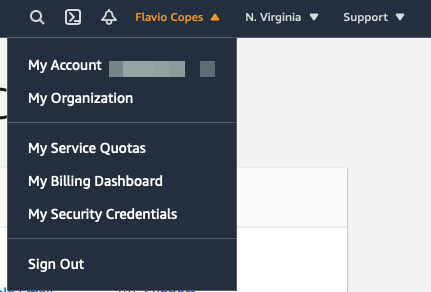
Once you have an account set up and you’re logged in to AWS, click your name at the top and then “My Security Credentials”
On the sidebar click “Users”, and “Add user”. Enable “Programmatic access”.
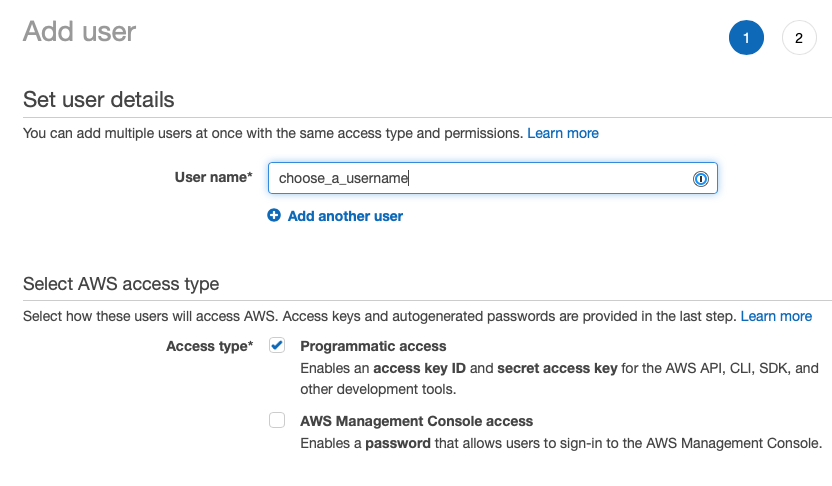
Move to the next screen via the buttons at the bottom of the page (“Next: Permissions”).
Click the “Attach existing policies directly”:
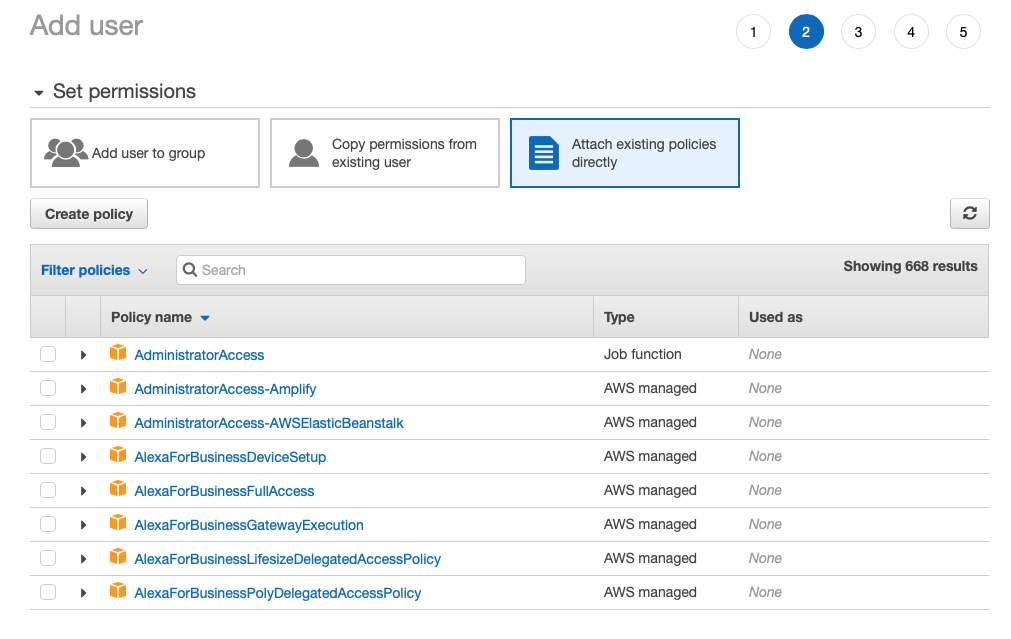
In this example I create a user that can access S3 to upload files.
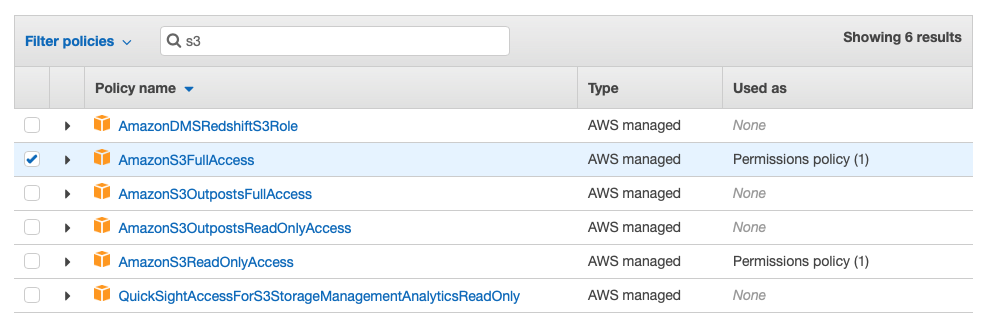
Type “S3” in the filter to show the S3 policies
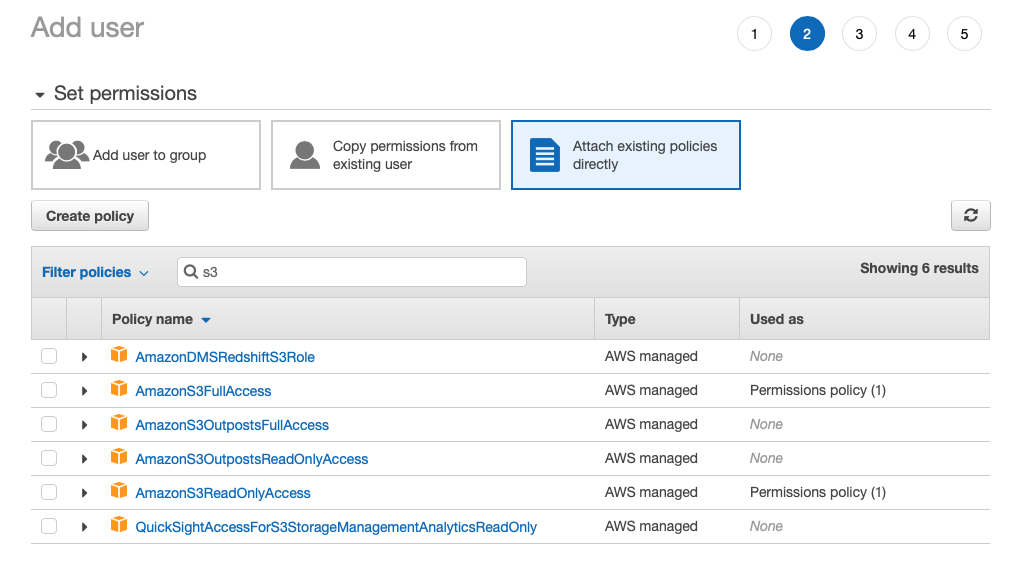
Select the AmazonS3FullAccess permission:
Once the user is created, you’ll have a pair of access key ID and secret access key.
Copy those to your .env file in the project where you need to use them as environment variables.
Lessons in this unit:
| 0: | Introduction |
| 1: | ▶︎ How to create an IAM user in AWS |
| 2: | How to make your S3 buckets public |