We’ve seen how to create pages, that have a static route.
src/pages/index.astrohas the/routesrc/pages/about.astrohas the/aboutroute
Sometimes you have the need for dynamic routes.
Dynamic routes allow you to manage multiple different URLs with a single page.
Think about a blog, for example.
You have multiple blog posts, but all use the same structure.
We’ll get to writing posts in markdown soon, but let’s do a simple example now to explain dynamic routes.
A dynamic route is created by adding a file with square brackets under src/pages.
Create a file src/pages/[post].astro
post inside the square brackets is the variable that will be passed to the page and will contain the dynamic segment.
You can grab that from Astro.params in the page frontmatter.
You must however also define and export a getStaticPaths() function, that returns an array of objects which contain the values allowed for the dynamic segment:
---
import Layout from '../layouts/Layout.astro'
const { post } = Astro.params

export async function getStaticPaths() {
  return [
    { params: { post: 'test' } },
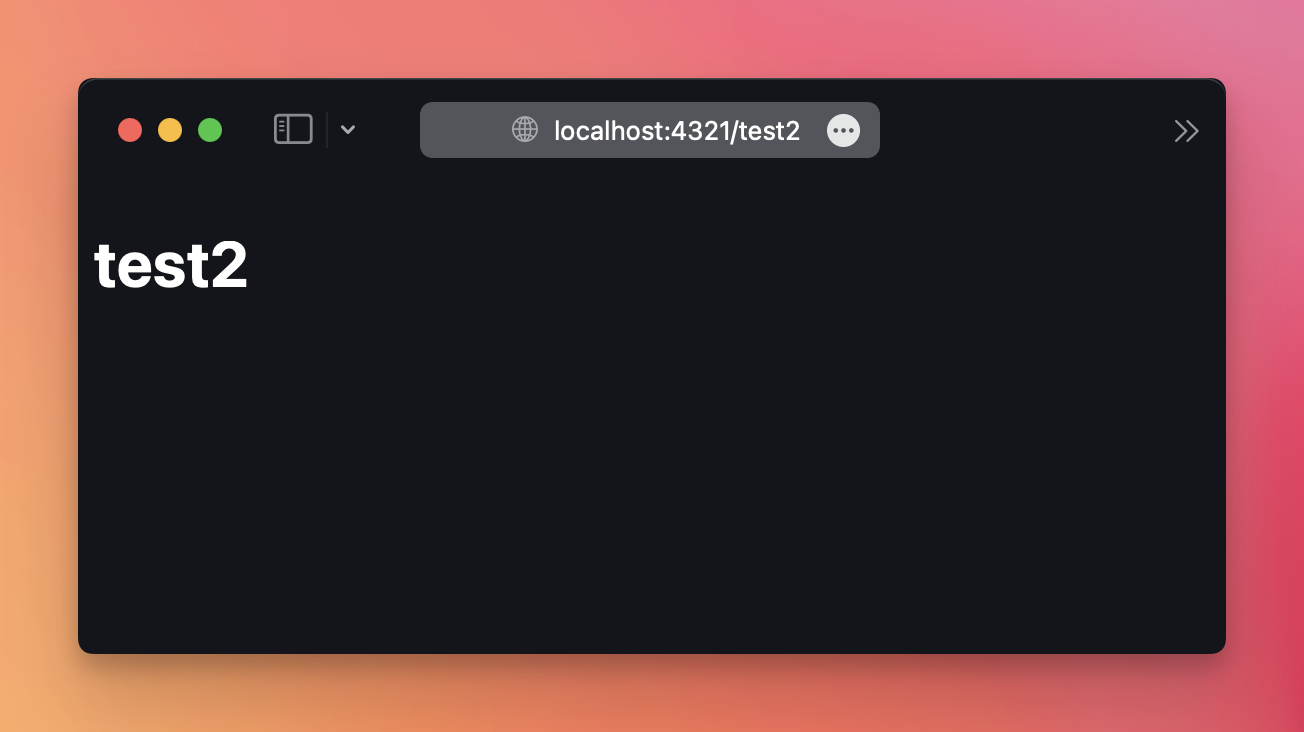
    { params: { post: 'test2' } },
    { params: { post: 'test3' } },
  ]
}
---

<Layout title='Post'>
  <h1 style="color: white">{post}</h1>
</Layout>
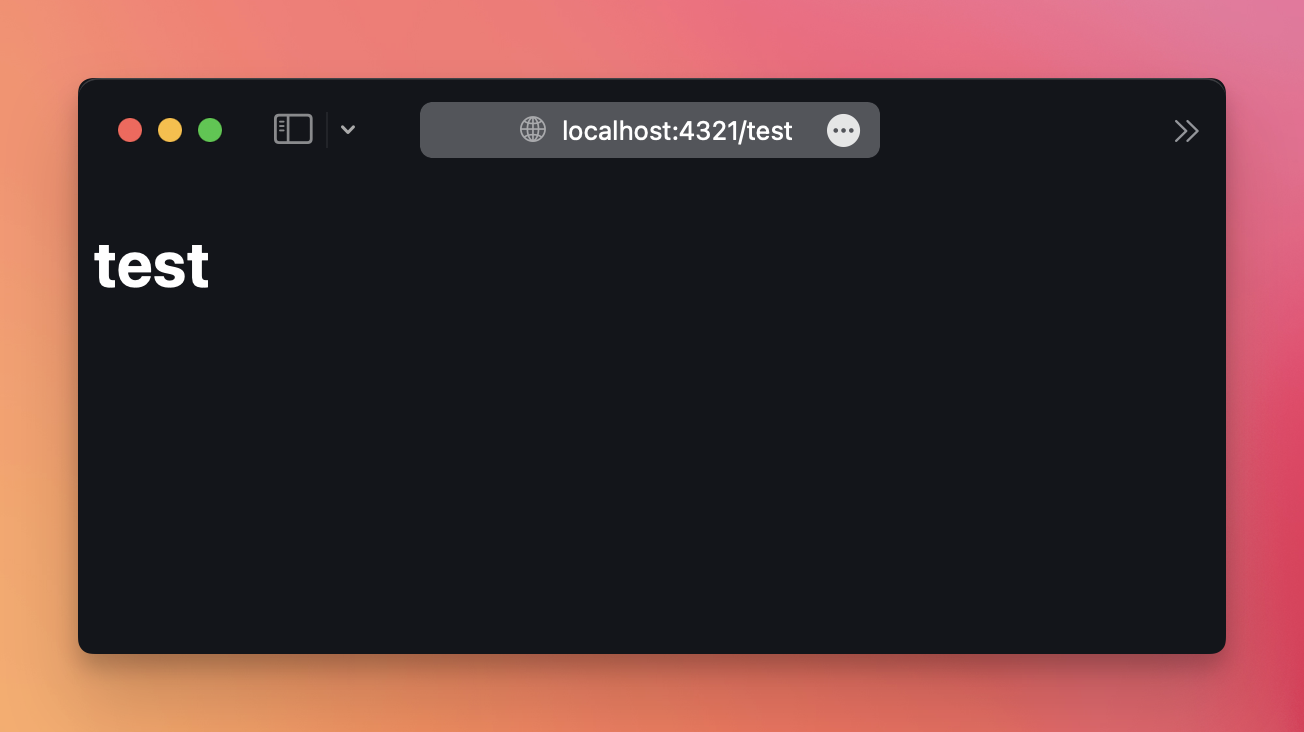
If you hit the /test2 route, that’s still a route that’s taken care by this file.
/test4 would be not, and would generate a 404 page not found message.
Note that Astro also allows multiple levels of dynamic segments, like /[category]/[post].