Join the AI Workshop and learn to build real-world apps with AI. A hands-on, practical program to level up your skills.
One interesting feature we can use in Astro with SSR enabled is API endpoints.
To create an endpoint you add a file ending with .json.js in the src/pages folder, and it will be an API route with GET, POST and the other HTTP methods.
For example create this file:
src/pages/todos.json.js
You can define a GET API endpoint by exporting a GET function:
export const GET = async ({ params, request }) => {

}
You can return JSON by returning a new Response object with a JSON response:
export const GET = async ({ params, request }) => {
  return new Response(JSON.stringify([
    'Buy the milk',
    'Write a blog post'
  ]))
}
Hit http://localhost:4321/todos.json to see the JSON returned from your API endpoint:
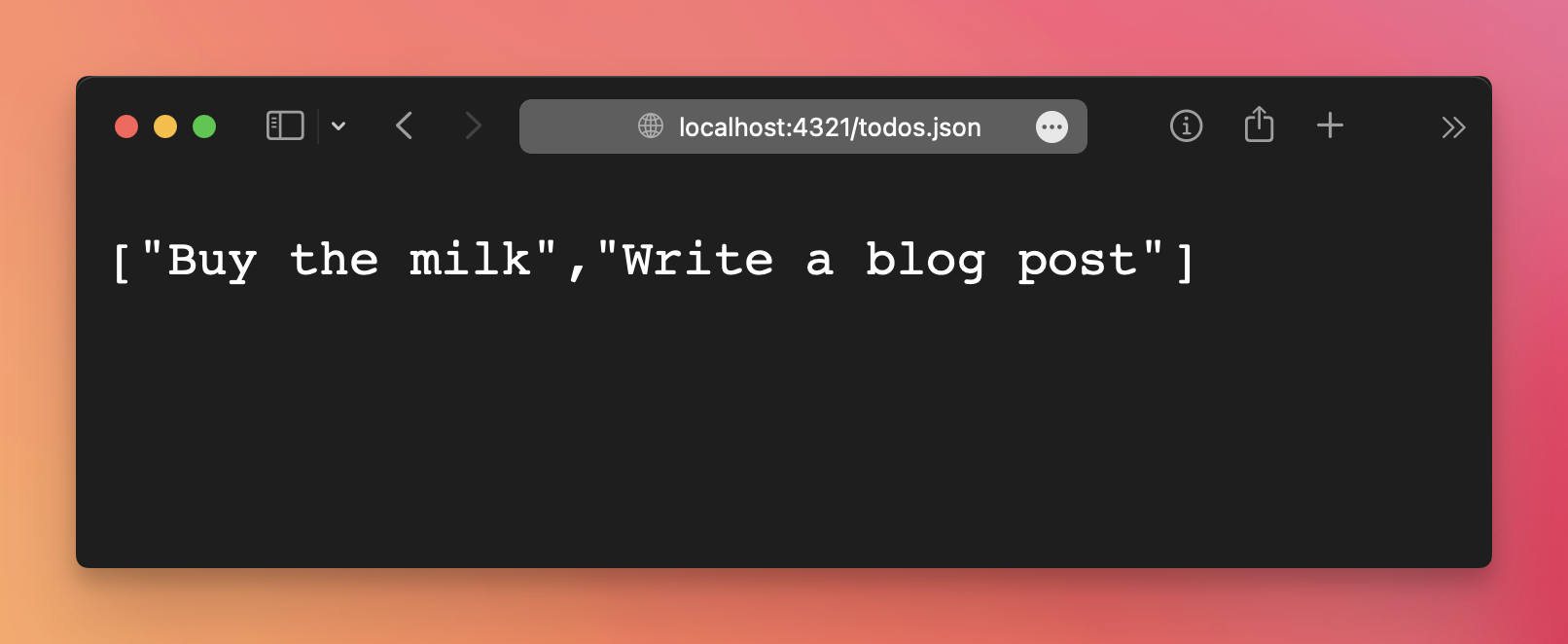
I returned a hardcoded set of data, but I could have hooked a database here.
You can inspect any data received in the URL using the params parameter (only in GET requests), and the request data in request.
For example you can inspect the body using await request.json() and header data using request.headers.
Just as we did a GET endpoint, we can add an HTTP POST endpoint using a POST function
export const POST = async ({ request }) => {

}
For example we can console.log() on the server any data coming in the request headers and the request body:
export const POST = async ({ request }) => {
  console.log(request.headers)
  console.log(await request.json())
  return new Response()
}
You could use this to add data to a database, handle form submissions, and what not.