Join the AI Workshop and learn to build real-world apps with AI. A hands-on, practical program to level up your skills.
You can write content directly in Astro components by writing HTML, but Astro comes with a very powerful Markdown and MDX engine.
MDX is basically Markdown with superpowers. It allows you to import components and show them in the page.
You might not need it most of the time (I don’t), but it’s supported.
To create a markdown page, you can add it directly into src/pages:

Astro will render this:

Of course you want to use a layout, and you can set it in the frontmatter of the markdown page:
---
layout: ../layouts/Layout.astro
---

# Contact

You can contact us at...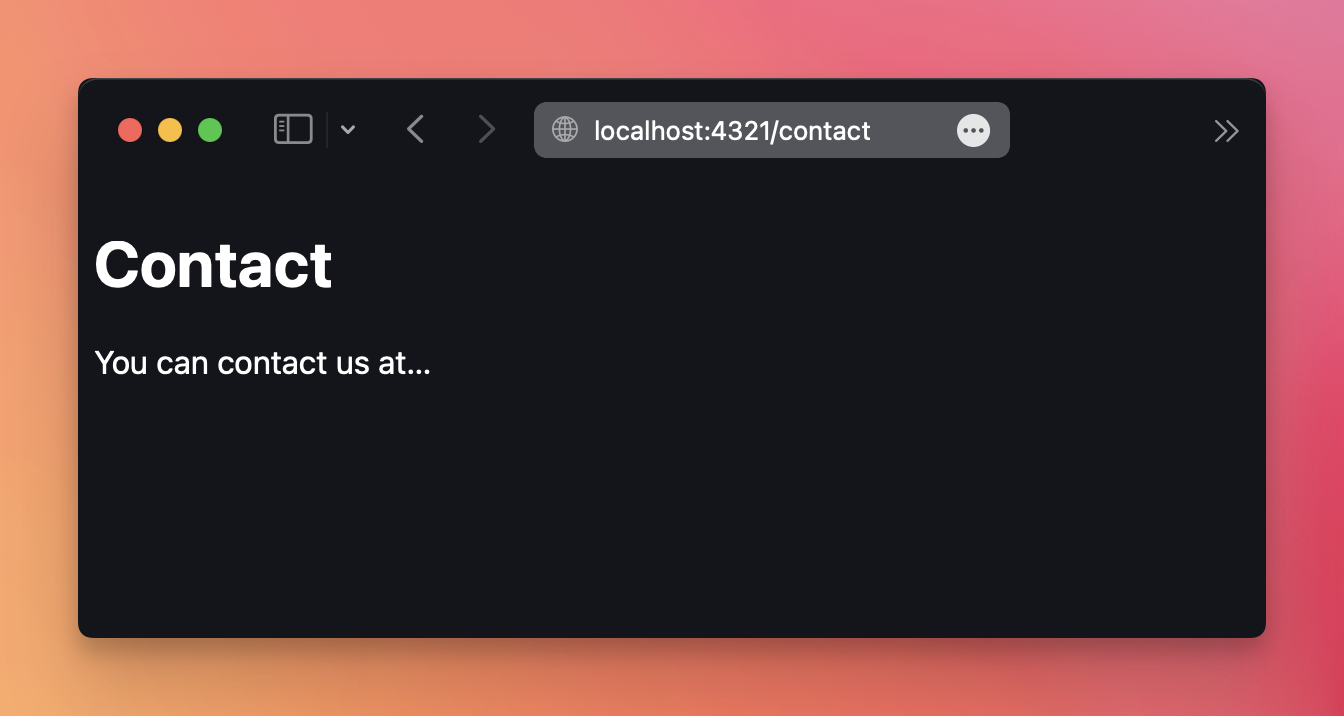
From within the layout you can access any frontmatter variable by importing the frontmatter from Astro.props:
---
const { frontmatter } = Astro.props
---
You usually have the title, the description, maybe a date.
Collections are a handy way to work with lots of markdown files. We’ll see them later.
Lessons in this unit:
| 0: | Introduction |
| 1: | ▶︎ Markdown in Astro |
| 2: | Images |
| 3: | Content collections |
| 4: | Embed images in markdown without relative path |
| 5: | Run client-side JS in Astro MDX |