Join the AI Workshop and learn to build real-world apps with AI. A hands-on, practical program to level up your skills.
Go into a folder on your computer.
I assume you have Node.js installed, which provides npm and npx.
Run this command:
npm create astro@latestThe Astro installer prompts you to pick a folder:
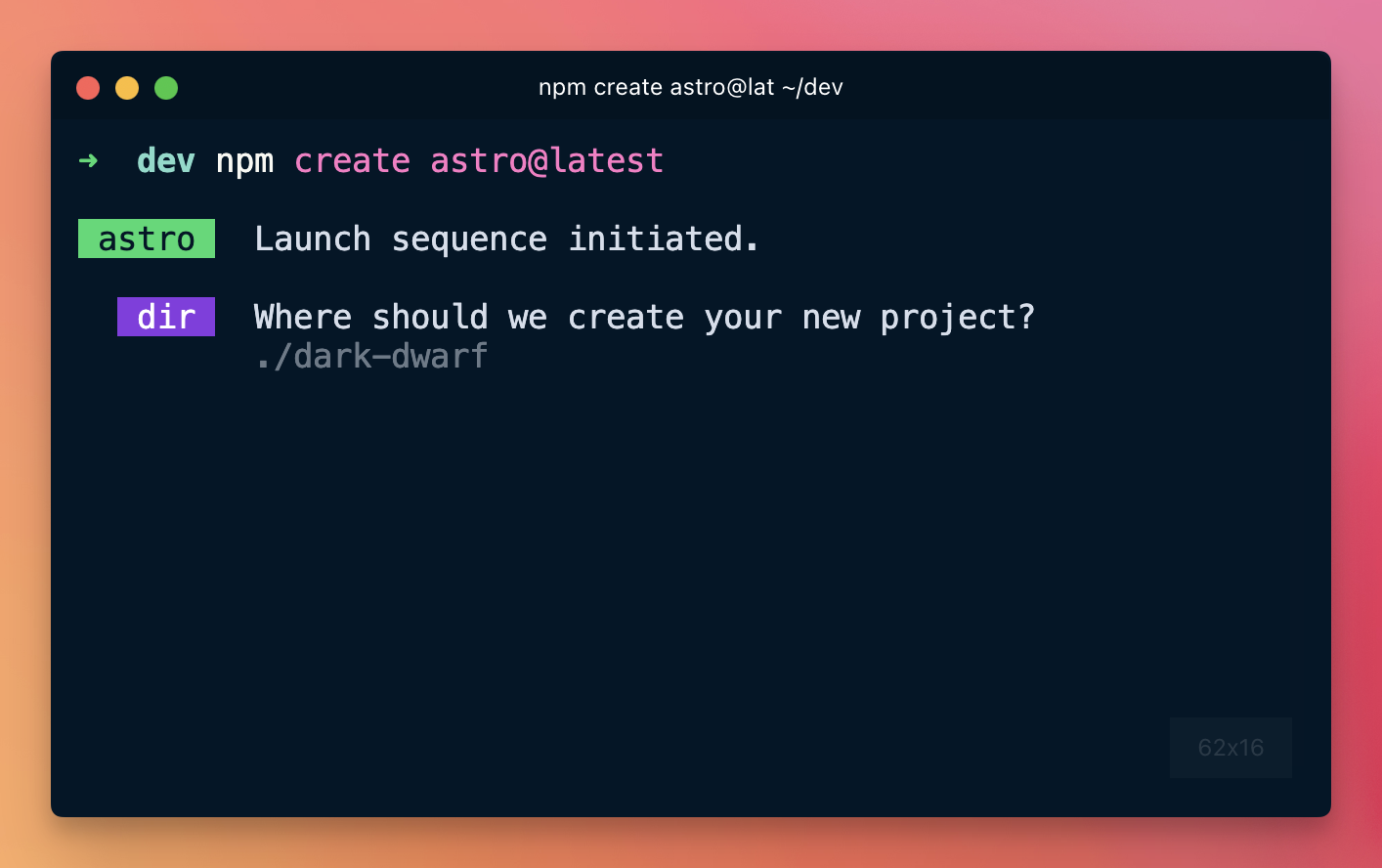

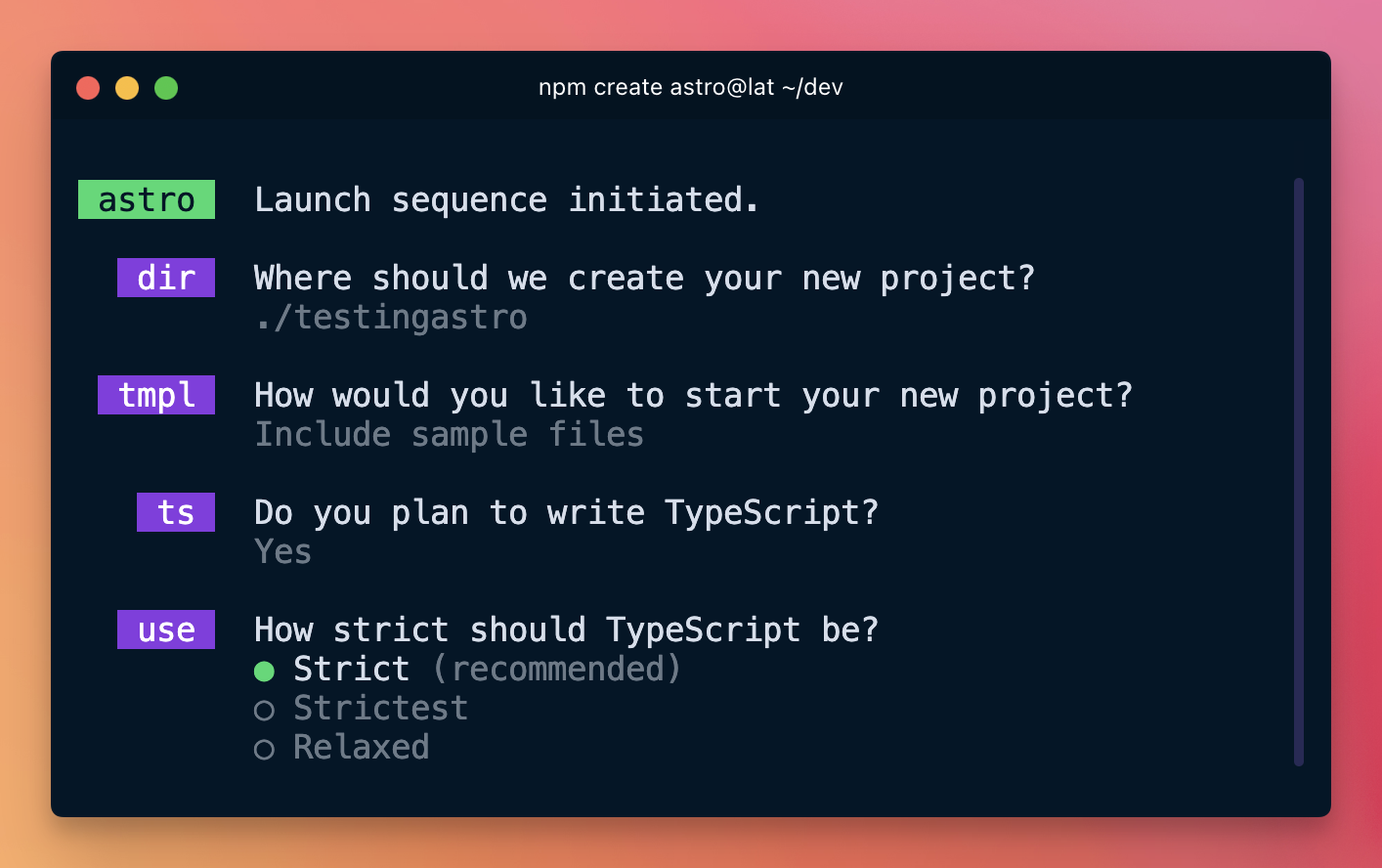
Include sample files for this first installation—it’s easier:

Then go on and install the dependencies:

Enable TypeScript support:

Choose to use strict TS:
…done!
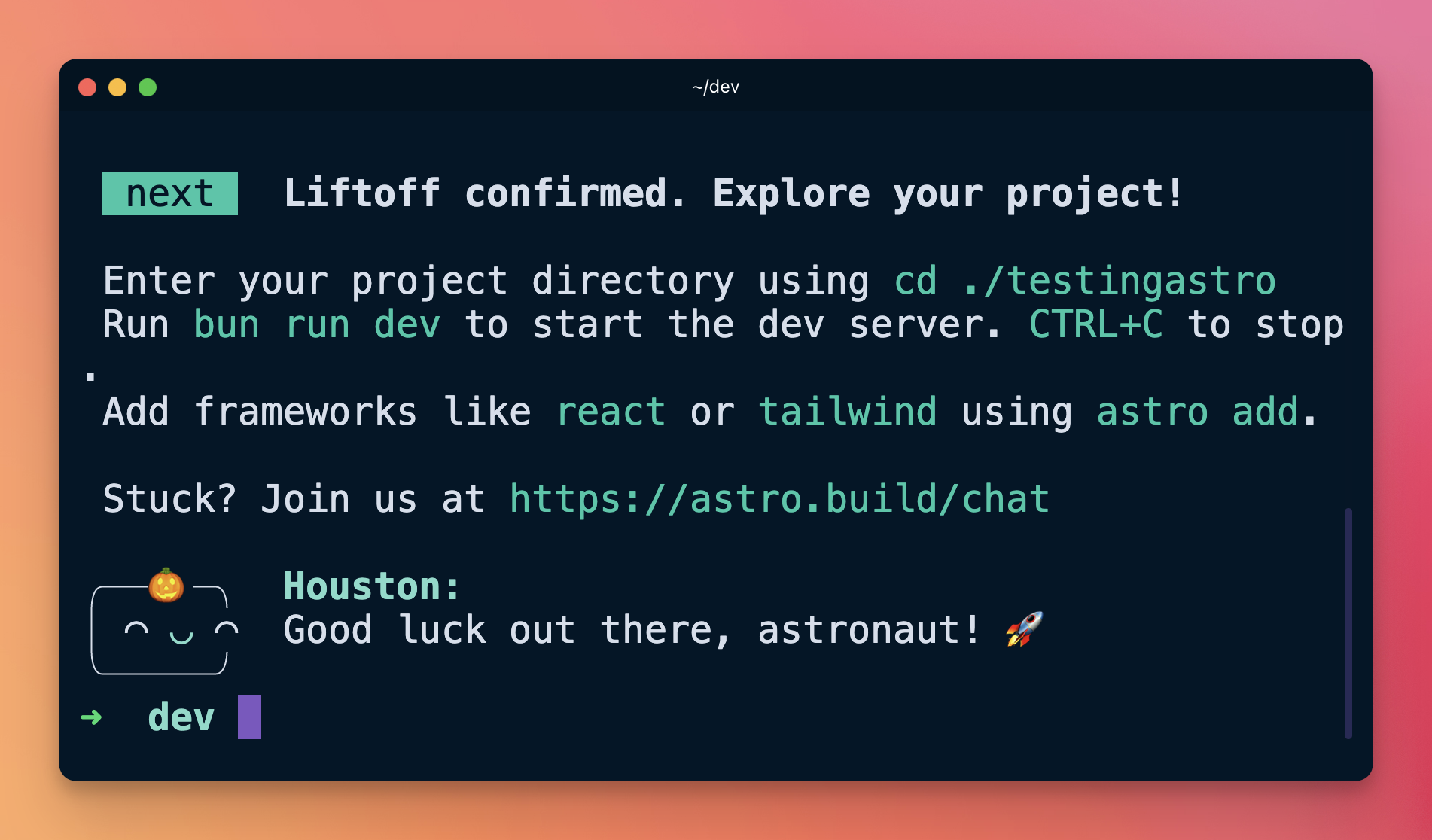
Now open the project in VS Code and run the Astro project with npm run dev.

Astro will start on port 4321, unless you have other things running on that port, in which case the port could be 4322 or another one.

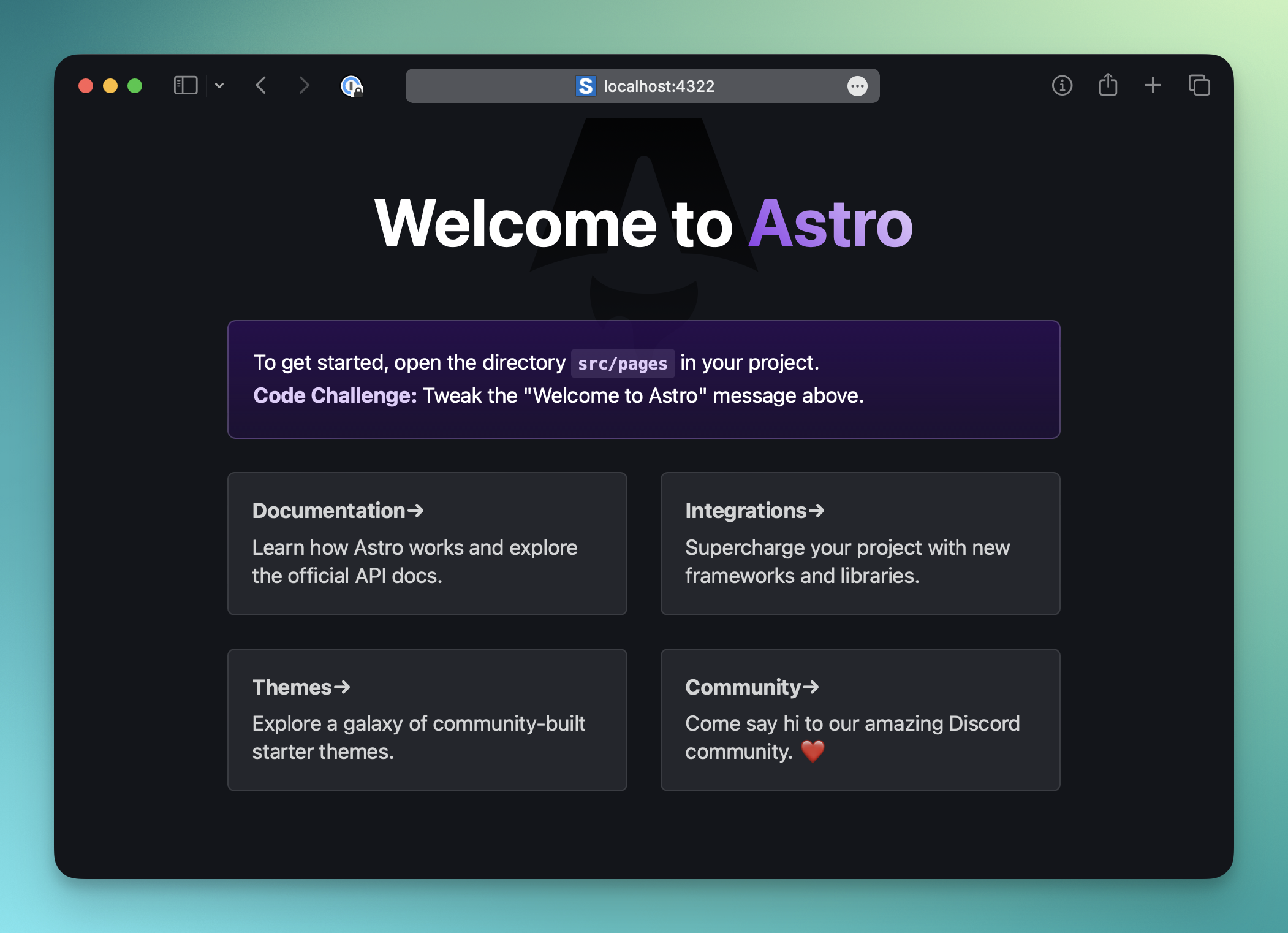
And you can see this basic starter project in the browser: