Join the AI Workshop and learn to build real-world apps with AI. A hands-on, practical program to level up your skills.
Let’s now see how to include CSS in your Astro site.
We’ve seen that in .astro components we can add a <style> tag, and inside it we can write CSS that is scoped to the component.
<style>

...

</style>
If you want, you can make those styles global using
<style is:global>

...

</style>
You can import a .css file in the component frontmatter:
---
import '../styles.css'
---
or by including them in your <html> page structure, in the layout, for example:
<html>
  <head>
    <link rel="stylesheet" href="/styles.css" />
    ...
In this case, the CSS file needs to be in the public folder.
To use Tailwind CSS, run the command:
npx astro add tailwind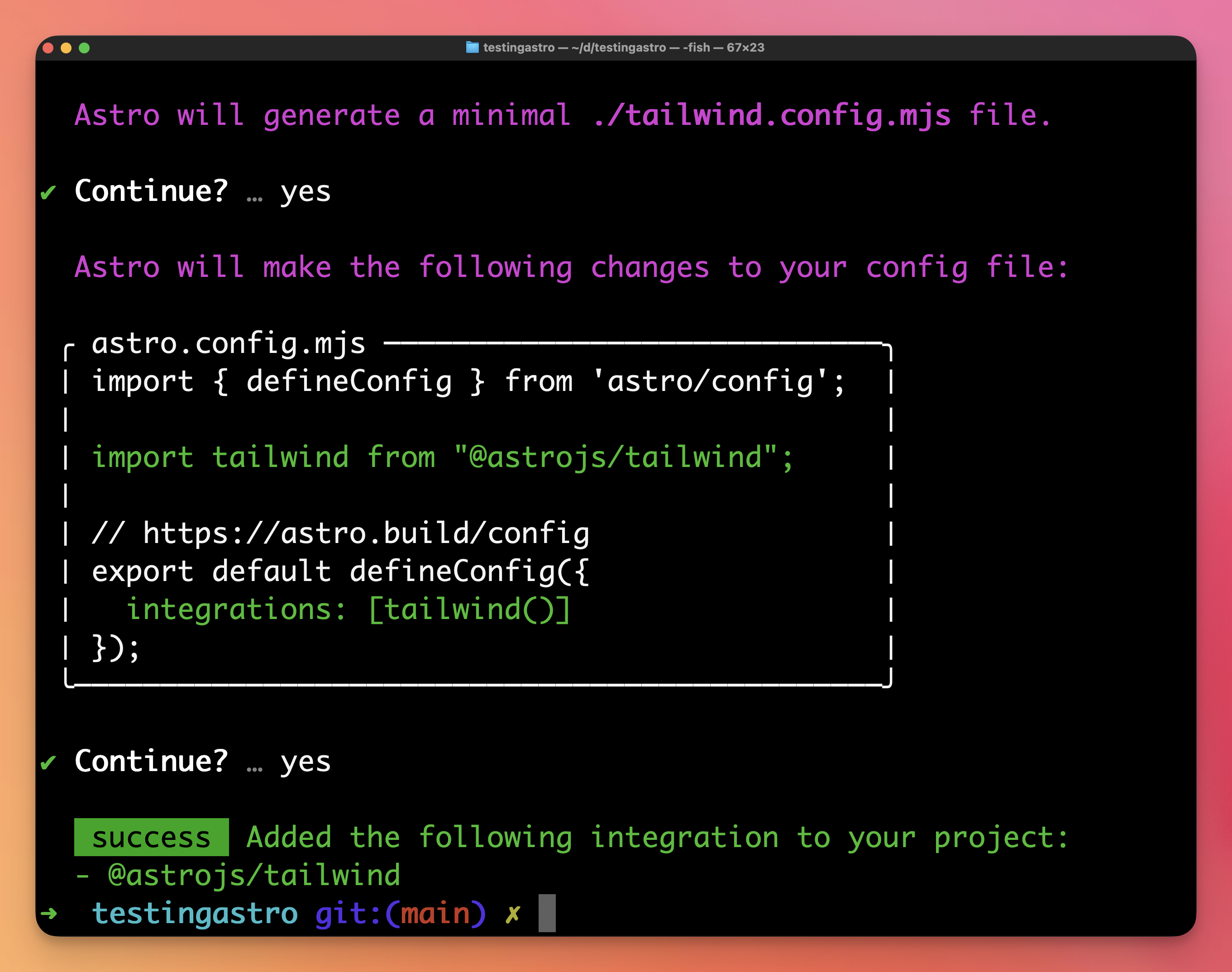
and Astro will install it and add a tailwind.config.mjs file in the site root, already configured for Astro:
/** @type {import('tailwindcss').Config} */
export default {
	content: ['./src/**/*.{astro,html,js,jsx,md,mdx,svelte,ts,tsx,vue}'],
	theme: {
		extend: {},
	},
	plugins: [],
}
In Tailwind v4 the content array is optional thanks to automatic content detection, so you can remove it unless you want explicit control or need to include extra sources.
and it will configure astro.config.mjs to include Tailwind CSS support in the Astro configuration:
import { defineConfig } from 'astro/config';

import tailwind from "@astrojs/tailwind";

// https://astro.build/config
export default defineConfig({
  integrations: [tailwind()]
});
That’s it.
You can now use Tailwind classes in your pages and layouts!
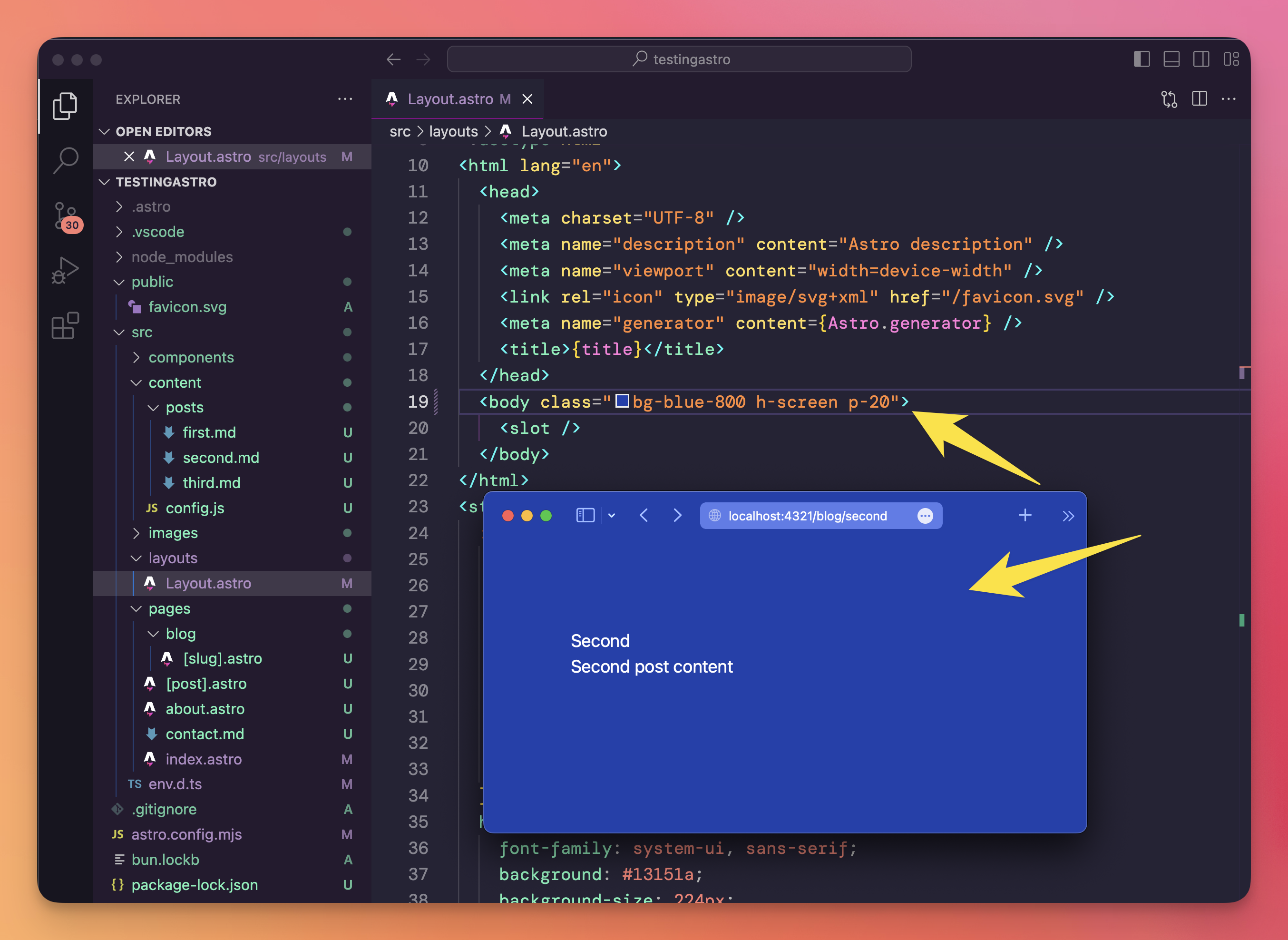
One Astro feature you might like, with Tailwind, is the ability to conditionally add classes based on component variables, including props:
---
const { white } = Astro.props
---
<div class:list={['bg-black', { 'bg-white': white }]}>
  ...
</div>
In this case, passing white={true} to this component will make the background white; otherwise it’s black.