Join the AI Workshop and learn to build real-world apps with AI. A hands-on, practical program to level up your skills.
One common thing you want to do is bind the value of an input element to a data value.
Say you have an input field where people can enter their name. You can bind its value to the name variable defined in x-data:
<div x-data="{ name: '' }">
  <p>Your name:</p>
  <input x-model="name" />

  <hr>
  <p>Your name is
    <span x-text="name"></span>
  </p>
</div>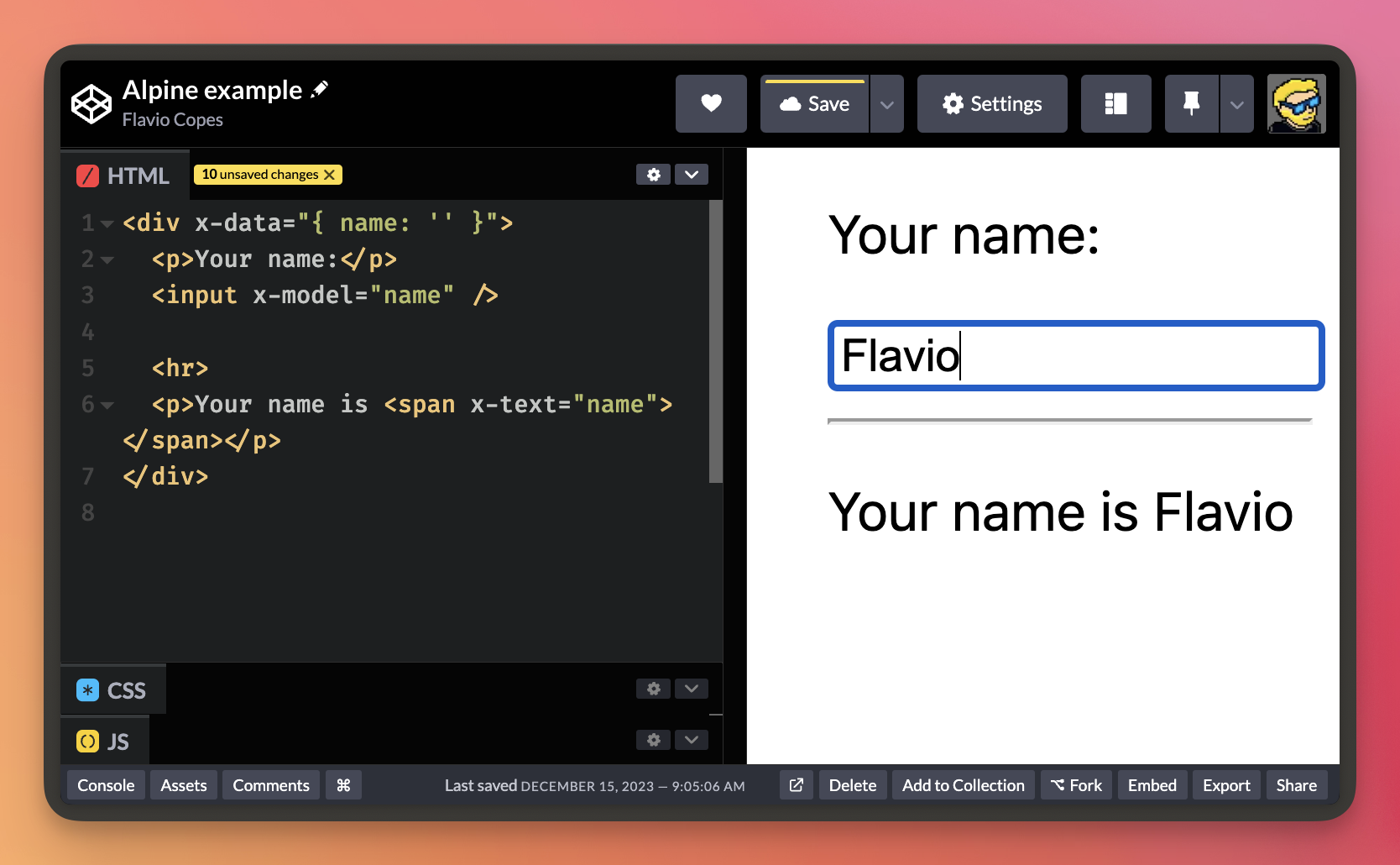
Lessons in this unit:
| 0: | Introduction |
| 1: | Installing Alpine |
| 2: | The basics of Alpine |
| 3: | Events |
| 4: | Defining data |
| 5: | Looping |
| 6: | ▶︎ Binding user input to variables |
| 7: | Watching variables change |
| 8: | Stores |