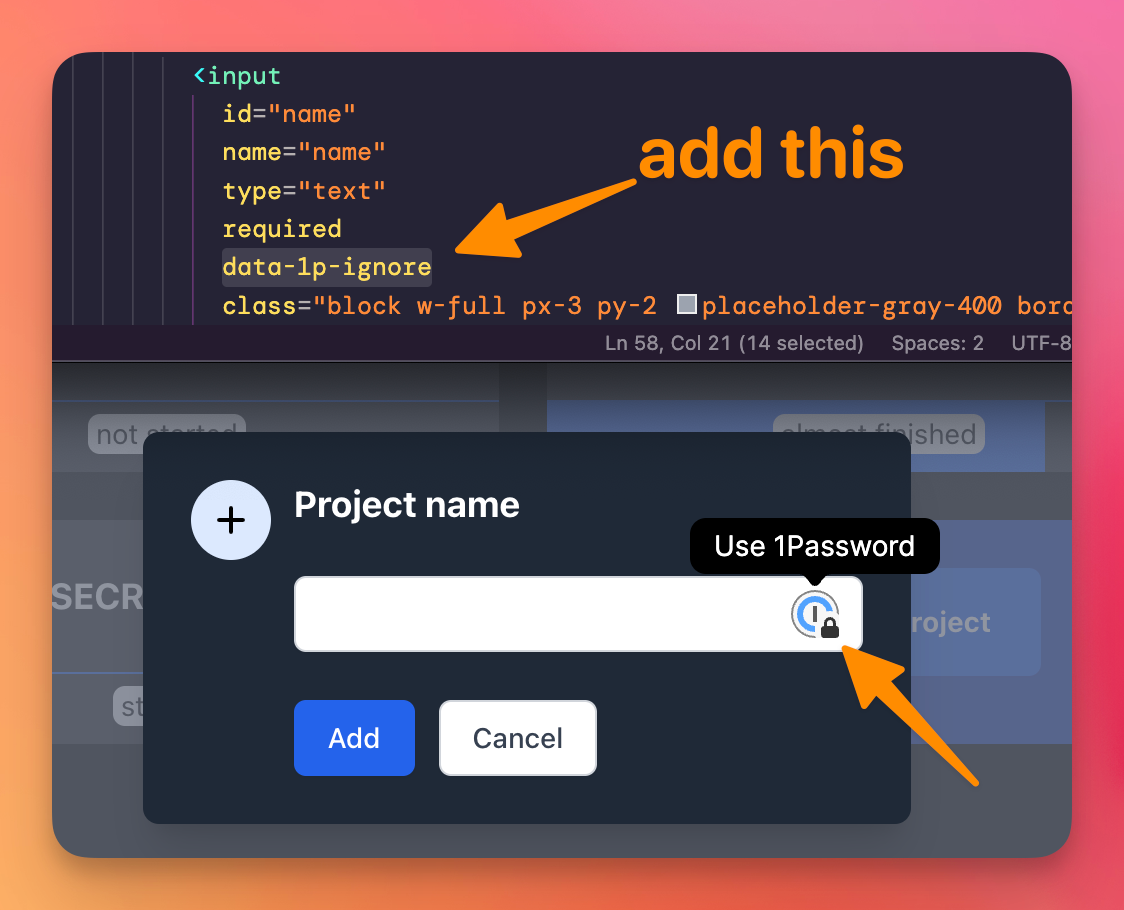
If you have 1Password enabled on your browser, you might see the 1Password in your input fields, if 1Password thinks he should make this option available.
I had this case with a field with name and id attribute named name.
1Password thought this was for the user name, but I used this for a “project name” field.
If you can’t, or don’t want, there’s another non-optimal solution, which I tried to remove that icon from my site when working localhost: change the field name and id attributes to project_name, and the 1Password icon goes away.
Another solution is to add the data-1p-ignore attribute on the input field: