I created a site using Gatsby and I wanted to change the favicon.
I quickly looked at how to change it, and the process was very simple.
The favicon by default is the image static/favicon.ico. Just change that, and you’re set.
If you’re using the gatsby-plugin-sharp plugin, the favicon by default is the image src/posts_images/gatsby-icon.png.
You don’t have to use that path, or the same format - the image can also be an SVG image, for example: open the gatsby-config.js file and change the plugins.gatsby-plugin-sharp.options.icon property from src/posts_images/gatsby-icon.png to the one you want.
For example I put my new favicon image in src/posts_images/logo-small.svg and I changed that configuration property to point to it.
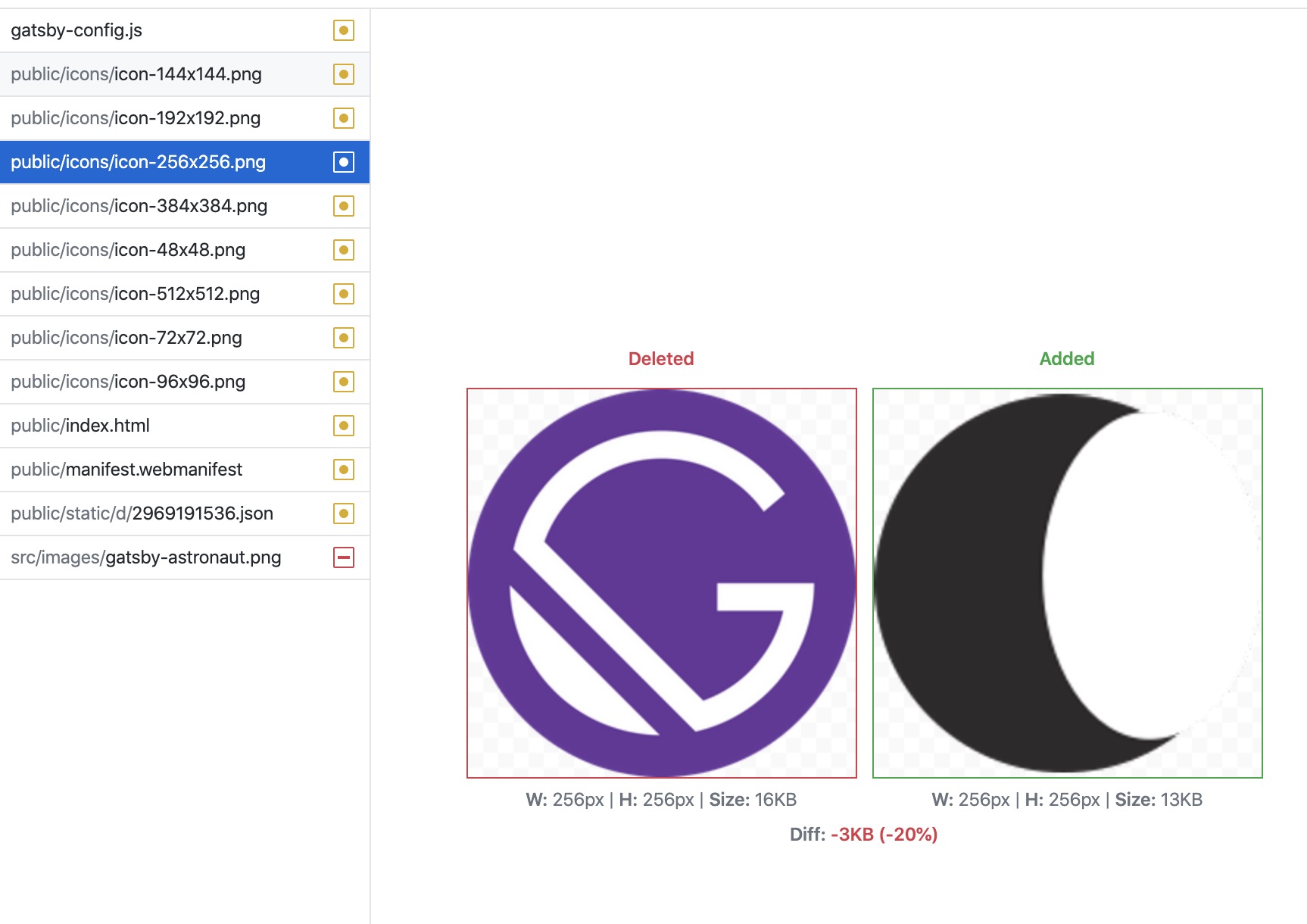
I ran gatsby develop and I could immediately see Gatsby updated all the favicon images, in different sizes: