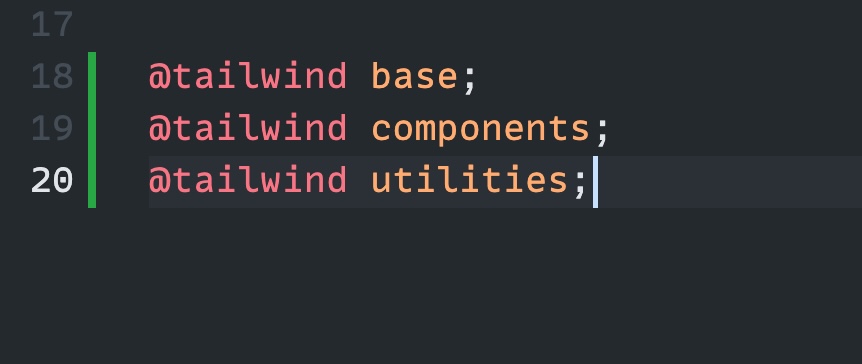
Problem: you include Tailwind in a project like this, but you get the warning Unknown at rule @tailwindcss(unknownAtRules) in VS Code:
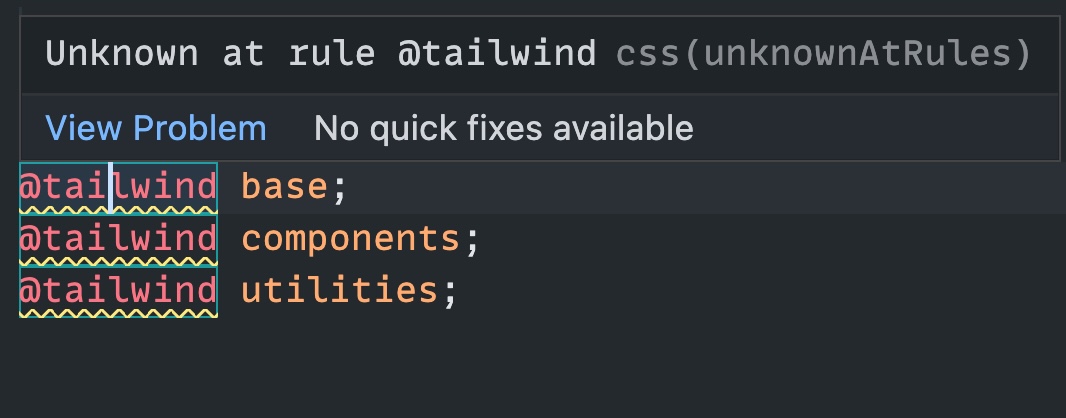
Here’s how to fix this.
Open a CSS file in your project, and from the VS Code Command Palette choose “Change Language Mode”, then pick “Tailwind CSS” from the list.
Another way is to open .vscode/settings.json (create it if you don’t have it in your project) and type
{
  "files.associations": {
    "*.css": "tailwindcss"
  }
}
In VS Code you can also hide those warnings, because they’re just …warnings we don’t need to be warned about.
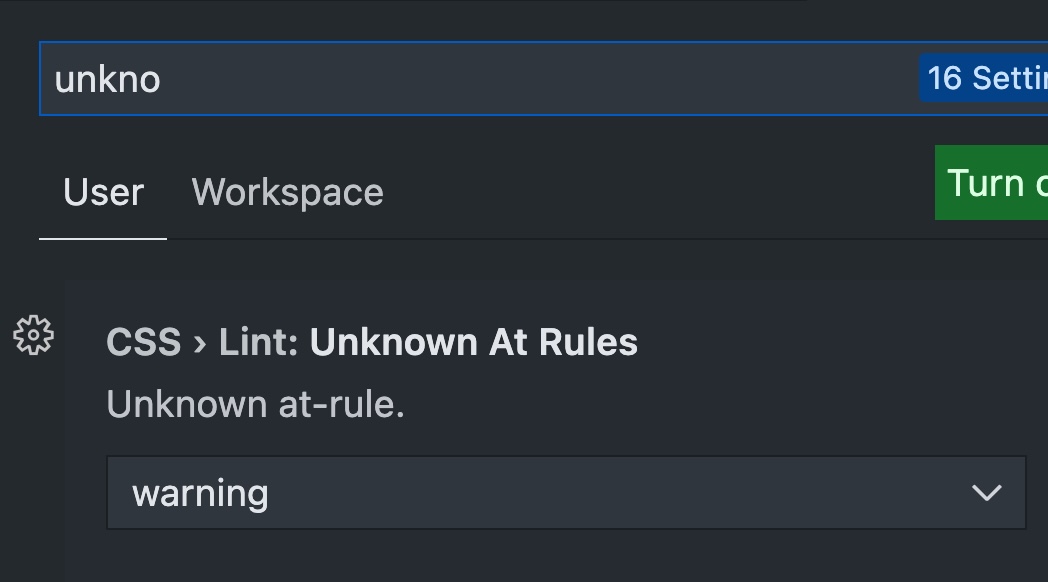
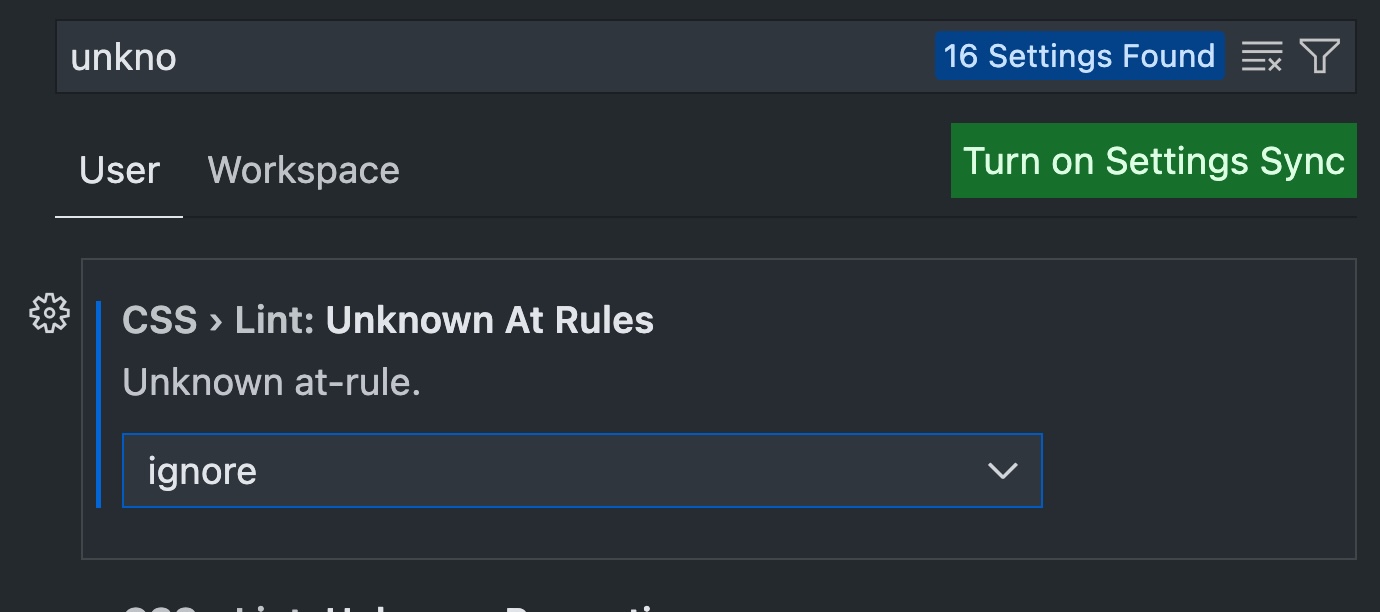
Open the settings, search for “unknown”, the first result should be the one you’re looking for: CSS > Lint: Unknown At Rules:
Change that to ignore:
Done!