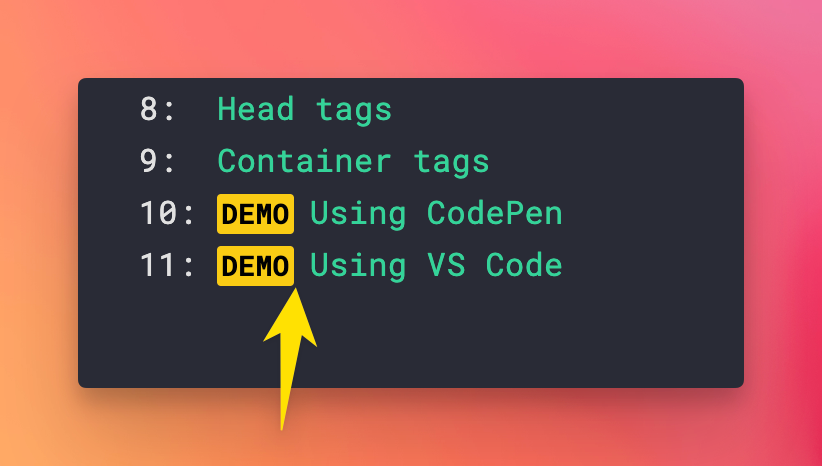
Let me write this because I’m going to forget.
I was designing a page and hit a problem, I had this markup:
<span class='mr-2 px-0.5 py-0 rounded-sm
  text-sm font-bold text-black bg-yellow-400'>
  DEMO
</span>
Problem was, I had an extra space on the right of the span element:
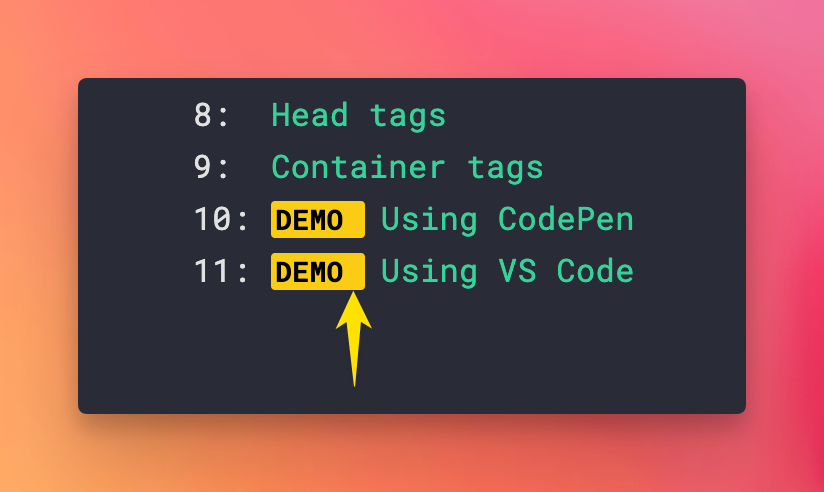
Prettier autoformatter made the tag content go on its own line, and I didn’t want to fight that.
To fix this, I set the element to be display: inline-block by adding the inline-block Tailwind CSS class.
Problem solved: